


Integrations: PowerPoint and Zoom
Connect Slidea to PowerPoint and Zoom from the Integrations page.
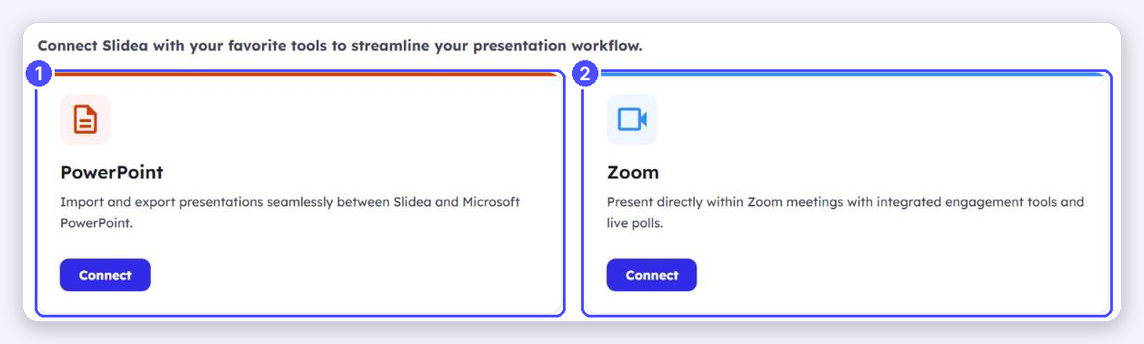
Integrations: 1 PowerPoint, 2 Zoom.
Steps
- Open IntegrationsChoose Integrations in the left sidebar.
- Choose a toolPowerPoint is for importing and exporting presentations between Slidea and Microsoft PowerPoint. Zoom is for presenting directly within Zoom meetings with engagement tools and live polls.
- Select ConnectSelect Connect on the card and follow the steps that appear.
Tip
To bring one PowerPoint file into Slidea without connecting, see Importing a PowerPoint file.
Frequently asked questions
Which tools can I connect?
PowerPoint and Zoom.