










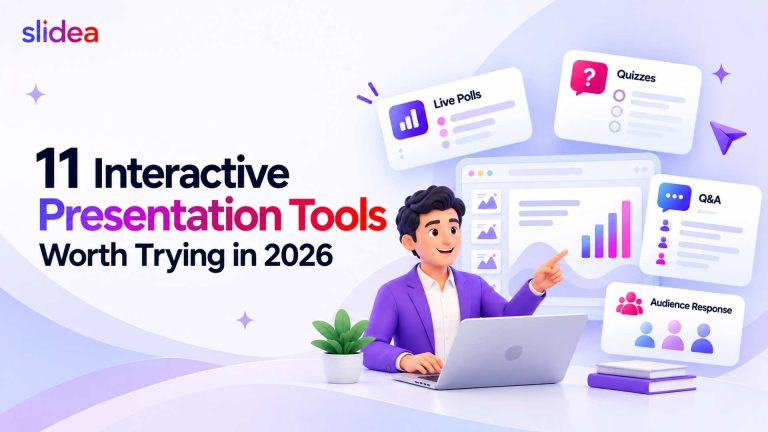
How to Run an Engaging All-Hands Meeting
An engaging all-hands meeting combines a clear agenda, structured audience participation, and real-time feedback tools.…
Sildea for students events
Engage campus events with live polls, quizzes, and word clouds, making every event memorable.
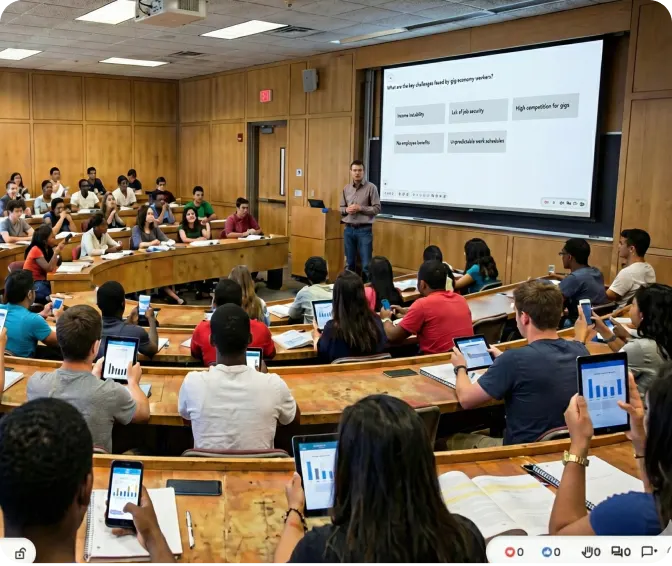
Display results instantly on the big screen to spark conversations.
See points and a live leaderboard to stoke friendly rivalry.
Show the students responses in a colorful, dynamic word cloud.
Upvote feature ensures the most popular questions rise to the top.
Start quickly with prebuilt templates to match your session.
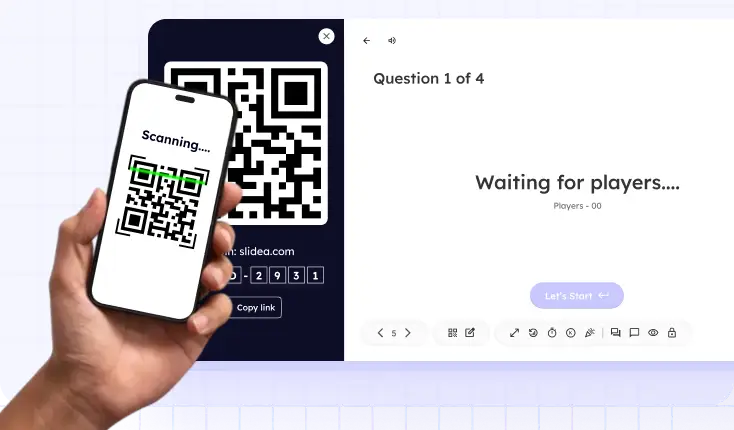
Designed for instant interaction; students just scan and engage—no app download necessary.
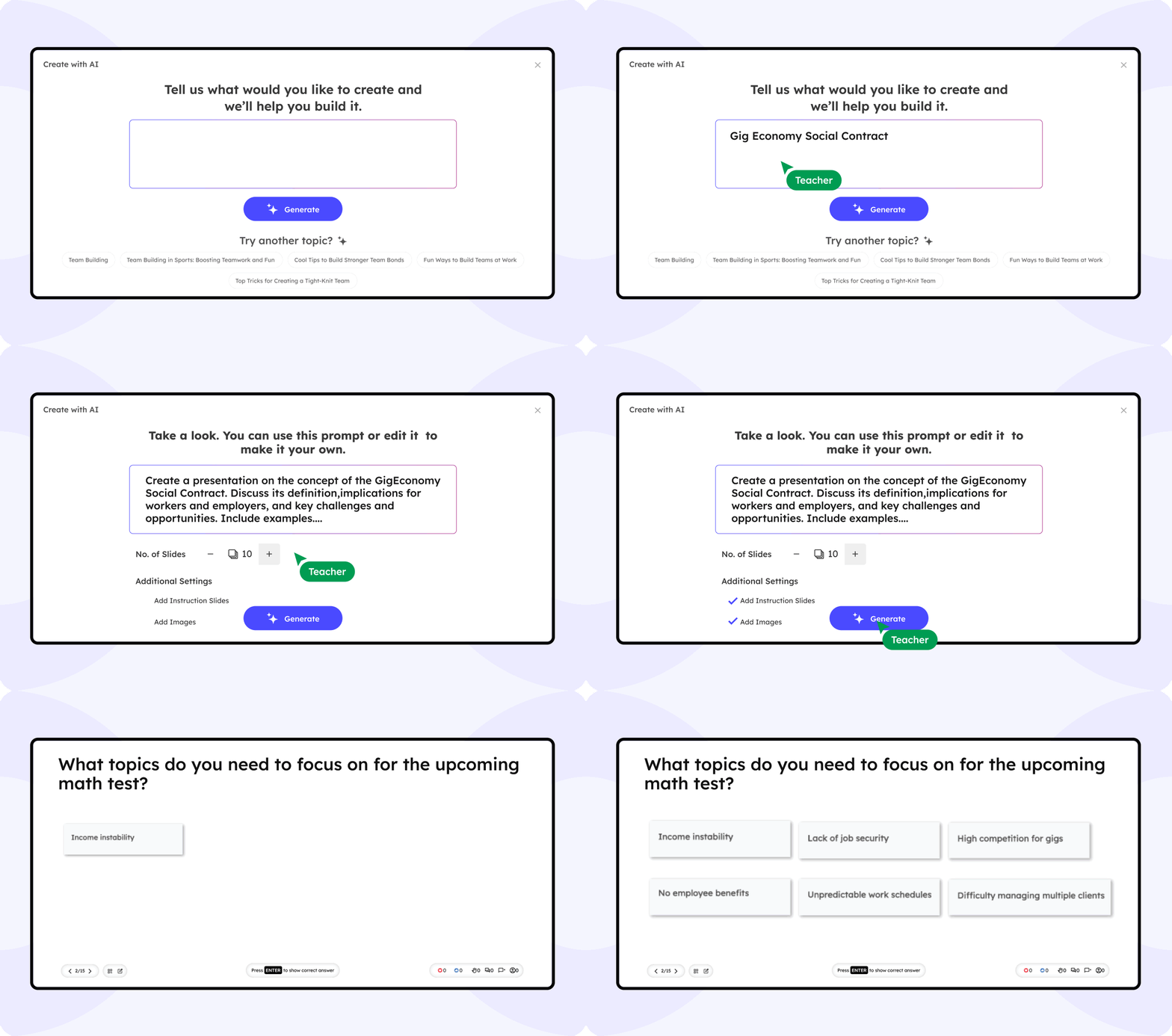
Slidea’s AI proposes event-friendly polls, quizzes, and icebreakers on demand. It monitors live engagement and suggests instant activities to re-energize crowds.
Suggest themed interactive activities based on event type
Detect dips in participation and launch quick re-engagement polls
Get recommendations based on your event flow
Finally, a presentation tool that doesn’t put us to sleep! Slidea made our college fest planning way more fun.
Using Slidea during our event was a game-changer, everyone participated.
Our university workshop felt like a real game with live polls and quizzes.
Slidea helped us turn a basic seminar into an interactive, unforgettable experience. The audience loved it!
Slidea engaged the crowd who used to be tough. We’ll be using it for every event from now on.
An engaging all-hands meeting combines a clear agenda, structured audience participation, and real-time feedback tools.…
Interactive presentation templates are ready-made session structures with live polls, quizzes, interactive word clouds, Q&A,…
The research on interactive presentations points in one direction: passive presentations consistently underperform interactive ones…
Use Slidea's branding tools to add your event logo, colors, and fonts. Customize question styles and backgrounds to match your theme.
Yes, create separate sessions for each station with unique link or QR codes. Attendees scan the correct code to participate in that station's activity.
Anonymous question submission lets students ask freely without fear. Use the pin question feature to display the most popular questions on-screen.
Yes, launch a closing poll or survey at the end of your event to collect ratings. Export results instantly for analysis and planning next year's festivities.
Absolutely. Use quizzes to choose winners live. Display winners on-screen to keep excitement high throughout the event.
Attendees simply scan a QR code or click a link in their browser. No app or login is required, making participation frictionless.