Tip: Google may show results for “Slides” instead of “Slidea”.
Ask your audience to search “Slidea App”.



Align your team in
all-hands meetings
Run better all-hands meetings by talking with your team, not just at them, making sure everyone feels included.
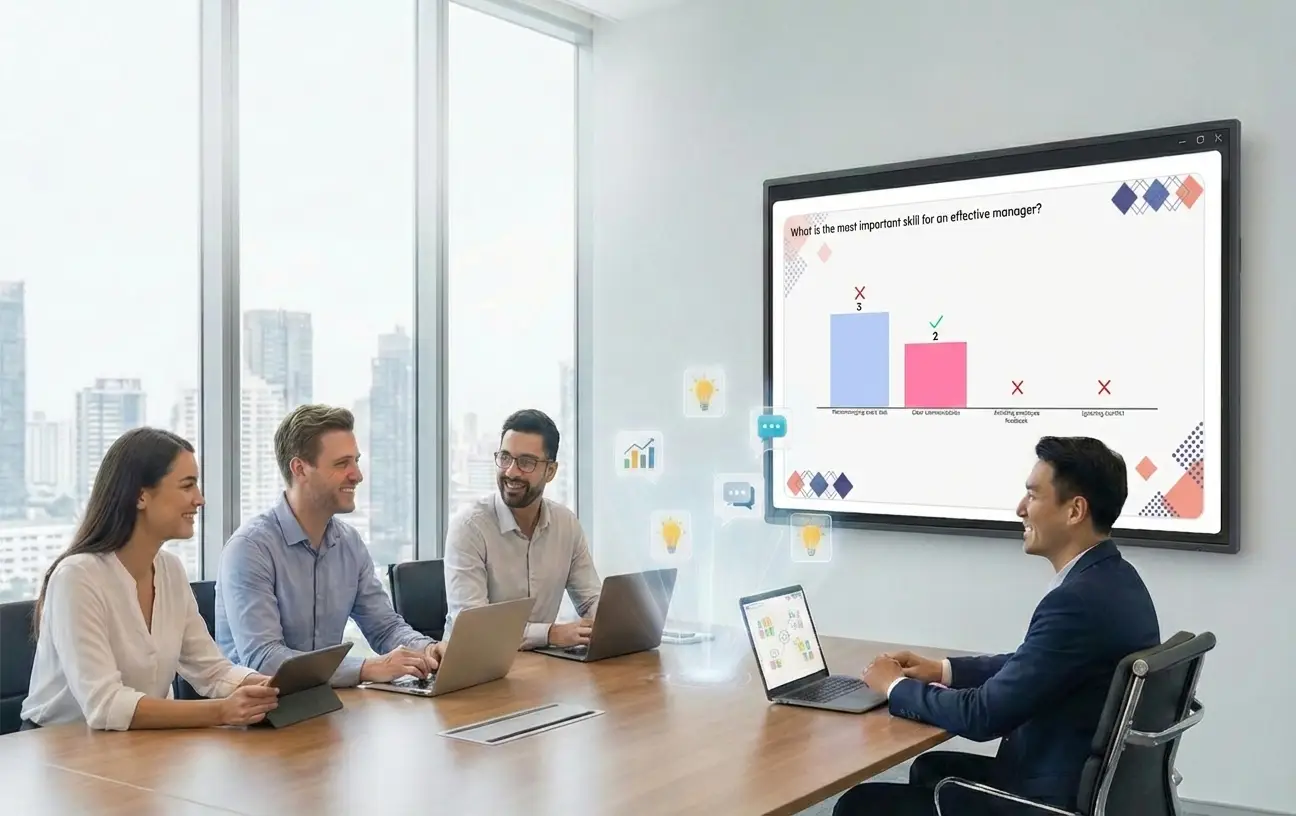
Build a workplace where everyone belongs
Real trust comes from open talk. Slidea makes it simple to keep every person in every department feeling connected and excited.
Get honest questions with a Q&A section
Check the mood of the room in seconds
Keep everyone involved, no matter the time zone
Turn all the meetings into conversations

Mood Checks
Run quick "Pulse Checks" to see if the team is happy or confused.

Idea Clouds
Ask questions and watch words grow into a beautiful cloud on the screen.

Live Questions
Voting for the questions help leaders talk about what the team really cares.
Team Highlights
Show a team's wins and let the rest of the company send "claps" and emojis live.
Fun Awards
Host an office award party where the team votes live. It makes winning feel big.
Leadership Chats
Make it easier for staffs to connect in a safe space where feedback is welcomed.
Executive Town Halls
Bridge the gap between leadership and staff with a secure, structured environment.
Joining is easy for everyone
No new apps. No sign-up forms. Just a team that is ready to jump in.
Works with PowerPoint, Zoom and more
Join in Seconds with QR, code or link
Works in any device, anywhere, anytime
Make your next all-hands meeting better
Make your all-hands more than just updates. Spark conversations, and keep every voice heard.
Book a free demo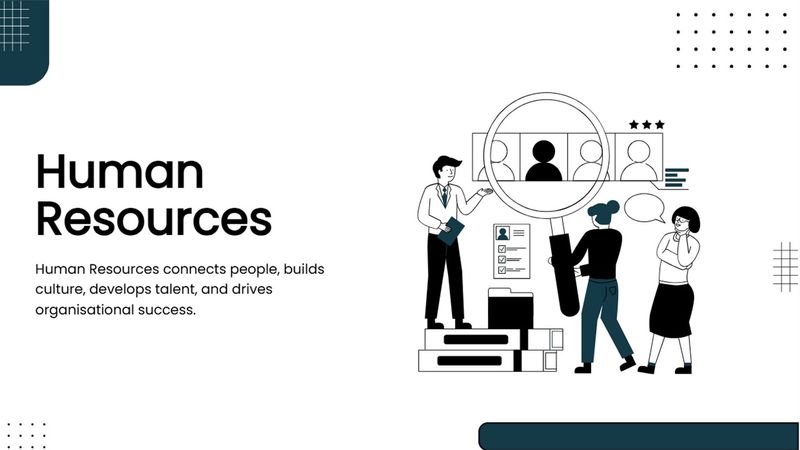
Human Resource Presentation Templates
Build clear HR presentations with a human resource template focused on people, talent, recruitment, employee...
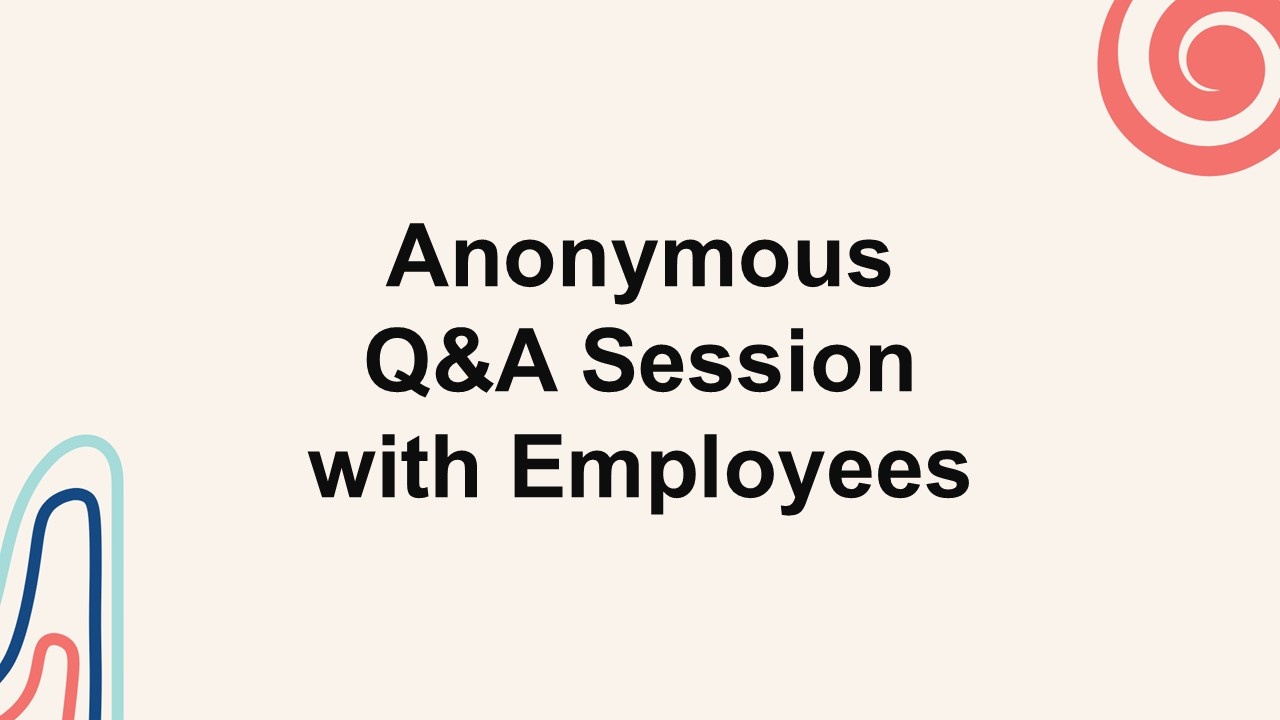
Anonymous Q&A Session with Employees Presentation Template
This Anonymous Q&A Session with Employees interactive presentation helps you engage your audience and bring...
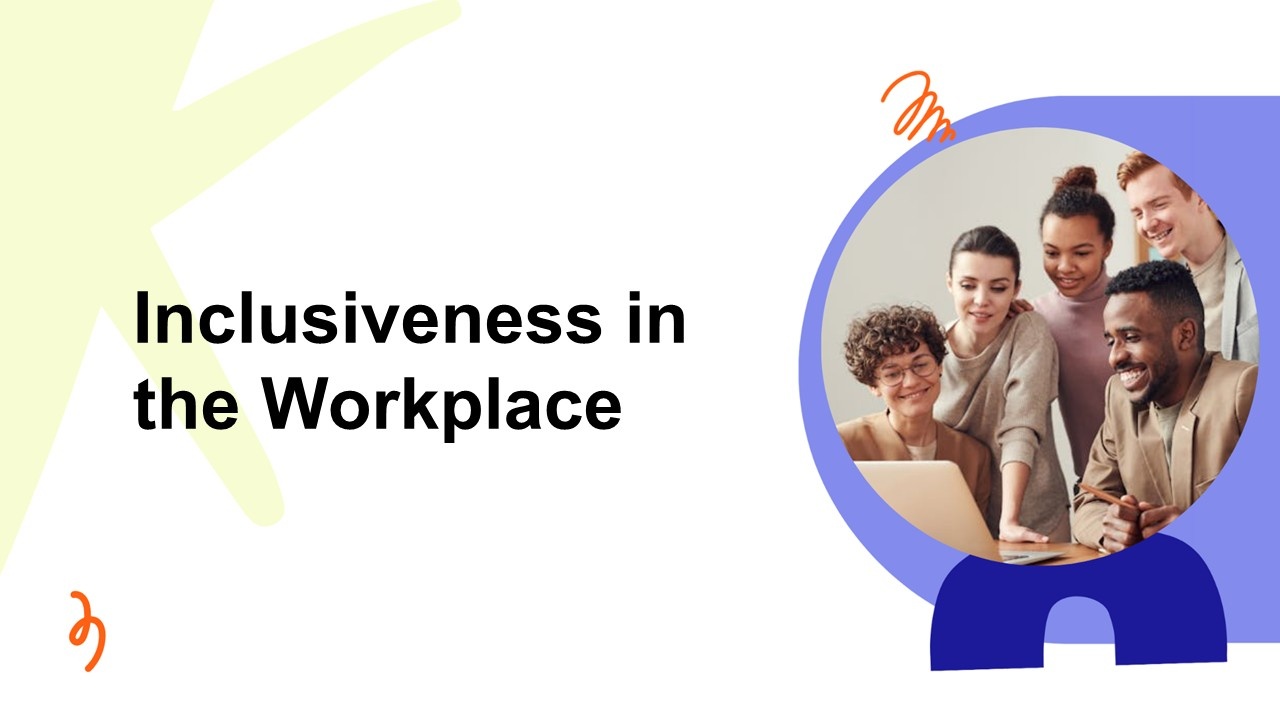
Inclusiveness in the Workplace Presentation Templates
This Inclusiveness in the Workplace template gives you a ready-made, interactive starting point for your...
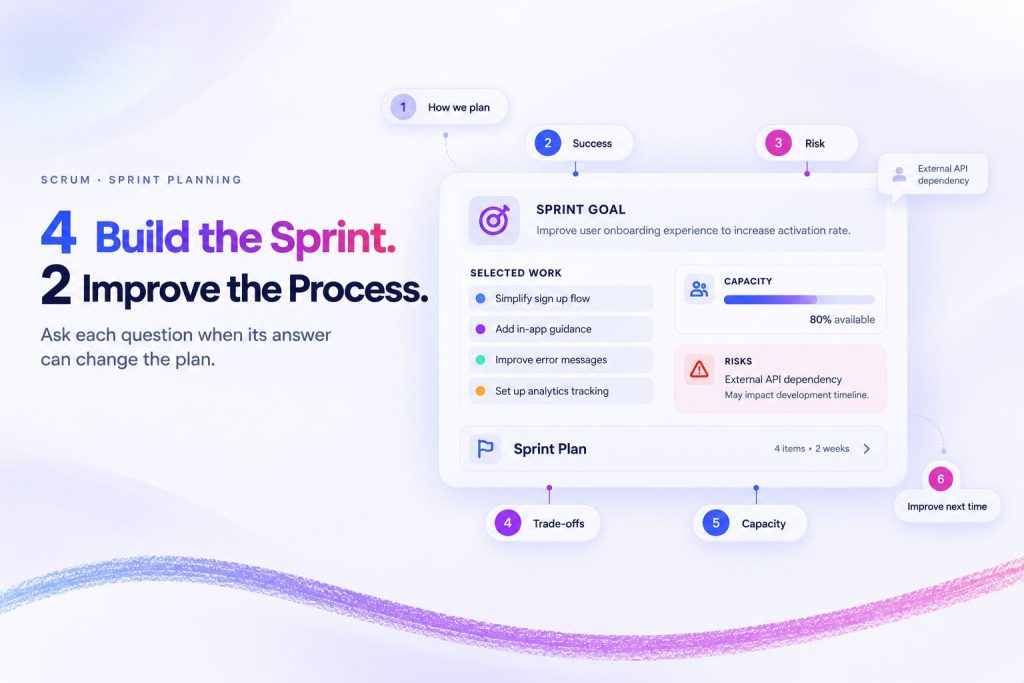
How to Use the Sprint Planning Template: 6 Questions and Exactly When to Ask Each One
Your team knows the risks. The question is whether the meeting gives them a moment...
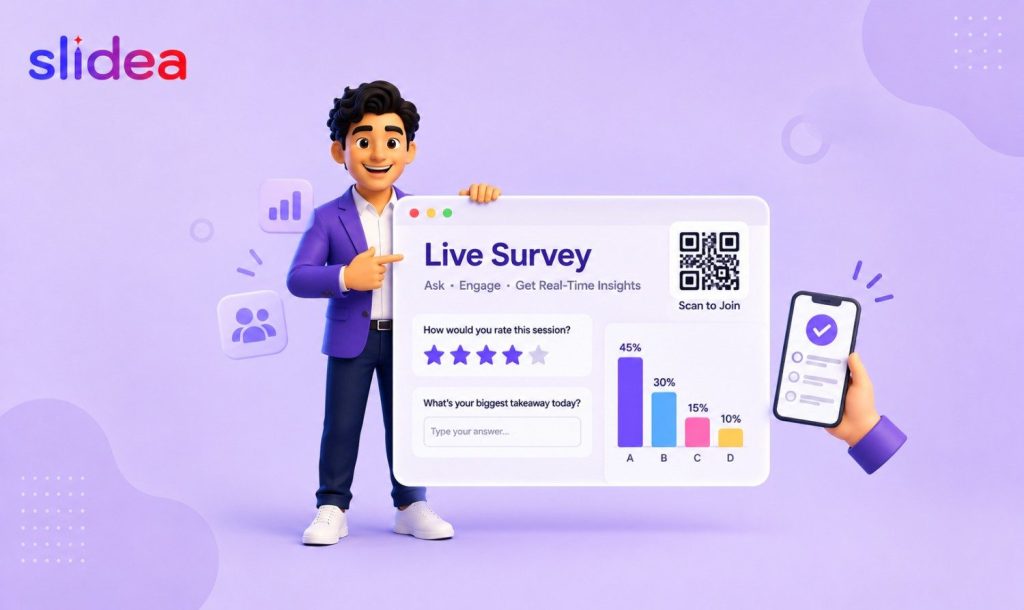
How to Create a Live Survey for Presentations & Meetings
You’ve booked the room, built the slides, and rehearsed the talk. But the moment attendees...
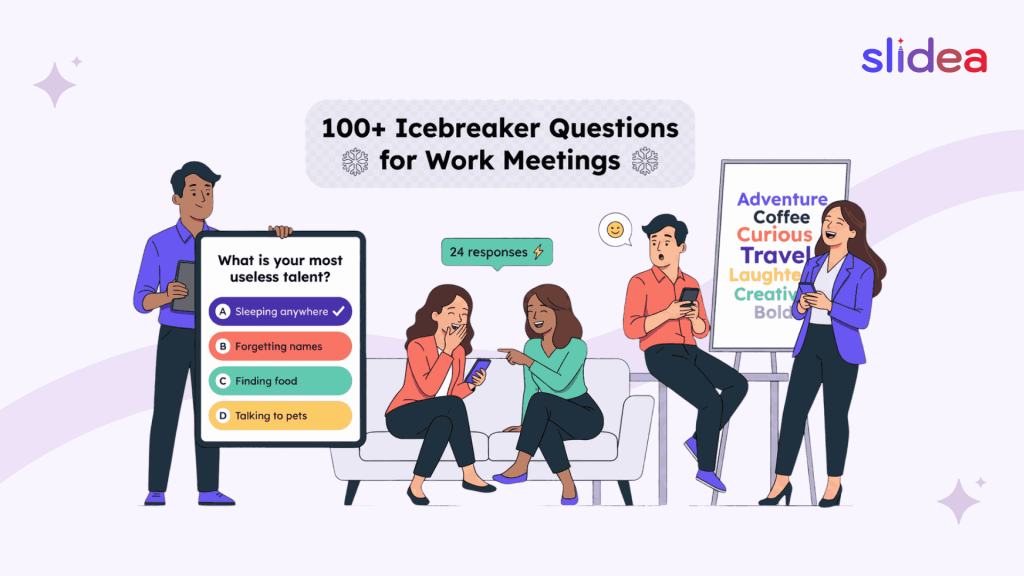
100+ Icebreaker Questions for Work Meetings (Fun & Professional)
Studies show that teams who feel genuinely connected to each other are 21% more productive...