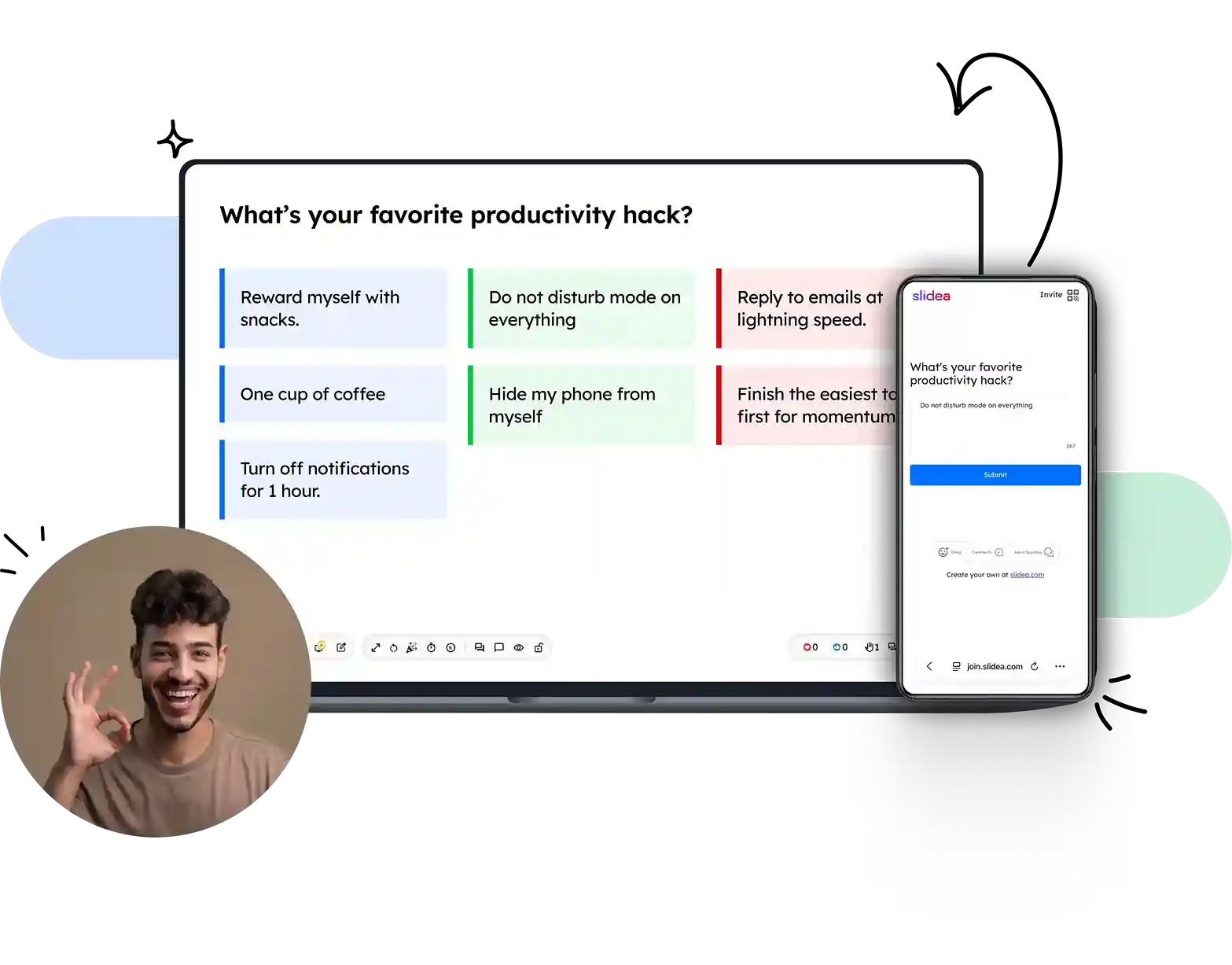















Ask open-ended questions and group answers live

Ask a real question, let people answer anonymously, and drag similar responses into groups while the room is still typing.

Trusted by

Harvard University
Microsoft
IBM
Amazon
University of Cambridge
MIT
Stanford University
Accenture
Deloitte
U.S. Bank
Harvard University
Microsoft
IBM
Amazon
University of Cambridge
MIT
Stanford University
Accenture
Deloitte
U.S. Bank

Run an open-ended session in three steps

No setup meeting, no data-science team, no new tab. Craft the question, open the room, group what comes back.

Step 1

Ask one sharp question

Add a question you actually want the honest answer to. Enable profanity filter and choose whether people can submit more than once.

Step 2

Share QR to answer

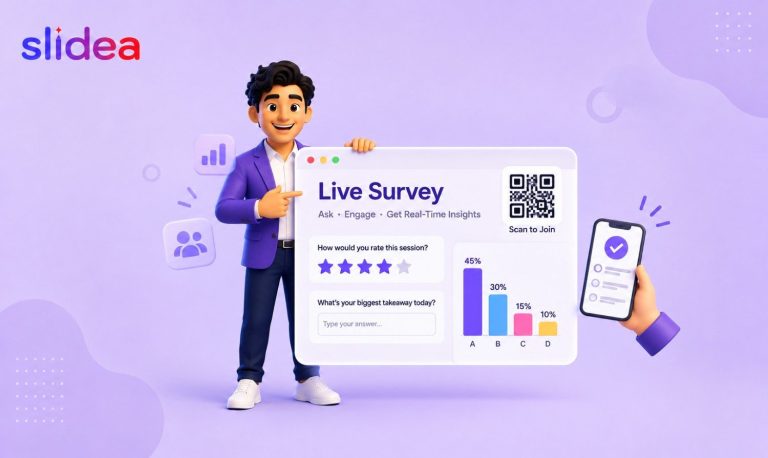
A join code and QR code appear on your slide. People join from phone, laptop or tablet. No account, no email, no profile needed.

Step 3

Group in real time

Answers stream in as speech bubbles or a flowing grid. Drag similar ones into colour-coded themes on the fly, hide anything off-topic, and reveal the final clusters when the room is ready.

Create an open-ended poll

Everything you need from a live open ended

🧲

Manual theme grouping

Drag any response onto another to start a cluster. Colour-code themes, and watch new answers snap into the right group automatically.

💬

Two live visualisations

Switch between a flowing grid of cards and automatic speech bubbles with one click. Grid is clean; bubbles are playful.

🕶

Anonymous by default

No sign-in, no linked account. That's what makes the quiet half of the room actually answer.

🛡

Profanity & safe-word filter

An auto-hide filter catches abusive words before they hit the screen. Pick the language of your own safe-list.

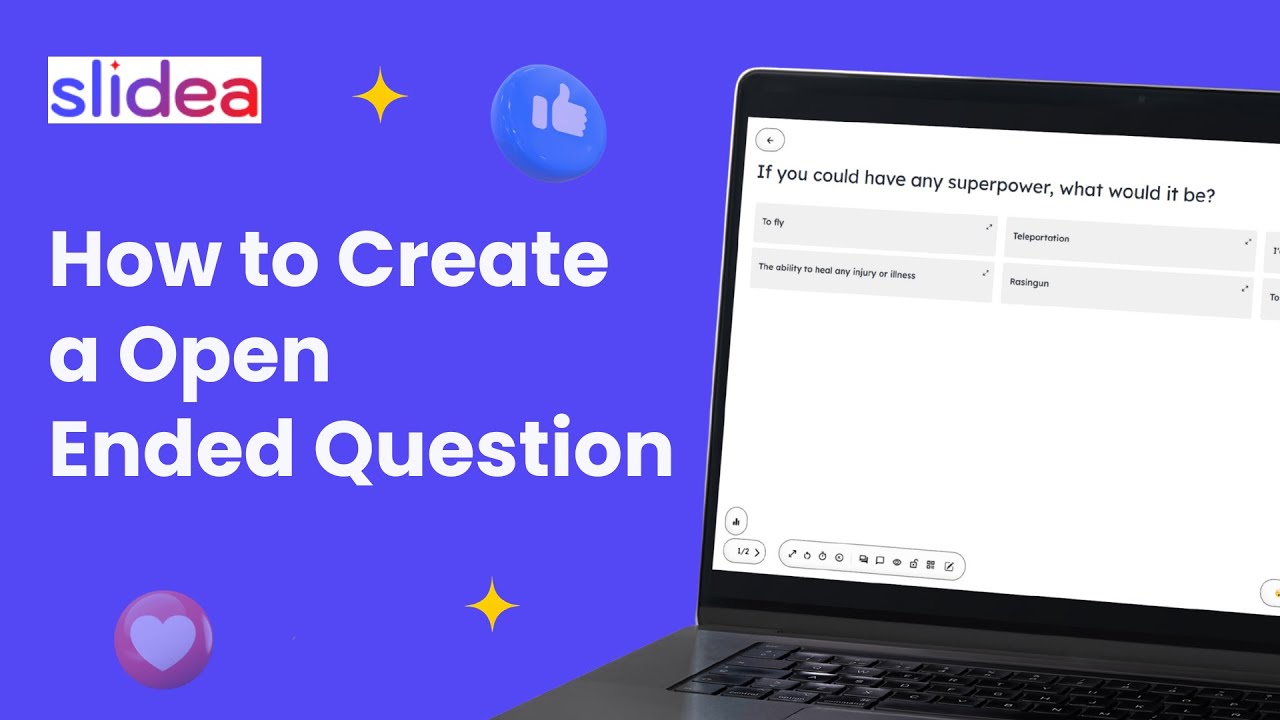
Watch a 60-second walkthrough of live open-ended

See a real prompt go from zero to 40 answers, dragged into three colour-coded themes, with the profanity filter and hide-reveal switched on.

▶ Watch video
Open-ended poll demo video

Find out what your audience
actually thinks — for free

Frequently Asked Questions

G2 Review us & get rewarded Claim
G2
G2 Review us & get rewarded Claim