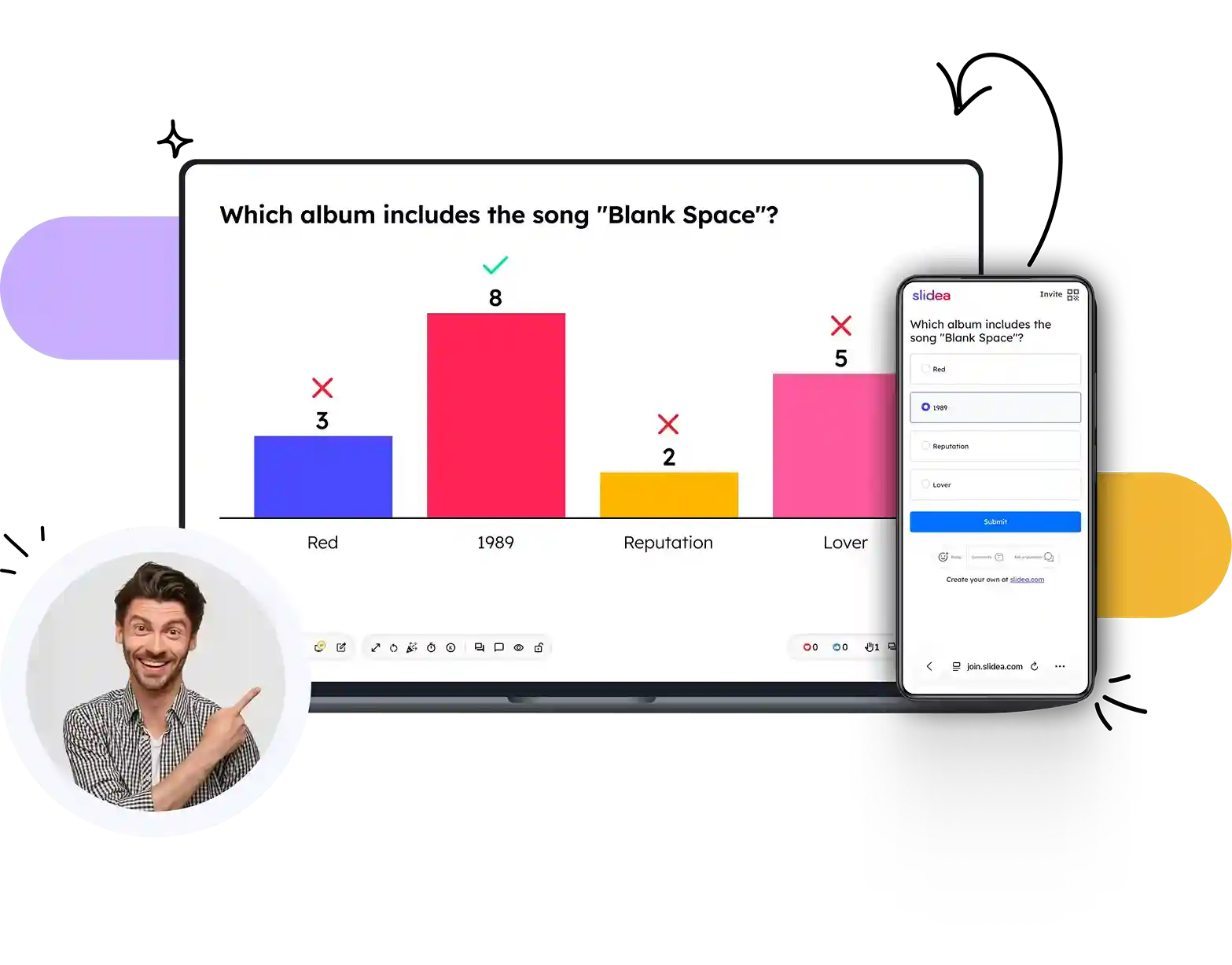






















Turn any slide into a live multiple choice poll

Run multiple choice polls directly inside your presentation. See real-time results in charts and make every session unforgettable — no app download needed.

Which album includes the song "Blank Space"?
3
Red
7
1989
2
Reputation
4
Lover
‹ 2/8 ›
Average Score 4.8
Invite
Which album includes the song "Blank Space"?
1989
Red
Lover
Emoji Comment Ask
Create your own at slidea.com

Trusted by

Harvard University
Microsoft
IBM
Amazon
University of Cambridge
MIT
Stanford University
Accenture
Deloitte
U.S. Bank
Harvard University
Microsoft
IBM
Amazon
University of Cambridge
MIT
Stanford University
Accenture
Deloitte
U.S. Bank

Set up a poll in under a minute

Add a multiple choice poll to any session and your audience joins with a code and votes in real time.

Step 1

Add your question

Type your question and up to 5 answer options. Supports images, emojis, and themes — no limits on creativity.

Step 2

Share your session code

Participants join from any device — no sign-up, no app downloads. One QR code or 8-digit code is all it takes.

Step 3

Watch responses roll in

Live charts update instantly. Reveal results at the right moment, spark discussion, and export the session data.

Create an MCQ poll

Everything you need from a multiple choice poll

Real-time results

Charts animate live as responses come in. No refresh needed — with multiple chart display options available.

Add background images

Upload an image as a background to make every slide feel rich and visually engaging — no design skills needed.

Add themes for slides

Choose from ready-made themes or create your own branded theme with logos, colors, and apply them in one click.

Post-session analytics

Download response data after every session. See who voted for what, when, and how results evolved over time.

Works with your existing tools

Add MCQ polls to PowerPoint, Zoom, Teams and more. No switching tools — Slidea works where you already work.

Presenter controls

Reveal results on your terms, hide results until you're ready, and reset for a second round.

See how it works in 60 seconds

Watch a live walkthrough of setting up your first MCQ poll — adding options, sharing a session code, and revealing results on screen.

▶ Watch video
Video demo

Start polling your audience with
live MCQ — for free

Frequently Asked Questions

Q: How many options can I add to a multiple choice poll?

A: You can add up to 5 answer choices per poll question with one or more correct answers. You can also run polls to get opinions and feedback, where no answer is right or wrong.

Q: Do participants need to download anything?

A: No. Participants join directly from their browser on any device using a session code or QR code. No app, no sign-up, no friction.

Q: Can I run multiple polls in one presentation?

A: Yes — you can add as many multiple choice slides as you like throughout your deck. Each one is independent, with its own responses and results.

Q: Can I make voting anonymous?

A: Yes — all responses in Slidea are anonymous by default. Your audience can vote freely and honestly, without worrying about who sees their answer.

Q: Does Slidea work with PowerPoint and Google Slides?

A: Absolutely. You can import your existing PowerPoint or Google Slides presentation into Slidea and add interactive elements including multiple choice polls right within the editor.