


Engage better with seamless presentation integration
Optimize your workflows by integrating Slidea with your preferred apps. Start today and see how much smoother your presentations can be.
GET SLIDEA FOR WINDOWS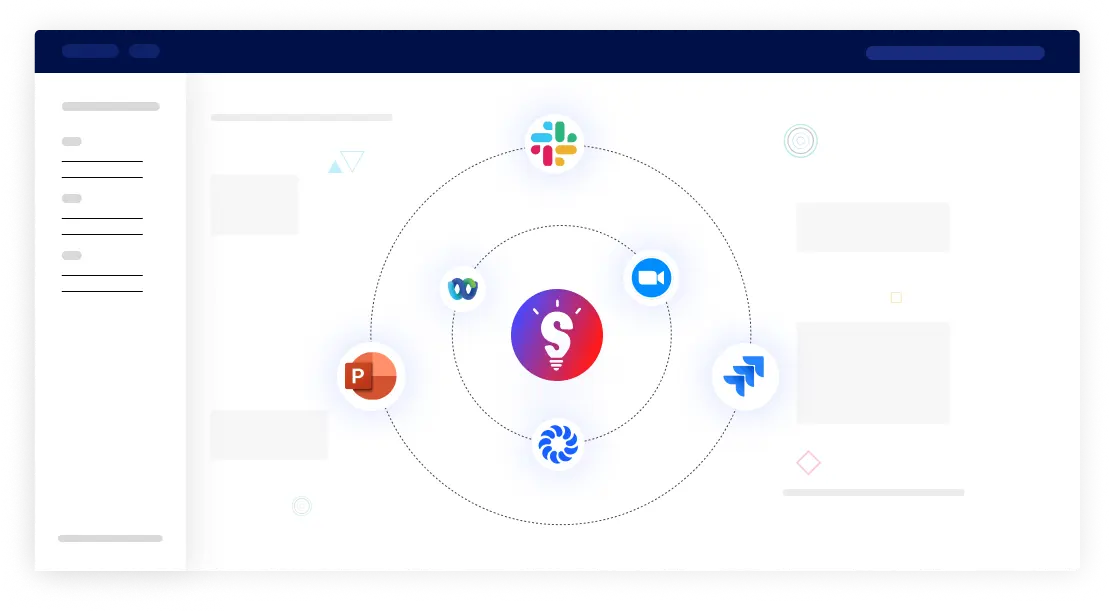

Three things you'll enjoy with Slidea
Time Savings
Slidea can save valuable time previously spent on manual data transfer and communication between systems.
Error Reduction
We minimize data entry errors and inconsistencies, enhancing data accuracy and overall reliability.
Holistic View
Integration provides a unified view of data from various sources, enabling a comprehensive understanding of operations.
PowerPoint
You don't need to visit our site; enjoy every feature right inside PowerPoint. Elevate your presentations with Slidea’s integration, bringing advanced analytics and interactive elements directly to your PowerPoint workspace.
Get Slidea For PowerPoint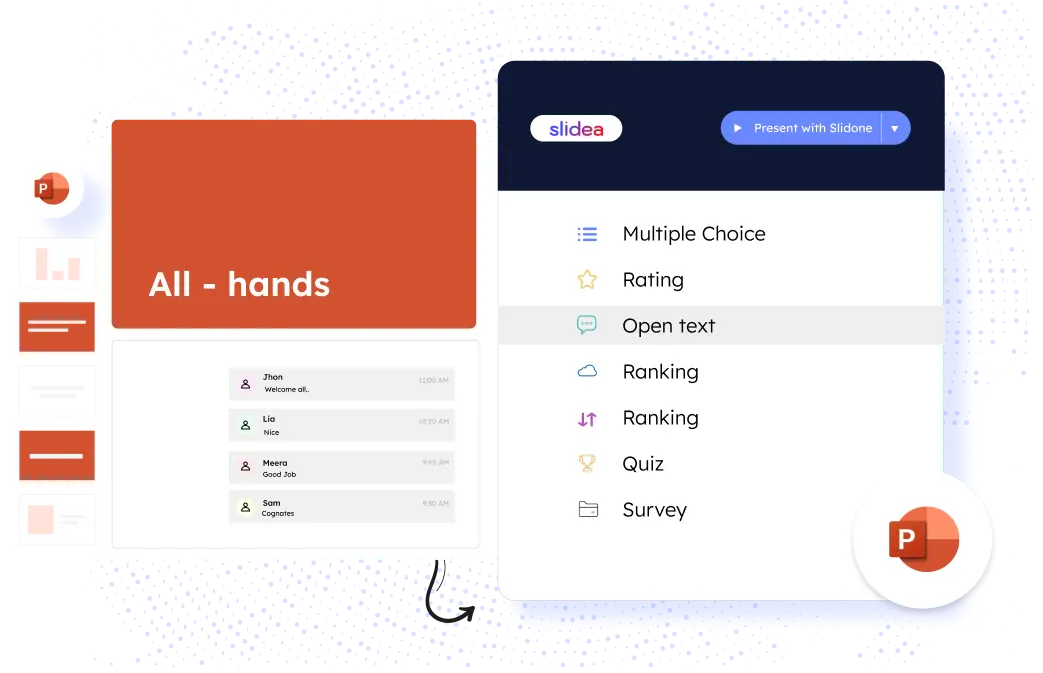
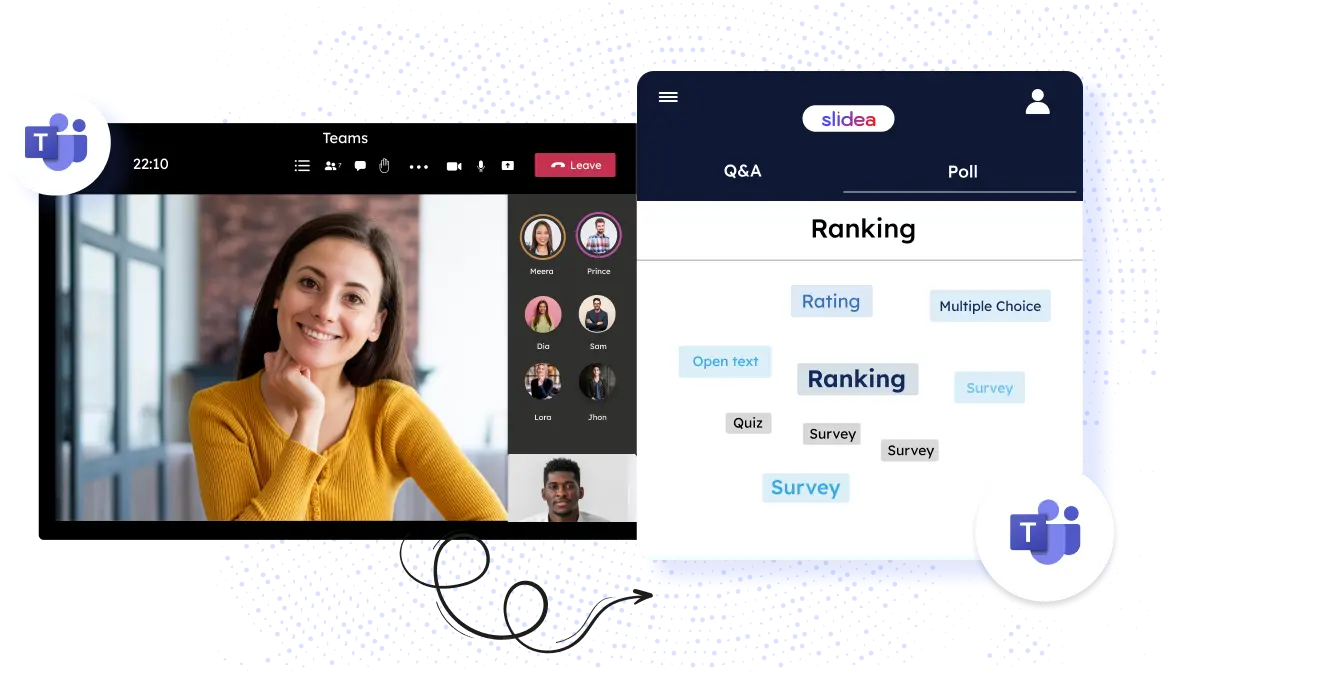
Teams
Engage team members, gather insights, and encourage participation during Microsoft Teams meetings. Seamlessly integrate Slidea into your Teams interface for an enhanced collaborative experience.
Get Slidea For TeamsZoom
As virtual meetings become increasingly prevalent, our Zoom integration allows you to deliver interactive presentations. Integrate Slidea with Zoom for a comprehensive virtual presentation experience, combining the power of both platforms seamlessly.
Get Slidea For Zoom
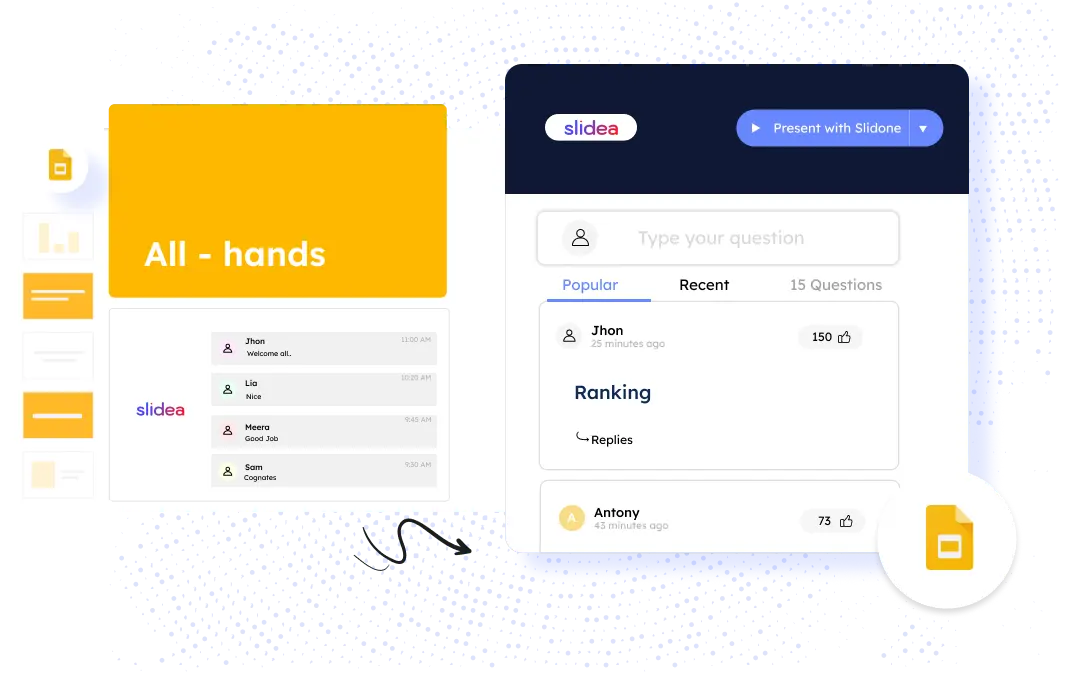
Google Slides
If you prefer using Google Slides for your presentations, our Google Slides add-on is the perfect integration for you. Supercharge your Google Slides with Slidea, accessing advanced features and analytics without leaving the familiar Google Slides environment.
Get Slidea For Google SlidesThis is why our clients love Slidea
Frequently Asked Questions
Presentation integration refers to the seamless incorporation of external tools or features into presentation software, enhancing functionality and providing additional capabilities.
Integration streamlines workflows, offering users advanced features and analytics within their preferred presentation tools for a more efficient and interactive experience.
Virtually any presentation software, including PowerPoint, Google Slides, and others, can benefit from integration to enhance capabilities and improve user experience.