


Christmas
Ask about gifts, food, and holiday traditions.

Tip: Google may show results for “Slides” instead of “Slidea”.
Ask your audience to search “Slidea App”.
 Slidea Feud

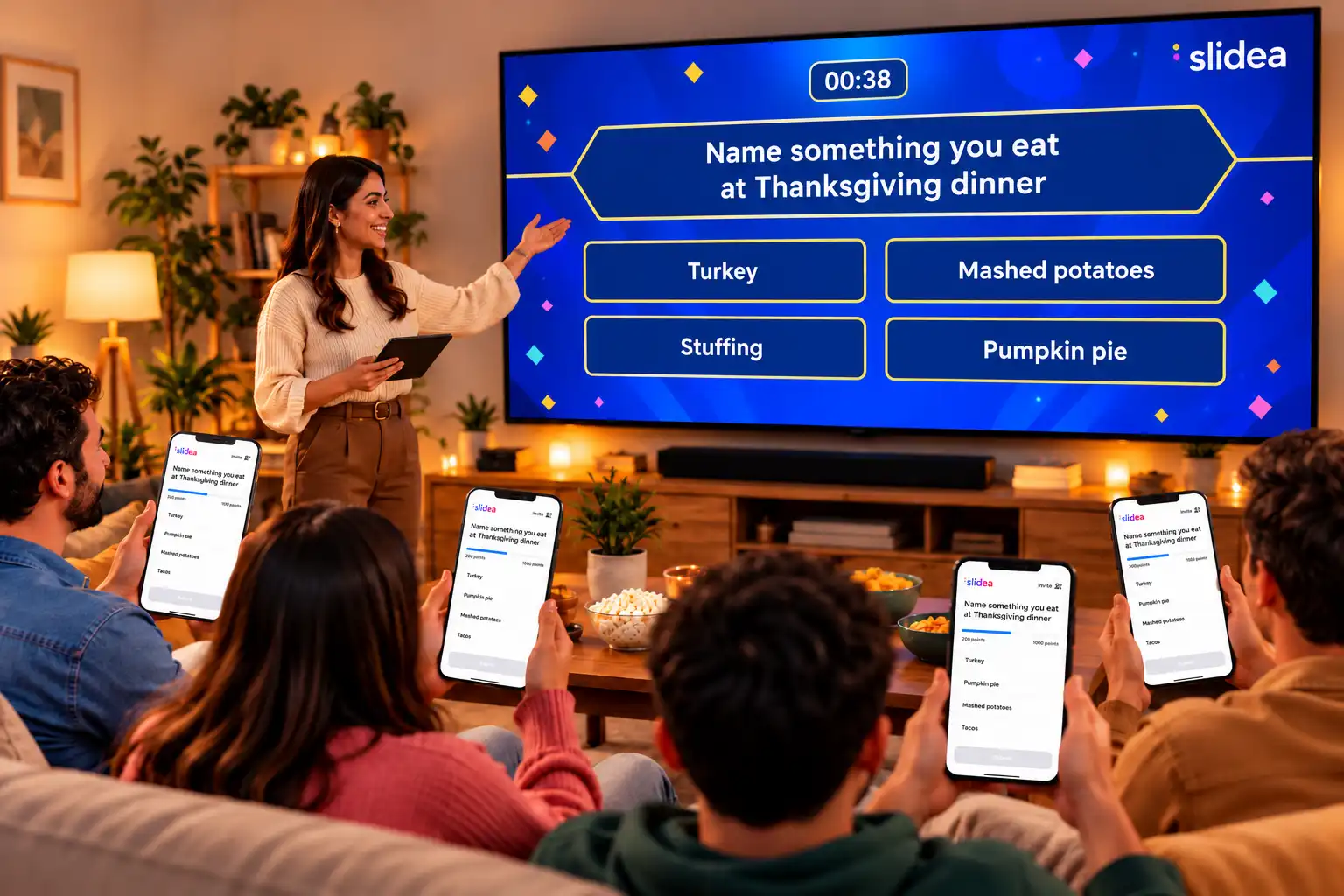
A Feud style game for your group. You ask the question on the big screen. Players answer on their phones. When time runs out, the right answers light up.
 How it plays
Slidea Feud connects your main display with every player in the room for instant, live guessing.
Players scan the QR code or enter the join code on the screen. Then they pick an avatar, type a name, and tap Join Quiz.

Your question and answers appear on a game-show board, with a timer counting down.
 Three steps
Make the slide, let everyone join, and play.
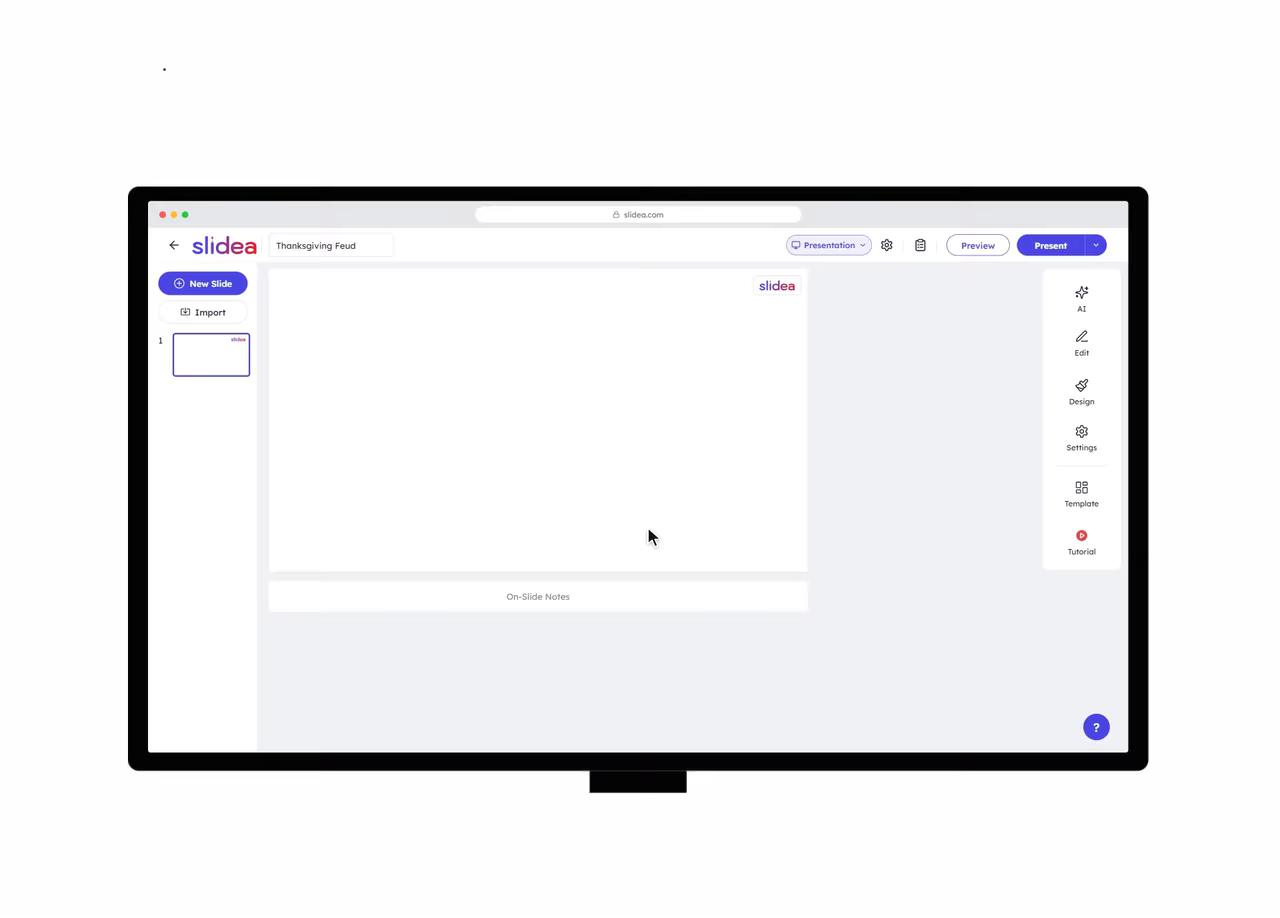
Click New Slide, then choose Feud under Quiz Slides.

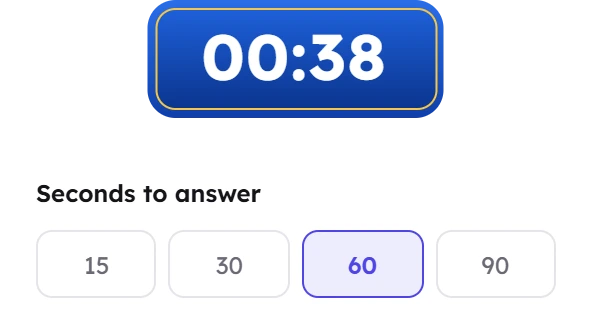
Type your question, add up to five answers, and mark the right ones. Then set the seconds to answer.

Click Present. Once everyone has joined, click Let's Start. The answers are revealed when time runs out.

Features
Here is what comes with every Feud slide.
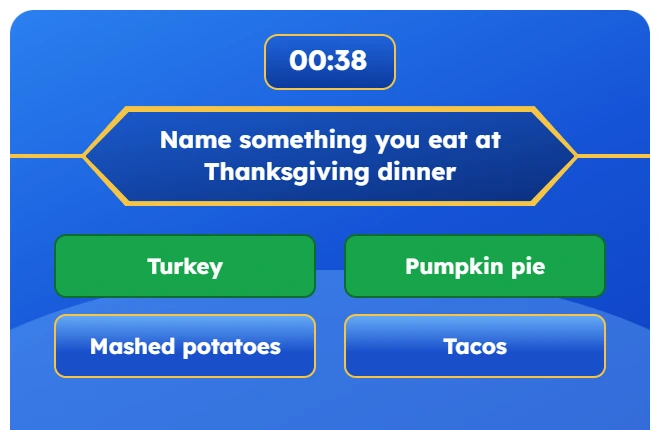
Your question sits in a banner with the answers below it. Big and clear on a TV or projector.
Players scan the QR code or type the join code on the screen. You can also share a join link.

Choose how many seconds players get for each question.
Add up to five answers and mark every one that is right.
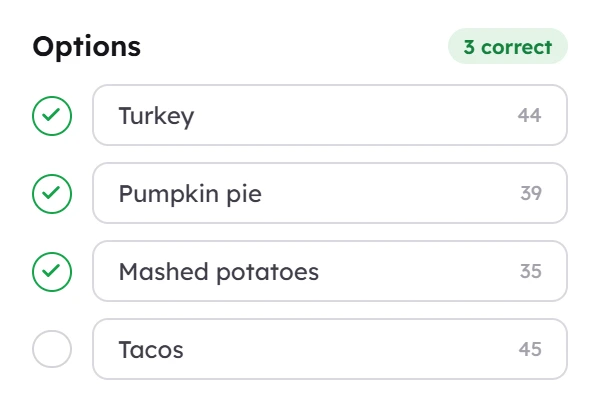
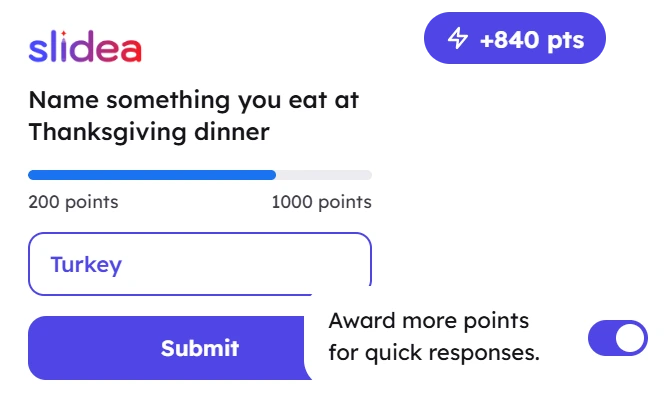
Faster answers earn more points. You can turn this off.
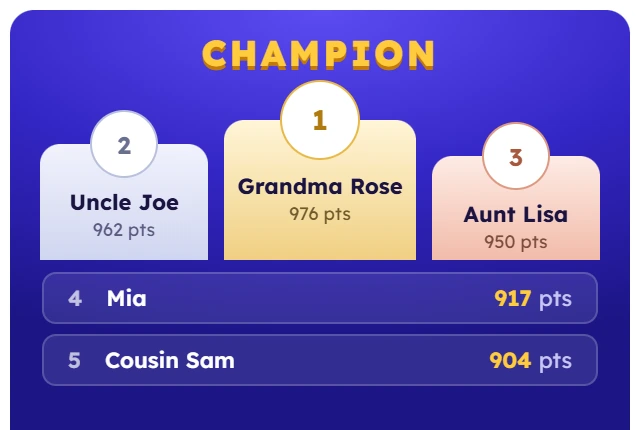
The top three stand on a podium. Everyone else is listed below.
 IDEAS TO PLAY
Pick a theme and write questions your group will love.
Ask about gifts, food, and holiday traditions.
Review a lesson with a game instead of a test.

A quick round between dinner and dessert.
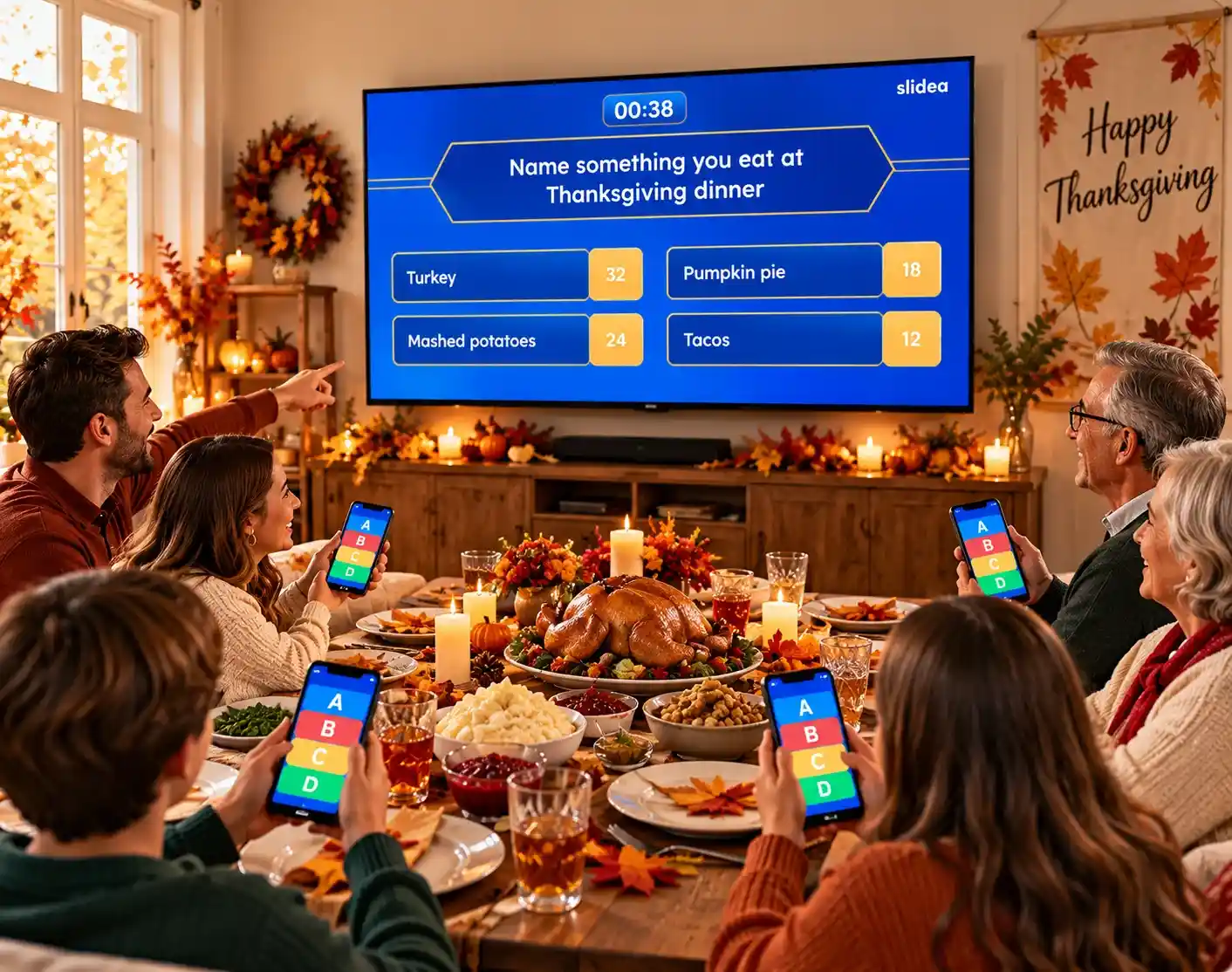
A simple game that gets the whole team playing.

Quiz Slides
Feud is one of the Quiz Slides in Slidea. Mix it with the others in the same presentation.
The Feud slide lets you make your own game show style game with your own questions and answers. Players join from their phones, and answers light up on the screen when time runs out.
They scan the QR code or enter the join code shown on the screen. Then they pick an avatar, type their name, and tap Join Quiz.
Yes. You can add up to five answers and mark more than one as correct. Each player picks one answer.
Players earn points for each right answer. If "Award more points for quick responses" is on, faster answers earn more points.
Yes. Set "Seconds to answer" on each Feud slide.
The champion board shows the results. Click Reveal Winner to show the top three on a podium, with everyone else listed below.
Add a Feud slide, write a question, and play it with your group.