


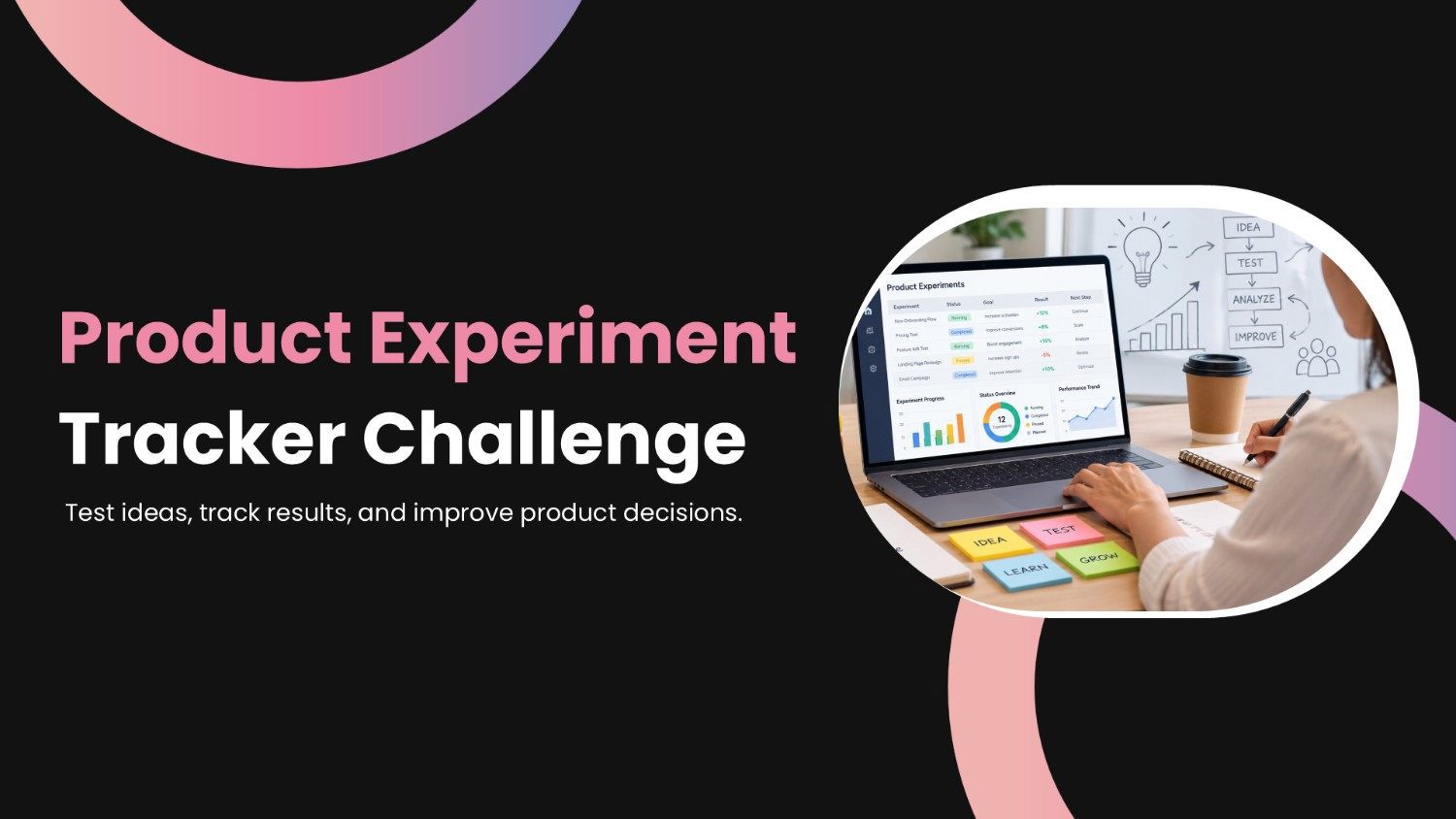
Product Experiment Tracker Challenge
Get Team Input on Product Experiment Tracker Challenge LiveMake product testing more interactive and effective! Product Experiment Tracker combines multiple-choice, word cloud, open-ended, ranking, spider scale, traffic light, and Q&A activities to gather feedback, evaluate experiments, identify risks, and discover improvement opportunities.
Business Review Cheat Challenge
Make Your Business Review Cheat Challenge More EngagingPut your business insights into action! The Business Review Cheat helps teams explore performance through multiple-choice, word cloud, open-ended, ranking, spider scale, traffic light, and Q&A activities. Compare priorities, collect perspectives, discuss challenges, and create focused review sessions.
Kanban Workflow Tracker Insights
Get Team Input on Kanban Workflow Tracker Insights LiveWant to keep every task moving in the right direction? Kanban Workflow Tracker helps teams organize tasks, monitor workflow progress, and identify bottlenecks through multiple-choice, word Cloud, open-ended, ranking, spider scale, and traffic light activities.
UI Component Library Teaser
Get Team Input on UI Component Library Teaser LiveReady to create consistent and reusable designs? UI Component Library Teaser helps teams explore interface elements, share ideas, and prioritize design needs through multiple-choice, word cloud, open-ended, ranking, and spider scale activities.
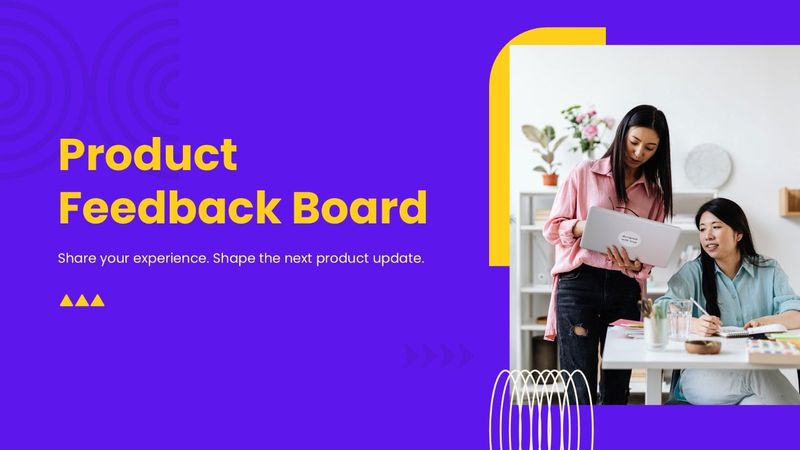
Product Feedback Board
Hear From Your Group on Product Feedback BoardReady to turn customer opinions into better products? The Product Feedback Board Poll uses multiple-choice, word cloud, open-ended, ranking, spider scale, traffic light, and Q&A activities to collect feedback, identify priorities, and understand user needs.

Figma to Dev Handoff Ideas
Figma to Dev Handoff for Product TeamsFigma to Dev Handoff Ideas is a free interactive presentation on Slidea that helps designers and developers improve how designs move from Figma into code. Participants rate their current process, rank handoff tasks and share pain points from their own devices, and every answer appears live on screen so the team can agree on what to fix.Why Run This Figma to Dev Handoff SessionA messy handoff leads to missing specs, guesswork and rework. This session checks how well your team prepares files, names layers and components, documents interaction states and handles unclear requirements, then helps the group set clear priorities for the next sprint. It fits design system reviews, sprint retrospectives, product team meetings and UI design courses, and pairs well with the Usability Testing Summary and the UX Persona Builder.What's Inside This Design Handoff WorkshopThe template has 21 slides:Six content slides that explain the handoff process step by stepFour multiple-choice questions on the goal of a handoff, what must be included, why layer naming matters and what to do when a spec is unclearTwo word clouds on a successful handoff and a developer-friendly Figma fileTwo scales slides to rate design preparation and confidence in handoff collaborationTwo open-ended questions on missing information and the most time-consuming preparation tasksTwo ranking slides on handoff priorities and reliable delivery stepsA traffic lights slide on file readiness, a This or That slide on handoff timing and a Q&A slide on what to improve firstHow to Run This Design Review in SlideaClick Use Template to copy the presentation into your Slidea account.Edit the content slides and questions to match your design tools, team and workflow.Press Present and share the join code or QR code. Ratings, rankings and answers appear live as your team responds.Figma to Dev Handoff Template FAQsIs the Figma to Dev Handoff template free?Yes. The Figma to Dev Handoff template is free to use on Slidea. Click Use Template, sign in or create a free account, and all 21 slides are copied into your workspace, ready to edit and present live to your design and development team in a few minutes.Who should use this template?It is made for UI and UX designers, front-end developers, product managers, design system leads and QA testers. It also works in design and development courses that teach how to prepare files, write clear specs and collaborate across disciplines.Can I use it with other design tools?Yes. Every slide is fully editable in Slidea. You can rename the tool in each question, add your own handoff checklist to the content slides and change the ranking options, so the session fits whichever design and development tools your team uses.Do participants need to download an app?No. Participants join from the browser on any phone, tablet or laptop by scanning the QR code or typing the join code shown on screen. There is nothing to install, so remote designers and developers can take part in the same session at the same time.Want more ideas? Try the Product Requirements Document Quiz, use live polls in your next review, or browse all product management templates on Slidea.
Design System Overview
Get Team Input on Design System Overview LiveMake design systems easier to understand and explore! Design System Overview combines multiple-choice, word cloud, open-ended, ranking, spider scale, traffic light, and Q&A activities to discuss components, evaluate consistency, share ideas, and identify areas for improvement.
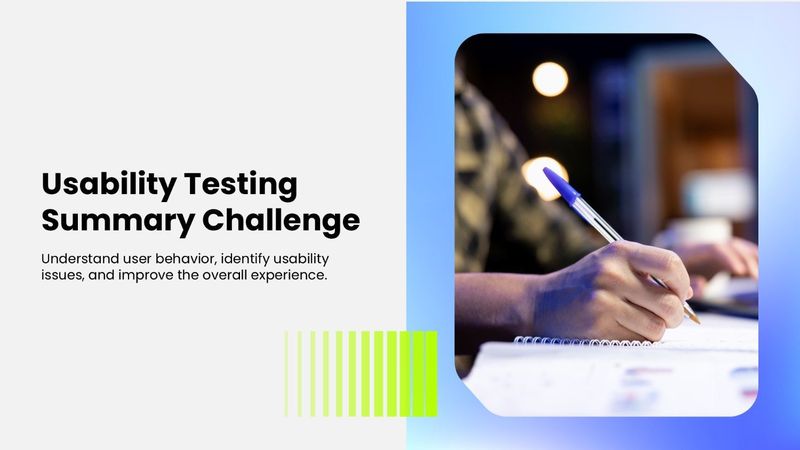
Usability Testing Summary Challenge
Usability Testing Summary for UX TeamsUsability Testing Summary Challenge is a free interactive presentation on Slidea that helps UX designers, product managers and researchers review test results as a team. Participants answer questions, rate product usability and rank findings from their own devices, and every answer appears live on screen so the group can agree on what to fix first.Why Run This Usability Testing SummaryUsability tests often produce more findings than a team can fix at once. This session helps your group understand what the results mean, spot recurring patterns and prioritize the issues with the biggest impact on users. It fits research readouts, design reviews, sprint planning and UX courses, and pairs well with the UX Persona Builder and the Accessibility Audit Report.What's Inside This UX Research ReviewThe template has 20 slides:Five content slides to introduce the usability testing summaryFive multiple-choice questions on the purpose of a summary, the most critical data, repeated user errors, patterns across sessions and useful recommendationsTwo word clouds on good user experience and useful usability findingsTwo open-ended questions on frustrating usability problems and findings worth investigating furtherTwo scales slides to rate product usability and confidence in analyzing findingsA This or That slide on real users versus internal testersA ranking slide on which findings to prioritize firstA traffic lights slide on how ready your team is to act, and a Q&A slide for open discussionHow to Run This UX Session in SlideaClick Use Template to copy the presentation into your Slidea account.Edit the content slides and questions to match your own test results and product.Press Present and share the join code or QR code. Ratings, rankings and answers appear live as your team responds.Usability Testing Summary Template FAQsIs the Usability Testing Summary template free?Yes. The Usability Testing Summary template is free to use on Slidea. Click Use Template, sign in or create a free account, and all 20 slides are copied into your workspace, ready to edit with your own findings and present live to your team in a few minutes.Who should use this template?It is made for UX designers, UX researchers, product managers, developers and QA testers who need to share and act on test results. It also works in design and human-computer interaction classes that teach how to analyze and report usability findings.Can I add our real test findings?Yes. Every slide is fully editable in Slidea. You can add your findings to the content slides, replace the ranking options with real issues from your sessions and change the rating areas, so the team prioritizes the exact problems your users faced.Do participants need to download an app?No. Participants join from the browser on any phone, tablet or laptop by scanning the QR code or typing the join code shown on screen. There is nothing to install, so remote and in-room team members can take part in the same review at the same time.Want more ideas? Try Product Feature Voting, use live polls in your next review, or browse all product management templates on Slidea.
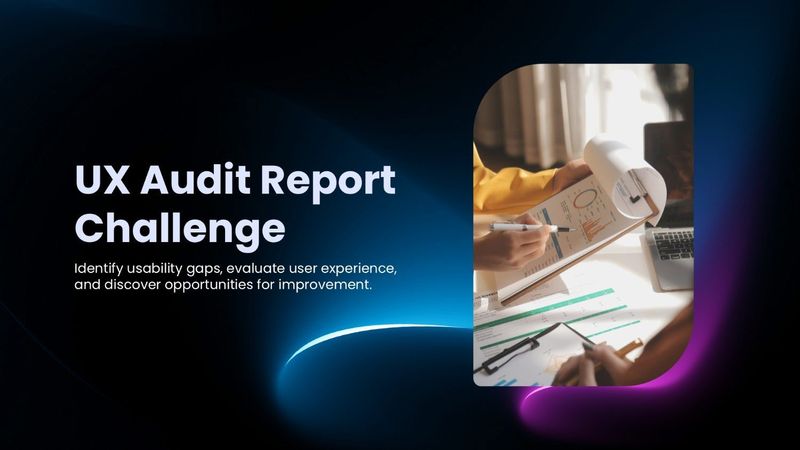
UX Audit Report Challenge
UX Audit Report for Live Team ReviewsThe UX Audit Report Challenge is a free interactive Slidea template for reviewing usability findings with your team. Its 17 slides cover audit goals, accessibility, user feedback and interface usability, and end with a Q&A on the first improvement to make.Why Use This UX Audit ReportA UX audit report is only useful when the team agrees on what it found. This template turns your findings into a live review: designers, product managers and developers vote in live polls, add ideas to a word cloud, rate key UX factors and flag the fixes that matter most, so the next sprint starts with clear priorities.What's Inside This UX Review TemplateThe template has 17 editable slides:4 Content slides (slides 1, 2, 3 and 17) to frame the session.5 Multiple Choice questions on the main goal of a UX audit report, the audit activity that reveals task problems, the areas typically analyzed, what to prioritize after an audit and the accessibility factors that matter.2 Word Clouds for the words that describe a good user experience and a great UX audit.2 Open Ended questions on the user behavior that signals a need for an audit and the biggest challenge in performing one.1 Scales slide to rate navigation flow, page load speed, visual hierarchy, mobile responsiveness and accessibility.1 Truth or Lie slide on what is true about user feedback in UX audits.1 Traffic Lights slide to rate the usability of the current interface.1 Q&A slide on which UX improvement to address first.How to Run This UX Audit Session in SlideaClick Use Template to copy the deck into your Slidea account.Edit the questions, options and visuals to match your product, website or app.Click Present and share the join code or QR code so participants can answer from their phones.UX Audit Report FAQsWhat is a UX audit report?A UX audit report summarizes how well a website or app works for its users. It lists usability issues, accessibility gaps and navigation problems, then ranks fixes by impact. This Slidea template helps you present those findings live and collect your team's input on what to improve first.Is the UX Audit Report template free?Yes. The UX Audit Report template is free on Slidea. Click Use Template to copy all 17 slides into your account, then edit the questions, options and visuals to match your product, website or app before you present the findings to your team or client.Who should use this UX review template?It suits UX designers, researchers, product managers, developers and agencies presenting audit results to clients. The questions cover audit goals, accessibility, user feedback and interface usability, so both design and business teams can join the discussion and agree on the improvements to tackle first.How does the team take part during the review?Participants join from their phones with the join code or QR code shown when you click Present. They vote on multiple choice questions, add words to the word clouds, rate UX factors on a scale and use the traffic light slide to score the current interface, all in real time.More to explore: browse all product management templates, or add live quizzes to test your team's UX knowledge.
Product Backlog Prioritization Ideas
Get Team Input on Product Backlog Prioritization Ideas LiveReady to focus on the tasks that matter most? Product Backlog Prioritization helps teams evaluate user stories, rank features, and organize development goals through multiple-choice, word cloud, open-ended, ranking, spider scale, and traffic light activities.
Minimum Viable Product Plan Insights
Get Team Input on Minimum Viable Product Plan Insights LiveReady to turn your product idea into a working solution? The Minimum Viable Product Plan helps teams define essential features, gather ideas, and prioritize development goals through multiple-choice, word cloud, open-ended, ranking, spider scale, and traffic light activities.
Product Launch Strategy Ideas
Run a Product Launch Strategy Ideas Session With Live InputReady to turn your product idea into a successful launch? Product Launch Strategy helps teams define launch goals, explore market opportunities, and prioritize key activities through multiple-choice, word cloud, open-ended, ranking, spider scale, and traffic light activities.
Product Vision Board
Align Your Team on Product Vision Board With Live PollsReady to bring your product strategy into focus? Product Vision Board features interactive MCQ, a word cloud, and open-ended activities covering customer needs, product goals, value, challenges, and future direction. Make product planning engaging and collaborative. Perfect for product managers, entrepreneurs, marketers, designers, business teams, and students.

Innovation Pipeline Overview Trivia
Innovation Pipeline Overview Quiz Questions With Live ScoresReady to turn fresh ideas into real opportunities? Innovation Pipeline Overview features interactive MCQ, Word Cloud, and open-ended activities to explore idea generation, evaluation, prioritization, and development. Encourage creative thinking and collaboration. Ideal for innovation managers, business leaders, product managers, and strategy teams.
Prototype Feedback Form Poll Template
Use this Prototype Feedback Form poll to collect quick, honest feedback from your team or class in real time. Fully interactive and ready to use instantly on Slidea — no downloads or installs required. Boldly — steady, active, social, visual.