


Word Clouds in Personal Projects Presentation...
This Word Clouds in Personal Projects template gives you a ready-made, interactive starting point for your next session. Ready to use instantly on Slidea — no downloads or installs required. Sensibly — local, timely, casual, formal, playful.

Online Feedback for Product Launch Poll Templ...
Gather quick, honest feedback in real time with this Online Feedback for Product Launch poll. Fully interactive and ready to use instantly on Slidea — no downloads or installs required. Newly — swift, agile, crisp, vivid, lively, catchy, snappy.
Product Roadmap Presentation Template
Explore Product Roadmap through an interactive presentation that keeps your audience engaged. Ready to use instantly on Slidea — no downloads or installs required. Sharply — flexible, seamless, intuitive, powerful, stylish, elegant, vibrant.
Product Feature Voting Presentation Template
This Product Feature Voting interactive presentation helps you engage your audience and bring the topic to life. Ready to use instantly on Slidea — no downloads or installs required. Aptly — casual, formal, playful, simple, basic, broad, rich.
Product Feature Familiarity Quiz
Put your product knowledge to the test! Product Feature Familiarity Quiz includes interactive select answer questions that help learners review key features, product benefits, functions, and important details. Create an engaging way to build product familiarity. Great for sales professionals, marketing teams, trainers, employees, students, and product learners.

UX Persona Builder Presentation Template
This UX Persona Builder interactive presentation helps you engage your audience and bring the topic to life. Ready to use instantly on Slidea — no downloads or installs required. Purely — fitting, keen, eager, brisk, spry, chic, zesty, bubbly.
Product Feature Rating Presentation Template
Bring Product Feature Rating to life with an interactive presentation your audience can join in real time. Ready to use instantly on Slidea — no downloads or installs required. Surely — comfy, handy, speedy, zippy, peppy, modern, dynamic, polished.
Product Knowledge Trivia Quiz Template
Product Knowledge Trivia for Sales TeamsThe Product Knowledge Trivia Quiz Template is a free interactive Slidea quiz for checking how well your team knows what it sells. Its 12 slides mix multiple choice and typed answers on benefits, unique features, usability and target customers, with a leaderboard after every question.Why Use This Product Knowledge TriviaFeatures, pricing and positioning change fast, and sales or support teams need to keep up. This product knowledge trivia turns training into a live quiz: players answer on their phones, the leaderboard shows who is ahead after each question and you can see which products your team knows well and where they need a refresher.What's Inside This Product Training QuizThe template has 12 editable slides:4 Select Answer questions on the primary benefit of Product A, a feature unique to Product B, how Product D improves user experience and the target audience for Product F.2 Type Answer questions on what makes Product C stand out and a key usability feature of Product E.6 Leader Board slides that show who is ahead after each question.How to Run This Product Quiz in SlideaClick Use Template to copy the deck into your Slidea account.Replace the sample Product A to F questions with your own products, features and answers.Click Present and share the join code or QR code so players can answer from their phones.Product Knowledge Trivia FAQsWhat is product knowledge trivia?Product knowledge trivia is a quick quiz that checks how well a team knows its products, including benefits, unique features, usability and target customers. It makes training more engaging than a slide lecture. This Slidea template runs the quiz live, with a leaderboard after every question.Is the Product Knowledge Trivia template free?Yes. The Product Knowledge Trivia Quiz Template is free on Slidea. Click Use Template to copy all 12 slides into your account, then replace the sample Product A to F questions with your own products, features and answers before you run it with your team.Who should use this product training quiz?It suits sales trainers, enablement managers, customer support leads, retail managers and onboarding teams. Use it after a product launch, during new-hire onboarding or before a sales kickoff to check what reps really know and spot the products that need more training time.How do players answer the quiz?Players join from their phones with the join code or QR code shown when you click Present. They pick answers on the Select Answer slides, type short answers on the Type Answer slides and see their standing on the leaderboard after each question, which keeps the competition lively.More to explore: try the Product Feature Familiarity Quiz, the Product Roadmap template or browse all product management templates.

User Experience Research Plan Presentation Te...
Use this interactive presentation to walk through User Experience Research Plan and keep everyone engaged. Ready to use instantly on Slidea — no downloads or installs required. Richly — dynamic, polished, compact, nimble, slick, tidy, neat, clever.
Visual Consistency Checklist Presentation Tem...
This Visual Consistency Checklist interactive presentation helps you engage your audience and bring the topic to life. Ready to use instantly on Slidea — no downloads or installs required. Simply — handsome, engaging, versatile, reliable, flexible.
Accessibility Audit Report Template
Accessibility Audit Report: Live Team ReviewAccessibility Audit Report is a free interactive presentation on Slidea that helps product, design and development teams review audit results together. Instead of reading through a static report, your team answers quiz questions, rates the current state of the product and ranks the findings live, so everyone agrees on what to fix first.Why Run an Accessibility Audit Report SessionAudit findings often sit in a document nobody opens. This 10-slide template turns them into a short, interactive review that checks how well the team understands accessibility basics, collects honest feedback and builds a shared priority list. It fits sprint reviews, design critiques, QA handoffs and onboarding for new team members, and works well alongside the UX Persona Builder and Product Feature Voting templates.What's Inside This Accessibility Review DeckFour multiple-choice questions on the goal of an audit, color contrast, WCAG and color blindnessA word cloud on the issues your team finds most oftenA scales slide to rate navigation, color contrast, ARIA use, keyboard navigation and formsA ranking slide to sort findings such as alt text, keyboard support and contrast by severityA This or That slide on automation versus manual validationTwo open-ended questions on the most overlooked issue and the most unexpected insight from your last auditHow to Present This Audit Review in SlideaClick Use Template to copy the presentation into your Slidea account.Edit the questions, rating areas and ranking items to match the findings from your own audit.Press Present and share the join code or QR code. Answers, ratings and rankings appear live as your team responds.Accessibility Audit Report Template FAQsIs the Accessibility Audit Report template free?Yes. The Accessibility Audit Report template is free to use on Slidea. Click Use Template, sign in or create a free account, and all ten slides are copied into your workspace, ready to edit with your own audit findings and present live to your team.Who is this template for?It is made for product managers, UX designers, developers, QA testers and accessibility specialists who need to share audit results with a team. It also works for training sessions that introduce WCAG, color contrast, keyboard navigation and other accessibility basics to new staff.Can I add my own audit findings?Yes. Every slide is fully editable in Slidea. You can replace the ranking items with your real findings, change the rating areas on the scales slide, add new questions or remove slides, so the session reflects the exact issues found in your product or website.Do participants need to download an app?No. Participants join from the browser on any phone, tablet or laptop by scanning the QR code or typing the join code shown on screen. There is nothing to install, so remote and in-room team members can take part in the same review at the same time.Planning what comes next? Try the Product Roadmap template or browse all product management templates on Slidea.
Market Requirement Summary Presentation Templ...
Use this interactive presentation to walk through Market Requirement Summary and keep everyone engaged. Ready to use instantly on Slidea — no downloads or installs required. Still — precise, concise, genuine, trusted, proven, solid, steady, active.
User Testing Results Presentation Template
Use this interactive presentation to walk through User Testing Results and keep everyone engaged. Ready to use instantly on Slidea — no downloads or installs required. Now — neat, clever, bright, crafted, refined, curated, focused, guided, themed.
Product Differentiation Presentation Template
This Product Differentiation interactive presentation helps you engage your audience and bring the topic to life. Ready to use instantly on Slidea — no downloads or installs required. Plus — bold, sharp, smart, swift, agile, crisp, vivid, lively.
Post-Launch Performance Review Presentation T...
Bring Post-Launch Performance Review to life with an interactive presentation your audience can join in real time. Ready to use instantly on Slidea — no downloads or installs required. Readily — handy, speedy, zippy, peppy, modern, dynamic, polished.

Value Stream Map insights
Want to turn complex workflows into smoother processes? Value Stream Map encourages participants to evaluate current operations, identify bottlenecks, discuss waste, and discover opportunities for improvement using multiple-choice, word cloud, open-ended, ranking, spider scale, and traffic light activities.
Innovation Backlog Overview
Run an Innovation Backlog Overview Session With Live InputMake innovation planning more interactive and focused! Innovation Backlog Overview combines multiple-choice, word cloud, open-ended, ranking, spider scale, and traffic light activities to explore ideas, gather perspectives, prioritize initiatives, and identify the best opportunities for action.
Feature Lifecycle Tracker Challenge
Get Team Input on Feature Lifecycle Tracker Challenge LiveWant to manage every stage of your product journey effectively? Feature Lifecycle Tracker helps teams monitor feature progress, identify challenges, and prioritize development goals through multiple-choice, word cloud, open-ended, ranking, spider scale, and traffic light activities.
Problem-Solution Fit Summary Ideas
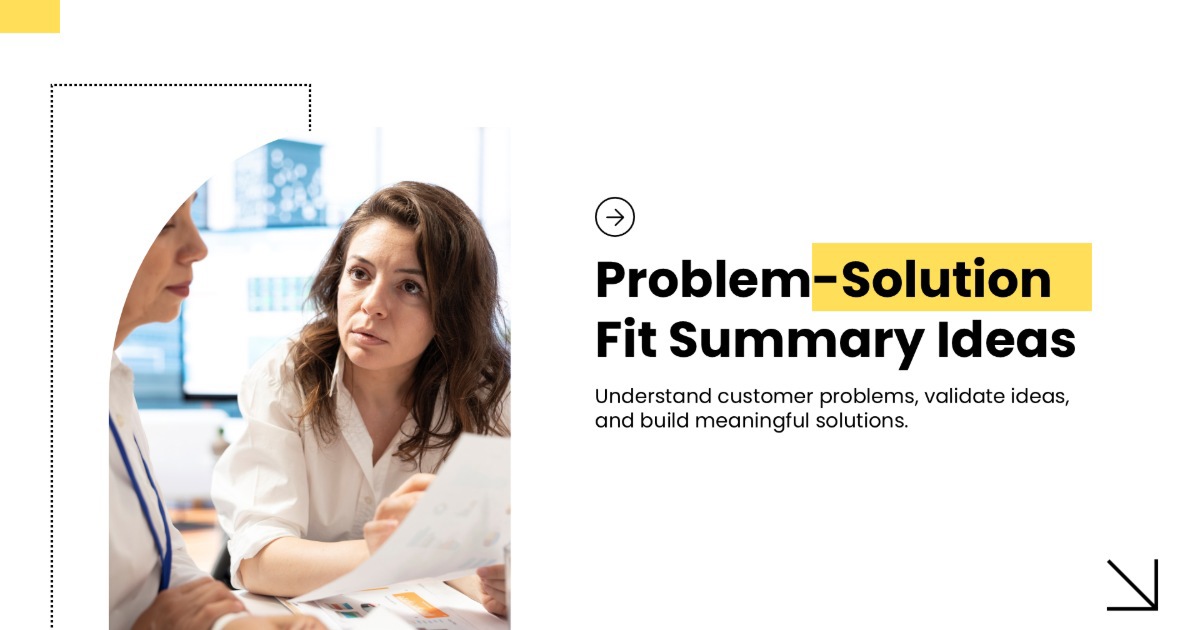
Ready to turn customer problems into meaningful solutions? Problem-Solution Fit Summary helps teams identify user needs, compare solution ideas, and prioritize the best opportunities through multiple-choice, word cloud, open-ended, ranking, spider scale, and traffic light activities.
Beta Feedback Summary Poll Status Check
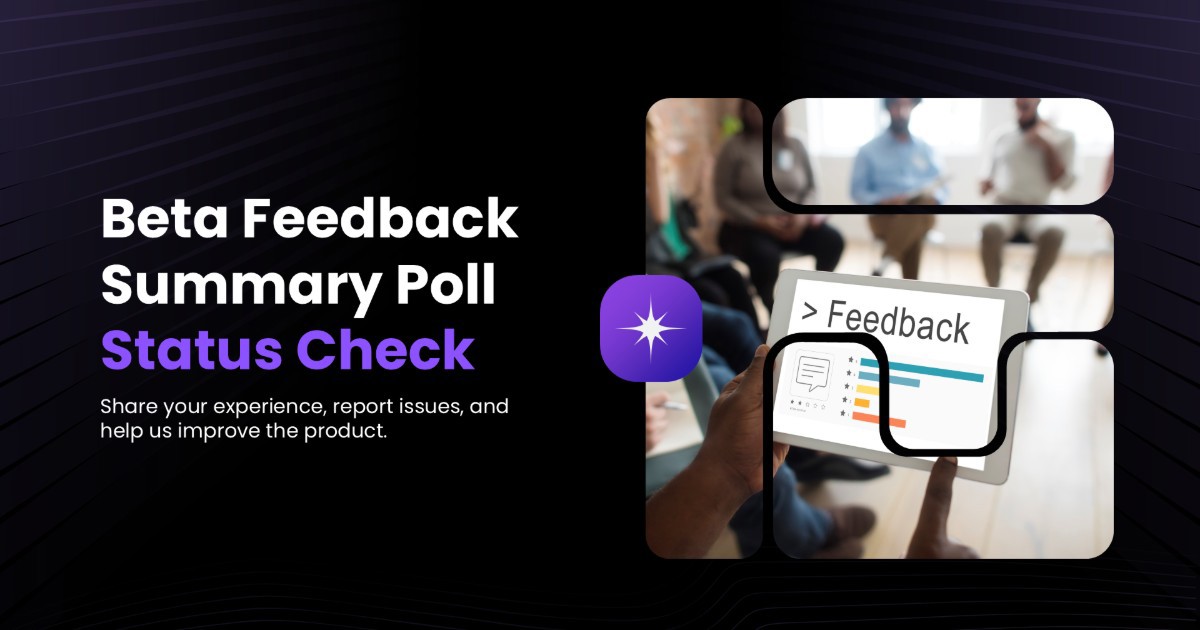
Hear From Your Group on Beta Feedback Summary Poll Status CheckReady to turn beta testing feedback into better product decisions? The Beta Feedback Summary Poll helps teams collect user opinions, identify issues, and prioritize improvements through multiple-choice, word cloud, open-ended, ranking, spider scale, and traffic light activities.

Customer Interview Insights
Run a Customer Interview Insights Session With Live InputWant to discover what your customers really think? Customer Interview Insights helps teams understand customer needs, identify pain points, and prioritize feedback through multiple-choice, word cloud, open-ended, ranking, spider scale, and traffic light activities.
Product Roadmap Voting Poll Survey
Collect Product Roadmap Voting Feedback in Real TimeWant your users to help shape your product's future? The Product Roadmap Voting Poll helps teams collect feature preferences, rank development priorities, and discover user expectations through multiple-choice, word cloud, open-ended, ranking, spider scale, and traffic light activities.
UX Pain Point Mapping Challenge
Get Team Input on UX Pain Point Mapping Challenge LiveWant to understand what frustrates your users? UX Pain Point Mapping helps teams identify user challenges, explore feedback, and prioritize areas for improvement through multiple-choice, word cloud, open-ended, ranking, and spider scale activities.
MVP Validation Checklist Challenge
MVP Validation Checklist for StartupsMVP Validation Checklist Challenge is a free interactive presentation on Slidea that helps founders, product managers and startup teams check whether a minimum viable product is solving a real user problem. Participants answer questions, rate MVP readiness and share what they have learned from their own devices, and every answer appears live on screen.Why Use This MVP Validation ChecklistAn MVP is meant to test an idea with as little effort as possible, but teams often spend that time polishing features instead of learning from users. This session keeps the focus on market need, core functionality and useful feedback, and helps the group decide what to test next. It fits startup workshops, product team reviews, accelerator sessions and entrepreneurship classes, and pairs well with the Product Requirements Document Quiz and Online Feedback for Product Launch.What's Inside This Product Validation SessionThe template has 16 slides:Six content slides that walk through the MVP validation checklistFour multiple-choice questions on the main goal of MVP validation, what an MVP should include, a strong feedback loop and what to validate firstA word cloud on your biggest concern about your MVPTwo open-ended questions on the insight that changed your strategy and the metric that matters mostA scales slide to rate functionality, clarity, feedback, data and impactA This or That slide on feature polish versus market validationA traffic lights slide on whether your MVP clearly solves a real user problemHow to Run This Startup Session in SlideaClick Use Template to copy the presentation into your Slidea account.Edit the content slides and questions to match your product idea and stage.Press Present and share the join code or QR code. Ratings and answers appear live as your team responds.MVP Validation Checklist Template FAQsIs the MVP Validation Checklist template free?Yes. The MVP Validation Checklist is free to use on Slidea. Click Use Template, sign in or create a free account, and all 16 slides are copied into your workspace, ready to edit with your own product details and present live to your team in a few minutes.Who should use this template?It is made for startup founders, product managers, innovation teams, accelerator mentors and entrepreneurship teachers. It works for early product reviews, investor preparation sessions and classes that teach how to test a business idea before building the full product.Can I add our own validation criteria?Yes. Every slide is fully editable in Slidea. You can add your own success metrics to the content slides, change the rating areas on the scales slide and rewrite the questions around your product, so the checklist matches the stage and goals of your MVP.Do participants need to download an app?No. Participants join from the browser on any phone, tablet or laptop by scanning the QR code or typing the join code shown on screen. There is nothing to install, so remote founders, advisors and team members can take part in the same session.Want more ideas? Try the Product Roadmap template, use live polls in your next review, or browse all product management templates on Slidea.