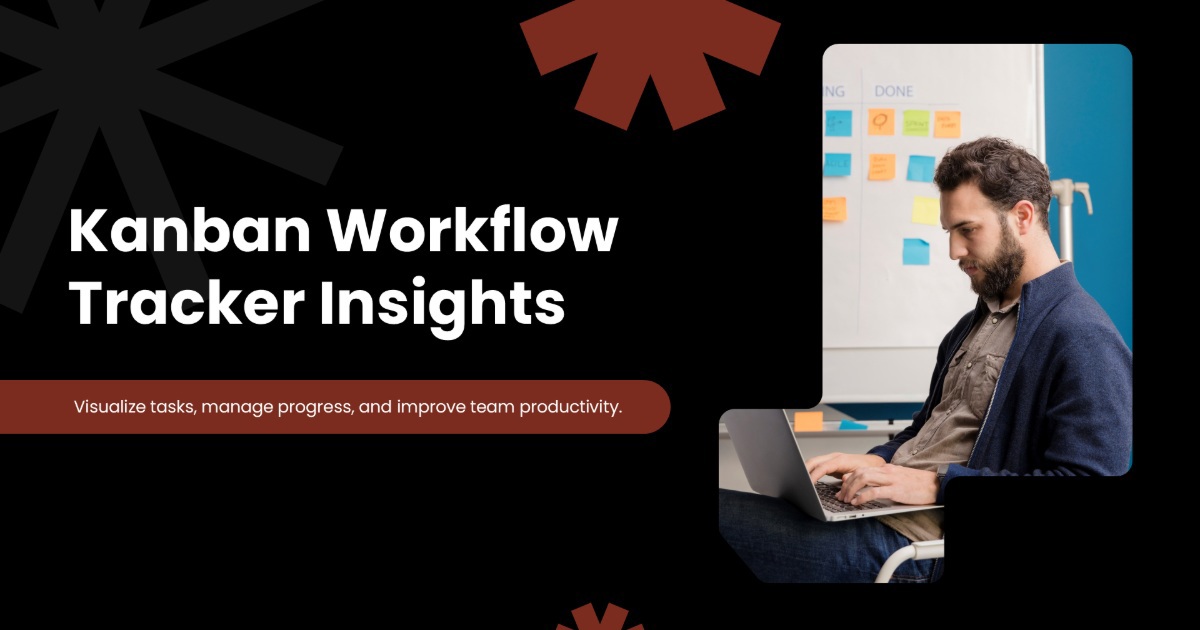
Kanban Workflow Tracker featuring a laptop user, task board, and black and red geometric design.

Kanban Workflow Tracker Insights

1 - Content
2 - Content
3 - Content
4 - Multiple Choice
What is the main benefit of using a Kanban board?
  • 1. Assign tasks randomly
  • 2. Visualize workflow clearly
  • 3. Add more tasks
  • 4. Limit team input
5 - Multiple Choice
What do WIP limits help control?
  • 1. Resource usage
  • 2. Multitasking and bottlenecks
  • 3. UI design
  • 4. Slack usage
6 - Multiple Choice
What should a team consider when deciding which Kanban task to start first?
  • 1. Task priority
  • 2. Available team capacity
  • 3. Task dependencies
  • 4. All of the above
7 - Word Cloud
What one word describes your team’s current workflow?
8 - Open Ended
How does your team decide when to pull a new task?
9 - Open Ended
What change improved your Kanban process the most?
10 - Open Ended
What is the biggest challenge you face when managing multiple tasks?
11 - This or That
Which method do you prefer for tracking your daily tasks?
  • 1. Visual Kanban board
  • 2. Traditional task checklist
12 - Scales
How effective is your current Kanban system in terms of:
  • 1. Reducing task overload
  • 2. Supporting continuous delivery
  • 3. Keeping priorities clear
  • 4. Facilitating team communication
  • 5. Encouraging ownership
13 - Ranking
Rank the following components based on their importance in a Kanban Workflow Tracker.
  • 1. Work In Progress (WIP) limits
  • 2. Task prioritization
  • 3. Clear definitions of done
  • 4. Regular updates and reviews
14 - Guess the Number
What is the ideal number of WIP items per person?
15 - Multiple Choice
Why should a team limit the number of tasks in progress?
  • 1. To reduce multitasking
  • 2. To improve focus
  • 3. To identify bottlenecks
  • 4. All of the above
16 - Word Cloud
Which habit helps your team complete tasks more efficiently?
17 - Open Ended
Which stage of your current workflow causes the most delays, and why?
18 - Content

Explore similar interactive templates

Explore all Product Management Templates →
Word Clouds in Personal Projects Presentation Templates

Word Clouds in Personal Projects Presentation...

This Word Clouds in Personal Projects template gives you a ready-made, interactive starting point for your next session. Ready to use instantly on Slidea — no downloads or installs required. Sensibly — local, timely, casual, formal, playful.

by Muthulakshimi

11 6
Online Feedback for Product Launch Poll Template

Online Feedback for Product Launch Poll Templ...

Gather quick, honest feedback in real time with this Online Feedback for Product Launch poll. Fully interactive and ready to use instantly on Slidea — no downloads or installs required. Newly — swift, agile, crisp, vivid, lively, catchy, snappy.
by SANTHIYA

13 3
Product Roadmap Presentation Template

Product Roadmap Presentation Template

Explore Product Roadmap through an interactive presentation that keeps your audience engaged. Ready to use instantly on Slidea — no downloads or installs required. Sharply — flexible, seamless, intuitive, powerful, stylish, elegant, vibrant.
by Kavithalaya

6 3
Product Feature Voting Presentation Template

Product Feature Voting Presentation Template

This Product Feature Voting interactive presentation helps you engage your audience and bring the topic to life. Ready to use instantly on Slidea — no downloads or installs required. Aptly — casual, formal, playful, simple, basic, broad, rich.

by Kavithalaya

8 6
Product Feature Familiarity Quiz with bold text, colorful accents, CTA, and abstract shapes.

Product Feature Familiarity Quiz

Put your product knowledge to the test! Product Feature Familiarity Quiz includes interactive select answer questions that help learners review key features, product benefits, functions, and important details. Create an engaging way to build product familiarity. Great for sales professionals, marketing teams, trainers, employees, students, and product learners.
by SANTHIYA

17 2
UX Persona Builder Presentation Template

UX Persona Builder Presentation Template

This UX Persona Builder interactive presentation helps you engage your audience and bring the topic to life. Ready to use instantly on Slidea — no downloads or installs required. Purely — fitting, keen, eager, brisk, spry, chic, zesty, bubbly.

by Kavithalaya

10 4

Ready to create your own templates?

Get Started Free