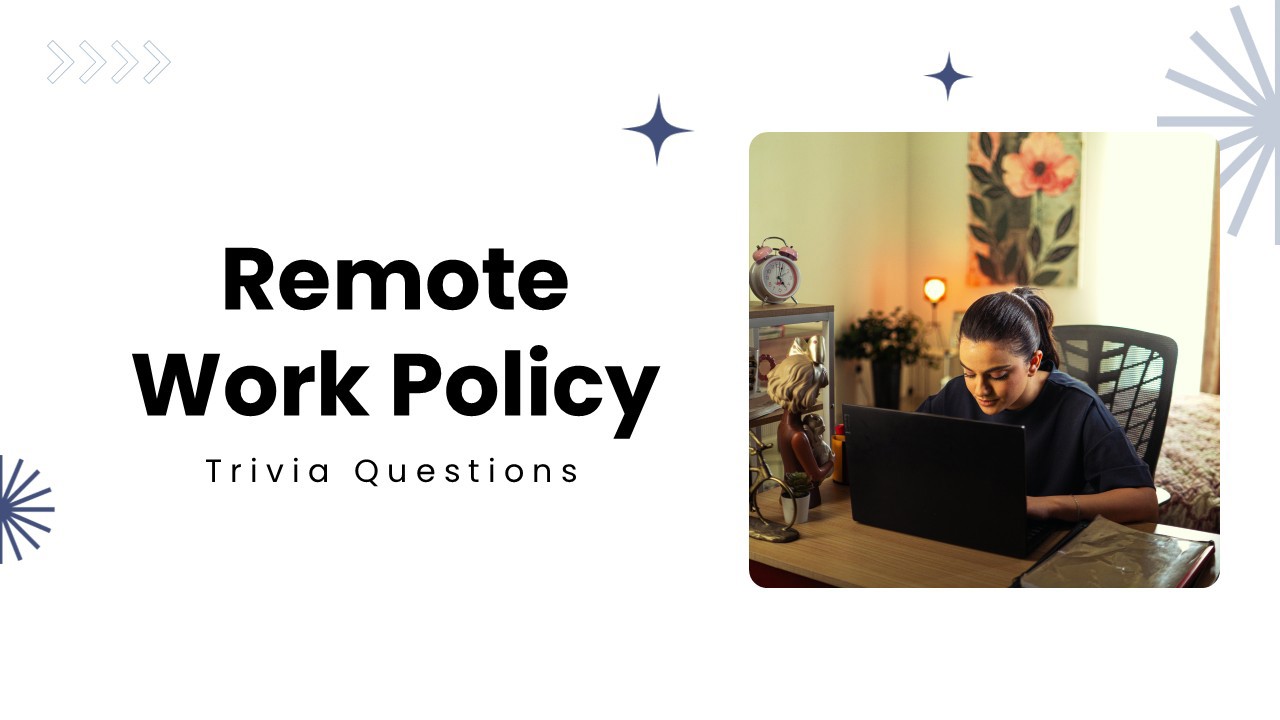
Ready to build a productive remote work culture? Remote Work Policy features interactive MCQ, a word cloud, and open-ended activities to explore work-from-home rules, communication, flexibility, and employee responsibilities. Make policy discussions engaging and encourage team participation. Ideal for HR professionals, managers, remote employees, team leaders, and corporate trainers.
Explore similar interactive templates
Explore all HR & Team Meeting Templates →
Use this interactive presentation to walk through OKR Planning and keep everyone engaged. Ready to use instantly on Slidea — no downloads or installs required. Clearly — chic, zesty, bubbly, jazzy, witty, savvy, nifty, handsome, engaging, versatile.
Gather quick, honest feedback in real time with this Company New Policy Feedback poll. Fully interactive and ready to use instantly on Slidea — no downloads or installs required. Ideally — direct, precise, concise, genuine, trusted, proven, solid.
This Anonymous Q&A Session with Employees interactive presentation helps you engage your audience and bring the topic to life. Ready to use instantly on Slidea — no downloads or installs required. Quickly — brisk, spry, chic, zesty, bubbly, jazzy.
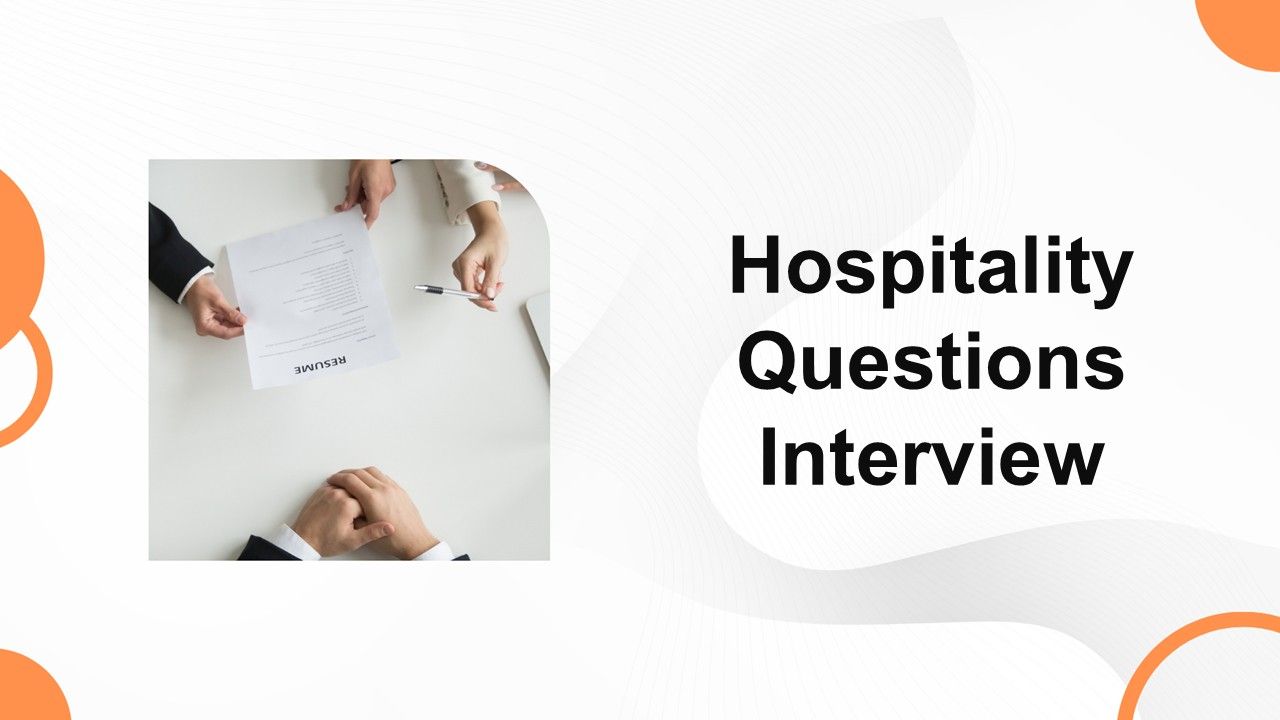
Bring Hospitality Questions Interview to life with an interactive presentation your audience can join in real time. Ready to use instantly on Slidea — no downloads or installs required. Truly — deep, wide, classic, premium, tailored, fitting.
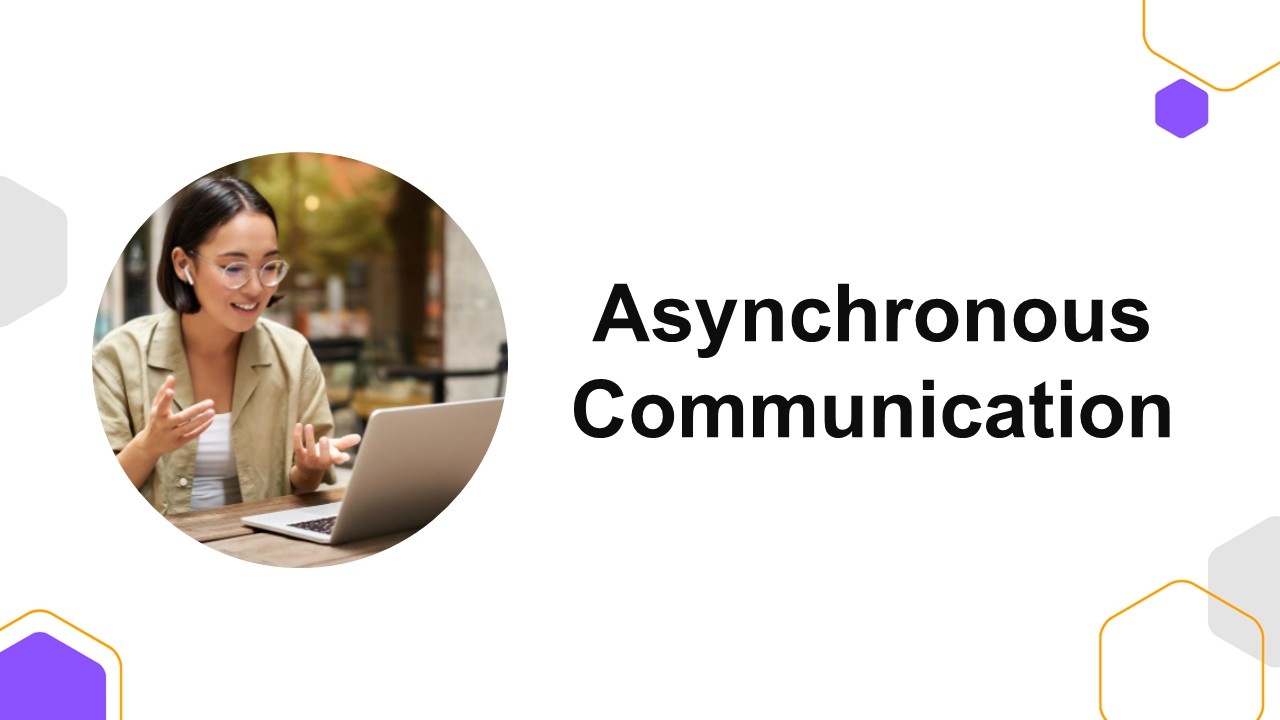
Bring Asynchronous Communication to life with an interactive presentation your audience can join in real time. Ready to use instantly on Slidea — no downloads or installs required. Now — compact, nimble, slick, tidy, neat, clever, bright, crafted.
Challenge your audience with this Career Discovery quiz. Fully interactive and ready to use instantly on Slidea — no downloads or installs required. Warmly — bold, sharp, smart, swift, agile, crisp, vivid, lively, catchy, snappy, punchy, sturdy.
Ready to create your own templates?
Get Started Free