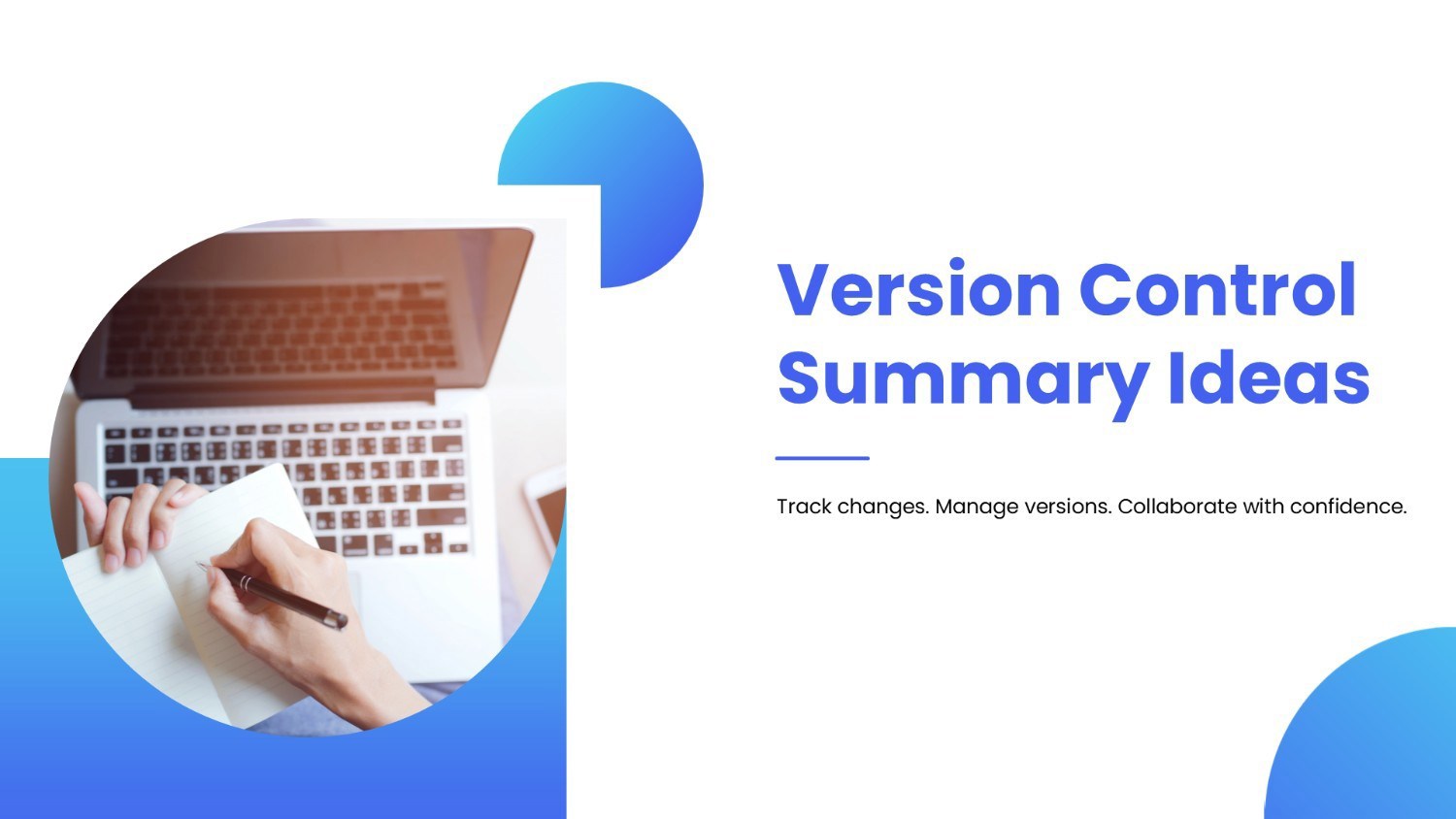
Version Control Summary slide with a laptop, notes, blue headings, and geometric shapes.

Version Control Summary Ideas

Category Technology
1 - Content
2 - Content
3 - Content
4 - Multiple Choice
What is the primary purpose of version control?
  • 1. Design updates
  • 2. Review UI mockups
  • 3. Manage meetings
  • 4. Track code changes over time
5 - Multiple Choice
What does a commit record?
  • 1. A set of changes
  • 2. A team meeting
  • 3. A software license
  • 4. A computer restart
6 - Word Cloud
What benefits does version control provide?
7 - Open Ended
When would you need to restore an earlier file version?
8 - Scales
- Rate the importance of these version control practices.
  • 1. Clear commit messages
  • 2. Frequent commits
  • 3. Branch management
  • 4. Code review
  • 5. Release tagging
9 - Multiple Choice
Which Git command is used to combine branches?
  • 1. Git status
  • 2. Git clone
  • 3. Git merge
  • 4. Git pull
10 - Open Ended
What’s one improvement you would make to our version control workflow?
11 - Ranking
Rank the challenges you face most often when using version control:
  • 1. Merge conflicts
  • 2. Unclear commit history
  • 3. Inconsistent branch naming
  • 4. Forgotten pull requests
  • 5. Lack of documentation
12 - This or That
What’s better for release tracking?
  • 1. Semantic versioning
  • 2. Random tags
13 - Content
14 - Multiple Choice
Why create a branch?
  • 1. Develop changes separately
  • 2. Delete repository history
  • 3. Disable collaboration
  • 4. Remove all previous commits
15 - Ranking
Rank these steps for submitting a code change.
  • 1. Make and commit changes
  • 2. Review and merge changes
  • 3. Create a feature branch
  • 4. Open a pull request
16 - Traffic Lights
How clear are your commit messages?
  • 1. Missing or confusing
  • 2. Sometimes unclear
  • 3. Specific and meaningful
17 - Open Ended
What details should a useful commit message include?
18 - Multiple Choice
What is a merge conflict?
  • 1. Incompatible changes need resolution
  • 2. A successful software release
  • 3. A deleted repository
  • 4. A completed code review
19 - Word Cloud
What can cause merge conflicts?
20 - Multiple Choice
A recent update breaks a feature. What helps you find the cause?
  • 1. Rename the project
  • 2. Delete the repository
  • 3. Compare recent commits
  • 4. Ignore the change history
21 - QA
Which version control practice would improve your team's workflow the most, and why?
22 - Content

Explore similar interactive templates

Explore all Technology Templates →

Video Game Trivia slide with gaming devices, pixel icons, neon shapes, and bold white text.

Video Game Trivia

Ready to level up your gaming knowledge? Video Game Trivia features interactive Select Answer questions about popular games, characters, consoles, genres, developers, and memorable gaming moments. Turn gaming knowledge into an exciting challenge. Perfect for students, teachers, gamers, gaming clubs, classrooms, party hosts, and video game fans.
by Parthasarathy

32 4
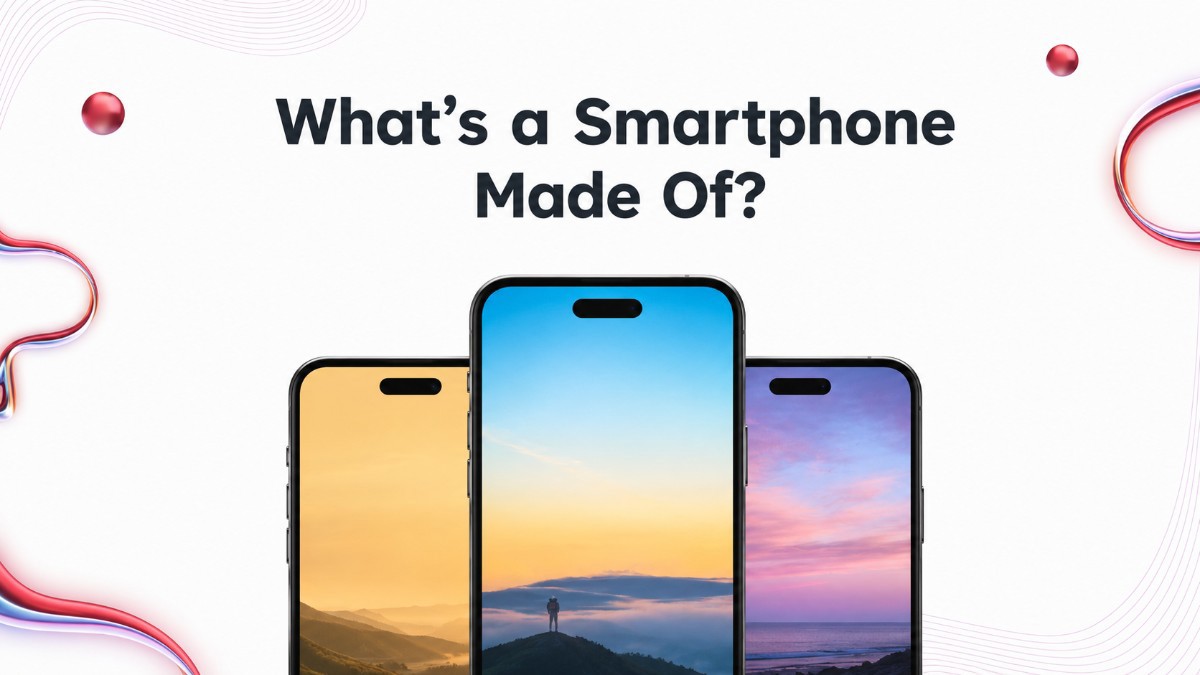
What’s a Smartphone Made Of? slide with three phones, white cards, dark text, and gradient accents.

What’s a Smartphone Made Of?

Ever wondered what’s inside the smartphone in your hand? What's a Smartphone Made Of combines select-answer, multiple-choice, and word cloud activities to explore smartphone components, materials, technology, and functions. Perfect for students, teachers, STEM learners, and technology enthusiasts.
by Veeramani

15 4
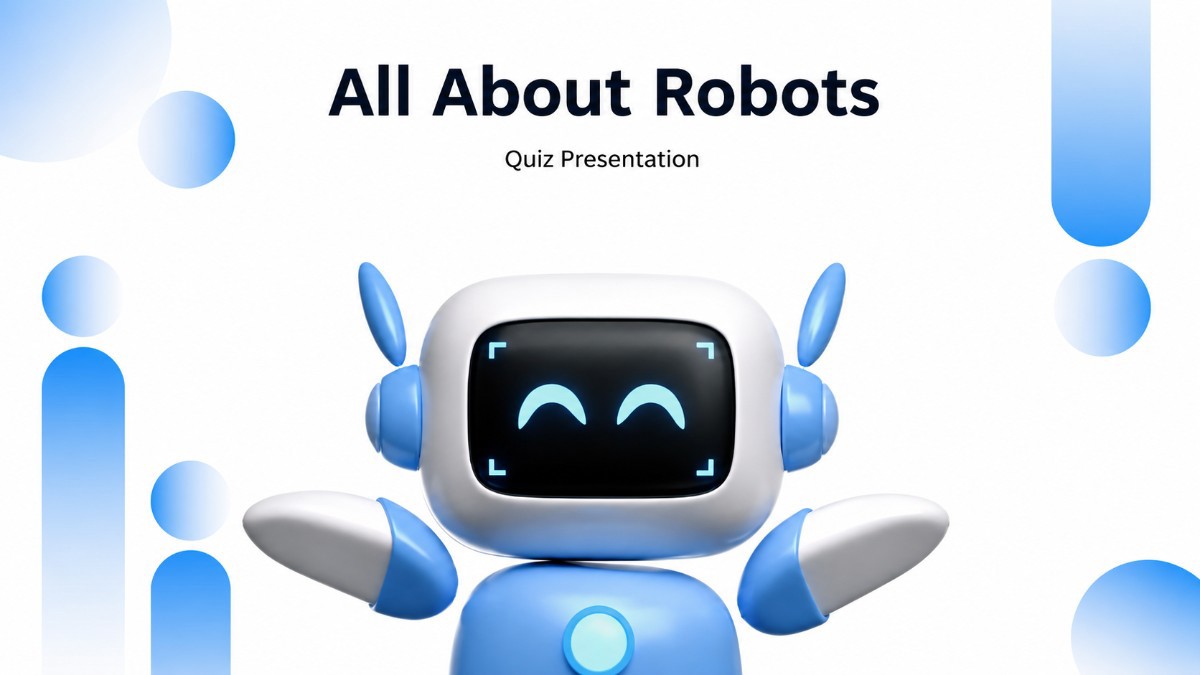
All About Robots slide with a friendly robot, bold title, white space, and rounded blue shapes.

All About Robots

Ready to enter the exciting world of robots? All About Robots combines select-answer, type-answer, and pick-the-number activities to explore robot types, technology, uses, and fascinating facts. Perfect for students, teachers, STEM learners, technology clubs, and educational programs.
by Veeramani

18 5
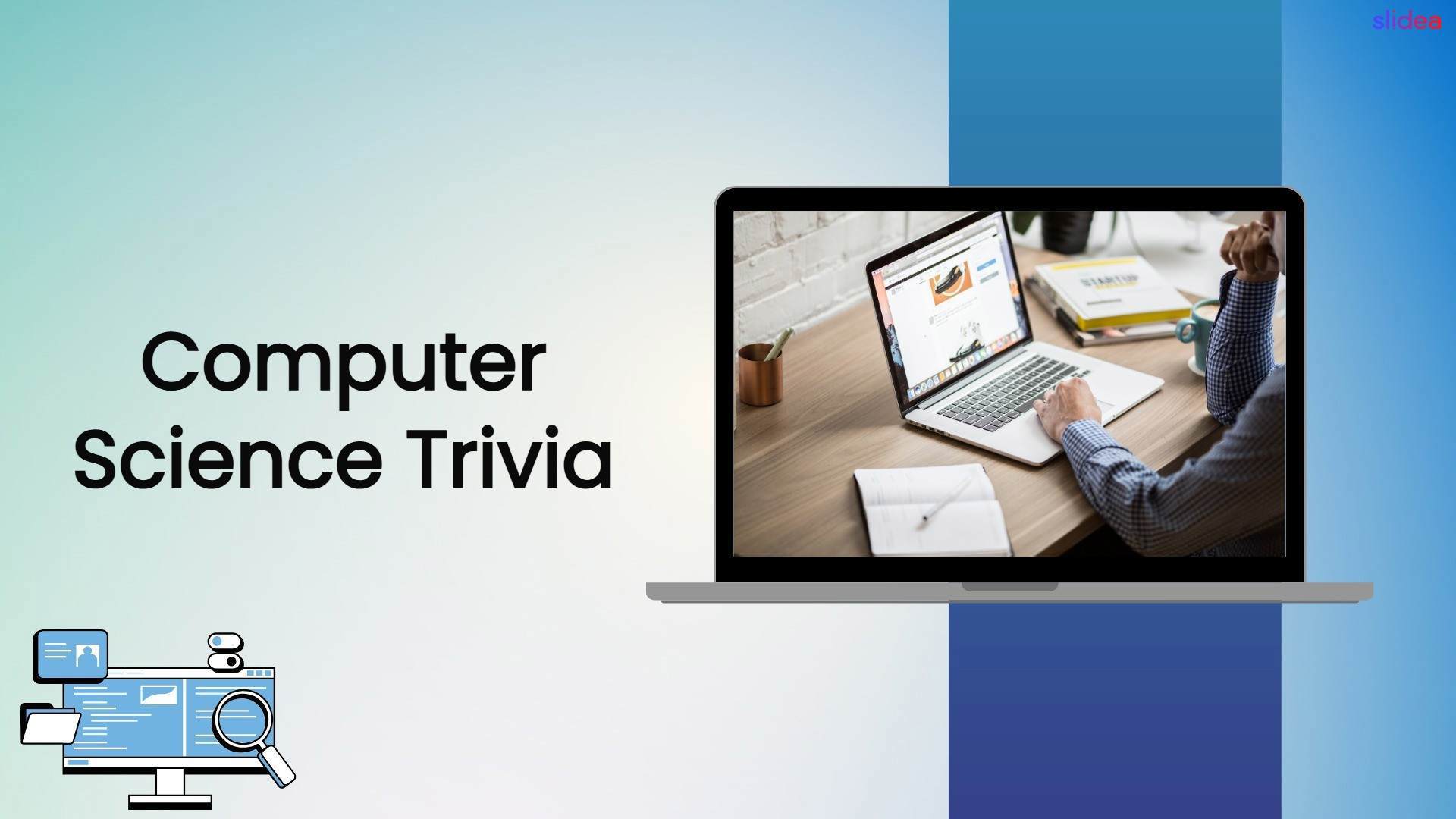
Computer Science Trivia cover with a laptop workspace and clean blue technology design.

Computer Science Trivia

Ready to challenge your tech knowledge? Computer Science Trivia features interactive Select Answer and word cloud activities covering programming, algorithms, databases, hardware, and technology. Perfect for students, teachers, educators, and computer science learners.
by Parthasarathy

33 2
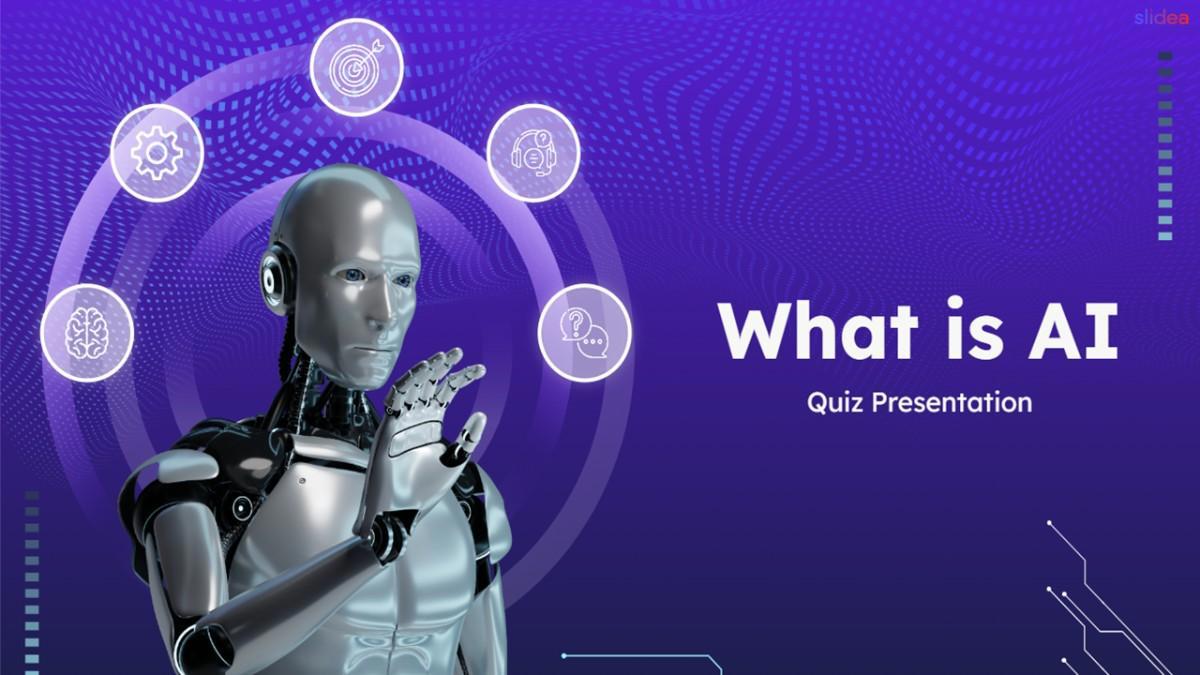
What is AI slide with robot, AI icons, purple background, and bold title.

What is AI?

Test your AI knowledge and discover how smart you really are! What Is AI Quiz! features select-answer, type-answer, lineup, and number activities that make learning AI interactive and engaging. Ideal for classrooms, corporate training, colleges, innovation events, and beginners.
by Veeramani

19 3
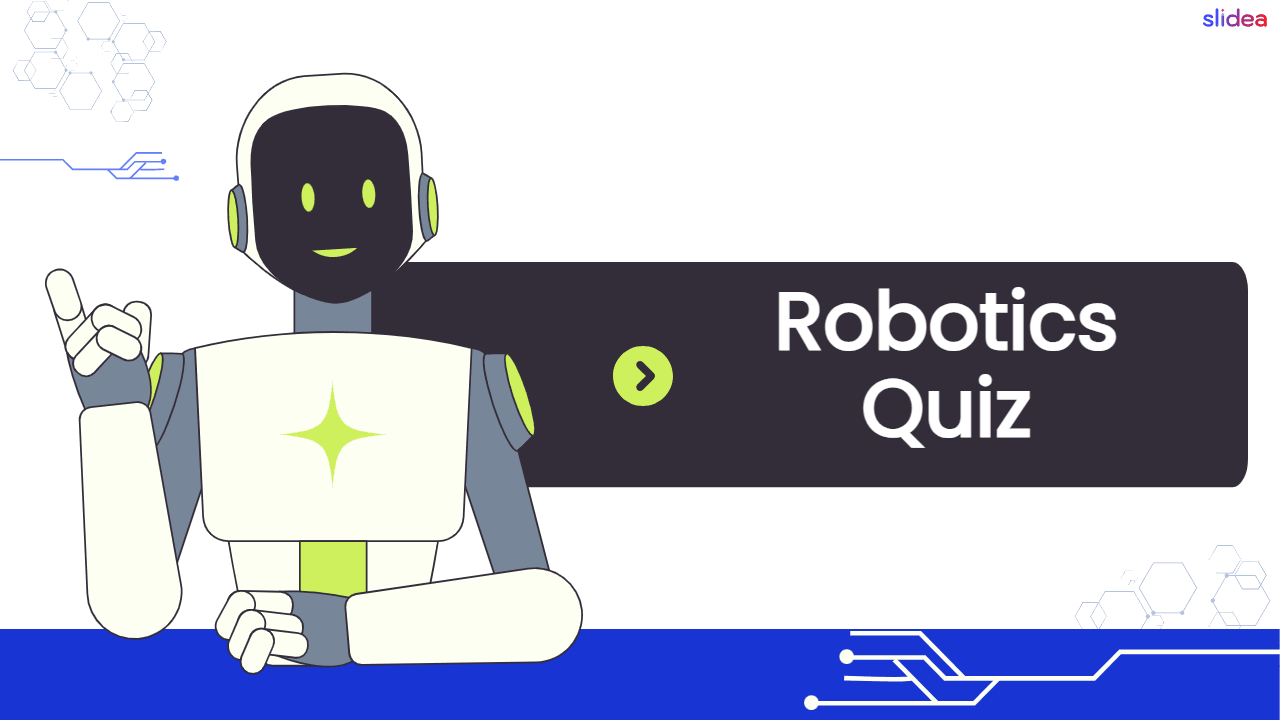
Robotics quiz cover featuring a friendly robot with futuristic technology and automation graphics.

Robotics Quiz

Ready to explore the world of intelligent machines? Test your knowledge with this Robotics Quiz! Discover robotics, automation, sensors, artificial intelligence, programming, and engineering concepts through engaging questions. Perfect for students, STEM classrooms, robotics clubs, workshops, technology events, and curious learners.

by Bhavadharani

27 3

Ready to create your own templates?

Get Started Free