Tip: Google may show results for “Slides” instead of “Slidea”.
Ask your audience to search “Slidea App”.

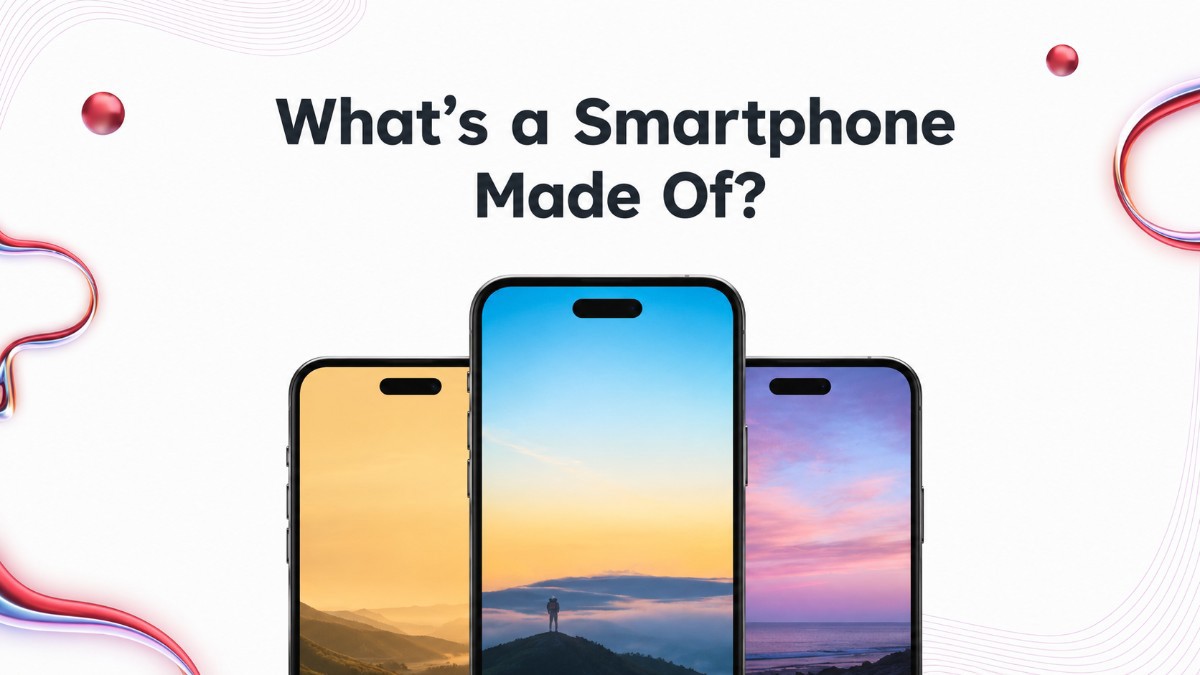
What’s a Smartphone Made Of? slide with three phones, white cards, dark text, and gradient accents.

What’s a Smartphone Made Of?

Ever wondered what’s inside the smartphone in your hand? What's a Smartphone Made Of combines select-answer, multiple-choice, and word cloud activities to explore smartphone components, materials, technology, and functions. Perfect for students, teachers, STEM learners, and technology enthusiasts.
Category Technology
1 - Content
2 - Content
3 - Content
4 - Select Answer
What is the touchscreen part of a smartphone called?
  • 1. Display
  • 2. Battery
  • 3. Speaker
  • 4. Motherboard
5 - Select Answer
What part of a smartphone stores power so it can work without a charger?
  • 1. Processor
  • 2. Camera
  • 3. Battery
  • 4. SIM card
6 - Multiple Choice
If you could upgrade only one part of your phone, what would you choose first?
  • 1. Storage
  • 2. Camera
  • 3. Battery life
  • 4. Screen quality
7 - Select Answer
Which part is often called the "brain" of a smartphone?
  • 1. Speaker
  • 2. Charging port
  • 3. Display
  • 4. Processor (CPU)
8 - Select Answer
Where are your photos, apps, and files permanently saved on a smartphone?
  • 1. RAM
  • 2. Storage
  • 3. Battery
  • 4. Speaker
9 - Word Cloud
Which smartphone component do you think matters most in day-to-day use? Share your view!
10 - Select Answer
Which part picks up your voice when you talk or record audio?
  • 1. Display
  • 2. Processor
  • 3. Microphone
  • 4. Speaker
11 - Multiple Choice
Which features can connect your smartphone wirelessly?
  • 1. Wi-Fi
  • 2. Bluetooth
  • 3. NFC
  • 4. Charging cable
12 - Select Answer
What is the small card that connects your phone to a mobile network called?
  • 1. Memory card
  • 2. SIM card
  • 3. Battery
  • 4. Sensor
13 - Select Answer
What do you plug in to charge your smartphone?
  • 1. Charging port
  • 2. Camera lens
  • 3. SIM slot
  • 4. Speaker grille
14 - Select Answer
What is the main function of a computer’s power supply unit (PSU)?
  • 1. Store photos
  • 2. Record sound
  • 3. Provide power
  • 4. Show videos
15 - Leader Board

Explore similar interactive templates

Explore all Technology Templates →

Web workshop presentation featuring a woman at a computer with documents and visual element

Web Workshop Interactive Presentation Ideas

Make every online workshop more engaging and memorable. Web Workshop Interactive Presentation Ideas helps presenters create engaging online sessions with practical presentation strategies, audience participation, visual content, and interactive learning techniques. Use it for virtual workshops, webinars, training sessions, team meetings, and educational presentations.

by Veeramani

25 26
Cyber Security cover with glowing shield, lock icon, digital hand, and clean modern layout.

Cyber Security

Is your team ready to defend against cyber threats? Cyber Security features interactive Multiple Choice, Open-ended, Word Cloud, and Q&A activities to strengthen security awareness, identify online risks, promote safe digital practices, and protect personal and business data.

by Muthulakshimi

16 7
IT Infrastructure Overview Presentation Template

IT Infrastructure Overview Presentation Templ...

Explore IT Infrastructure Overview through an interactive presentation that keeps your audience engaged. Ready to use instantly on Slidea — no downloads or installs required. Nicely — global, local, timely, casual, formal, playful, simple, basic.

by Kavithalaya

6 5
Tech Stack Presentation Template

Tech Stack Presentation Template

Bring Tech Stack to life with an interactive presentation your audience can join in real time. Ready to use instantly on Slidea — no downloads or installs required. Now — refined, curated, focused, guided, themed, custom, instant, quick, direct.

by Kavithalaya

8 5
Technical Debt Tracker Presentation Template

Technical Debt Tracker Presentation Template

Bring Technical Debt Tracker to life with an interactive presentation your audience can join in real time. Ready to use instantly on Slidea — no downloads or installs required. Frankly — formal, playful, simple, basic, broad, rich, full, deep.

by Kavithalaya

8 3
System Migration Plan Presentation Template

System Migration Plan Presentation Template

Bring System Migration Plan to life with an interactive presentation your audience can join in real time. Ready to use instantly on Slidea — no downloads or installs required. Nicely — active, social, visual, mobile, global, local, timely, casual.

by Kavithalaya

10 3

Ready to create your own templates?

Get Started Free