Tip: Google may show results for “Slides” instead of “Slidea”.
Ask your audience to search “Slidea App”.

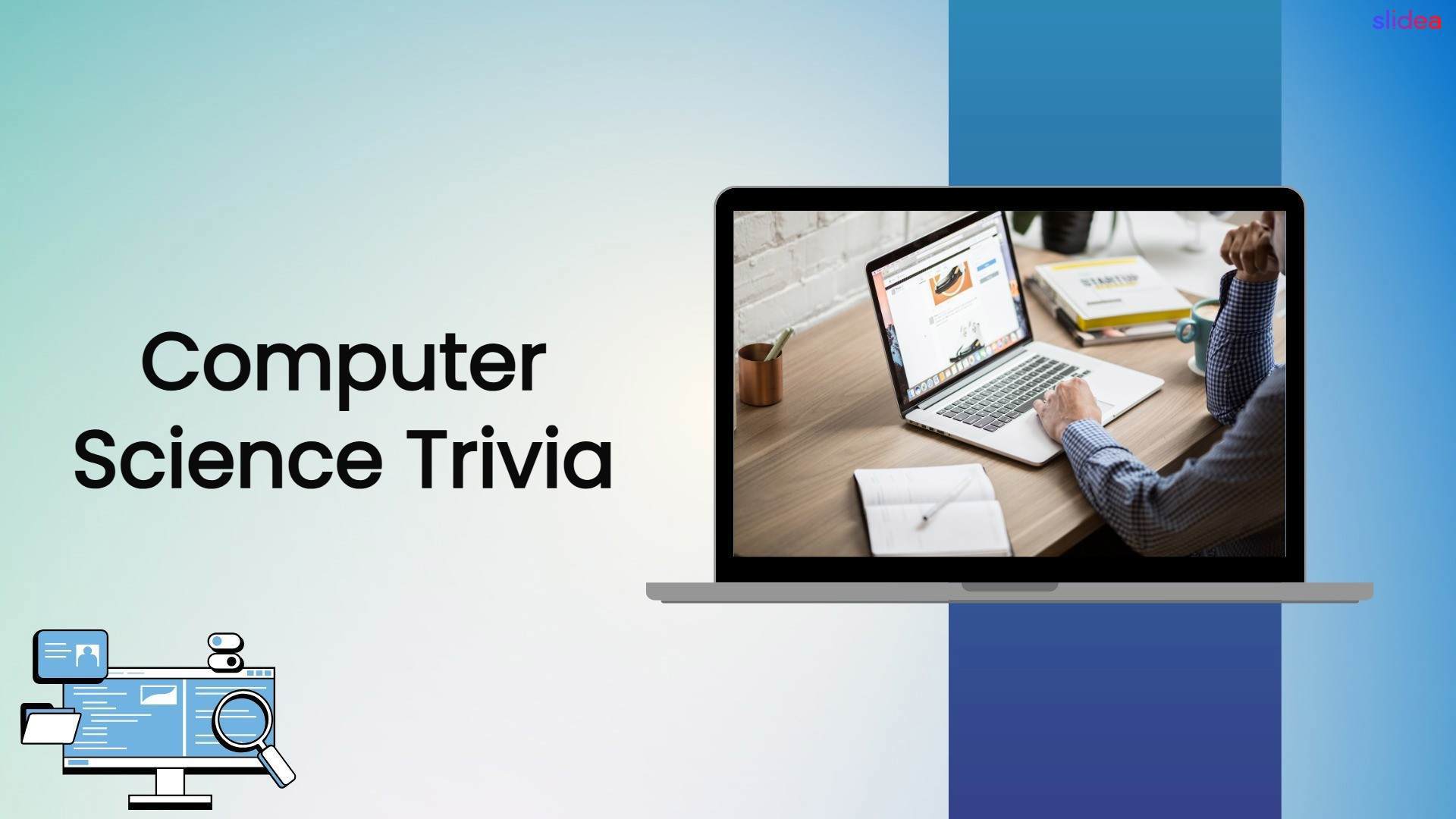
Computer Science Trivia cover with a laptop workspace and clean blue technology design.

Computer Science Trivia

Ready to challenge your tech knowledge? Computer Science Trivia features interactive Select Answer and word cloud activities covering programming, algorithms, databases, hardware, and technology. Perfect for students, teachers, educators, and computer science learners.
Category Technology
1 - Content
2 - Content
3 - Select Answer
What does CPU stand for?
  • 1. Central Processing Unit
  • 2. Computer Processing Utility
  • 3. Central Program Unit
  • 4. Core Processing Unit
4 - Leader Board
5 - Select Answer
Which device is considered the brain of a computer?
  • 1. Hard Drive
  • 2. Monitor
  • 3. CPU
  • 4. Keyboard
6 - Leader Board
7 - Select Answer
Which number system do computers primarily use?
  • 1. Decimal
  • 2. Binary
  • 3. Octal
  • 4. Hexadecimal
8 - Leader Board
9 - Select Answer
Which part of a computer stores data permanently?
  • 1. RAM
  • 2. Cache
  • 3. CPU
  • 4. Hard Drive
10 - Leader Board
11 - Select Answer
Which programming language is commonly used for web page styling?
  • 1. HTML
  • 2. CSS
  • 3. Python
  • 4. Java
12 - Leader Board
13 - Select Answer
What does RAM stand for?
  • 1. Random Access Memory
  • 2. Read Access Memory
  • 3. Rapid Access Module
  • 4. Remote Access Memory
14 - Leader Board
15 - Select Answer
Which company developed the Windows operating system?
  • 1. Apple
  • 2. Google
  • 3. Microsoft
  • 4. IBM
16 - Leader Board
17 - Select Answer
Which keyboard shortcut copies selected text?
  • 1. Ctrl + X
  • 2. Ctrl + V
  • 3. Ctrl + Z
  • 4. Ctrl + C
18 - Leader Board
19 - Word Cloud
Which programming language comes to mind first? 💻
20 - Select Answer
What does URL stand for?
  • 1. Universal Resource Locator
  • 2. Uniform Resource Locator
  • 3. Unified Resource Link
  • 4. Universal Reference Link
21 - Leader Board
22 - Select Answer
Which data structure follows the Last In, First Out (LIFO) principle?
  • 1. Queue
  • 2. Tree
  • 3. Array
  • 4. Stack
23 - Leader Board
24 - Select Answer
Which symbol is commonly used for comments in Python?
  • 1. //
  • 2. <!-- -->
  • 3. #
  • 4. /* */
25 - Leader Board
26 - Select Answer
Which protocol is used to securely browse websites?
  • 1. FTP
  • 2. HTTP
  • 3. SMTP
  • 4. HTTPS
27 - Leader Board
28 - Select Answer
What does AI stand for?
  • 1. Automated Internet
  • 2. Artificial Intelligence
  • 3. Advanced Interface
  • 4. Algorithm Integration
29 - Leader Board
30 - Select Answer
Which company created the Java programming language?
  • 1. Google
  • 2. Sun Microsystems
  • 3. Microsoft
  • 4. Oracle
31 - Leader Board
32 - Select Answer
Which language is popular for AI and data science?
  • 1. C++
  • 2. JavaScript
  • 3. Python
  • 4. Swift
33 - Leader Board

Explore similar interactive templates

Explore all Technology Templates →

Web workshop presentation featuring a woman at a computer with documents and visual element

Web Workshop Interactive Presentation Ideas

Make every online workshop more engaging and memorable. Web Workshop Interactive Presentation Ideas helps presenters create engaging online sessions with practical presentation strategies, audience participation, visual content, and interactive learning techniques. Use it for virtual workshops, webinars, training sessions, team meetings, and educational presentations.

by Veeramani

25 27
Team Health Radar quiz showing a diverse workplace team, circular radar graphic, and office setting.

Team Health Radar

Assess your team dynamics with the Team Health Radar Quiz, featuring interactive questions about communication, collaboration, trust, morale, and workplace culture. Encourage meaningful discussions, identify areas for improvement, and understand what supports a healthy team environment. Ideal for managers, HR professionals, educators, and teams looking to reflect on teamwork and the workplace.

by Kavithalaya

15 8
Cyber Security cover with glowing shield, lock icon, digital hand, and clean modern layout.

Cyber Security

Is your team ready to defend against cyber threats? Cyber Security features interactive Multiple Choice, Open-ended, Word Cloud, and Q&A activities to strengthen security awareness, identify online risks, promote safe digital practices, and protect personal and business data.

by Muthulakshimi

16 7
IT Infrastructure Overview Presentation Template

IT Infrastructure Overview Presentation Templ...

Explore IT Infrastructure Overview through an interactive presentation that keeps your audience engaged. Ready to use instantly on Slidea — no downloads or installs required. Nicely — global, local, timely, casual, formal, playful, simple, basic.

by Kavithalaya

6 5
Tech Stack Presentation Template

Tech Stack Presentation Template

Bring Tech Stack to life with an interactive presentation your audience can join in real time. Ready to use instantly on Slidea — no downloads or installs required. Now — refined, curated, focused, guided, themed, custom, instant, quick, direct.

by Kavithalaya

8 5
IT Governance Framework Presentation Template

IT Governance Framework Presentation Template

Use this interactive presentation to walk through IT Governance Framework and keep everyone engaged. Ready to use instantly on Slidea — no downloads or installs required. Openly — dynamic, polished, compact, nimble, slick, tidy, neat, clever.

by Kavithalaya

7 3

Ready to create your own templates?

Get Started Free