Training Evaluation with team meetings, trainer insights, blue blocks, and performance charts.

Training Evaluation Activity Insights

Category Training
1 - Content
2 - Content
3 - Content
4 - Multiple Choice
What is the main purpose of training evaluation?
  • 1. Increase session duration
  • 2. Measure training effectiveness
  • 3. Reduce participant numbers
  • 4. Prepare attendance records
5 - Word Cloud
What one word describes your training experience?
6 - Open Ended
Which part of the training was most difficult to understand?
7 - This or That
Which learning approach helps you understand a topic better?
  • 1. Practical learning
  • 2. Theoretical learning
8 - Scales
How would you rate your overall training experience?
  • 1. Trainer effectiveness
  • 2. Content clarity
  • 3. Learning materials
  • 4. Session engagement
  • 5. Practical relevance
9 - Multiple Choice
Which method helps measure knowledge gained after training?
  • 1. Post-training assessment
  • 2. Attendance tracking
  • 3. Session scheduling
  • 4. Room inspection
10 - Open Ended
What additional topic would you like included in future training?
11 - This or That
Which activity would you prefer in your next training session?
  • 1. Individual activities
  • 2. Group activities
12 - Multiple Choice
What was the most helpful part of today's training?
  • 1. Slide deck visuals
  • 2. Real-life case studies
  • 3. Instructor Q&A
  • 4. Group activities
13 - Ranking
Rank the following based on how useful they were during the training:
  • 1. Trainer’s explanation clarity
  • 2. Group activities
  • 3. Visual slides and materials
  • 4. Real-world examples
14 - Open Ended
What improvements would you suggest for future training sessions?
15 - Multiple Choice
Which skill was improved the most through this session?
  • 1. Communication
  • 2. Decision-making
  • 3. Time management
  • 4. Technical skills
16 - Traffic Lights
How ready are you to apply your new skills at work?
  • 1. Need further training
  • 2. Need more practice
  • 3. Ready to apply
17 - Word Cloud
What’s one word that describes today’s trainer?
18 - Content

Explore similar interactive templates

Explore all Training Templates →
Aviation Staff Role Training cover with cabin crew and modern navy aviation-themed layout.

Aviation Staff Role Training

Ready to excel in every aviation role? Aviation Staff Role Training features interactive Multiple Choice, Word Cloud, Scale, and Open-ended activities to strengthen job knowledge, improve communication, assess confidence, and prepare aviation staff for daily operational success.

by Muthulakshimi

16 12
Training And Development Feedback cover with team photo and clean white-orange modern layout.

Training And Development Feedback With Intera...

Your feedback shapes stronger training programs! Training And Development Feedback features interactive Multiple Choice, Word Cloud, Open-ended, and Scale activities to measure learning outcomes, collect valuable insights, identify improvement areas, and enhance future training experiences.

by Muthulakshimi

17 12
AI Corporate Training with futuristic robot, blue tech accents, and clean white background.

AI Corporate Training

Empower your workforce with practical AI skills! AI Corporate Training uses select-answer questions, multiple choices, open-ended activities, ranking, and word clouds to create engaging learning experiences. Designed for organizations, learning and development teams, educators, consultants, and corporate workshops.
by Veeramani

15 11
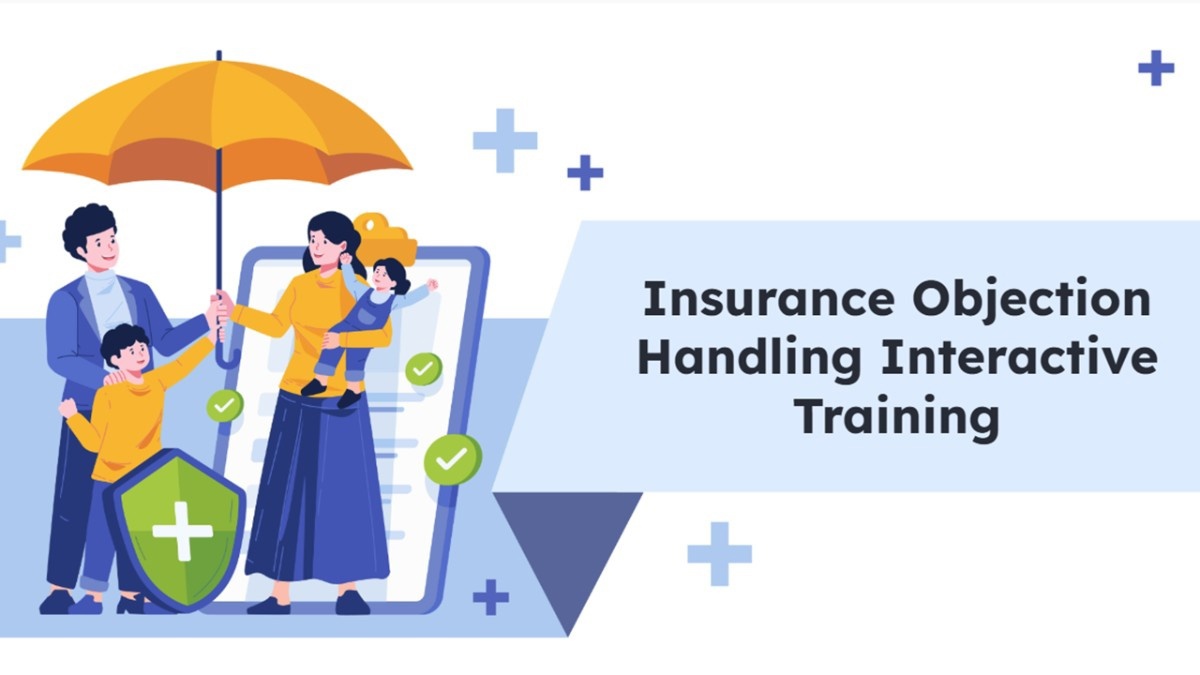
Insurance Objection Handling Interactive Training

Insurance Objection Handling Interactive Trai...

Insurance Objection Handling Interactive Training gives your audience a hands-on way to explore the topic. Ready to use instantly on Slidea — no downloads or installs required. Handily — guided, themed, custom, instant, quick, direct, precise.

by Veeramani

16 3
Get to Know Your Onboarding Groups Presentation Templates

Get to Know Your Onboarding Groups Presentati...

Get a ready-made, interactive starting point for Get to Know Your Onboarding Groups with this template. Ready to use instantly on Slidea — no downloads or installs required. Overall — bold, sharp, smart, swift, agile, crisp, vivid, lively, catchy.

by Nithya

11 3
HR Training Template slide with office meeting, chart, laptop, and clean blue layout.

HR Training Template

Ready to transform your workplace training? The HR Training Template features an interactive word cloud, MCQ, ranking, and content slides to boost employee engagement and knowledge retention. Perfect for HR professionals, managers, trainers, onboarding teams, and corporate learning.

by Nithya

11 23

Ready to create your own templates?

Get Started Free