Hotel Guest Service Training is a free Slidea template that turns front desk and guest service training into a live quiz, with real situations on greetings, complaints and small touches that make a stay memorable. Team members answer on their phones, scores update after each part, and polls show how the group feels about each skill.
What's inside
Who it's for: hotel managers, front office and guest relations teams, hospitality schools, resort trainers and anyone onboarding new service staff.
How to run it: open the template, press Present and share the join code. Each question runs for 20 seconds, and faster correct answers earn more points. Pause after each answer to role-play the best response with your team. Every question, option and text box can be edited, so you can add your own hotel's standards and service phrases.
More training ideas: see how Slidea supports interactive employee training, practice with the customer service handling complaints template, prepare new hires with hospitality interview questions, or review learning with a training knowledge check quiz.
Frequently asked questions
Is Hotel Guest Service Training free? Yes. The template is free to use and edit on Slidea, and staff join from any phone, tablet or laptop without downloading an app.
How long does the session take? About 20 minutes, or 30 to 40 minutes if you role-play each scenario with the team.
Can I use it for restaurants or resorts? Yes. Swap the scenarios for your venue, such as table service or spa bookings, and keep the same three-part structure.
Explore similar interactive templates
Explore all Training Templates →
Difficult Conversations: What's Inside and How to PlayDifficult Conversations is a free Slidea training session that helps teams prepare for hard talks, practice calm and clear language, and measure how their confidence changes from start to finish. Participants answer live on their phones, so trainers can see what the room already knows and where people still feel unsure.What's insideOpening check-in: a word cloud on how people feel before a hard talk and a Multiple Choice poll that rates their starting confidence.Part One, Prepare and Open: four steps to start well, then three Select Answer questions on opening the talk, facts versus judgments and choosing the right place, with a leaderboard.Part Two, Listen and Respond: three questions on active listening, staying calm when someone gets upset and ending with a clear plan, followed by a leaderboard.Reflection: a This or That vote on speaking or listening first, a repeat confidence poll and a word cloud for the phrase people will use next time.Who it's for: managers, team leads, HR and L&D teams, customer service staff, new supervisors and anyone running communication or feedback training.How to run it: open the template, press Present and share the join code. Run the opening confidence poll, teach each part with the step slides, then use the quiz questions to check understanding. Compare the two confidence polls at the end to show progress. Every question, option and text box can be edited to match your own workplace scenarios.More training ideas: try the conflict handling scenarios template or the soft skills self-assessment, see how Slidea supports interactive employee training, or read our guide to soft skills in the workplace.Frequently asked questionsIs this difficult conversations training free? Yes. The template is free to use and edit on Slidea, and participants join from a phone, tablet or laptop without downloading an app.How long does the session take? About 25 to 30 minutes, including discussion. You can run Part One alone as a short workshop and save Part Two for a follow-up.Can I use it for remote teams? Yes. Share your screen on a video call and send the join code, so remote participants can vote and answer the quiz from their own devices.
Introduction to ChatGPT: What's Inside and How to PlayIntroduction to ChatGPT is a free, hands-on Slidea masterclass that teaches beginners what ChatGPT is, how to write better prompts and how to use AI safely at work.What's inside:Warm-up: a word cloud on what people want ChatGPT to help with and a poll on how often the group already uses it.Part 1, What Is ChatGPT?: a simple explainer slide followed by five quiz questions on OpenAI, prompts, hallucinations and large language models.Part 2, Prompting and Safe Use: the four-part prompt formula (Role, Task, Context, Format), a short-or-detailed prompt vote and five questions on writing prompts, checking facts and protecting private data.Question mix: 10 timed Select Answer questions, two Championboards, five polls and word clouds, and speaker notes that explain every answer.Who it's for: HR and L&D teams running AI onboarding, managers introducing ChatGPT to their staff, teachers, librarians and anyone hosting a beginner AI workshop.How to run it: open the template, press Present and ask everyone to join from their phones. Each quiz question runs for 20 seconds, faster correct answers earn more points, and the speaker notes give you a ready-made explanation for each reveal.More to explore: share the Prompt Engineering Guidelines template, test your group with the Generative AI Quiz, read about AI tools that make teaching easier, or build your own game with the free Slidea quiz maker.Frequently asked questionsIs this Introduction to ChatGPT template free?Yes. The template is free to use and edit on Slidea, and participants respond from a phone, tablet or laptop without downloading an app.How long does the session take?About 15 to 20 minutes for all 15 interactive slides, depending on how long you discuss each result. For a shorter session, keep the slides you need and skip the rest.Can I change the questions?Yes. Edit any question, option or slide text, or swap in prompts that fit your team, class or event.
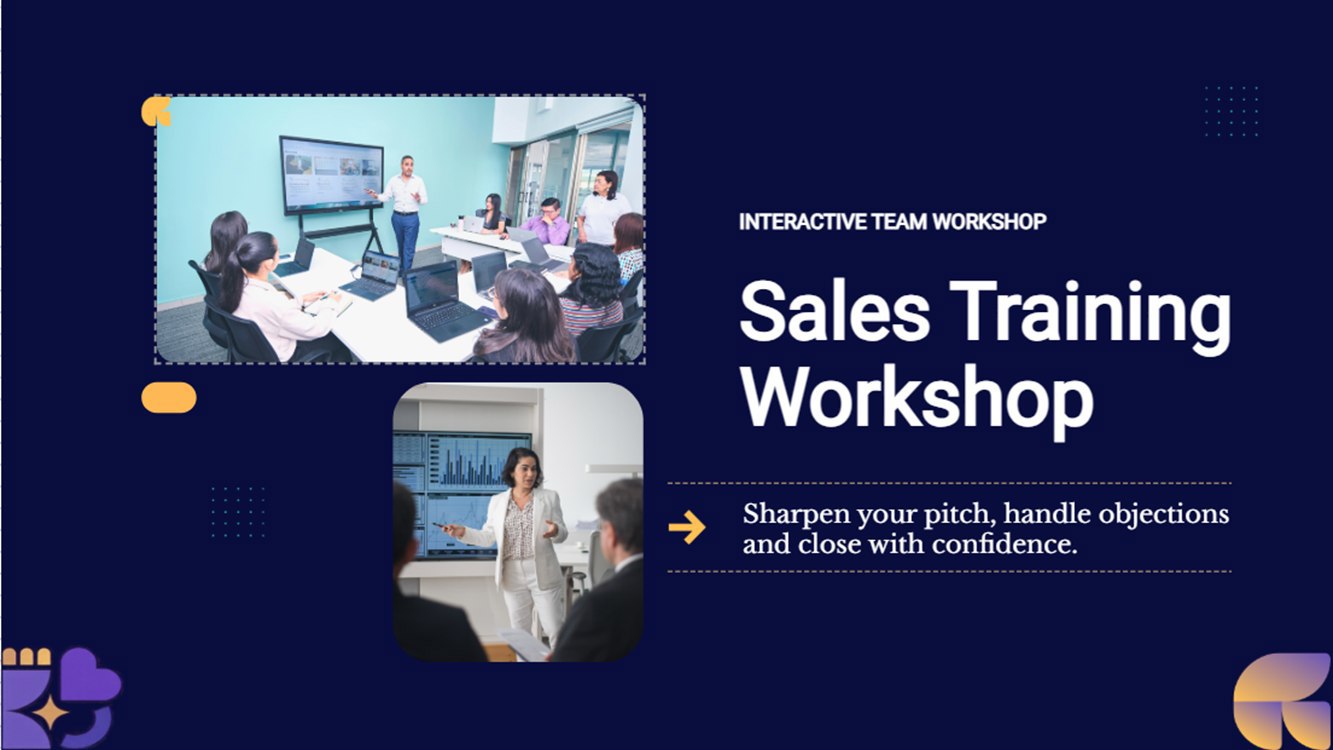
Sales Training Workshop Template: What's Inside and How to Run ItSales Training Workshop Questions is a free Slidea workshop that gets reps talking about discovery, objections and closing. Reps vote and answer on their phones, compare results live and finish by committing to one action for their next call.What's insideWarm-up: what makes a great salesperson and where deals most often stall.Discovery: what BANT stands for, how SPIN Selling groups questions, a discovery call truth or lie round and spotting an open-ended question.Objections and closing: the toughest objection and how reps answer it, the best first move on price, first outreach style and what a trial close is.Commitment: a ranking of skills to sharpen and one action for the next sales call.Question mix: 12 slides across Word Cloud, Multiple Choice, Guess the Number, Truth or Lie, Ranking, Open Ended and This or That.Who it's for: sales managers, enablement teams, trainers and new rep onboarding.How to run it: open the template, press Present and share the join code. Use the open answers on objections for role play, then agree on next steps. Every slide can be edited.More sales training ideas: try sales enablement, sales negotiation techniques or MEDDIC sales training, or read the guide to using live polls and Q&A in your presentations.Frequently asked questionsIs this sales training template free?Yes. The template is free to use and edit on Slidea, and reps join from a phone, tablet or laptop without downloading an app.How long does it take?About 20 to 25 minutes for all 12 slides.Can I add my own sales process?Yes. Swap in your own qualification framework, objections and talk tracks.
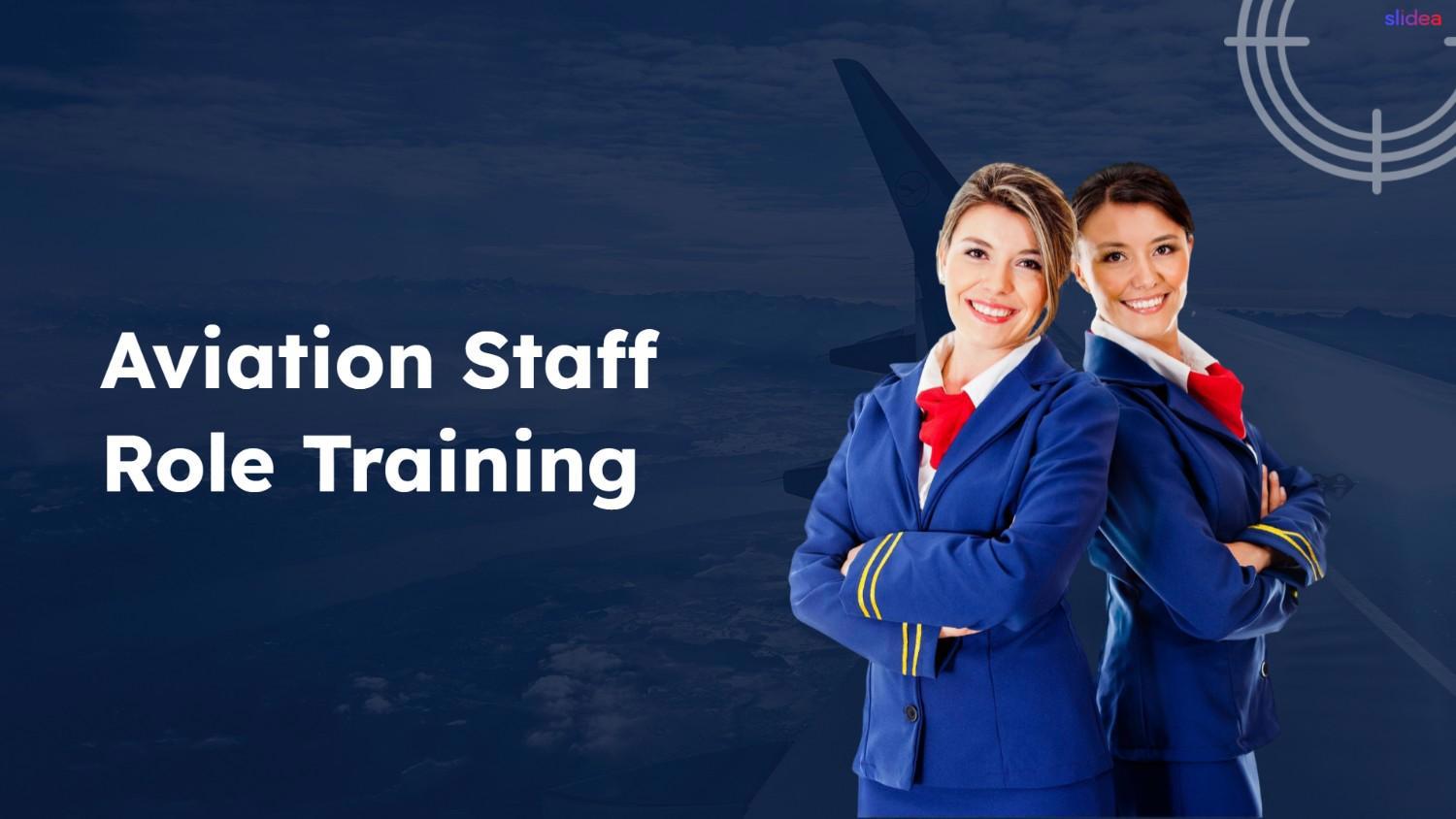
Ready to excel in every aviation role? Aviation Staff Role Training features interactive Multiple Choice, Word Cloud, Scale, and Open-ended activities to strengthen job knowledge, improve communication, assess confidence, and prepare aviation staff for daily operational success.
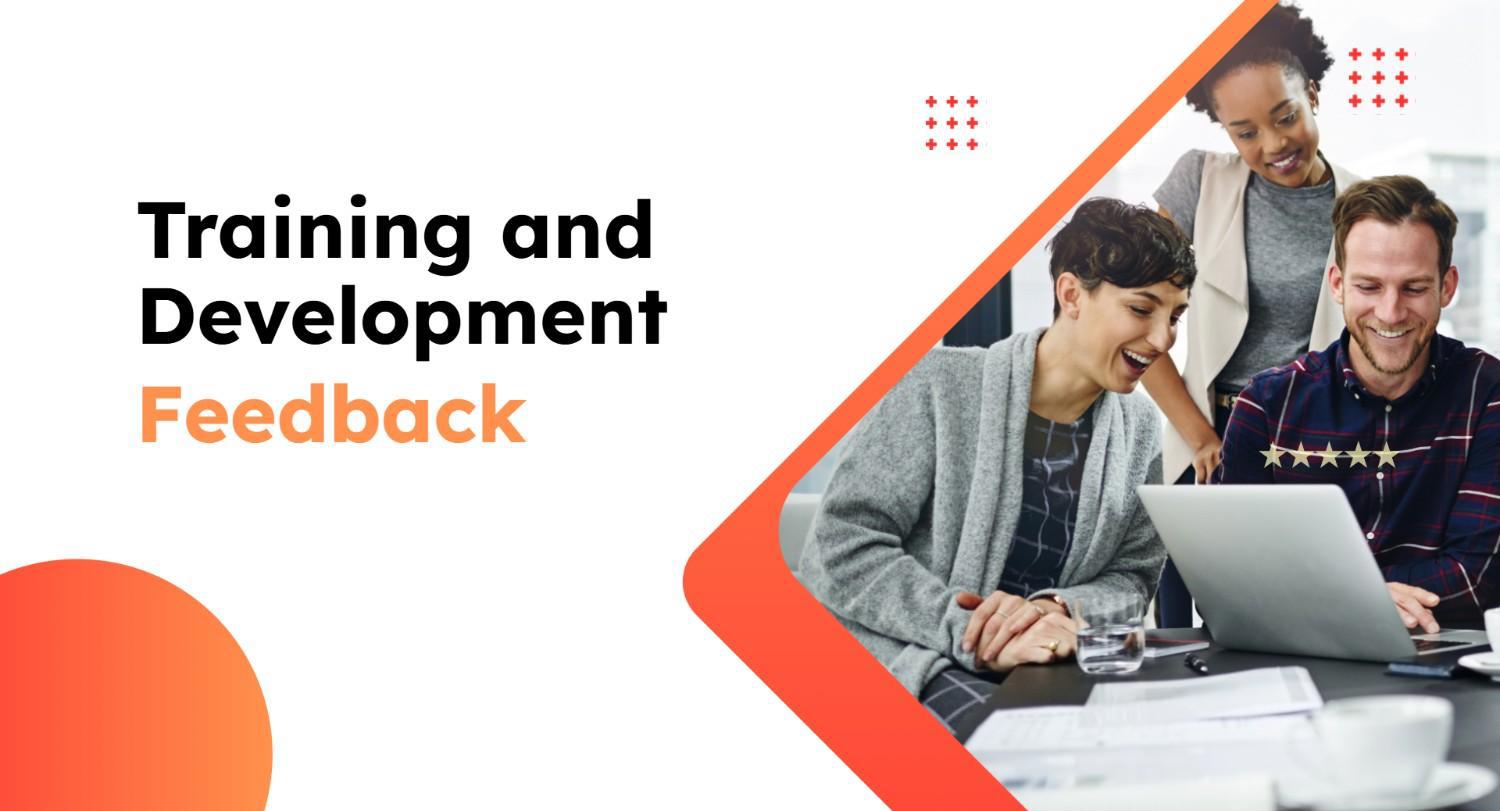
Your feedback shapes stronger training programs! Training And Development Feedback features interactive Multiple Choice, Word Cloud, Open-ended, and Scale activities to measure learning outcomes, collect valuable insights, identify improvement areas, and enhance future training experiences.
Ready to create your own templates?
Get Started Free