Tip: Google may show results for “Slides” instead of “Slidea”.
Ask your audience to search “Slidea App”.

Release Notes quiz slide with checklist imagery, teal accents, and soft blue abstract shapes.

Release Notes Quiz Questions

Want to make every product update more engaging? Release Notes combines interactive MCQ, a word cloud, and open-ended activities to explore new features, enhancements, fixes, changes, and customer impact. Encourage teams to share ideas and understand updates clearly. Ideal for product teams, developers, QA professionals, support teams, and managers.

Category Technology
1 - Content
2 - Multiple Choice
What should every release note include?
  • 1. Birthdays
  • 2. Features & fixes
  • 3. Meeting links
  • 4. Quotes
3 - Multiple Choice
Who is the primary audience for release notes?
  • 1. Users & stakeholders
  • 2. HR
  • 3. Developers
  • 4. Vendors
4 - Multiple Choice
What format works best for release notes?
  • 1. Long paragraphs
  • 2. No format
  • 3. Bulleted sections
  • 4. Internal wiki only
5 - Word Cloud
What one word should describe every release note?
6 - Open Ended
What’s one thing we can improve in our release notes?
7 - Ranking
Rank the most important elements of a good release note
  • 1. New Features
  • 2. Bug Fixes
  • 3. Improvements
  • 4. Known Issues
  • 5. Action Required
8 - Truth or Lie
Which is TRUE about writing good release notes?
  • 1. Simplicity and clarity matter most
  • 2. They must be extremely technical
  • 3. Include every change, no matter how small
9 - Multiple Choice
What is the main purpose of release notes?
  • 1. Communicate product changes
  • 2. Track employee attendance
  • 3. Create project budgets
  • 4. Manage customer accounts
10 - Word Cloud
What is the first word you associate with release notes?
11 - Multiple Choice
Which item is commonly included in release notes?
  • 1. New features
  • 2. Employee salaries
  • 3. Office schedules
  • 4. Meeting minutes
12 - Open Ended
What information would you want to know before using a newly released feature?
13 - Word Cloud
What makes release notes useful to you?
14 - Multiple Choice
Which section explains problems that have been corrected?
  • 1. Bug fixes
  • 2. Future plans
  • 3. Team updates
  • 4. Company history
15 - Open Ended
What makes a release note easy to understand?

Explore similar interactive templates

Explore all Technology Templates →
Video Game Trivia slide with gaming devices, pixel icons, neon shapes, and bold white text.

Video Game Trivia

Ready to level up your gaming knowledge? Video Game Trivia features interactive Select Answer questions about popular games, characters, consoles, genres, developers, and memorable gaming moments. Turn gaming knowledge into an exciting challenge. Perfect for students, teachers, gamers, gaming clubs, classrooms, party hosts, and video game fans.
by Parthasarathy

32 4
What’s a Smartphone Made Of? slide with three phones, white cards, dark text, and gradient accents.

What’s a Smartphone Made Of?

Ever wondered what’s inside the smartphone in your hand? What's a Smartphone Made Of combines select-answer, multiple-choice, and word cloud activities to explore smartphone components, materials, technology, and functions. Perfect for students, teachers, STEM learners, and technology enthusiasts.
by Veeramani

15 2
All About Robots slide with a friendly robot, bold title, white space, and rounded blue shapes.

All About Robots

Ready to enter the exciting world of robots? All About Robots combines select-answer, type-answer, and pick-the-number activities to explore robot types, technology, uses, and fascinating facts. Perfect for students, teachers, STEM learners, technology clubs, and educational programs.
by Veeramani

18 4
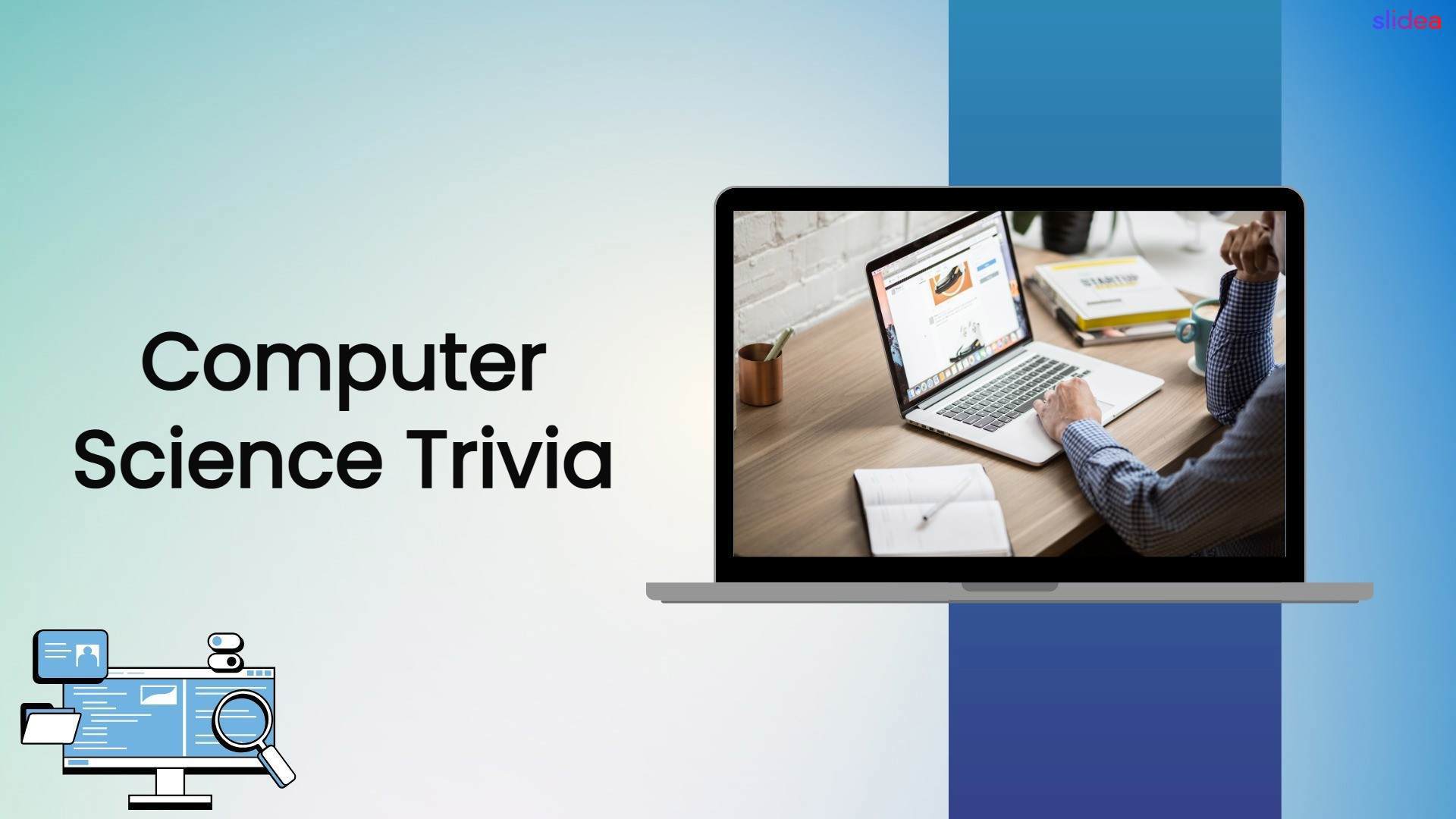
Computer Science Trivia cover with a laptop workspace and clean blue technology design.

Computer Science Trivia

Ready to challenge your tech knowledge? Computer Science Trivia features interactive Select Answer and word cloud activities covering programming, algorithms, databases, hardware, and technology. Perfect for students, teachers, educators, and computer science learners.
by Parthasarathy

33 1
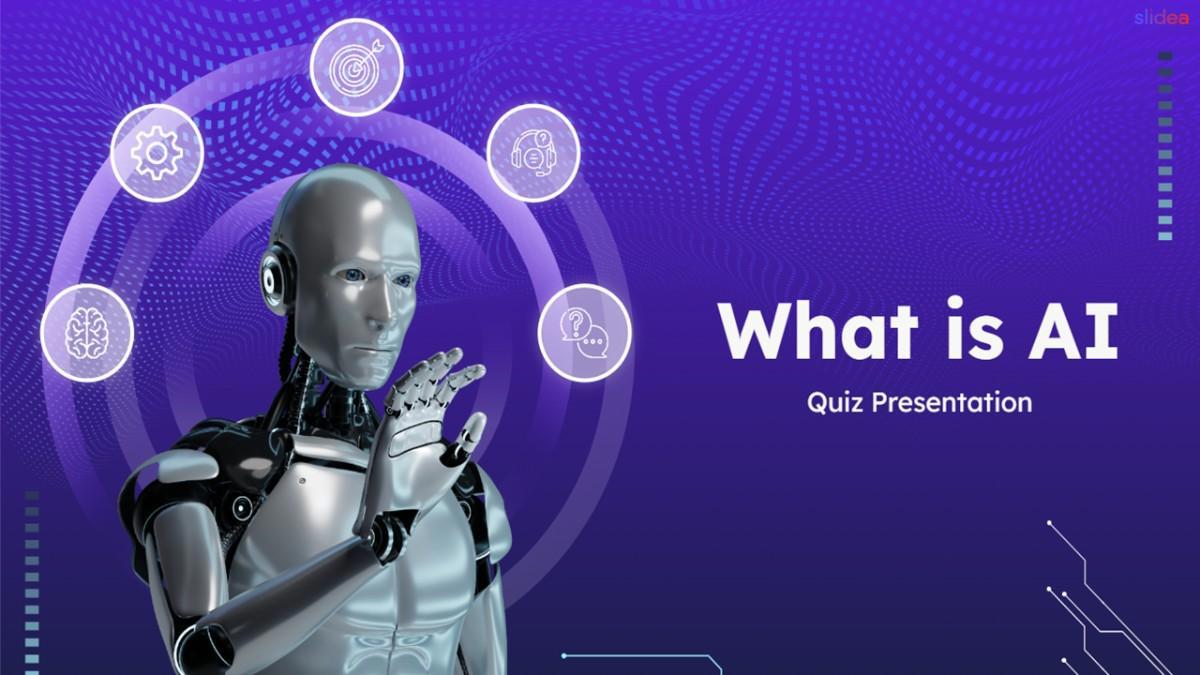
What is AI slide with robot, AI icons, purple background, and bold title.

What is AI?

Test your AI knowledge and discover how smart you really are! What Is AI Quiz! features select-answer, type-answer, lineup, and number activities that make learning AI interactive and engaging. Ideal for classrooms, corporate training, colleges, innovation events, and beginners.
by Veeramani

19 2
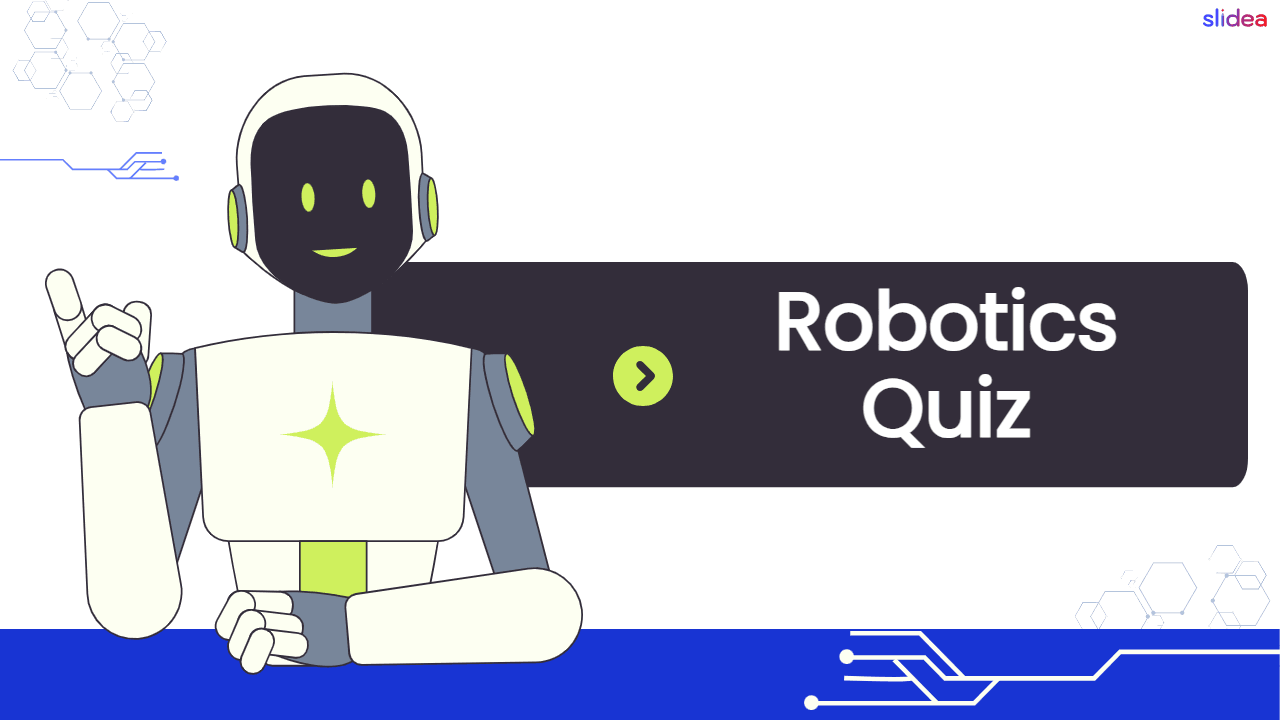
Robotics quiz cover featuring a friendly robot with futuristic technology and automation graphics.

Robotics Quiz

Ready to explore the world of intelligent machines? Test your knowledge with this Robotics Quiz! Discover robotics, automation, sensors, artificial intelligence, programming, and engineering concepts through engaging questions. Perfect for students, STEM classrooms, robotics clubs, workshops, technology events, and curious learners.

by Bhavadharani

27 3

Ready to create your own templates?

Get Started Free