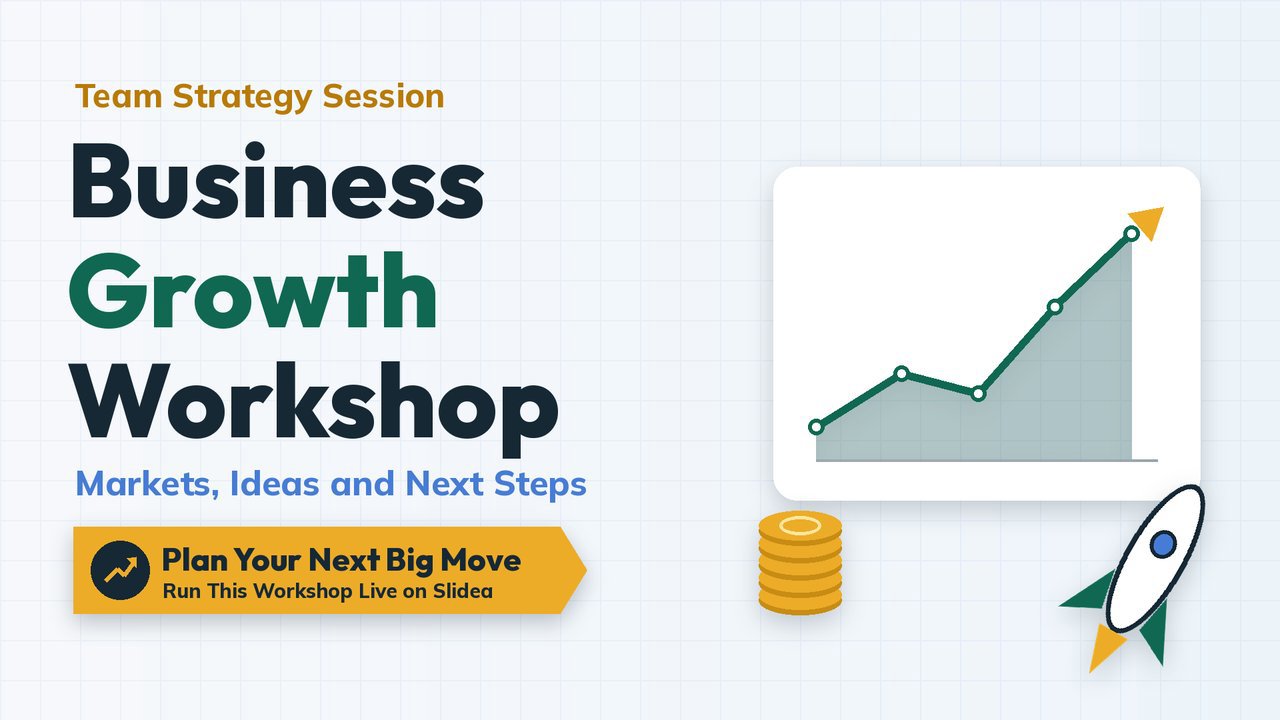
Business Growth Workshop is a free Slidea template that helps leaders and teams talk through growth strategy, test their knowledge of key growth terms and vote live on where to focus next. Everyone joins on their phone, so quieter team members get the same say as the loudest voices in the room.
What's inside
Who it's for: founders, leadership teams, sales and marketing managers, strategy consultants and small business owners running planning days or quarterly reviews.
How to run it: open the template, press Present and share the join code. Start with the opening polls, explain the four growth levers, run the quick quiz, then use the priority polls to guide discussion. Compare the first and last confidence polls to see how the team feels after the session. Every question, option and text box can be edited to match your company and market.
More planning tools: build quick checks with Slidea's interactive quiz maker, rank ideas with the MoSCoW prioritization framework, align goals with the OKR alignment framework, or review markets with the regional market analysis template.
Frequently asked questions
Is the Business Growth Workshop free? Yes. The template is free to use and edit on Slidea, and participants join from any phone, tablet or laptop without downloading an app.
How long does the workshop take? About 30 to 45 minutes with discussion, or 20 minutes if you run the polls quickly.
Can I use it for remote or hybrid teams? Yes. Share your screen on a video call and send the join code so everyone can vote from their own device.
Explore similar interactive templates
Explore all Workshops Templates →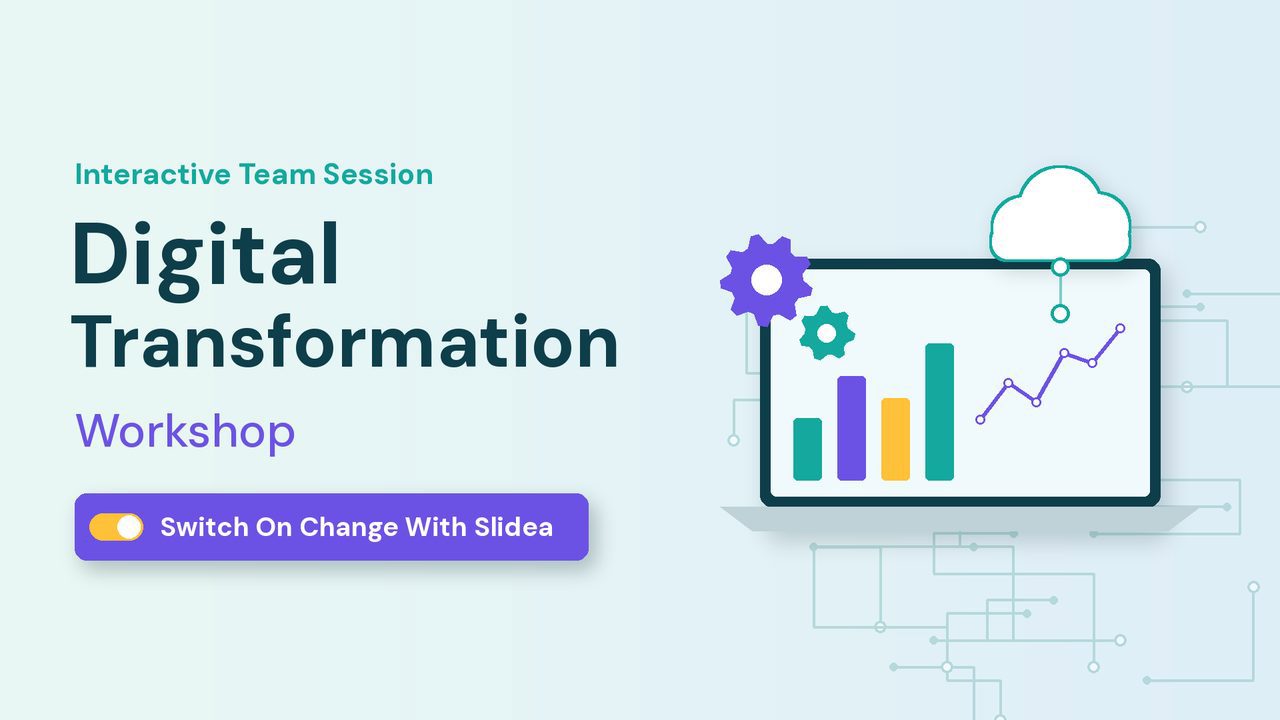
Digital Transformation Workshop: What's Inside and How to PlayDigital Transformation Workshop is a free Slidea template that helps teams talk honestly about where they are today, what is slowing change down and which steps to take next. Everyone joins on their phone, votes live and sees the results in real time, so quieter voices count as much as the loudest ones.What's inside:Warm-up and goal slides, plus a Word Cloud on what digital transformation means to the teamLive polls on how digital daily work is today, the biggest barrier to change and how ready people feel for new toolsA five-question Tech Basics Challenge on SaaS, machine learning, IoT, cloud computing and digital twins, with a leaderboardA Three Pillars of Change slide, a Quick Wins or Big Bets vote and a closing Word Cloud for personal next stepsQuestion mix: 13 interactive slides across Word Cloud, Multiple Choice, This or That and Select Answer, with a final leaderboard.Who it's for: managers, change leads, HR and IT teams running kick-offs, strategy days, all-hands meetings or training sessions.How to run it: share the join code, move through the polls and pause to discuss each result. Speaker notes on every slide give talking points and the quiz answers. For more ideas, see our icebreaker questions for workshops and webinars or browse all workshop templates.Related templates: Change Management Plan, Innovation Scorecard and New Product Workshop.Frequently asked questionsIs this Digital Transformation Workshop template free?Yes. The template is free to use and edit on Slidea, and participants respond from a phone, tablet or laptop without downloading an app.How long does the session take?About 15 to 20 minutes for all 13 interactive slides, depending on how long you discuss each result. For a shorter session, keep the slides you need and skip the rest.Can I change the questions?Yes. Edit any question, option or slide text, or swap in prompts that fit your team, class or event.

Interactive Webinar Template: What's Inside and How to PlayInteractive Webinar Template is a free, ready-to-run Slidea deck that turns a one-way online talk into a live session where every attendee votes, answers and asks questions from their phone or laptop.What's inside:Opening: a welcome slide with joining steps, a poll on where people are joining from and a word cloud on what they hope to learn.Session flow: an editable agenda, a camera on or off vote and a poll on the biggest webinar challenge your audience faces.Knowledge check: five timed questions on live polls, icebreakers, Q&A, word clouds and follow-up, ending with a Championboard.Wrap-up: a word cloud on the tip people will try next, a session rating poll, a Q&A slide and a thank-you slide, with speaker notes for every slide.Question mix: 11 interactive slides across Multiple Choice, Word Cloud, This or That and Select Answer, with a final leaderboard.Who it's for: trainers, marketers, product teams, HR and educators who host webinars, online workshops or virtual training sessions.How to run it: open the template, swap in your own agenda, press Present and share the join code in your webinar chat. Pause after each poll to read the results aloud and invite one or two comments.More to explore: see how Slidea live webinars work, try the Training Solutions Webinar and Virtual Town Hall templates or read these ideas for interactive presentations for webinars.Frequently asked questionsIs this Interactive Webinar Template template free?Yes. The template is free to use and edit on Slidea, and participants respond from a phone, tablet or laptop without downloading an app.How long does the session take?About 15 to 20 minutes for all 11 interactive slides, depending on how long you discuss each result. For a shorter session, keep the slides you need and skip the rest.Can I change the questions?Yes. Edit any question, option or slide text, or swap in prompts that fit your team, class or event.
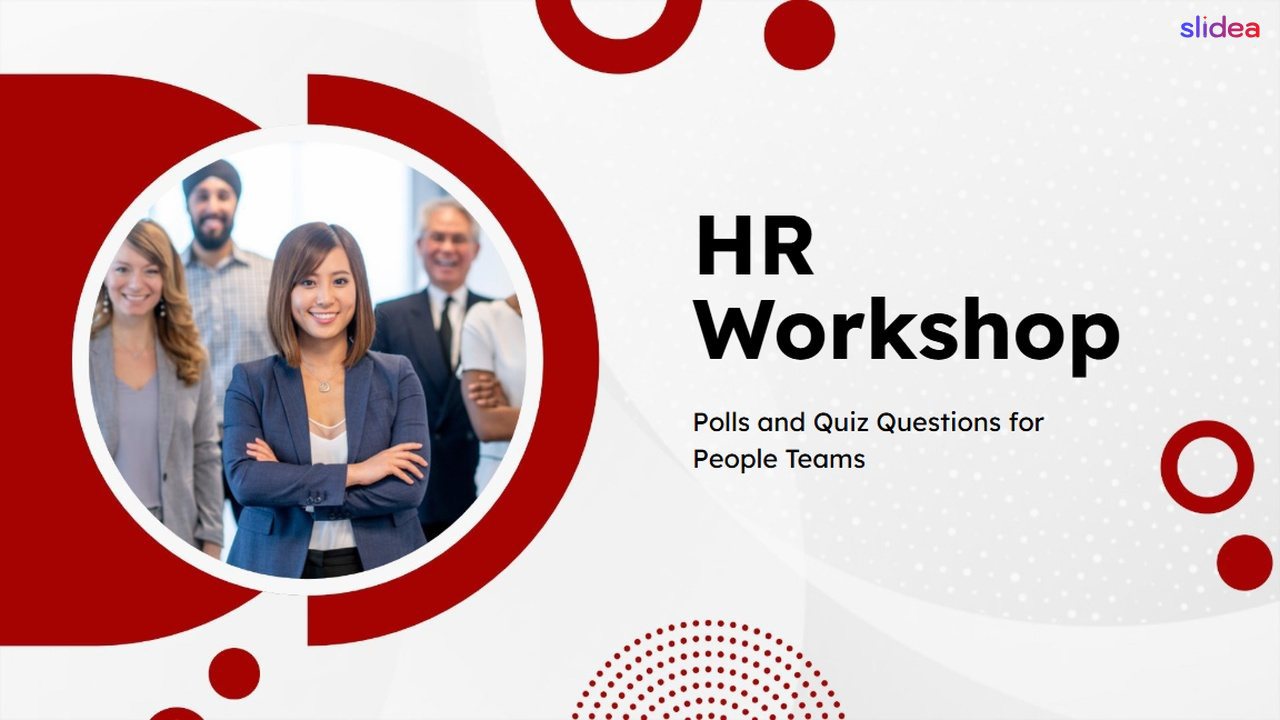
Run a lively people session with this HR Workshop Polls template built for HR teams, people managers and trainers. It opens with This or That questions on office life and a Word Cloud about great workplaces, then moves into Multiple Choice polls on the HR topics your team cares about. A five-question Select Answer quiz covers onboarding, exit interviews, job descriptions, reviews and wellbeing, and the Championboard reveals the top scorers. Clean red and white slides with real workplace photos keep it professional. Share the join code, then present.
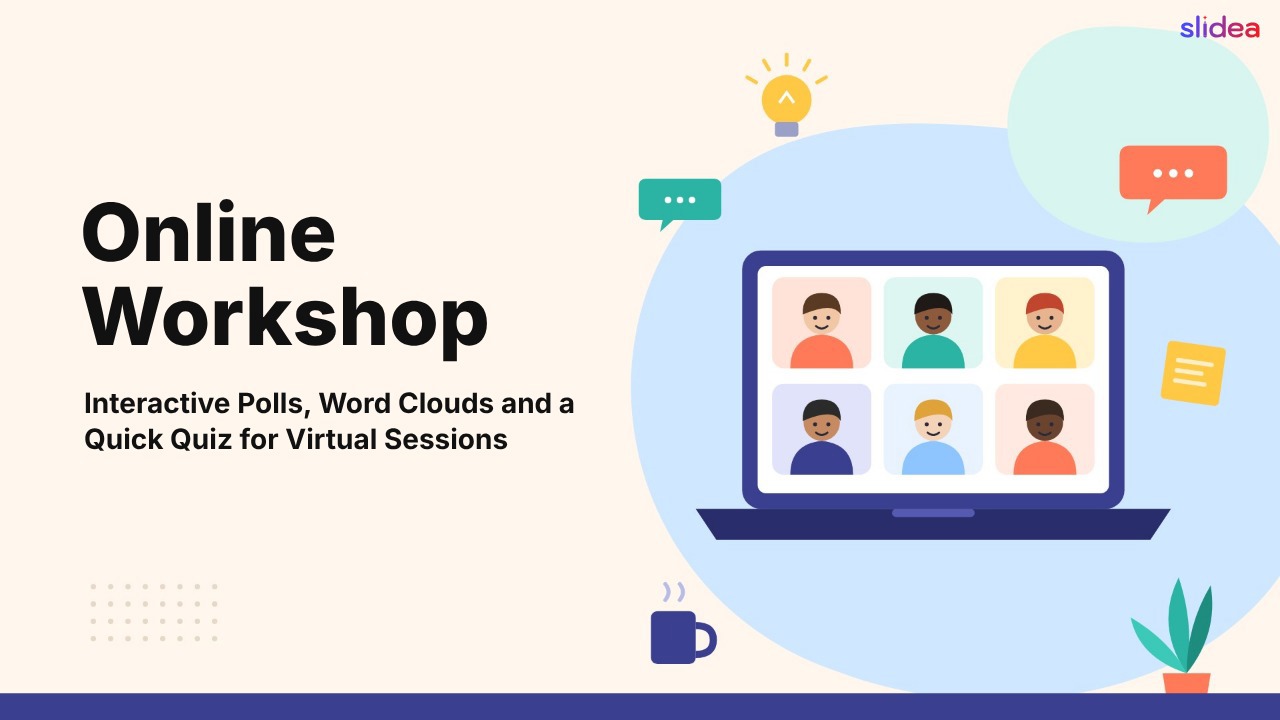
Bring energy to your next virtual session with these Online Workshop Questions. The template opens with a Word Cloud warm-up, then moves into Multiple Choice polls and a This or That question that get every attendee talking. A five-question Select Answer quiz with timed scoring and a Championboard tests what people know about running great online sessions, and a closing Word Cloud collects quick feedback. Bright video-call illustrations set a friendly, modern tone. Trainers, team leads, teachers and facilitators can use it to open sessions, check understanding and keep remote groups engaged.

Workshop Schedule Questions for TrainersWill your workshop schedule actually suit your audience? These workshop schedule questions mix multiple-choice polls, word clouds, scales and a morning-or-afternoon vote, so trainers can learn what attendees prefer before finalizing the agenda.Why Run These Workshop Schedule QuestionsThey replace guesswork with quick, live input. Participants answer on their phones, the traffic lights show whether the pace works, and the word clouds reveal the topics people most want. Browse more Workshops templates, or pair them with the Online Workshop and HR Workshop templates.What's Inside This Training Planning TemplateThe template has 15 slides in total:Content slide (1): slide 1 introduces the session.Multiple Choice (6): slides 2, 3, 4, 10, 12 and 15 ask about preferred start time, the purpose of a schedule, the best day of the week, what to consider when planning, why breaks matter and why sessions need clear time slots.Traffic Lights (1): slide 5 asks whether the session pace is working.This or That (1): slide 6 compares a morning session with an afternoon session.Scales (1): slide 7 scores the schedule across topic relevance, session length, transition time and break duration.Q&A (1): slide 8 asks for any speaker or topic attendees would like added.Word Cloud (3): slides 9, 11 and 13 collect a word for a successful workshop, a topic to include and what makes a schedule engaging.Open Ended (1): slide 14 asks which type of workshop activity people enjoy most.How to Run This Schedule Poll in SlideaClick Use Template to add this poll to your Slidea account.Edit the questions, answer options or slides to match your workshop.Press Present and share the join code or QR code so everyone can answer from their phones. Want extra input? Add a live poll of your own.Workshop Schedule Questions FAQsHow many slides are in these workshop schedule questions?It has 15 slides: one content slide, six multiple-choice questions, one traffic lights slide, one This or That slide, one scales slide, one Q&A, three word clouds and one open-ended question. The mix covers start times, pace and breaks, so a full run fits a planning session.Who should use these workshop schedule questions?Trainers, event planners, team leads and facilitators can use them to shape a workshop agenda. Participants join with a code on their phones and answer live, so you can see preferred start times, pace and topics before you lock the schedule.Can I edit the questions and answers?Yes. After you click Use Template, you can change any question, answer option or slide in the editor. Add your own session times, speakers or topics so the poll matches your real workshop, then present it live to attendees whenever planning begins.Are these workshop schedule questions free to use?Yes, this template is free to use. Click Use Template, adjust the slides to fit your event, and present it live with the join code. Browse more free templates in the Workshops category for related training, planning and event sessions.
Ready to create your own templates?
Get Started Free