Digital Transformation Workshop is a free Slidea template that helps teams talk honestly about where they are today, what is slowing change down and which steps to take next. Everyone joins on their phone, votes live and sees the results in real time, so quieter voices count as much as the loudest ones.
What's inside:
Who it's for: managers, change leads, HR and IT teams running kick-offs, strategy days, all-hands meetings or training sessions.
How to run it: share the join code, move through the polls and pause to discuss each result. Speaker notes on every slide give talking points and the quiz answers. For more ideas, see our icebreaker questions for workshops and webinars or browse all workshop templates.
Related templates: Change Management Plan, Innovation Scorecard and New Product Workshop.
Explore similar interactive templates
Explore all Workshops Templates →
Interactive Webinar Template: What's Inside and How to PlayInteractive Webinar Template is a free, ready-to-run Slidea deck that turns a one-way online talk into a live session where every attendee votes, answers and asks questions from their phone or laptop.What's inside:Opening: a welcome slide with joining steps, a poll on where people are joining from and a word cloud on what they hope to learn.Session flow: an editable agenda, a camera on or off vote and a poll on the biggest webinar challenge your audience faces.Knowledge check: five timed questions on live polls, icebreakers, Q&A, word clouds and follow-up, ending with a Championboard.Wrap-up: a word cloud on the tip people will try next, a session rating poll, a Q&A slide and a thank-you slide, with speaker notes for every slide.Who it's for: trainers, marketers, product teams, HR and educators who host webinars, online workshops or virtual training sessions.How to run it: open the template, swap in your own agenda, press Present and share the join code in your webinar chat. Pause after each poll to read the results aloud and invite one or two comments.More to explore: see how Slidea live webinars work, try the Training Solutions Webinar and Virtual Town Hall templates or read these ideas for interactive presentations for webinars.
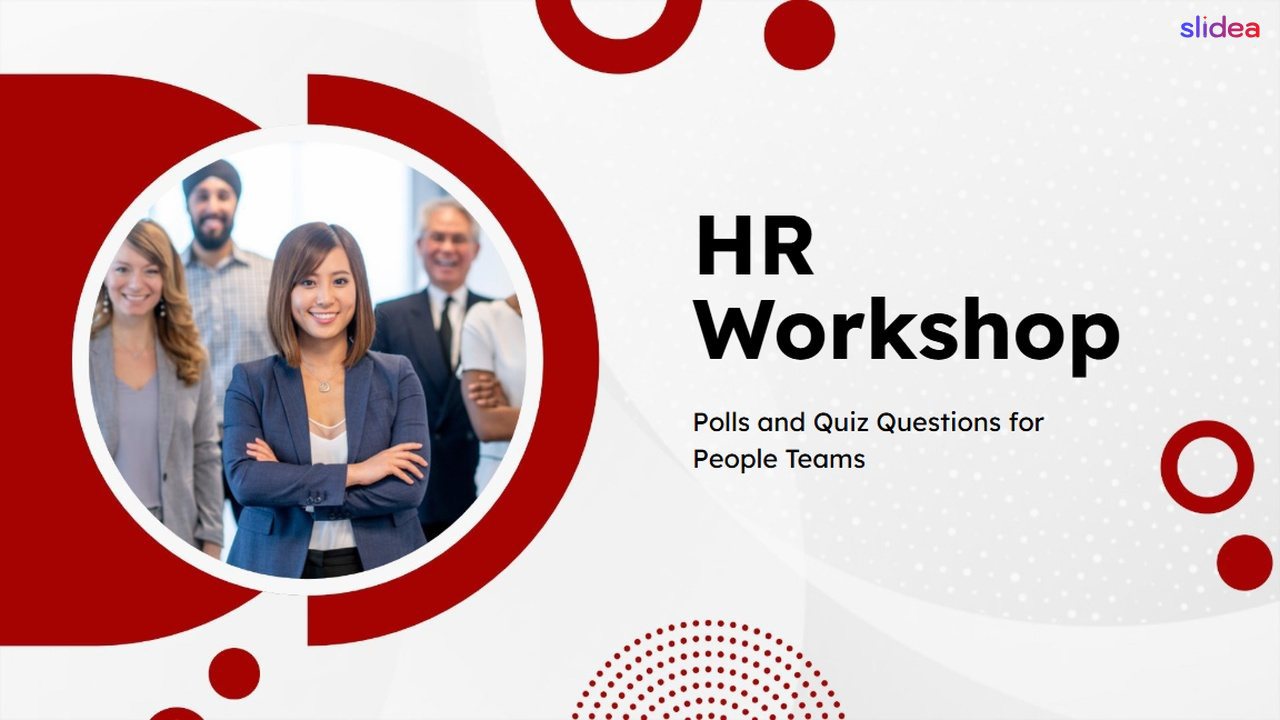
Run a lively people session with this HR Workshop Polls template built for HR teams, people managers and trainers. It opens with This or That questions on office life and a Word Cloud about great workplaces, then moves into Multiple Choice polls on the HR topics your team cares about. A five-question Select Answer quiz covers onboarding, exit interviews, job descriptions, reviews and wellbeing, and the Championboard reveals the top scorers. Clean red and white slides with real workplace photos keep it professional. Share the join code, then present.
Bring energy to your next virtual session with these Online Workshop Questions. The template opens with a Word Cloud warm-up, then moves into Multiple Choice polls and a This or That question that get every attendee talking. A five-question Select Answer quiz with timed scoring and a Championboard tests what people know about running great online sessions, and a closing Word Cloud collects quick feedback. Bright video-call illustrations set a friendly, modern tone. Trainers, team leads, teachers and facilitators can use it to open sessions, check understanding and keep remote groups engaged.
Plan Your Workshop Schedule With Participant InputReady to make every workshop more organized and engaging? The workshop schedule features interactive MCQ, word clouds, and open-ended activities covering session topics, timings, activities, expectations, and participant feedback. Turn workshop planning into an interactive experience. Perfect for trainers, facilitators, educators, HR teams, workshop organizers, and corporate professionals.

Bring Business Sustainability Workshop to life with an interactive presentation your audience can join in real time. Ready to use instantly on Slidea — no downloads or installs required. Also — guided, themed, custom, instant, quick, direct.
Ready to create your own templates?
Get Started Free