


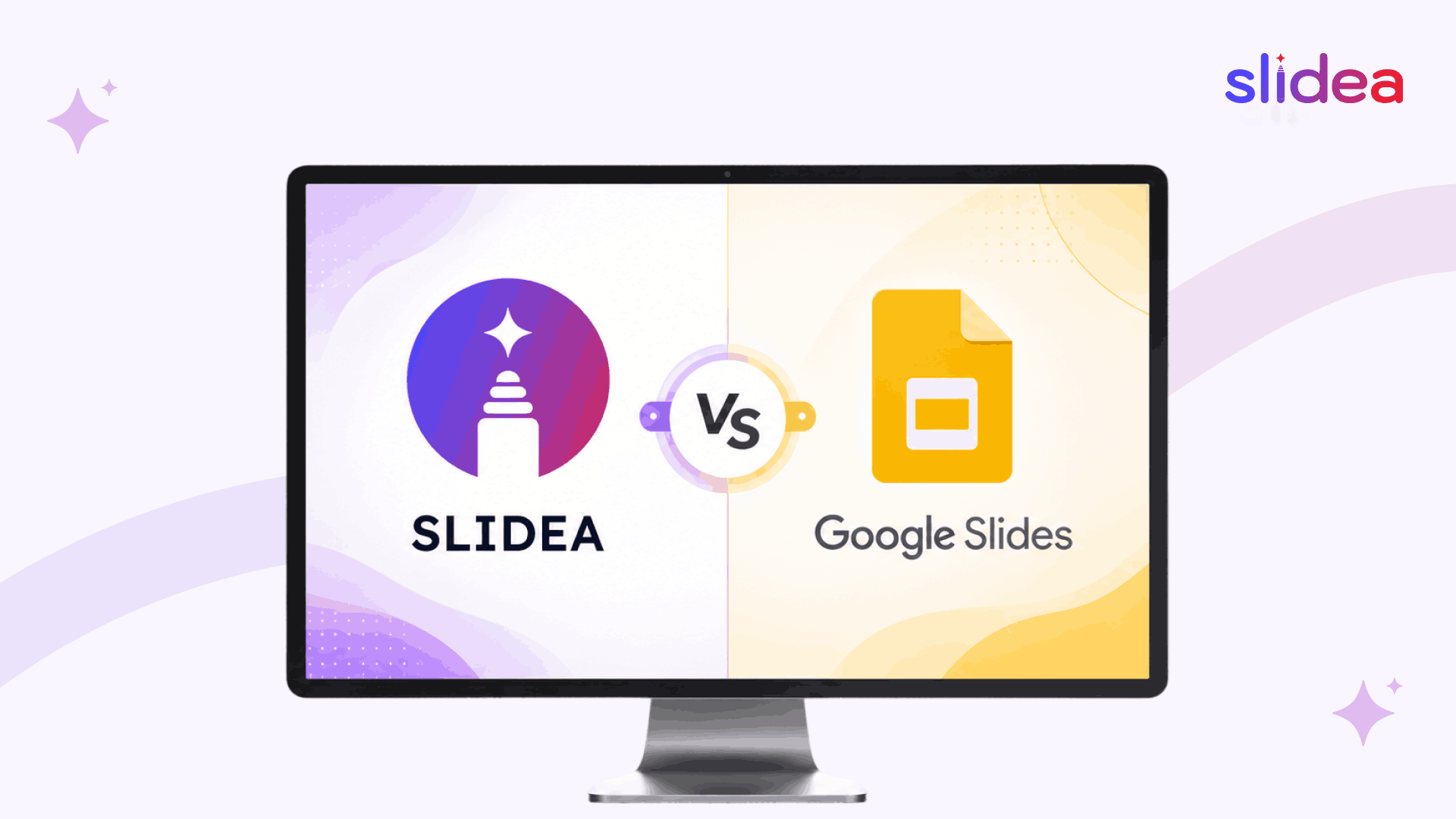
Google Slides helps you build a deck. Slidea helps you turn that deck into a conversation — with AI-generated content, live polls, quizzes, word clouds, and real-time engagement built in.
Slide Decks Have Changed. Has Your Tool?
For years, presentation software meant one thing: an editor for static slides. Google Slides did that job well, and millions of presenters still rely on it for everyday decks. But audiences have changed. Attention is shorter, expectations are higher, and one-way slideshows simply don’t land the way they used to.
That’s the gap Slidea was built to close. Slidea is an AI-powered, interactive presentation platform that combines beautiful slides with the engagement tools modern presenters actually need — live polls, quizzes, word clouds, surveys, Q&A, and analytics — all in one place. If your goal isn’t just to show information but to make your audience think, respond, and remember, this comparison will show why Slidea is the better fit.
Meet Slidea: Built for Engagement, Powered by AI
Slidea is more than a slide editor. It’s a complete interactive presentation platform designed to help educators, trainers, marketers, and event hosts run sessions that audiences actually participate in.
What makes Slidea different
- AI deck generation in seconds — describe your topic, and Slidea’s AI builds a complete, professional interactive presentation, ready to customize.
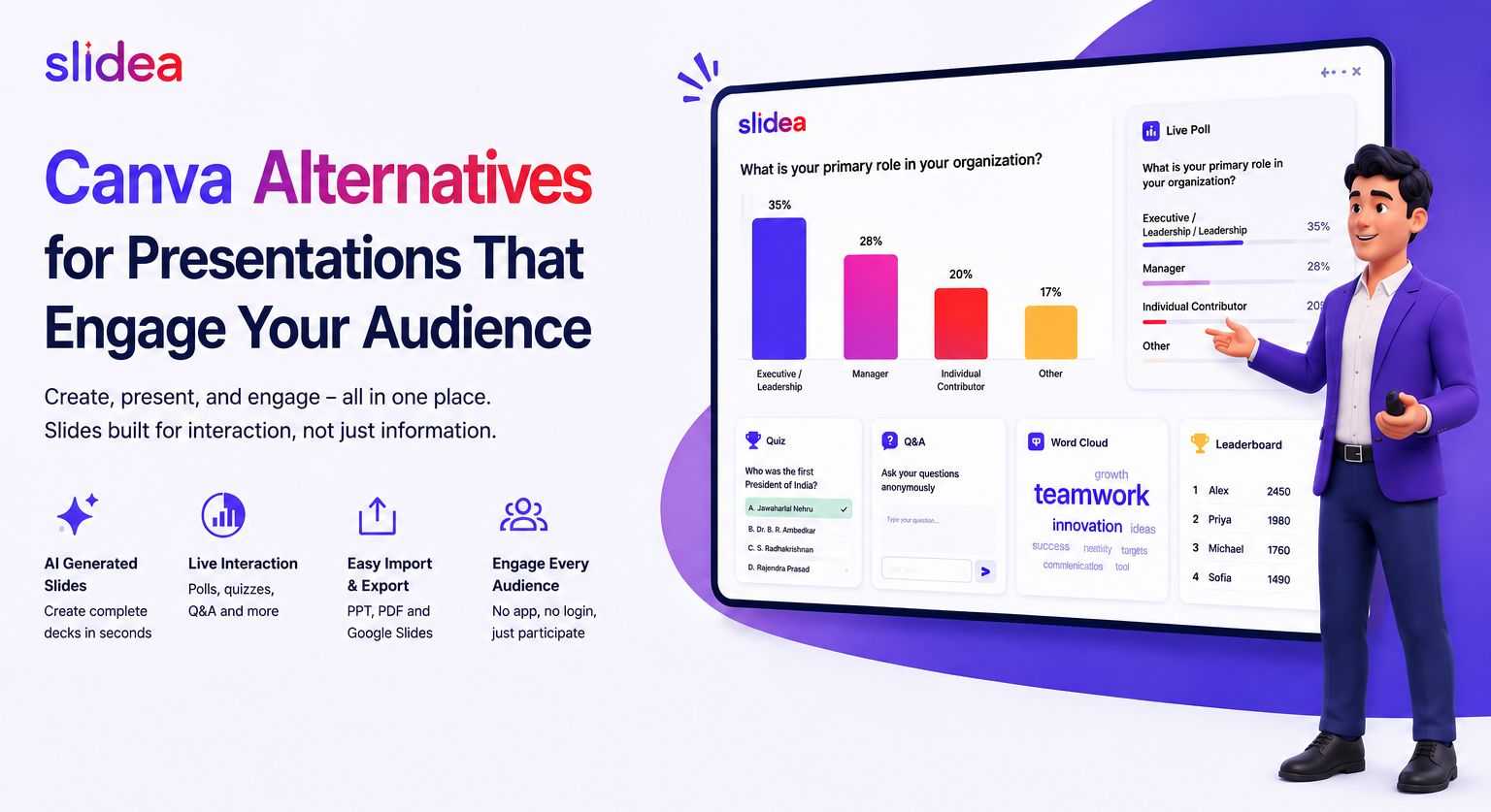
- Built-in audience interaction — drop live polls, quizzes, word clouds, surveys, and Q&A directly into any slide, no add-ons required.
- Real-time engagement analytics — see exactly how your audience responded, what they understood, and where attention dropped.
- Beautiful, customizable themes — start from polished default themes or design your own brand-aligned look.
- Smart presenter tools — remote control via smartphone, on-slide annotation, single-slide reset, and shortcut keys for smooth delivery.
- Education-friendly pricing — up to 50% off for teachers and schools, with AI-generated quizzes and lesson activities by grade level.
Where Google Slides Falls Short
Google Slides is free, familiar, and fine for sharing information. It does cloud-based editing and live collaboration well. But the moment your goal moves from “show slides” to “engage an audience,” its limits show up fast.
- No native polls, quizzes, or word clouds — you’re forced to bolt on third-party tools and switch screens mid-presentation.
- Limited AI — AI features depend on a paid Google Workspace plan with Gemini access; there’s no quick “generate a deck from a topic” experience for most users.
- One-way by design — the audience watches; they don’t participate.
- No engagement analytics — you can’t measure who paid attention, what they understood, or how they responded.
- Locked into Google Workspace — great if you live in Drive and Docs, less ideal if your audience is on PowerPoint, Zoom, Teams, or Webex.
In short: Google Slides is a slide editor. Slidea is an engagement platform that includes a great slide editor — and a lot more.
Slidea vs Google Slides: Side by Side
Here’s how the two stack up across the features that decide whether your audience leans in or zones out:
| Feature | Slidea | Google Slides |
|---|---|---|
| AI slide generation | Built in — describe a topic and Slidea creates a full deck instantly | Limited; only via Gemini in paid Google Workspace plans |
| Live polls | Yes — real-time polls inside any slide | No native support; requires third-party add-ons |
| Quizzes | Yes — built-in interactive quizzes with scoring | Not supported natively |
| Word clouds | Yes — collect and visualize audience input live | Not supported |
| Live Q&A | Yes — moderated Q&A built into the deck | Basic Q&A only in present mode |
| Engagement analytics | Detailed: response data, participation, performance | Not available |
| Audience interaction | Two-way: audience answers, votes, asks live | One-way broadcast |
| Works inside PowerPoint | Yes — official add-in for PowerPoint 2016+ | No |
| Integrations | PowerPoint, Zoom, | Google Workspace only |
| Education discount | Up to 50% off for teachers and schools | Free, but no engagement features |
| Free trial | 1-month free trial on paid plans | Free tier; paid via Workspace |
| Best for | Trainers, educators, marketers, event hosts, workshops | Basic informational decks |
On almost every dimension that affects audience engagement, Slidea is built in while Google Slides leaves you to figure it out yourself with a patchwork of add-ons.
Pricing: What You’re Really Paying For
Google Slides is free with any Google account, and that’s genuinely useful for low-stakes decks. Beyond that, paid features sit inside the broader Google Workspace subscription, and AI capabilities are gated behind even higher tiers.
Slidea offers a transparent, tiered model with both corporate and education pricing. There’s a Free plan to get started, plus Basic and Pro tiers that unlock the full interactive feature set, deeper analytics, and team capabilities. An Enterprise plan with custom pricing is available for larger organizations, and education users save up to 50%. Every paid plan includes a 1-month free trial — you only get billed after you’ve seen the results.
The Verdict
If all you need is a basic, free slide editor, Google Slides will get the job done. But if you want presentations that drive participation, learning, and measurable results, Slidea is the smarter choice. AI-generated decks, native interactive features, real-time engagement analytics, and seamless integrations with PowerPoint, Google Slides, Zoom, Teams, and Webex — all in one platform, with pricing built for both businesses and educators.
Modern audiences expect more than slides. Give them more — with Slidea.
Ready to make your next presentation unforgettable?
Try Slidea free for 1 month and experience interactive, AI-powered presentations for yourself.




Leave a Comment
Your email address will not be published. Required fields are marked *