


Real engagement in remote learning does not come from just adding games. It comes from using tools that help learners think, respond, and remember what they learn.
Kahoot! made game-based learning popular with its quick quizzes, countdown timers, and competitive leaderboards. For short review sessions or quick knowledge checks, it works well. Many students enjoy the music and the fast pace of the quizzes.
However, as online learning has grown, teachers and trainers often need more than simple quiz games. Virtual classrooms work better with tools that support full lessons, different question types, instant feedback, and useful learning insights instead of just showing scores.
Today, many educators also use interactive presentation software to make online sessions more engaging. These platforms allow teachers to present content, ask questions, collect answers in real time, and keep students involved throughout the lesson.
In this blog, we will look at five of the best alternatives to Kahoot that help create more engaging and effective remote learning experiences.
1. Slidea for Remote and Virtual Classes
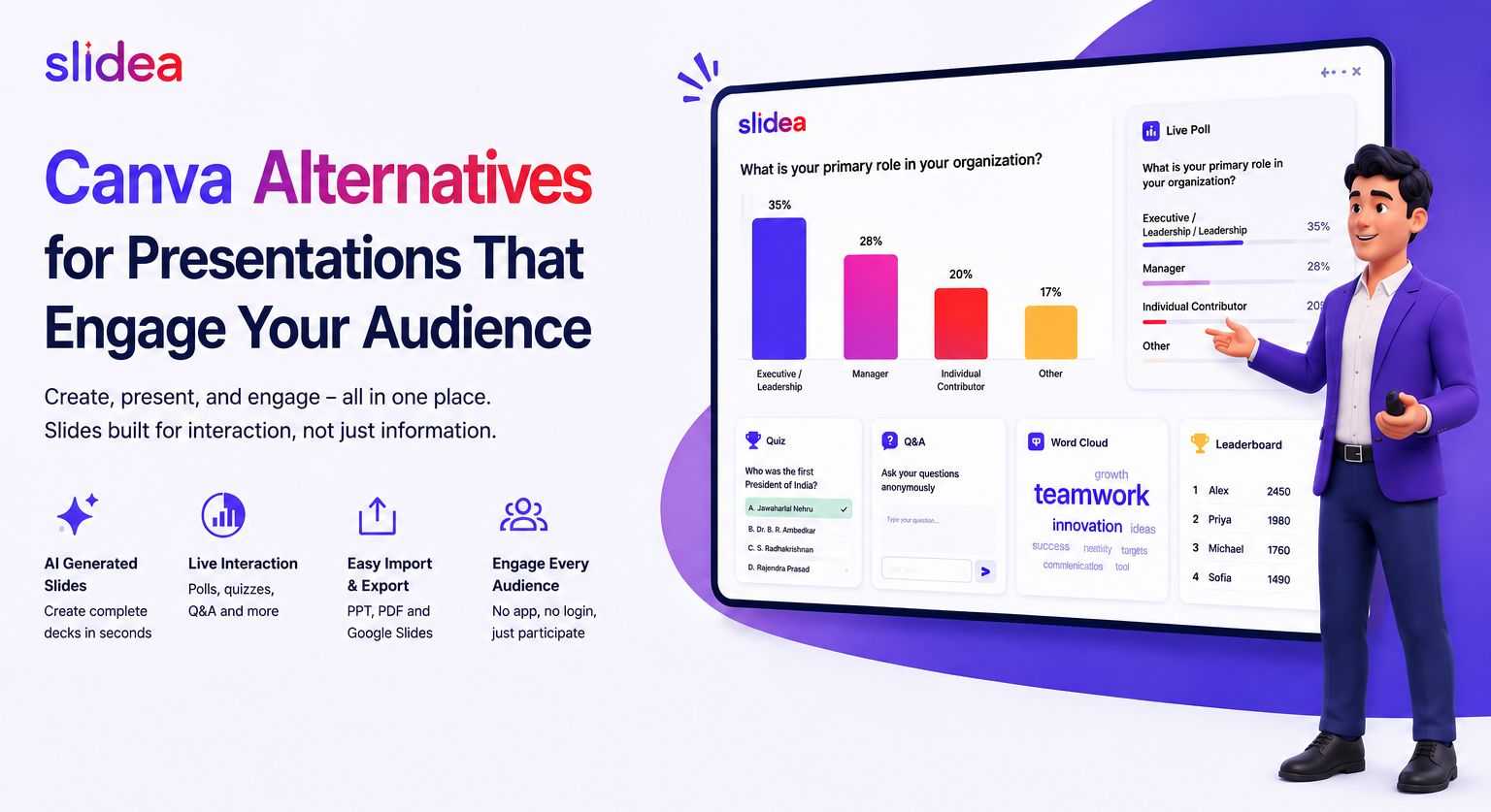
Slidea is a strong alternative to Kahoot! for remote learning. Instead of focusing only on game-style quizzes, it supports complete lessons with interaction, feedback, and learning insights.
Kahoot mainly uses timed multiple-choice questions in a competitive format. Slidea offers more variety. Students can answer multiple-choice questions, type their own responses, enter numbers for math or science questions, and arrange answers in the correct order. These different formats help teachers check real understanding instead of just quick reactions.
Slidea also includes special slide types that make online lessons more interactive. For example, the Traffic Light slide allows students to quickly show if they understand the topic or need more explanation. The Truth or Lie slide helps students think critically by deciding if a statement is correct or not. Another useful option is the Scales slide, where learners can rate their confidence before and after a lesson.
Slidea vs Kahoot — Pricing
| Plan | Slidea | Kahoot |
| Free Participants | 250 | 10 |
| Starting Price | $4/month | $17/month |
| Education Plan | $4/month | $17/month |
| Higher Tier | $6/month | $33/month |
Nearly a fraction of the price. Twenty-five times the number of free participants. Explore the detailed pricing plans to find the best option for your needs.
Another advantage is that Slidea includes a built-in presentation system. Teachers can show lesson content, media, and questions all in one place. There is no need to switch between slides and quiz tools, which makes online teaching smoother.
Slidea also offers AI-powered presentation creation. Teachers can describe a topic, and the platform generates a structured presentation with interactive elements in just a few minutes. This saves time when preparing lessons for online classes.
During live sessions, presenters can use annotation tools to draw or highlight directly on slides. The Remote Control feature lets teachers manage slides from their phone while speaking to the class.
Students can also respond anonymously, which helps quieter learners share their ideas more comfortably. After the session, real-time analytics show which questions students found difficult and how actively they participated.
Joining a session is simple. Students can enter using a QR code, a link, or a numeric code from any device. There is no app to download and no account needed, which makes it easy for learners joining from home.
For school classes, university lectures, training programs, and online workshops, Slidea provides a complete and flexible solution for remote learning.
2. Mentimeter for Remote and Virtual Classes
Mentimeter is a well-known interactive presentation platform with a clean design and easy navigation. Unlike Kahoot!, it is not focused only on fast quiz competitions. It also includes features such as polls, word clouds, scales, ranking questions, and open-ended responses, which make it useful for virtual classes, meetings, and training sessions.
The word cloud feature is especially popular for starting discussions or collecting quick ideas from participants during online sessions. Mentimeter also offers well-designed templates, helping presenters create professional-looking interactive slides quickly.
The free plan supports up to 50 participants, which works well for smaller classes, workshops, or team meetings. For larger groups, users may need a paid plan, which starts at around $11 per month.
Mentimeter also provides quizzes and some interactive elements that help keep participants involved. For educators and trainers who value a simple interface and reliable engagement tools, Mentimeter is a solid choice for online learning and presentations.
3. Quizizz
Quizizz is one of the closest alternatives to Kahoot!. It offers fun quiz games with leaderboards, memes between questions, and a playful learning experience that many students enjoy.
One useful feature is the self-paced quiz mode. Students can answer questions at their own speed instead of following a strict timer. This makes Quizizz a good option for remote and asynchronous learning, where learners may be joining from different locations or schedules.
Quizizz also includes a homework mode. Teachers can assign quizzes for students to complete on their own time, and the results automatically appear in the teacher’s dashboard. The platform also provides a large question library, so educators can quickly create quizzes using existing content.
Quizizz focuses mainly on quizzes and review activities, which makes it great for checking understanding and making lessons more engaging. Many educators use it alongside other teaching tools to deliver lessons and interactive activities during online classes.
The free plan is quite generous, allowing many teachers to use the platform easily, while additional reporting and advanced features are available in paid plans.
4. AhaSlides
AhaSlides is an affordable interactive tool that offers more flexibility than simple quiz tools like Kahoot!. It supports different question types such as rating scales, open-text responses, number guessing, and answer lineup questions, which help teachers check understanding in more ways.
For individual educators, tutors, or trainers running small virtual sessions, AhaSlides is a practical option. The interface is easy to understand, and presentations can be created quickly without a complicated setup.
The free plan supports up to 50 participants, which works well for small classes or workshops. As sessions grow larger, users may consider upgrading to a paid plan for more capacity.
AhaSlides focuses on simple, clear interactions, making it a good choice for educators who want an easy-to-use tool for polls, questions, and quick learning activities during online lessons.
5. Gimkit
Gimkit is a fun learning platform created by a high school student, and its design clearly focuses on keeping students excited during quizzes. Like Kahoot!, it uses a game format, but it adds an extra twist. Students earn virtual money by answering questions correctly and can use it to buy power-ups during the game. This makes the activity feel more like a game and keeps students interested for longer.
For K–12 remote classrooms, Gimkit’s different game modes can bring a lot of energy to review sessions. When students are learning from home, tools that keep attention and motivation high can make a big difference.
Gimkit mainly focuses on interactive quiz games, which makes it a great option for practice activities and knowledge checks. Many teachers use it to make review sessions more enjoyable and interactive for their students.
The platform offers a free version with basic features, while additional game modes and options are available in the paid plan. For teachers who want to add a fun and engaging quiz experience to their virtual classes, Gimkit can be a great choice.
Final Thoughts on Kahoot Alternatives for Virtual Classes
Good remote learning is not about copying the energy of a physical classroom. It is about creating clear and engaging learning experiences where students can think, respond, and understand ideas even when they are learning from different locations.
The right tool should help teachers and trainers:
- Deliver a complete lesson, from introduction to assessment
- Use different question formats, not only multiple-choice
- Collect live responses and feedback from participants
- Support both live sessions and self-paced learning
- Provide useful insights that help improve teaching
Some platforms focus mainly on quiz games, while others focus on simple polls. But for remote learning, many educators prefer tools that support structured lessons and meaningful interaction, helping learners stay involved and understand the topic better.
Slidea is designed with this approach in mind. It combines lesson slides, quizzes, AI-powered presentation creation, and interactive learning formats in one platform. Instead of switching between different tools, everything works together in a single space.
For online classes, training programs, hybrid courses, and virtual workshops, this setup helps keep learners active and engaged. It also makes it easier for teachers and trainers to run smooth sessions while helping participants learn more effectively.
Kahoot Alternatives for Virtual Classes FAQs
1. What is the best free Kahoot alternative for remote learning?
Slidea is a strong free option for remote learning. It allows up to 250 participants, includes different quiz formats, AI-powered lesson creation, and interactive slides such as Traffic Light, Truth or Lie, and Scales. This makes it suitable for online classes and training sessions.
2. Can Slidea replace Kahoot in a virtual classroom?
Yes. Slidea provides quiz features along with lesson slides, live responses, analytics, and annotation tools. These features help teachers manage virtual classes, hybrid lessons, and university courses more easily.
3. Is Slidea suitable for corporate remote training?
Yes. Slidea works well for online employee training, webinars, and company meetings. Trainers can test knowledge with quizzes, measure confidence with rating scales, and review results after the session.
4. How does Quizizz compare to Kahoot for remote learning?
Quizizz allows students to complete quizzes at their own pace, which is helpful for remote learning. It focuses mainly on quiz activities, making it a good tool for review and practice sessions.
5. Is Kahoot good for remote learning?
Kahoot! works well for quick and energetic quiz sessions. For full remote lessons that include presentations, interaction, and feedback, many educators prefer tools that offer more teaching and engagement features.



Your email address will not be published. Required fields are marked *