


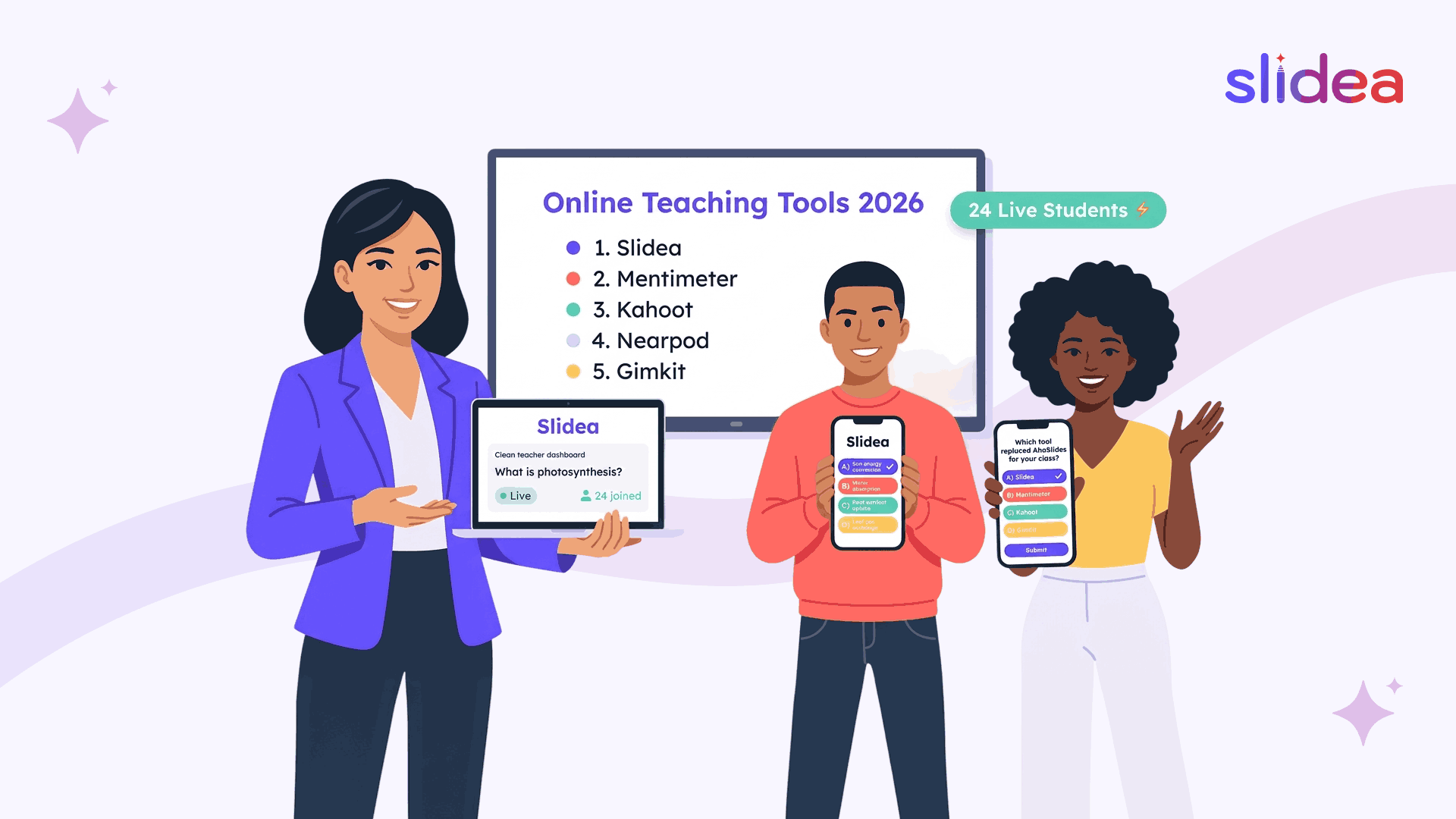
Online teaching changed one important thing about learning: students can now disappear without ever leaving the class.
The learning window stays open. The lesson continues. Slides move forward. But behind muted microphones and switched-off cameras, attention quietly drifts away. In many online classrooms, the biggest challenge is no longer delivering content, it's keeping students actively involved from beginning to end.
That’s why interactive teaching tools matter more than ever in 2026. Live polls, quizzes, word clouds, comprehension checks, and real-time engagement tools help transform passive online lessons into sessions where students regularly participate instead of simply watching.
AhaSlides helped many teachers and trainers move toward more interactive learning. But today’s online classrooms and hybrid learning environments often need more flexibility, larger participant limits, stronger quiz tools, better analytics, and engagement formats built specifically for teaching.
In this guide, we’ll look at the best AhaSlides alternatives for online teaching, including platforms designed for virtual classrooms, seminars, students events, and interactive lessons that keep students engaged throughout the session.
The Online Teaching Checklist
Before comparing tools, here's what online teaching specifically needs from an interactive platform, because the requirements are different from meetings or events:
- A free plan that covers a full class without hitting a participant ceiling mid-lesson
- Quiz formats that test real understanding, not just collect opinions
- Anonymous participation so every student responds honestly
- Real-time analytics that tell the teacher which concepts didn't land
- No app download or account creation for students
- Formats that work for both live online lessons and hybrid classrooms
- AI tools that reduce lesson preparation time meaningfully
With that checklist in mind, here's how the top alternatives compare.
1. Slidea - Built Around How Online Learning Actually Works
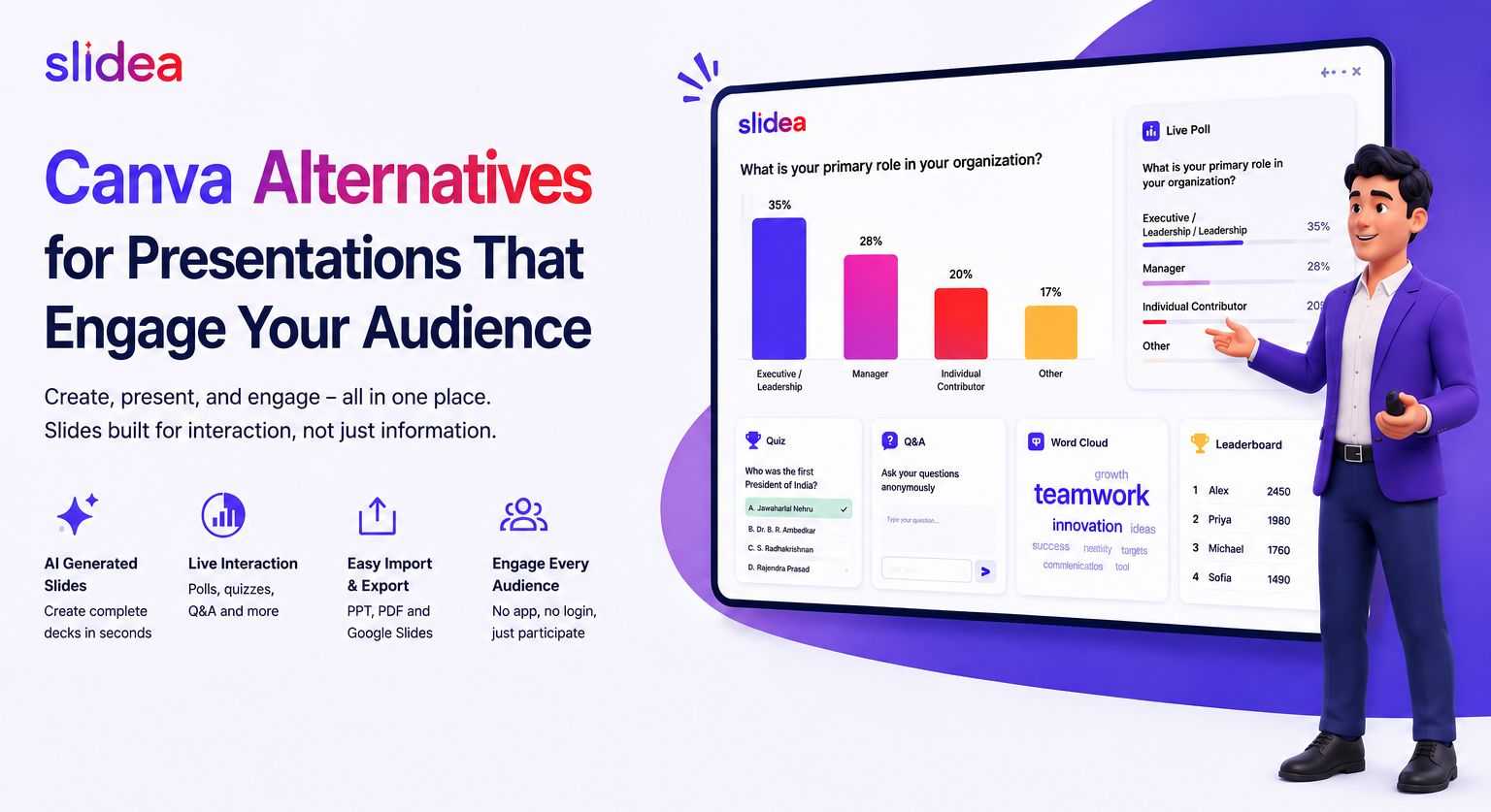
Online teaching isn't one moment, it's a sequence of moments that need to feel connected. The warm-up that activates prior knowledge. The content that introduces something new. The check-in that confirms understanding before moving forward. The quiz that tests whether the lesson landed. The live Q&A that gives students a voice before the session ends.
AhaSlides handles some of these moments. Slidea handles all of them, inside one platform, without switching tools, without sharing multiple links, and without asking students to download anything.
The Student Experience: Join in Seconds, Engage Immediately
Students join with a QR code, a session link, or a numeric code, from any device, any browser. No download. No account. The session starts immediately, and the first interactive slide appears before the teacher has finished saying hello.
For hybrid learning sessions where some students are in the room and others are joining remotely, this matters even more. Both groups join the same way. Both see the same slides. Both submit answers to the same quiz simultaneously. The results combine automatically on screen. No student experiences a lesser version of the lesson based on where they're sitting.
The Teaching Experience: Less Prep, More Impact
AI that builds lessons in minutes. Describe the topic and the grade level. Slidea's AI generates a complete lesson structure, content slides with appropriate material, interactive check-ins at the right moments, and quiz questions matched to the subject.
Templates built for teaching. The 200+ templates in Slidea's free plan aren't generic presentation designs. They're structured around common lesson formats, introducing a new concept, reviewing prior material, running a full assessment, facilitating a class discussion. A teacher picks the template closest to the lesson goal and adapts it rather than building from a blank slide.
The Engagement Tools That Change Online Class Energy
This is where the comparison with AhaSlides becomes most significant for online teaching specifically.
Traffic Light is the most useful online teaching tool most teachers have never used. In a physical classroom, a teacher can scan the room and see which students look confused. In an online class, everyone's face is a thumbnail or a black square. Traffic Light replaces that scan entirely. Every student clicks green, yellow, or red. The teacher sees the distribution instantly, and knows whether to move forward, slow down, or stop and re-explain before half the class falls behind in silence.
Truth or Lie does something that multiple choice quizzes can't: it surfaces what students actually believe before the lesson corrects them. Present a statement related to the topic. Students vote true or false. The result reveals which misconceptions are widespread, giving the teacher real-time information about where the explanation needs to go, rather than finding out three weeks later during a test.
This or That is the online teaching icebreaker that takes 20 seconds and gets every student clicking simultaneously. Two options on screen. One click. Results appear immediately. For the student who has been passively watching for the last ten minutes, this is the format that re-engages without pressure. Once they've clicked once, the barrier to the next interaction drops.
Guess the Number opens a lesson with curiosity instead of content. Ask a surprising question related to the topic, "How many bones are in the human body?" before a biology lesson, or "What percentage of emails sent daily are spam?" before a digital literacy module. Students guess. The reveal creates a shared reaction that makes the following content feel relevant rather than abstract.
Scales work particularly well in online teaching for self-assessment. At the start of a lesson, ask students to rate their familiarity with the topic. At the end, ask again. The shift in the scale results tells the teacher and the students, how much the lesson moved the needle. For hybrid learning sessions and K–12 classrooms, this is formative assessment built into the lesson without creating extra work.
Quiz Formats That Go Beyond Multiple Choice
AhaSlides supports three quiz formats. Slidea supports four quiz formats that each test a different kind of understanding, and all four are available on the free plan.
Select Answer covers standard comprehension checks. Type Answer tests recall subjects where phrasing and exact wording matter. Pick the Number handles math, science, and data literacy questions where approximate answers aren't acceptable. Line Up tests sequencing, historical timelines, process steps, ordered operations, the kind of understanding that a multiple choice format can't assess.
Real-Time Analytics That Actually Inform Teaching
After every online session, Slidea shows which questions produced the most wrong answers, which students engaged throughout versus dropped off partway through, and where the session lost momentum. For online teachers who can't read a physical room, this data replaces the visual feedback that in-person teaching provides naturally.
For hybrid learning sessions specifically, analytics show how in-person and remote students compare on the same questions, revealing whether the online delivery experience is creating learning gaps that the teacher needs to address in how the content is presented.
Slidea vs AhaSlides - For Online Teaching
| Feature | Slidea | AhaSlides |
| Free Participants | 250 | 50 |
| Traffic Light | ✅ | ❌ |
| Truth or Lie | ✅ | ❌ |
| This or That | ✅ | ❌ |
| Guess the Number | ✅ | ✅ |
| Type Answer Quiz | ✅ | ✅ |
| Pick the Number Quiz | ✅ | ❌ |
| AI Lesson Creation | Advanced | Basic |
| Anonymous Participation | ✅ | ✅ |
| Real-Time Analytics | Advanced | Basic |
| Remote Control | ✅ | ❌ |
| Annotation Tools | ✅ | ❌ |
| Free Templates | 200+ | Limited |
For a deeper comparison of features, quiz formats, participant limits, and online teaching tools, explore the full Slidea vs AhaSlides comparison.
2. Mentimeter
Mentimeter is the most visually refined online teaching tool on this list. Word clouds render beautifully on shared screens. The template library is professionally designed for educational contexts. For online teachers who share their screen during live lessons and want the interactive elements to look as polished as the main content, Mentimeter consistently delivers that quality.
It supports scales, ranking slides, and Q&A alongside its core poll and word cloud formats, giving online teachers more variety than a basic poll tool. The AI creation feature helps with lesson preparation, and the full presentation builder means content and interaction sit in the same place.
The practical limits for online teaching: the free plan supports only 50 participants, which means any class above that size requires a paid plan immediately. At $11/month starting, the highest entry price on this list, Mentimeter costs nearly three times Slidea for similar teaching functionality.
Best for online teaching: Teachers in smaller online classes, consistently under 50 students, who prioritize visual presentation quality and are comfortable with the higher price point.
3. Kahoot
Kahoot's role in online teaching is specific and genuinely powerful within its scope. The competitive quiz format translates exceptionally well to online settings, students join a virtual session from their devices, and the leaderboard, countdown timer, and scoring system create shared energy across a class of remote learners who might otherwise feel disconnected from each other.
For online review sessions before exams, weekly knowledge-check games, and any moment where competitive participation is the goal, Kahoot creates engagement that other tools can't replicate. The shared excitement of a Kahoot leaderboard is one of the few online teaching moments that feels as energetic as the physical classroom equivalent.
The limitations for regular online teaching are significant. The free plan supports 3 participants, requiring a paid plan for any real class. Higher tiers reach $19/month. There's no full lesson builder, no content slides, no Traffic Light or comprehension check tools, no annotation features, and no real analytics beyond quiz scores.
Best for online teaching: Weekly review games, exam preparation sessions, and competitive quiz moments within a broader lesson managed by a more complete platform.
4. Slido
Slido's value in online teaching comes from one specific feature done very well: moderated Q&A for online classes where students are hesitant to unmute and ask questions verbally. Students submit questions through Slido. The class upvotes the ones they want answered. The teacher works through a ranked list, ensuring that the questions most students have got addressed, rather than only the ones raised by the students comfortable enough to speak up.
For online seminars, university lectures, and any class format where student questions are a central part of the learning experience, this Q&A structure significantly improves the quality of the interaction compared to a Zoom chat scroll.
Beyond Q&A, Slido's online teaching toolkit is limited. No quiz assessment formats. No Traffic Light or comprehension check tools. No AI lesson creation. No full presentation builder. It works best as a Q&A layer on top of existing lesson delivery, not as a standalone online teaching platform.
Best for online teaching: University lecturers and corporate trainers running online sessions where structured, anonymous Q&A is the primary student interaction format.
5. Poll Everywhere
Poll Everywhere takes a specific approach to online teaching that has genuine appeal for teachers who have spent years building PowerPoint lesson decks: it embeds polls, word clouds, and Q&A directly inside existing slides. Students respond during the lesson without the teacher switching between applications or the student experience breaking away from the main shared screen.
For online teachers whose lesson delivery is built entirely around PowerPoint and who want to add interactive elements without rebuilding their workflow, Poll Everywhere reduces the adoption friction significantly. The experience stays continuous, no new platform to learn, no lesson structure to redesign.
The online teaching limitations: the free plan supports only 25 students, which makes it impractical for any full-sized class without a paid plan. There are no quiz formats with scoring, no comprehension check tools like Traffic Light, and no AI lesson creation. For online teaching that needs breadth of interaction beyond structured polling, Poll Everywhere reaches its ceiling quickly.
Best for online teaching: Teachers with established PowerPoint lesson libraries who want to add one or two interactive elements to existing decks without changing their delivery approach.
The Right Tool for Your Online Classroom
Every tool on this list makes online teaching more interactive than a static slide deck. The differences lie in how far that interactivity goes, and how much of the teaching workflow each tool actually covers.
For occasional online polls and basic quiz moments in small classes, AhaSlides remains a practical starting point. For competitive quiz energy in review sessions, Kahoot creates a shared excitement nothing else matches. For structured student Q&A in lecture-format online classes, Slido handles the moderation cleanly. For teachers committed to PowerPoint who want embedded polling, Poll Everywhere fits without friction.
For online teaching that needs a complete platform, from the opening warm-up to the closing quiz, with comprehension checks, anonymous participation, real-time analytics, AI lesson creation, and a free plan that covers a full class, Slidea is the alternative that covers the complete online teaching journey.
Final Thought
Online teaching works best when students are involved throughout the lesson, not just watching slides while muted in the background. The right interactive teaching platform keeps students clicking, answering, reacting, and participating from the first activity to the final quiz.
Each tool on this list solves a different part of the online learning experience. Kahoot adds competitive quiz energy. Slido improves student Q&A. Poll Everywhere fits teachers already using PowerPoint. Mentimeter focuses on polished visual interaction.
But for teachers, trainers, and schools looking for a complete online teaching platform with quizzes, comprehension checks, AI lesson creation, anonymous participation, and a free plan large enough for real classrooms, Slidea stands out as the most complete AhaSlides alternative for online teaching in 2026.
For online classrooms, hybrid learning, webinars, and virtual training sessions, that all-in-one experience makes teaching smoother and keeps students engaged longer.
FAQs
Q1. What is the best AhaSlides alternative for online teaching?
Slidea is one of the best AhaSlides alternatives for online teaching because it combines quizzes, live polls, comprehension tools, AI lesson creation, and real-time analytics inside one platform.
Q2. Which interactive teaching platform is best for large online classes?
Platforms with higher free participant limits work best for large classes. Slidea supports 250 participants on its free plan, making it suitable for schools, webinars, and hybrid learning sessions.
Q3. What features are important in online teaching software?
The most important features include live quizzes, anonymous participation, real-time analytics, word clouds, comprehension checks, and tools that work smoothly in virtual meetings and hybrid classrooms.
Q4. Is Kahoot good for online teaching?
Kahoot works very well for competitive quizzes and review games. However, many teachers use additional tools for lesson delivery, analytics, and broader classroom interaction.
Q5. What is the difference between interactive presentation software and quiz tools?
Interactive presentation software supports full lessons with polls, Q&A, quizzes, word clouds, and presentation slides together. Quiz tools mainly focus on game-based assessments and competitions.



Your email address will not be published. Required fields are marked *