


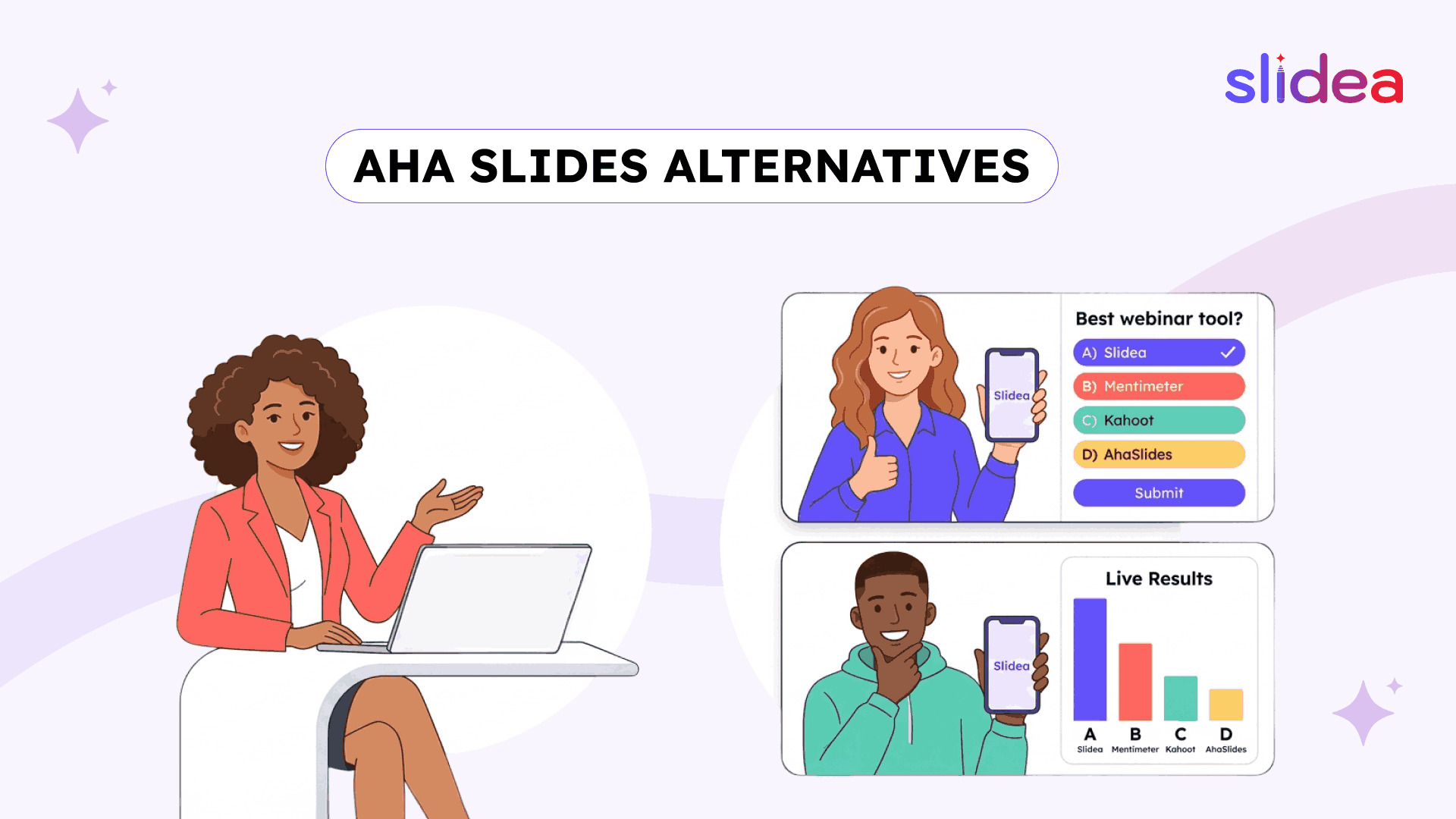
A webinar with 500 attendees can look successful on paper, but if only a small group interacts, the impact drops fast.
Large events change the rules of engagement. It’s no longer about adding a quick poll or a single question. It’s about keeping hundreds or even thousands of people involved at the same time. That’s where interactive presentation software becomes essential for modern webinars, conferences, and hybrid events.
Tools like AhaSlides work well for smaller sessions. But as audience size grows, new challenges appear, moderation, control, branding, and real-time interaction at scale.
This is why many event organizers start looking for AhaSlides alternatives that can handle large audiences smoothly while keeping engagement strong from beginning to end.
The Large Event Problem - What Changes at Scale
Running a session with 20 people is simple. Running one with 500 is a completely different experience.
As the audience grows, a few things start to matter much more:
Control becomes essential
In large webinars, you can’t rely on manual handling. You need tools that manage responses, organize Q&A, and keep everything structured without slowing down the session.
Consistency matters more than ever
Large events are often public, branded, or client-facing. Every slide, poll, and interaction should look like part of the same experience.
Presenter flexibility is critical
Large sessions don’t happen behind a desk. Presenters move, interact, and manage both in-room and remote audiences at the same time.
Engagement needs to scale smoothly
A feature that works for 20 people should still work for 500 without confusion, delay, or drop in participation.
Post-event data becomes valuable
Large events often need reporting, what people answered, how they engaged, and what insights came from the session.
AhaSlides covers basic engagement well. But at scale, these needs become more visible and that’s where alternatives start to stand out.
Slidea: Best for Complete Large Event Engagement
AhaSlides is affordable and functional. What it isn't is purpose-built for the scale and complexity of large events and webinars.
The difference isn't just participant count, though Slidea's free plan supporting 250 participants versus AhaSlides' 50 is already a meaningful gap. The difference is in every layer of what makes a large event run professionally.
How Slidea Handles Large Events Differently
The profanity filter runs automatically. At a public webinar or conference with hundreds of attendees submitting word cloud responses and open-ended answers simultaneously, manual content moderation isn't possible. Slidea's built-in profanity filter screens every submission automatically, keeping the session professional without a moderator watching every response in real time.
Response locking keeps data clean. The moment a poll closes, Slidea locks responses, no late submissions, no stragglers skewing results after the presenter has moved on. For events where real-time data is being displayed on a stage screen in front of hundreds of people, clean data isn't a preference, it's a requirement.
Custom branding goes all the way down. Custom colors, custom logos, custom themes in every interactive slide looks like a natural extension of the event identity rather than a different platform's interface. For conferences, webinars, and client-facing corporate events, this consistency is what separates professional events from assembled ones.
Preview Mode eliminates live surprises. Before a 500-person webinar goes live, Slidea's Preview Mode lets the organizer walk through every poll, quiz, word cloud, and Q&A element exactly as attendees will experience them, on both the presenter view and the participant device view. For large events where testing in front of a live audience isn't an option, this is the safety net that makes consistent professional delivery possible.
Moderated Q&A handles scale without chaos. At a conference or webinar with hundreds of attendees, open Q&A submission without moderation creates an unmanageable scroll. It collects every question digitally, lets the audience upvote the ones they care about most, and gives the presenter a clean, ranked list to work through. The best questions rise to the top automatically.
The Remote Control feature keeps presenters on stage. At a large event, the presenter is rarely sitting at a laptop. Slidea's Remote Control lets them manage every slide transition, poll launch, and quiz question from a phone, walking a conference floor, presenting from a stage, or moving between breakout areas, while the audience follows every action in real time through the main screen or their own devices.
Unlimited participants on the Pro plan. AhaSlides requires higher-tier plans for larger audience sizes. Slidea's Pro plan at $6/month supports unlimited participants, making it the most cost-effective option for events that regularly scale beyond a few hundred attendees. You can explore the full Slidea pricing details to see how each plan supports different event sizes.
Export results for post-event reporting. Every poll response, quiz score, Q&A submission, and audience interaction exports after the event into downloadable reports. For corporate webinars reporting to leadership, conference organizers measuring engagement, and training event teams documenting learning outcomes, this data is the deliverable that stakeholders actually want.
What Slidea Offers That AhaSlides Doesn't for Large Events
| Feature / Capability | Slidea | AhaSlides |
| Branding Customization | Full custom colors, logos, and themes | Limited customization options |
| Preview Mode | Full session preview before going live | Not available |
| Presenter Remote Control | Control slides, polls, and quizzes via phone | Not available |
| Annotation Tools | Draw, highlight, and mark up slides live | Not available |
For a deeper feature breakdown and real-world use cases, explore the complete Slidea vs AhaSlides comparison.
Slidea for Every Large Event Format
Webinars: Unlimited participants, moderated Q&A, profanity filter, custom branding, and result exports make Slidea the complete webinar engagement platform. Attendees join via QR code or link or number code, no app, no account. The presenter manages everything from a phone.
Conferences: Preview Mode ensures flawless delivery. Custom branding keeps every interactive slide consistent with the event identity. Truth or Lie, Guess the Number, and This or That create memorable engagement moments between keynote segments.
Hybrid Events: In-room and remote attendees answer the same polls and quizzes simultaneously. Results combine automatically. The Traffic Light slide gives the presenter real-time comprehension data from both audiences at once.
Corporate Training Events: Quiz results export for HR documentation. Scales measure confidence before and after sessions. Annotation tools emphasize key data points during live delivery.
Student Events: Competitive quizzes with leaderboards. Truth or Lie rounds that make facts memorable. Word clouds that surface collective knowledge in seconds.
Free Plan Comparison for Large Events
| Tool | Free Participants | Quizzes | AI Creation |
| Slidea | 250 | ✅ | ✅ |
| Mentimeter | 50 | ✅ | Basic |
| Slido | 100 | Limited | ❌ |
| Kahoot | 3 | ✅ | Basic |
| AhaSlides | 50 | ✅ | Basic |
Mentimeter: Best for Enterprise and Academic Large Events
Mentimeter is the most visually polished large-event tool on this list. Word clouds render beautifully on conference screens. The interface is clean enough that first-time users can navigate it without training, which matters at events where participants come from different technical backgrounds.
For conferences and corporate webinars where the visual quality of interactive slides needs to match the production quality of the rest of the event, Mentimeter consistently delivers a premium experience. Company branding, custom themes, and a refined template library all support large-event professional standards.
The cost reflects the quality: $11/month starting, the highest entry price among the tools here. The free plan caps at 50 participants, making it unsuitable for large events without a paid plan. There's no remote control for presenters and no annotation tools, gaps that matter more on a conference stage than in a meeting room.
Best large-event use case: Established organizations running branded webinars and conferences where visual polish is the top priority and budget isn't the primary constraint.
Slido: Best for Meeting-Scale Events with Q&A Focus
Slido's place in the large-event conversation is specific: it handles moderated Q&A at scale better than most tools, particularly inside Microsoft Teams and Zoom environments where the event is already running.
For corporate all-hands events and webinars hosted inside enterprise communication platforms, Slido's deep integration removes the friction of adopting a separate tool. Participants engage inside the platform they're already on. Questions get submitted, upvoted, and managed cleanly.
Beyond Q&A and basic polling though, Slido's large-event toolkit is limited. No quiz formats for knowledge assessment. No gamified engagement. No full presentation builder. No remote control. No annotation tools. For events that need broad engagement depth alongside structured Q&A, Slido works best as one component of a larger event tech stack, not the whole solution.
Best large-event use case: Corporate webinars and all-hands events inside Teams or Zoom where structured Q&A management is the primary engagement need.
Kahoot: Best for Competitive Engagement Moments at Events
Kahoot's role at large events is narrow but genuinely powerful: competitive quiz segments that create shared energy across a large audience simultaneously.
At a conference breakout session, a training event kickoff, or a student event where the goal is memorable competitive engagement, Kahoot delivers a level of collective excitement that polished poll tools can't replicate. The leaderboard, the countdown, and the music create an atmosphere.
The practical ceiling for large events is significant. No profanity filter for public submissions. No custom branding beyond basic options. No moderated Q&A. No remote control. Higher-tier plans reach $19/month. For large events that need comprehensive engagement tools beyond competitive quizzes, Kahoot works best as a specific activity within a session rather than the platform running the full event.
Best large-event use case: Competitive quiz segments and gamified icebreakers within larger events managed by a more comprehensive platform.
Final Thoughts
Large events don’t fail because of content. They fail when the audience feels disconnected.
The right interactive presentation software solves that by turning every attendee into an active participant, through live polls, quizzes, word clouds, and structured Q&A that work at scale.
AhaSlides is a solid tool for small to mid-sized sessions. But when events grow bigger, the need for stronger moderation, better presenter control, and higher participant capacity becomes clear.
Slidea stands out by handling these challenges directly. From automated moderation and real-time feedback to full presentation control and scalable participation, it’s built for events where engagement cannot drop, even for a second.
For organizers planning webinars, conferences, or hybrid events, choosing a tool that scales with the audience is what turns a session into an experience people actually remember.
FAQs
Q1. What is the best AhaSlides alternative for large events?
Slidea is one of the best alternatives for large events because it supports more participants and offers advanced engagement features like moderated Q&A, quizzes, and real-time feedback tools.
Q2. Why is AhaSlides not ideal for large webinars?
AhaSlides works well for smaller groups, but its free participant limit and limited moderation features can make it harder to manage very large audiences effectively.
Q3. Which interactive presentation software supports large audiences?
Tools like Slidea and Slido support larger audiences, but Slidea provides a more complete experience with full presentation control and multiple engagement formats.
Q4. How do you keep large webinar audiences engaged?
Using live polls, quizzes, word clouds, and Q&A sessions helps keep participants involved. Real-time feedback tools like scales and traffic indicators also improve engagement.
Q5. What features are important for large event presentation tools?
Key features include high participant limits, moderation tools, custom branding, real-time analytics, and the ability to manage the presentation remotely.


Your email address will not be published. Required fields are marked *