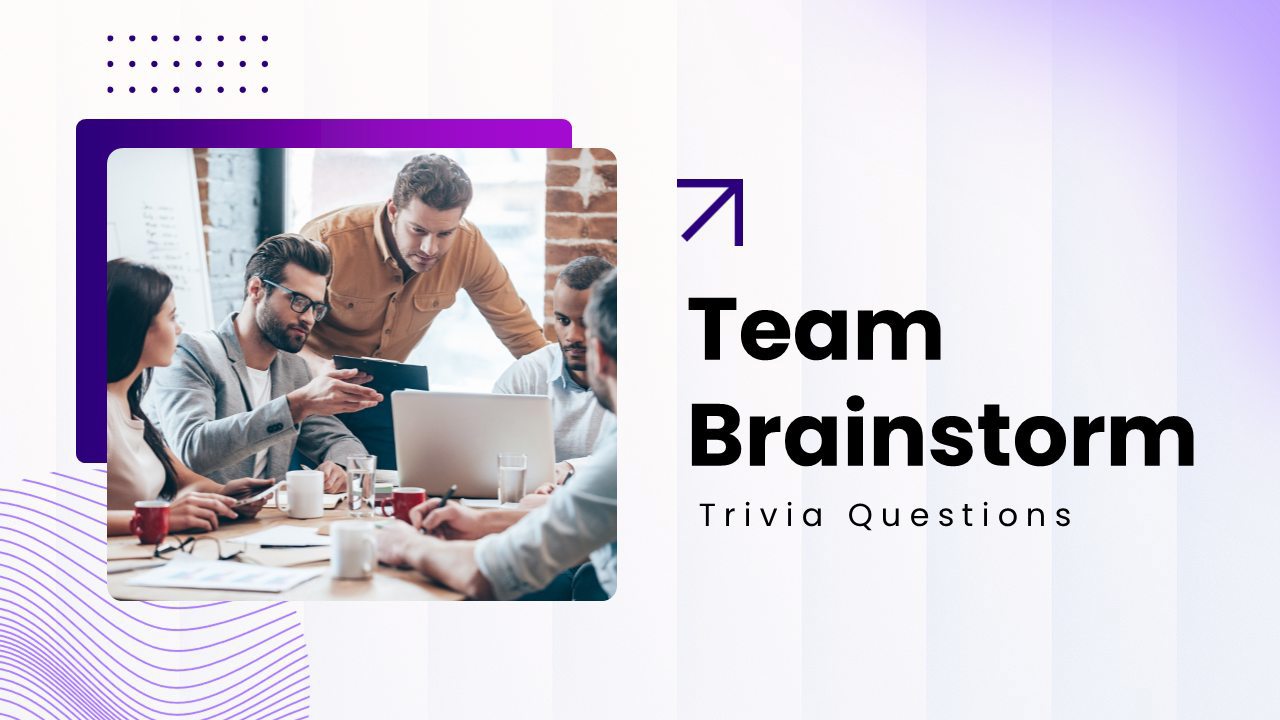
Team Brainstorm Template is a free Slidea poll that turns a standard brainstorm into a live group session: teammates share ideas, vote on priorities, and rank what to tackle next, all from their phones.
Who it's for: team leads, managers, and HR facilitators running workshops, retros, or planning sessions who want fast, honest input from every voice.
How to run it: Open the template in Slidea and adjust any prompt to fit your team. Click Present and share the join code so everyone can answer from their phone. Reveal results after each question and discuss any surprising answers as a team. Close by agreeing on one next step to carry forward.
More ideas: Build your own round with Slidea's interactive brainstorm maker, try the Group Brainstorming Session Challenge for a bigger kickoff session, or run the Creative Thinking Brainstorm for an innovation-focused spin.
Is the Team Brainstorm Template free? Yes. It is free to use and edit on Slidea, and teammates join from any phone, tablet, or laptop without downloading an app.
How long does the session take? About 15 to 20 minutes for all 14 prompts, or less if you run just one round as a quick check-in.
Can I change the prompts? Yes. Every prompt, scale, and answer option can be edited to match your team's current priorities.
Does everyone need to download anything? No. Players join from a browser on any phone, tablet, or laptop using the code on screen.
Explore similar interactive templates
Explore all Polls Templates →
Digital Games For Events Poll is a free Slidea poll that gathers quick feedback on the tech and games that make live events more engaging, with answers from everyone's phone. Round One, Game Essentials: what makes a digital game fun, preferred formats, devices, game length, app features, visuals, motivators to join, prize types, and must-have tech. Round Two, Tools & Trends: how players should join, topics to cover, interaction styles, what makes a leaderboard exciting, best devices, features to drop, audience size, ease of play, challenge types, and must-have qualities. Question mix: 10 Word Cloud and 9 Multiple Choice questions, 24 slides in total. Who it's for: event planners, corporate hosts, and community organizers who want quick, fun feedback before planning game-based activities. How to run it: Open the template in Slidea and adjust any question to fit your event. Click Present and share the join code so everyone can answer from their phone. Reveal results after each question and use the word clouds to spot the most popular ideas. Close by picking one feature to build into your next event. More ideas: Build your own round with Slidea's interactive poll maker, pair it with the Pre-Event Expectations Poll to gather input before the big day, or follow up with the Event Feedback Form Poll afterward. Is the Digital Games For Events Poll free? Yes. It is free to use and edit on Slidea, and guests join from any phone, tablet, or laptop without downloading an app. How long does the poll take? About 10 to 15 minutes for both rounds, or a few minutes if you only run one round between sessions. Can I change the questions? Yes. Every question, option, and word cloud prompt can be edited to match your event. Can I see results live? Yes. Results and word clouds update on screen as people respond, no refresh needed.
Thanksgiving Ice Breakers is a free Slidea poll that turns the dinner table into a live group game: each prompt invites an opinion or a memory, and there's no wrong answer. This or That: quick either/or picks on big dinners versus cozy gatherings, feasts versus snacks, and more. Multiple Choice: favorite sides, desserts, drinks, chores to skip, games, and centerpieces. Open Ended: favorite parts of dinner, traditions to start, conversation starters, memories, theme songs, and small things that make a gathering better. Question mix: 5 This or That, 7 Multiple Choice, and 6 Open Ended questions, 20 slides in total. Who it's for: families, teachers, and event hosts who want a cozy, no-wrong-answer way to spark conversation at gatherings or classroom parties. How to run it: Open the template in Slidea and adjust any prompt to fit your group. Click Present and share the join code so everyone can answer from their phone. Read each prompt aloud and give the table a minute to answer or vote, then reveal responses together. Close by picking one tradition to try this year. More ideas: Build your own round with Slidea's interactive poll maker, pair it with Holiday Party Icebreaker Insights for a broader holiday mixer, or try Family Trivia Night Quiz Game for a multigenerational round after dinner. Is Thanksgiving Ice Breakers free? Yes. It is free to use and edit on Slidea, and everyone joins from any phone, tablet, or laptop without downloading an app. How long does it take? About 15 to 20 minutes for all 18 prompts, or a few minutes if you only run a handful between courses. Can I change the prompts? Yes. Every prompt can be edited or swapped to match your family's traditions or your classroom's theme.
Current Events Discussion: Student Debate Polls is a free Slidea template that turns the week's news into a live class conversation, with students voting from their phones and talking through the results together. What's inside Part One, How You Get the News: polls on news sources, short clips versus long articles, and how often students follow the headlines. Part Two, Trust and Media Skills: a pie poll on fact-checking habits, a This or That on teaching media literacy, and a Word Cloud on stories that deserve more coverage. Part Three, Big Ideas for Debate: phones in class, the global issue that matters most, and whether AI will do more good or harm in schools. 18 slides in total, with Word Clouds, This or That votes and bar, donut and pie polls that show live percentages, plus a closing slide. Who it's for: Middle school, high school and college teachers running social studies, civics, English or advisory lessons, as well as debate clubs and student councils that want every voice counted, not just the loudest few. How to run it: Present from Slidea, share the join code and let students vote anonymously. After each poll, pause on the results and ask one or two students to explain their choice. Swap any question for a story from this week's headlines to keep the discussion fresh. Related: Explore interactive classroom lessons on Slidea , find more prompts in short debatable topics for classroom discussions , run a formal round with the class debate template , or gather quick views with opinion polls . Frequently asked questions Is the Current Events Discussion template free? Yes. It is free to use and edit on Slidea, and students join from any phone, tablet or laptop without downloading an app. Can I change the questions to match this week's news? Yes. Every poll, option and text box is editable, so you can swap in a current headline in a few seconds. Are student votes anonymous? Yes. Results show only percentages and word clouds, so students can share honest views without being singled out.
Couples Game Night is a free Slidea party game where friends guess which partner is more likely to steal the blanket, forget a birthday or win a snowball fight. Guests vote live on their phones, the screen shows the most popular pick as percentages, and nobody is ever marked wrong. What's inside Round One, Habits at Home: five Multiple Choice polls on blanket stealing, getting ready, cooking, birthdays and movie naps, each with Partner A, Partner B, Both or Neither. Round Two, Winter Date Ideas: This or That votes on a cozy night in and a snowball fight, a poll on the winter date the couple would love most and a vote on who plans the best surprise. Word clouds: an opening question where guests describe the couple in one word and a closing one where they suggest a winter date. Who it's for: couples nights with friends, engagement parties, anniversary dinners, double dates, bridal and wedding showers and cozy winter get-togethers. How to run it: open the template, rename Partner A and Partner B to the couple's names, press Present and share the join code. Read each question aloud, reveal the crowd's pick, then let the couple share the real answer and the story behind it. Every question and option can be edited in minutes. More games for couples: try the couples trivia template , the newlywed game or who knows me better , run your own live polls on Slidea , or read our romantic couples quiz questions for game night . Frequently asked questions Is Couples Game Night free? Yes. The template is free to use and edit on Slidea, and guests join from their phones without downloading an app. Can I add the couple's real names? Yes. Replace Partner A and Partner B in each poll with their names, or swap in your own questions about the couple. Does anyone get points or lose? No. Every slide is a poll, so guests simply vote and see the group's favorite answer, which keeps the game light and friendly.
Event Feedback Form Poll is a free Slidea template that turns post-event surveys into a live, engaging experience: attendees answer each question on their own device, and responses appear in real time. What's inside Scales questions: quick ratings on speakers, venue, and overall experience. Multiple Choice questions: targeted questions that surface what worked and what didn't. Live results: responses populate on screen as attendees answer, so feedback is visible right away. Who it's for: event organizers, HR teams, and community managers wanting real attendee insights. How to run it: open the template, press Present and share the join code on screen or by link. Let attendees answer at their own pace, then review the live results or export them after the event. More to explore: browse more poll and survey templates on Slidea for your next event.
Ready to create your own templates?
Get Started Free