Event Feedback Form Poll is a free Slidea template that turns post-event surveys into a live, engaging experience: attendees answer each question on their own device, and responses appear in real time.
What's inside
Who it's for: event organizers, HR teams, and community managers wanting real attendee insights.
How to run it: open the template, press Present and share the join code on screen or by link. Let attendees answer at their own pace, then review the live results or export them after the event.
More to explore: browse more poll and survey templates on Slidea for your next event.
Explore similar interactive templates
Explore all Polls Templates →
Couples Game Night: What's Inside and How to PlayCouples Game Night is a free Slidea party game where friends guess which partner is more likely to steal the blanket, forget a birthday or win a snowball fight. Guests vote live on their phones, the screen shows the most popular pick as percentages, and nobody is ever marked wrong.What's insideRound One, Habits at Home: five Multiple Choice polls on blanket stealing, getting ready, cooking, birthdays and movie naps, each with Partner A, Partner B, Both or Neither.Round Two, Winter Date Ideas: This or That votes on a cozy night in and a snowball fight, a poll on the winter date the couple would love most and a vote on who plans the best surprise.Word clouds: an opening question where guests describe the couple in one word and a closing one where they suggest a winter date.Who it's for: couples nights with friends, engagement parties, anniversary dinners, double dates, bridal and wedding showers and cozy winter get-togethers.How to run it: open the template, rename Partner A and Partner B to the couple's names, press Present and share the join code. Read each question aloud, reveal the crowd's pick, then let the couple share the real answer and the story behind it. Every question and option can be edited in minutes.More games for couples: try the couples trivia template, the newlywed game or who knows me better, run your own live polls on Slidea, or read our romantic couples quiz questions for game night.Frequently asked questionsIs Couples Game Night free? Yes. The template is free to use and edit on Slidea, and guests join from their phones without downloading an app.Can I add the couple's real names? Yes. Replace Partner A and Partner B in each poll with their names, or swap in your own questions about the couple.Does anyone get points or lose? No. Every slide is a poll, so guests simply vote and see the group's favorite answer, which keeps the game light and friendly.

Funny Icebreakers For Adults Quiz Funny Icebreakers For Adults is a free Slidea template that turns getting-to-know-you moments into a live group game: each question is a playful prompt players answer out loud or vote on together, and the laughs do the rest.What's insideThis or That: quick-fire either/or prompts that spark playful debate between players.Multiple Choice: funny, relatable scenario questions with a few answer options to pick from.Open Ended: free-response prompts that invite players to share their funniest or most honest answer.Who it's for: team outings, parties, and group hangouts wanting a fun, lighthearted way to get people talking and connecting.How to run it: open the template, press Present and let everyone join with the code on screen. Read each prompt aloud, give players a few seconds to answer or vote, then reveal responses and move to the next question.More to explore: browse more icebreaker and party game templates on Slidea for your next get-together.
Calendar Availability Poll – Spot the Overlap Without the Email ChainCalendar Availability Poll is a free interactive poll on Slidea, made for event planning, team offsites, family gatherings and club meetups. Everyone joins on their phone, marks when they are free and watches the overlap appear live.What's inside:Part One, Your Calendar: the best week, free parts of the day, a quick this or that, free hours this week, how busy calendars are, ranking days and fully booked daysPart Two, Planning the Event: time zones, how long to block, recurring or one-time slots, notice needed, ease of each option, what matters most, holidays and leave and a QA for the organiserQuestion mix: Before You Vote and Why It Matters slides, then fifteen prompts using Multiple Choice, Word Cloud, Open Ended, Scales, Ranking, QA, Guess the Number and This or That slidesWho it's for: event planners, office managers, team leads, HR teams, club organisers and families planning a get together.How to run it: Open the template in Slidea, share the join code and present. Answers stay anonymous, results appear live on screen and every slide is fully editable. New to live games? Follow our step-by-step guide to interactive quizzes.More to explore: browse all free Slidea quizzes, plan the fun part with fun trivia questions by category, or add pop culture trivia questions.
Group Scheduling Poll – Settle the Calendar in One Quick VoteGroup Scheduling Poll is a free interactive poll on Slidea, made for teams, clubs, committees and study groups planning their next session. Members join on their phones, vote on days and times and see the best option rise to the top live.What's inside:Part One, Days and Times: the best day, preferred time slots, a quick this or that, ranking days, session length, flexibility scales and how often to meetPart Two, Format and Details: in person or online, what matters most when picking a time, off-limits days, ease of each option, notice needed, how to send the invite, dates to avoid and a QAQuestion mix: a How This Poll Works slide, then fifteen prompts using Multiple Choice, Word Cloud, Open Ended, Scales, Ranking, QA, Guess the Number and This or That slidesWho it's for: team leads, project managers, club secretaries, committee chairs, teachers and study group organisers.How to run it: Open the template in Slidea, share the join code and present. Answers stay anonymous, results appear live on screen and every slide is fully editable. New to live games? Follow our step-by-step guide to interactive quizzes.More to explore: browse all free Slidea quizzes, open the meeting with fun trivia questions by category, or warm up with pop culture trivia questions.
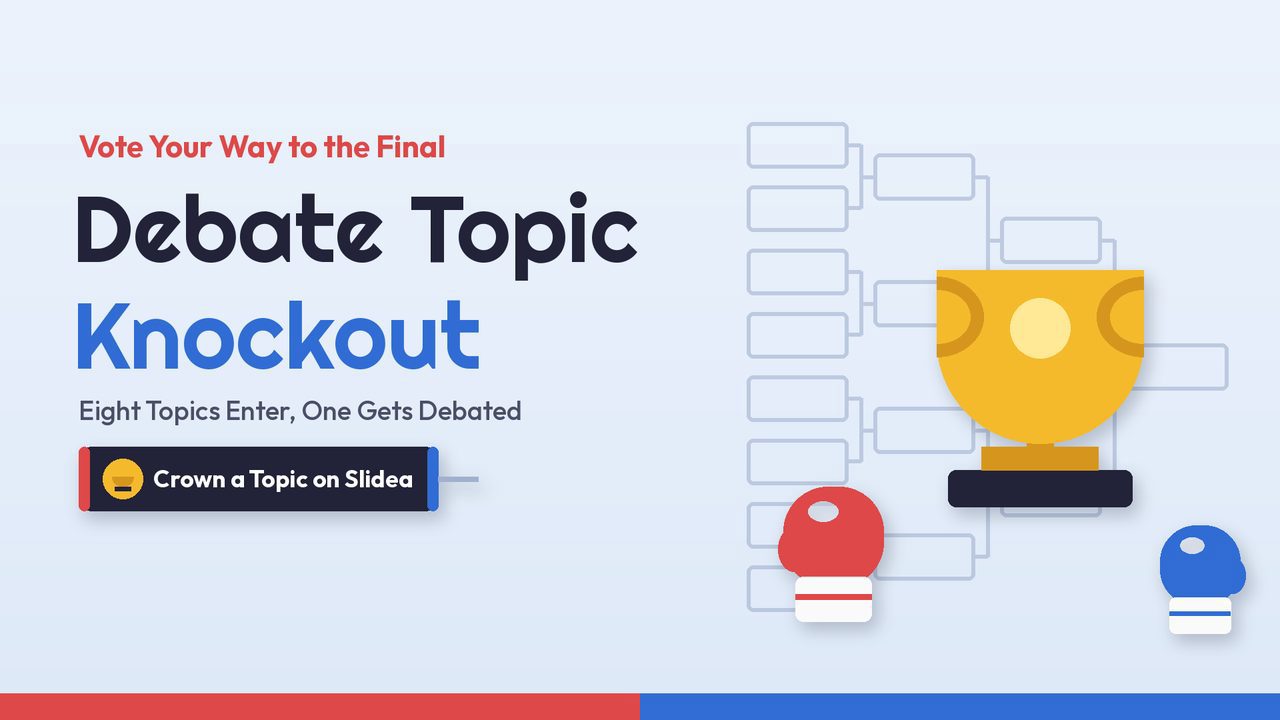
Debate Topic Knockout: What's Inside and How to PlayDebate Topic Knockout is a free Slidea template that lets your group vote eight debate topics through a knockout bracket until one champion topic is left to argue.What's inside:Quarterfinals: four head-to-head This or That votes, from remote work against four-day weeks to books against their moviesSemifinals and a Final with editable options, so you can type in each round's winning topics as the bracket unfoldsLive results shown as percentages on every matchup, plus a pie chart poll to choose the debate formatTwo word clouds: one on what makes a great debate topic and one to collect ideas for your next knockoutWho it's for: Teachers running debate clubs or speaking practice, team leads looking for an engaging meeting activity, and hosts of workshops or social events who want the audience to choose the topic.How to run it: Share the join code, run each matchup and note the winner, then update the semifinal and final options before opening those votes. Speaker notes guide you through every slide, and all topics are editable, so you can swap in your own.More to explore: Pair it with our Class Debate Template, browse Opinion Polls, find inspiration in our fun debate topics guide, or learn more about Slidea live polls.
Ready to create your own templates?
Get Started Free