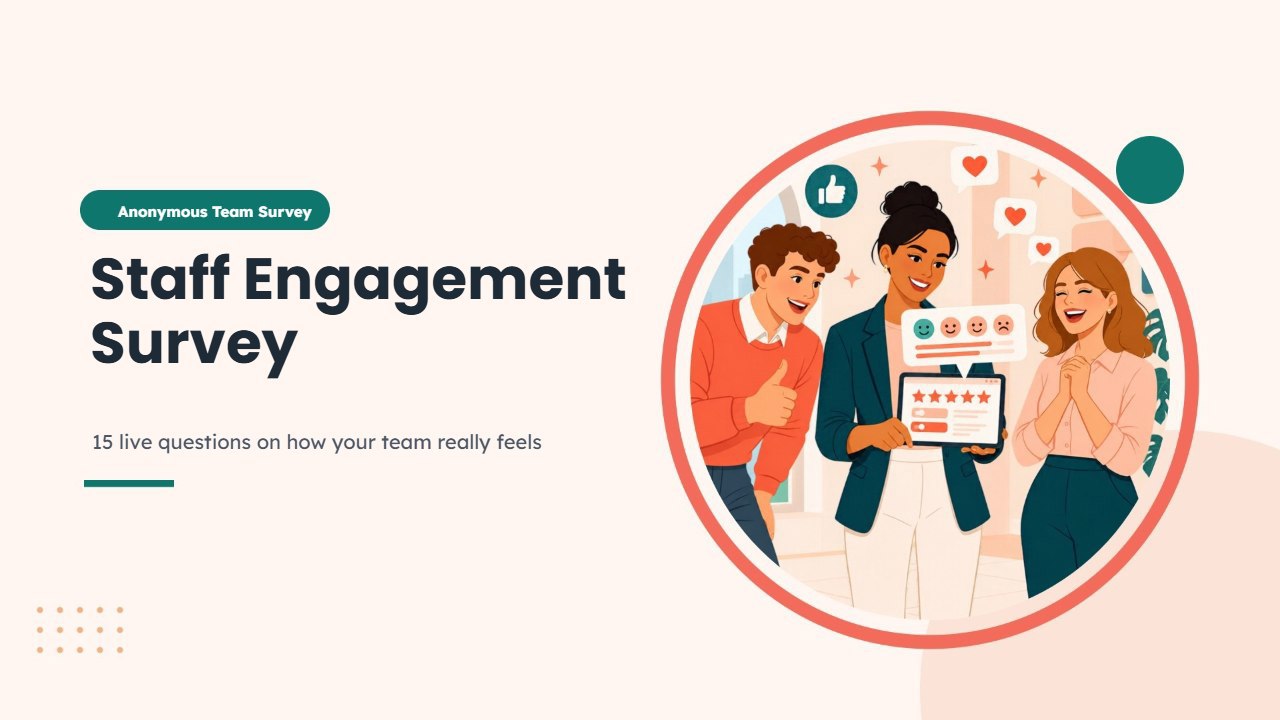
Staff Engagement Survey Template is a free Slidea survey that shows leaders how employees really feel about their work. Run it at an all-hands meeting, a team offsite or a quarterly check-in. Everyone answers live and anonymously on their phones, so people can give honest feedback and you see the results instantly.
What's inside
How to run it: open the template, press Present and share the join code. Use the "How This Survey Works" slide to reassure people that answers are anonymous, then share the results after each slide and agree on next steps. Every question and option can be edited.
More feedback ideas: see the best employee survey questions for teams, read how to use the Likert scale for feedback, or learn how to create a live survey.
Frequently asked questions
Is this staff engagement survey template free?
Yes. The template is free to use and edit on Slidea, and people join from a phone, tablet or laptop without downloading an app.
How long does the survey take?
About 15 to 20 minutes for all 15 questions with short discussion. For a quick pulse, use the two agreement scales and the recommendation score.
Are the answers anonymous?
Yes. Results show as charts, word clouds and lists without names, so staff can answer honestly.
Explore similar interactive templates
Explore all Surveys Templates →
Brain Training Exercises for Adults is an engaging Slidea game designed to challenge memory, sharpen focus, and encourage logical thinking. Players can participate from their phones, solve brain teasers, and test their problem-solving skills through fun interactive activities. Round One, Memory & Focus: Challenge your ability to remember details, recognize patterns, recall information, and stay focused. Round Two, Logic & Problem-Solving: Exercise your reasoning skills with number puzzles, logical challenges, pattern recognition, and quick-thinking activities. Question mix: Select Answer, Type Answer, Pick a Number, and Lineup activities to test different thinking skills. Perfect for adults, working professionals, teachers, trainers, lifelong learners, and senior activity groups looking for enjoyable ways to practise memory, concentration, and problem-solving. Present the game from Slidea and share the join code with participants. Players can join using their phones, tablets, or laptops. Answer each challenge before the timer ends and earn points for correct and faster responses. Check the Championboard at the end to celebrate the top performers. You can also edit the questions to match your audience's skill level. Explore more activities with Slidea's interactive quiz maker. Pair this template with a Memory Quiz, Logical Reasoning Quiz, or General Knowledge Quiz to create a complete brain-training session. Is the Brain Training Exercises for Adults template free? Yes. You can use and edit the template on Slidea, and participants can join from their devices. Who can participate in this brain training game? Adults of different age groups, professionals, students, and lifelong learners can enjoy these activities. What skills does this game practise? It includes activities focused on memory, attention, logical reasoning, pattern recognition, and problem-solving. How long does the game take? The duration depends on the number of questions and rounds included in your presentation. Can I customize the exercises? Yes. You can edit the questions and answers to suit your audience, difficulty level, or training session.

Virtual Event Feedback Survey is a free Slidea survey that captures attendee feedback before people leave your webinar or online event. Run it at the end of a webinar, virtual conference, online workshop or live stream. Attendees answer live and anonymously from any device, so you get honest feedback while the event is fresh. What's inside Opening slides: a title slide and a "How This Survey Works" slide that explains anonymity and the four topics. Event value: agreement scales on time well spent, engaging speakers and easy joining, the most useful lesson and a 0 to 10 recommendation score. Experience: audio and video quality, ratings for registration, session length and chances to interact, and one word for the event. Favourite parts: keynotes, live Q&A, breakout rooms, networking and demos ranked, plus how people heard about the event. Next time: fully virtual or hybrid, work hours or after hours, ideal session length, topics for the next event, open questions for speakers and one thing to improve. Question mix: 15 interactive slides across Multiple Choice, Word Cloud, Open Ended, Scales, Ranking, Q&A, Guess the Number and This or That, with anonymous answers. Who it's for: event organizers, webinar hosts, marketing teams, community managers and L&D teams. How to run it: open the template, press Present and share the join code in the chat. Use the "How This Survey Works" slide while people are still in the room, then show the results or export them after the event. Every question and option can be edited. More event ideas: see these survey questions for events and teams , read using live polls and Q&A in your presentations , or learn how to create a live survey . Frequently asked questions Is this virtual event feedback survey free? Yes. The template is free to use and edit on Slidea, and attendees join from a phone, tablet or laptop without downloading an app. How long does it take? About 10 to 15 minutes for all 15 questions. For a 3-minute wrap-up, use the first agreement scale, the recommendation score and the improvement question. Are the answers anonymous? Yes. Results show without names, so attendees can give honest feedback.
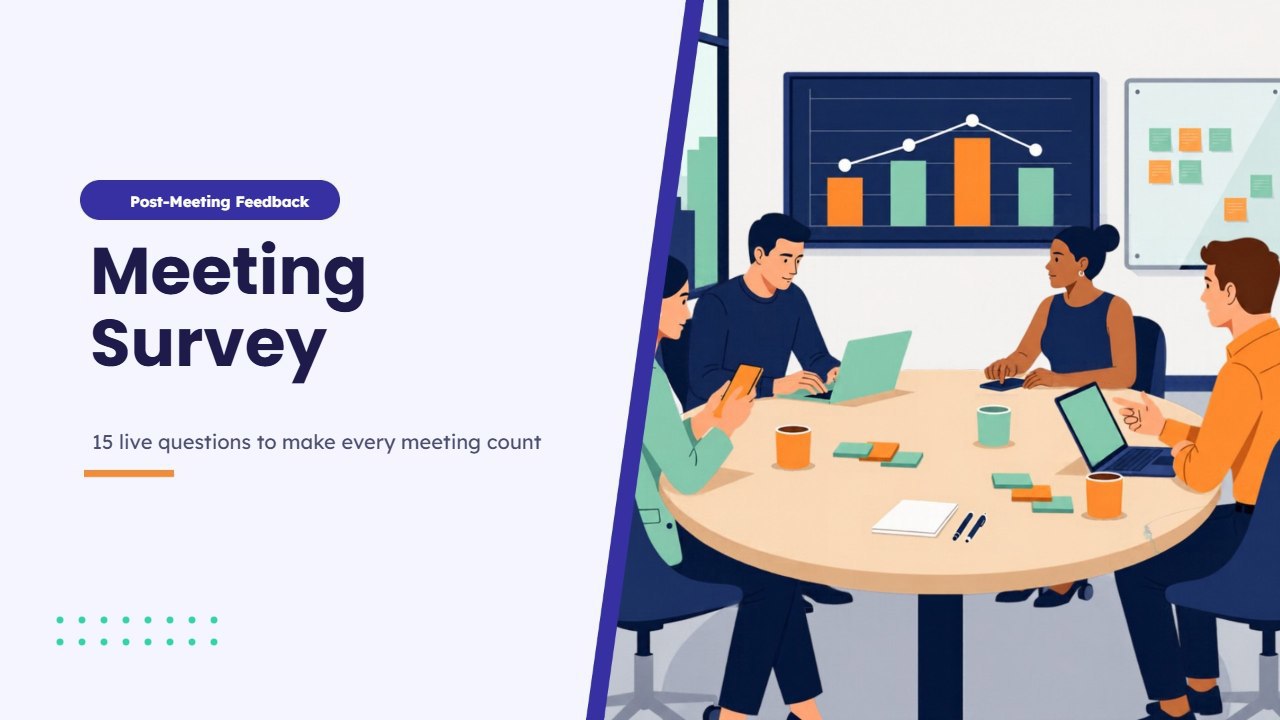
Meeting Survey Template is a free Slidea survey that helps teams make every meeting shorter, clearer and more useful. Run it in the last five minutes of a team meeting, a project stand-up or a monthly review. Everyone answers live and anonymously on their phones, so you get honest feedback while the meeting is still fresh. What's inside Opening slides: a title slide and a "How This Survey Works" slide that explains anonymity and the four topics. Meeting value: agreement scales on a clear goal, time well used and sharing views, how useful the meeting was, a 0 to 10 time-use score and the most valuable part. How we run it: scales on equal speaking time, recorded decisions and ending on time, plus what would make meetings better, ranked. Format and rhythm: in person or video call, how often to meet and written or live updates. Next steps: how clear the next steps are, open questions in a Q&A, the next topic to cover, one thing to stop doing and one word for how people feel leaving. Question mix: 15 interactive slides across Multiple Choice, Word Cloud, Open Ended, Scales, Ranking, Q&A, Guess the Number and This or That, with anonymous answers. Who it's for: team leads, project managers, scrum masters, meeting facilitators and operations teams. How to run it: open the template, press Present and share the join code. Use the "How This Survey Works" slide to explain that answers are anonymous, then show results and agree on one or two changes for the next meeting. Every question and option can be edited. More meeting ideas: try these check-in questions for meetings , learn how to run an interactive retrospective meeting , or read how to use the Likert scale for feedback . Frequently asked questions Is this meeting survey template free? Yes. The template is free to use and edit on Slidea, and people join from a phone, tablet or laptop without downloading an app. How long does it take? About 10 to 15 minutes for all 15 questions. For a 3-minute check, use the first agreement scale and the next steps question. Are the answers anonymous? Yes. Results show without names, so people can be honest about what isn't working.
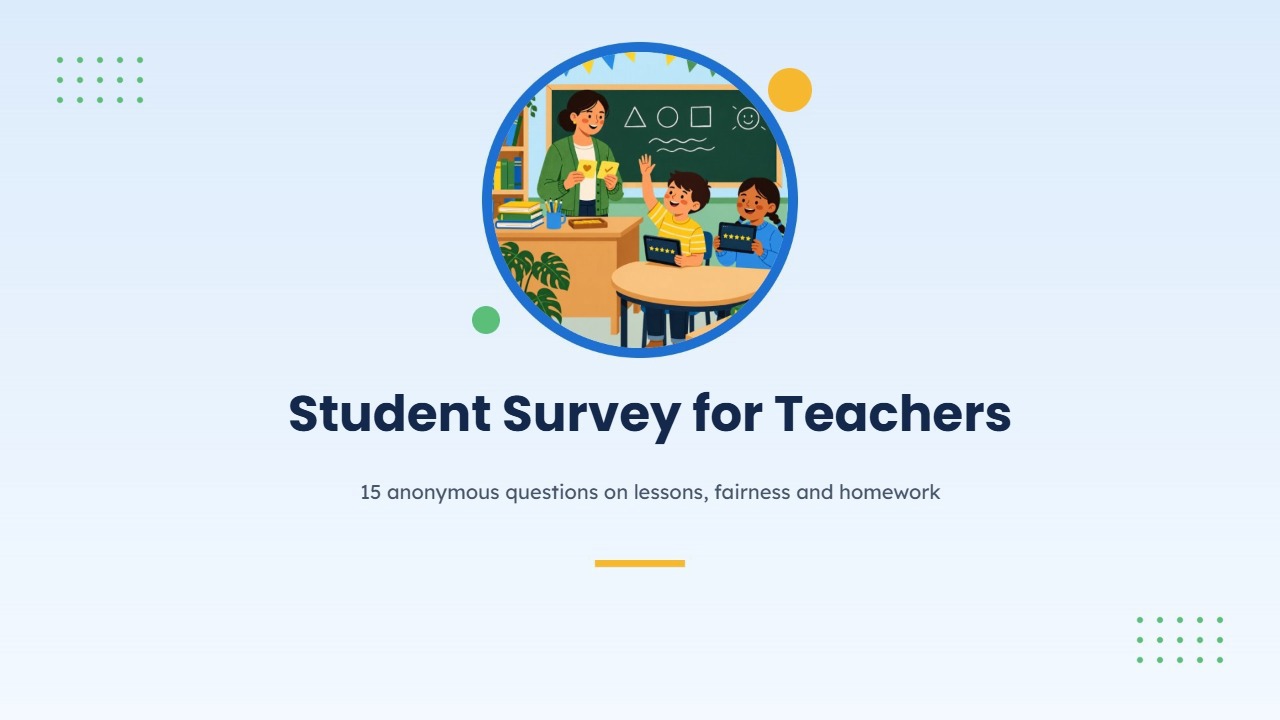
Student Survey for Teachers is a free Slidea survey that lets students give honest, anonymous feedback on their lessons. Use it at the end of a unit, mid-term or the end of the school year. Students answer live on their phones or tablets, and you see clear charts and word clouds you can act on straight away. What's inside Opening slides: a title slide and a "How This Survey Works" slide that explains anonymity and the four topics. Teaching and learning: agreement scales on clear explanations, asking questions and interesting lessons, lesson pace, what helps students learn best and one thing the teacher does that really helps. Class experience: one word for the class, how students feel coming to class, the favourite topic this term and a 0 to 10 confidence rating for the subject. Fairness and workload: scales on fair grading, equal chances to speak and respect, clear homework instructions and the amount of homework. Ideas for change: written comments or a quick chat for feedback, hands-on activities or discussions, one change to make the class better and a Q&A for anonymous questions. Question mix: 15 interactive slides across Multiple Choice, Word Cloud, Open Ended, Scales, Ranking, Q&A, Guess the Number and This or That, with anonymous answers. Who it's for: school and college teachers, lecturers, tutors and heads of department. How to run it: open the template, press Present and share the join code. Explain on the "How This Survey Works" slide that answers are anonymous, then reveal results after each question or save them to review later. Every question and option can be edited for your subject and age group. More classroom feedback ideas: see these formative assessment examples , try open-ended questions for classroom discussions , or learn how to create a live survey . Frequently asked questions Is this student survey for teachers free? Yes. The template is free to use and edit on Slidea, and students join from a phone, tablet or laptop without downloading an app. How long does it take? About 15 minutes for all 15 questions. For a quick check, use the two agreement scales and the one change question. Are the answers anonymous? Yes. Results show without names, so students can share honest feedback.

What Kind of Leader Are You? is a free Slidea self-reflection activity where people answer live, anonymous questions about how they lead, decide and support others. Results build on the screen as the group answers, so every session turns into a real conversation. What's inside Section One, Under Pressure: deadline choices, mentoring and decision habits, a word for the leader you want to be and leading from the front or behind. Section Two, Your Priorities: ranking vision, harmony and standards, Goleman's leadership styles and a leader who inspired you. Section Three, Tough Moments: handling a teammate's mistake, feedback, delegation and conflict, and strategy versus detail. Section Four, Growing Forward: an anonymous Q&A, how your team sees you, skills to build and a final style pick. Question mix: 15 questions across Multiple Choice, Word Cloud, Open Ended, Scales, Ranking, Q&A, Guess the Number and This or That, with anonymous answers and no scores Who it's for: team leads, new managers, HR and L&D teams, leadership workshops, student leaders and coaching groups. How to run it: open the template, press Present and share the join code. A Find Your Leadership Style slide introduces four common styles before the questions start. Add your own scenarios or company values, since every question and option can be edited. This is a reflection activity, not a formal assessment. More leadership activity ideas: browse more interactive activities on Slidea , explore interactive learning activities , mix in fun trivia questions by category or follow the step-by-step guide to interactive presentations . Frequently asked questions Is this leadership self-check free? Yes. The template is free to use and edit on Slidea, and people join from a phone, tablet or laptop without downloading an app. Are the answers anonymous? Yes. Results show as group totals, word clouds and lists, so people can answer honestly. Can I add our company values? Yes. Edit any question or option to match your leadership model or team values.
Ready to create your own templates?
Get Started Free