Virtual Event Feedback Survey is a free Slidea survey that captures attendee feedback before people leave your webinar or online event. Run it at the end of a webinar, virtual conference, online workshop or live stream. Attendees answer live and anonymously from any device, so you get honest feedback while the event is fresh.
What's inside
How to run it: open the template, press Present and share the join code in the chat. Use the "How This Survey Works" slide while people are still in the room, then show the results or export them after the event. Every question and option can be edited.
More event ideas: see these survey questions for events and teams, read using live polls and Q&A in your presentations, or learn how to create a live survey.
Frequently asked questions
Is this virtual event feedback survey free?
Yes. The template is free to use and edit on Slidea, and attendees join from a phone, tablet or laptop without downloading an app.
How long does it take?
About 10 to 15 minutes for all 15 questions. For a 3-minute wrap-up, use the first agreement scale, the recommendation score and the improvement question.
Are the answers anonymous?
Yes. Results show without names, so attendees can give honest feedback.
Explore similar interactive templates
Explore all Surveys Templates →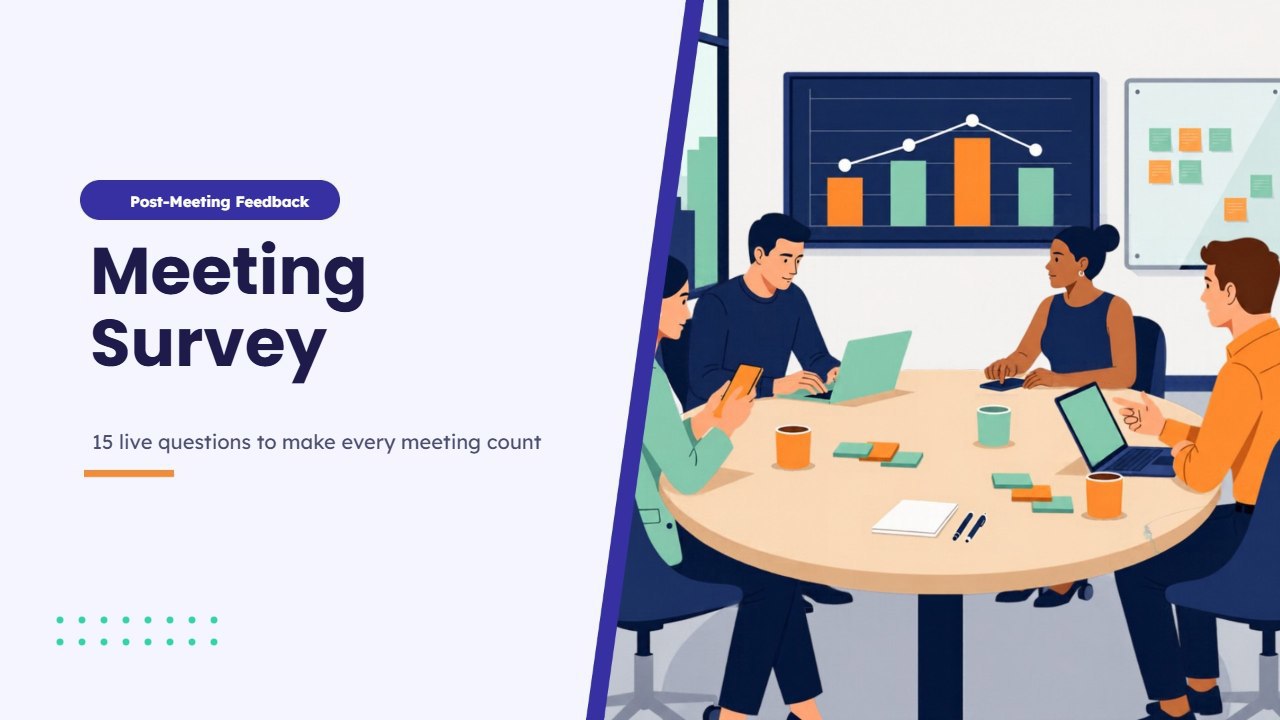
Meeting Survey Template is a free Slidea survey that helps teams make every meeting shorter, clearer and more useful. Run it in the last five minutes of a team meeting, a project stand-up or a monthly review. Everyone answers live and anonymously on their phones, so you get honest feedback while the meeting is still fresh. What's inside Opening slides: a title slide and a "How This Survey Works" slide that explains anonymity and the four topics. Meeting value: agreement scales on a clear goal, time well used and sharing views, how useful the meeting was, a 0 to 10 time-use score and the most valuable part. How we run it: scales on equal speaking time, recorded decisions and ending on time, plus what would make meetings better, ranked. Format and rhythm: in person or video call, how often to meet and written or live updates. Next steps: how clear the next steps are, open questions in a Q&A, the next topic to cover, one thing to stop doing and one word for how people feel leaving. Question mix: 15 interactive slides across Multiple Choice, Word Cloud, Open Ended, Scales, Ranking, Q&A, Guess the Number and This or That, with anonymous answers. Who it's for: team leads, project managers, scrum masters, meeting facilitators and operations teams. How to run it: open the template, press Present and share the join code. Use the "How This Survey Works" slide to explain that answers are anonymous, then show results and agree on one or two changes for the next meeting. Every question and option can be edited. More meeting ideas: try these check-in questions for meetings , learn how to run an interactive retrospective meeting , or read how to use the Likert scale for feedback . Frequently asked questions Is this meeting survey template free? Yes. The template is free to use and edit on Slidea, and people join from a phone, tablet or laptop without downloading an app. How long does it take? About 10 to 15 minutes for all 15 questions. For a 3-minute check, use the first agreement scale and the next steps question. Are the answers anonymous? Yes. Results show without names, so people can be honest about what isn't working.
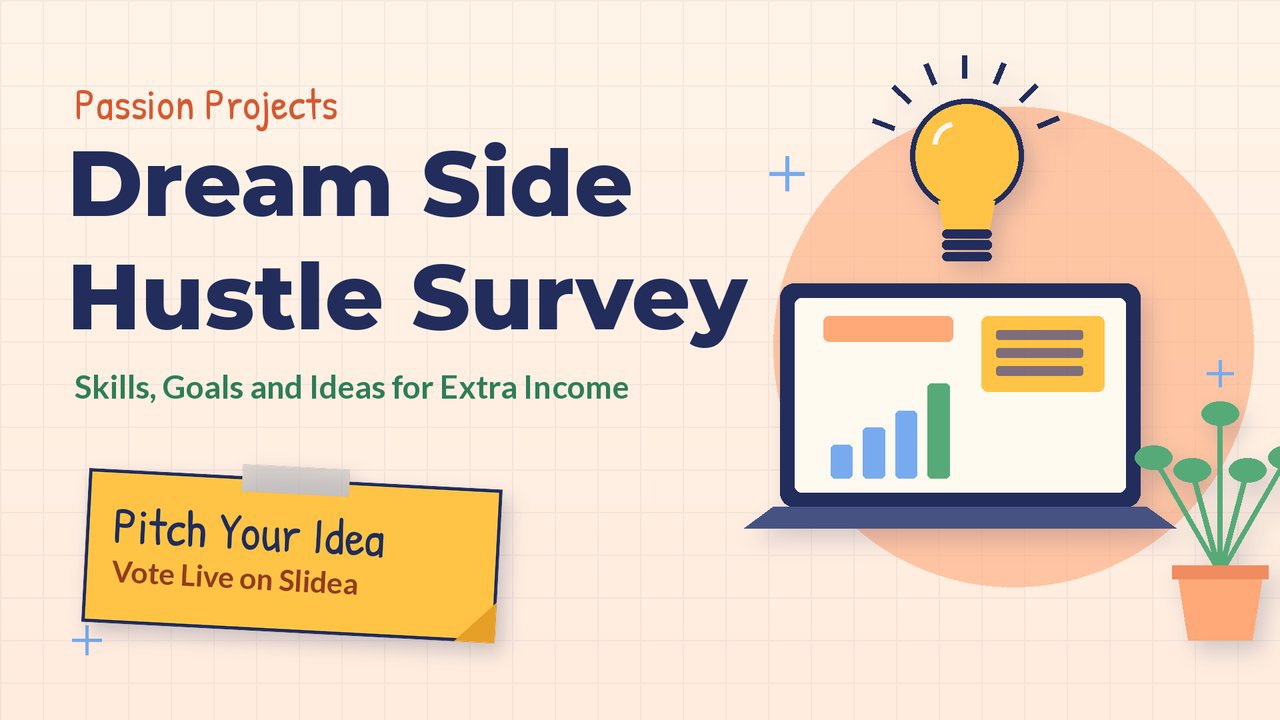
Dream Side Hustle Survey is a free Slidea template that helps a group talk about skills, passions and goals for earning a little extra, using live polls and word clouds instead of a long form. Everyone answers on their phones, results appear as percentages, and the session ends with each person choosing a realistic first step. What's inside Warm-up: a word cloud where people share the skill others most often ask them for help with. Part One, Where You Are Now: polls on side income experience and weekly free time, plus a Hobby or New Skill vote. Part Two, What Drives You: a donut chart on motivation, a word cloud of hobbies people would love to get paid for, and an Online or In Person vote. Part Three, Making It Real: a pie chart on the biggest roadblock, a poll on the most doable first step and a closing word cloud on how people feel about starting. Closing and end slides to thank the group and keep the momentum going. Who it's for: career coaches, college and adult education classes, employee wellbeing and learning teams, creator communities and anyone running a workshop on passion projects. How to run it: open the template, press Present and share the join code. Let the room answer each poll, then pause on the results to invite a few stories. Every question, option and text box can be edited, so you can tailor the survey to students, new graduates or experienced professionals. More goal and growth ideas: collect quick ideas with Slidea's live word cloud , try the career development goals template or essential skills for career growth , plan big dreams with Let's Make a Bucket List , or read our guide on setting clear development goals . Frequently asked questions Is the Dream Side Hustle Survey free? Yes. The template is free to use and edit on Slidea, and people join from any phone, tablet or laptop without downloading an app. How long does the survey take? About 15 minutes, or 25 to 30 minutes if you discuss each result as a group. Can I use it with students? Yes. Swap a few options for school-friendly ideas such as tutoring, crafts or pet sitting, and the survey works well for older students planning their first job.
Social Anxiety Questionnaire is a free anonymous self-reflection survey on Slidea for wellbeing workshops, counseling classes, student groups and team check-ins. People answer privately on their phones and see that common worries are shared, without anyone being singled out. What's inside: Questions 1 to 8, Everyday Situations: walking into a room of strangers, uneasy moments, one word for being watched, text or call, the hardest situations, a quick fact guess, what helps and replaying conversations Questions 9 to 15, Coping and Support: how true common thoughts feel, small group or big party, an anonymous Q&A, calming ideas, helpful supports, one small step and comfort talking about it Question mix: a Before You Begin slide, then fifteen anonymous prompts across Multiple Choice, Word Cloud, Open Ended, Scales, Ranking, QA, Guess the Number and This or That Who it's for: school counselors, wellbeing leads, HR teams, support group facilitators, teachers and coaches. It is a reflection tool, not a diagnosis. How to run it: Open the template in Slidea, share the join code and present. Answers stay anonymous, results appear live and every slide is fully editable. New to live surveys? Follow our step-by-step guide to interactive slides . More to explore: try more interactive classroom activities , browse all free Slidea templates , or read how to build interactive slides .
Guess Who I Am is a free Slidea template that turns getting-to-know-you moments into a live guessing game: each question reveals a clue about a player, and the group races to connect the dots. What's inside Multiple Choice and Word Cloud: quick questions that surface quirky facts and traits about each player. This or That and Scales: either/or and rating prompts that reveal preferences and habits. Open Ended and QA: free-response questions that invite players to share a story or a fun fact. Who it's for: team building sessions, new hire onboarding, and friend groups wanting a fun, honest way to connect and break the ice. How to run it: open the template, press Present and let everyone join with the code on screen. Read each clue or question aloud, let players guess or answer, then reveal the result and move to the next slide. More to explore: browse more icebreaker and team-building game templates on Slidea for your next session.
Class Feedback Survey is a free interactive survey on Slidea, made for end of unit check-ins, end of term reviews and course evaluations. Students join on their phones and answer anonymously, so you get honest feedback and see results appear live. What's inside: Part One, How Class Feels: agreement scales, a one word class word cloud, the part of class that helped most, ways to show learning, activity rankings, what to keep doing and homework minutes Part Two, What to Improve: more agreement scales, topics to explore, workload, when students learn best, what would improve class most, a QA for next term and one change that would help Question mix: Your Answers Stay Anonymous and What We'll Ask About slides, then fifteen prompts using Multiple Choice, Word Cloud, Open Ended, Scales, Ranking, QA, Guess the Number and This or That slides Who it's for: teachers, lecturers, tutors, department heads, training coordinators and anyone running a course. How to run it: Open the template in Slidea, share the join code and present. Answers stay anonymous, results appear live on screen and every slide is fully editable. New to live games? Follow our step-by-step guide to interactive quizzes . More to explore: browse all free Slidea quizzes , find more interactive classroom activities , or reward the class with fun trivia questions by category .
Ready to create your own templates?
Get Started Free