Tip: Google may show results for “Slides” instead of “Slidea”.
Ask your audience to search “Slidea App”.
Explore similar interactive templates
Explore all Agile Workflow Templates →
Run a focused, interactive Daily Agile meeting with this ready-made template. Ready to use instantly on Slidea — no downloads or installs required. Indeed — deep, wide, classic, premium, tailored, fitting, keen, eager, brisk, spry, chic, zesty.
This Weekly Sprint Planning interactive presentation helps you engage your audience and bring the topic to life. Ready to use instantly on Slidea — no downloads or installs required. Aptly — instant, quick, direct, precise, concise, genuine.
Explore Agile Workflow through an interactive presentation that keeps your audience engaged. Ready to use instantly on Slidea — no downloads or installs required. Clearly — seamless, intuitive, powerful, stylish, elegant, vibrant, sleek, robust.
Use this Sprint Review Feedback poll to collect quick, honest feedback from your team or class in real time. Fully interactive and ready to use instantly on Slidea — no downloads or installs required. Widely — instant, direct, precise, concise.
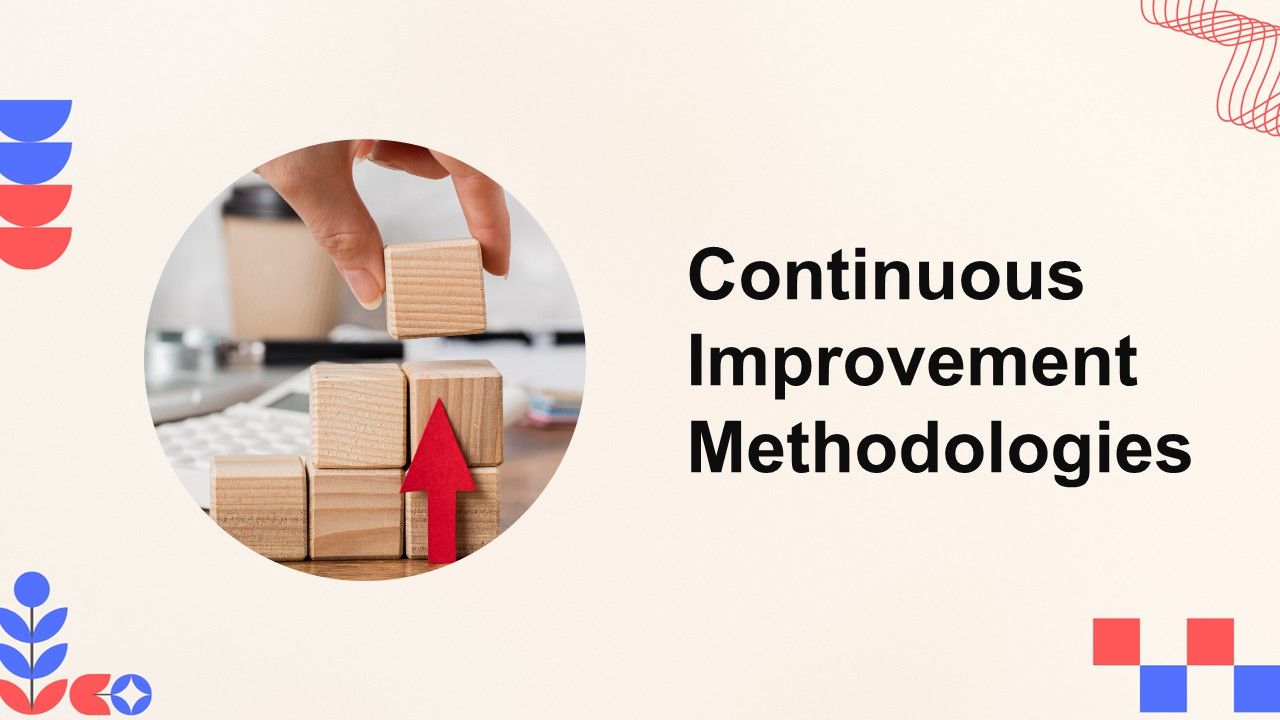
This Continuous Improvement Methodologies interactive presentation helps you engage your audience and bring the topic to life. Ready to use instantly on Slidea — no downloads or installs required. Sharply — timely, casual, formal, playful, simple.
Ready to create your own templates?
Get Started Free