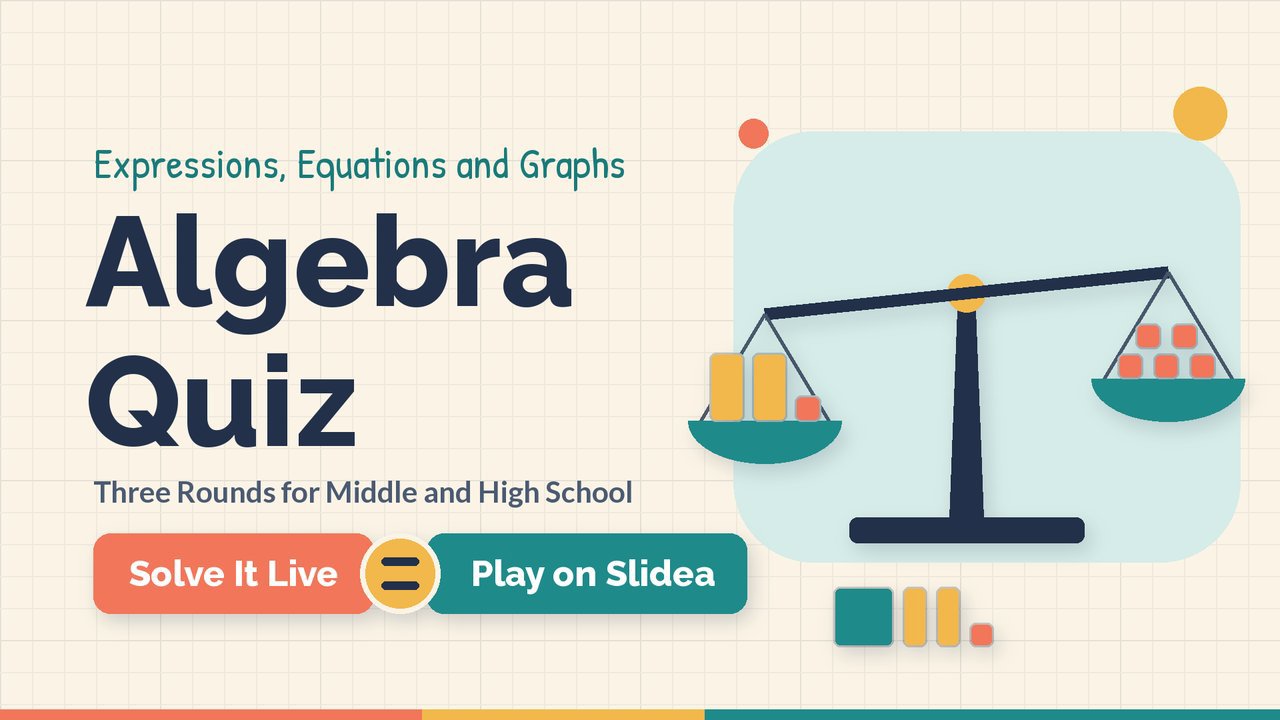
Algebra Quiz: Expressions, Equations and Graphs is a free Slidea game that turns algebra practice into a live class challenge, with students answering from their phones and racing up the leaderboard.
What's inside
Who it's for: Middle school and early high school math teachers, tutors running review sessions, homeschool families and math clubs that want a quick, low-pressure way to check understanding.
How to play: Present from Slidea and share the join code. Each question runs for 20 seconds, and faster correct answers score more points. After each question, work the problem on the board so everyone sees the steps, then use the closing confidence poll to plan your next lesson. Every question can be edited to match your unit.
More math games: Build your own round with Slidea's interactive quiz maker, find more ideas in our fun math quiz questions guide, step up with the college algebra problems set, practice systems of linear equations, or warm up with a mental maths quiz.
Frequently asked questions
Is the Algebra Quiz free? Yes. It is free to use and edit on Slidea, and students join from any phone, tablet or laptop without downloading an app.
What grade level is it for? It fits grades 6 to 9, and you can make questions easier or harder by changing the numbers in a few clicks.
How long does the game take? About 15 minutes for all three rounds, or around five minutes if you play one round as a lesson warm-up.
Explore similar interactive templates
Explore all Quizzes Templates →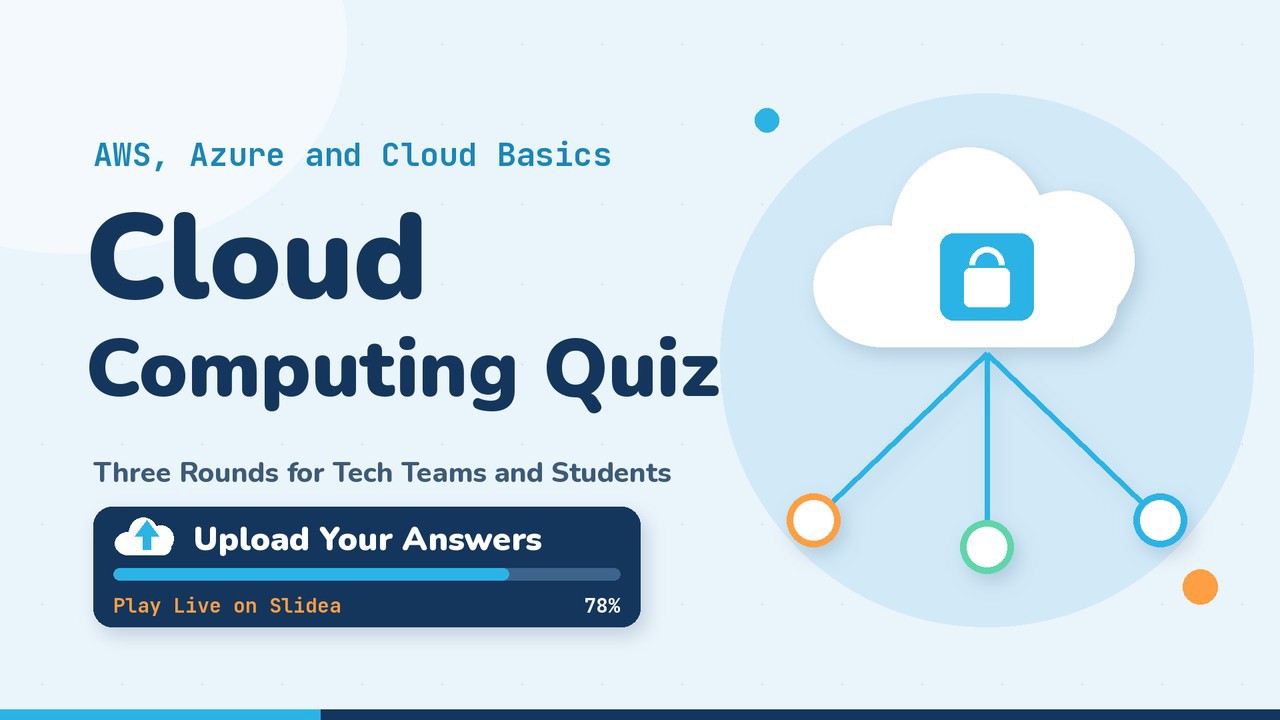
Cloud Computing Quiz: What's Inside and How to PlayCloud Computing Quiz: Services, Providers and Security is a free Slidea game that tests how well players know the cloud tools behind everyday apps, with live answers from their phones and a leaderboard after every round.What's insideRound One, Cloud Basics: SaaS, IaaS and PaaS, everyday cloud apps, scalability and private clouds.Round Two, Providers and Services: AWS EC2 and S3, Google Cloud, Microsoft Azure and content delivery networks.Round Three, Security and Operations: multi-factor authentication, pay-as-you-go pricing, containers, serverless computing and uptime.15 timed Select Answer questions with a Championboard after every round, plus a warm-up Word Cloud, a This or That storage vote and a skills poll, 28 slides in total.Who it's for: IT and computer science teachers, cloud certification study groups, tech team trainers, onboarding sessions for new engineers and anyone curious about how the cloud works.How to play: Present from Slidea and share the join code. Each question runs for 20 seconds, and faster correct answers score more points. After each round, take a minute to explain the trickier answers with a real service your team uses, then use the final poll to plan your next training topic. Every question can be edited to fit your course or stack.More tech templates: Build your own round with Slidea's interactive quiz maker, plan spending with the cloud cost optimization template, test safe habits with the internet safety quiz, or cover digital protection with the online safety template.Frequently asked questionsIs the Cloud Computing Quiz free? Yes. It is free to use and edit on Slidea, and players join from any phone, tablet or laptop without downloading an app.Do players need technical experience? No. Round One covers the basics, while Rounds Two and Three bring in service names and security terms that challenge IT learners.How long does the game take? About 15 minutes for all three rounds, or around five minutes if you play one round as a training warm-up.
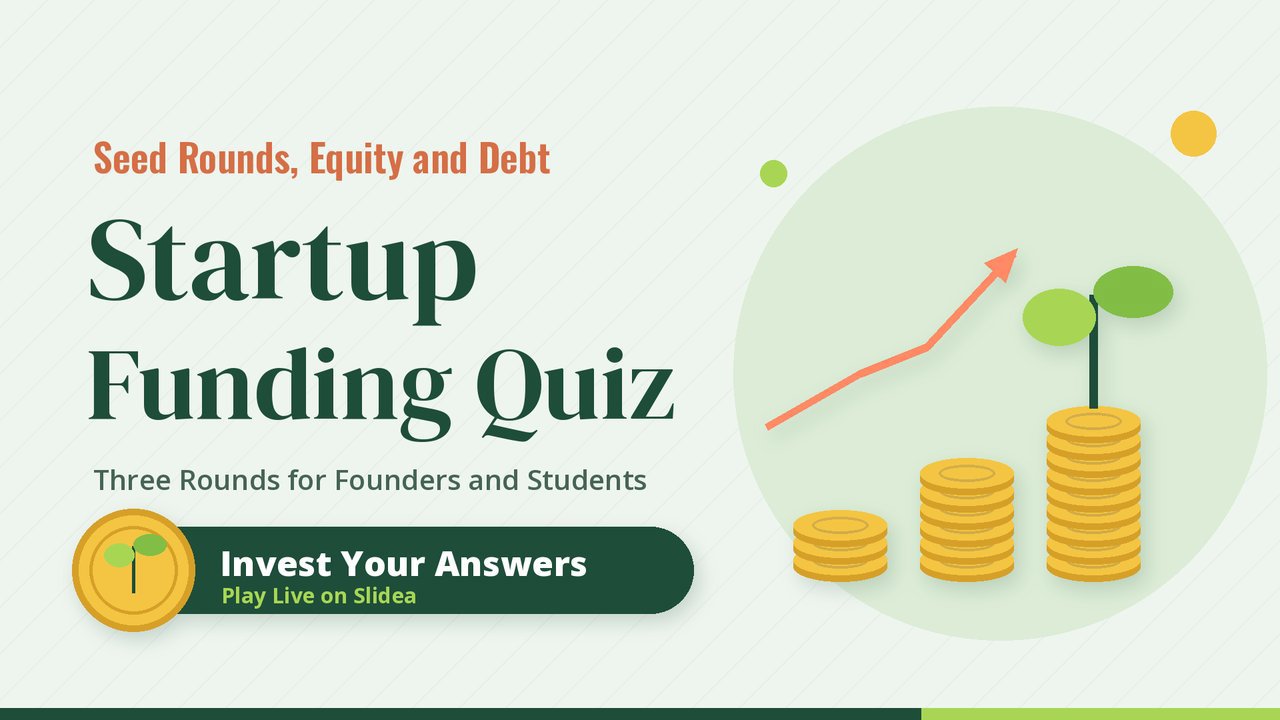
Startup Funding Quiz: What's Inside and How to PlayStartup Funding Quiz: Seed Rounds, Equity and Debt is a free Slidea game that tests how well players understand the way young companies raise money, with live answers from their phones and a leaderboard after every round.What's insideRound One, Funding Stages: pre-seed and seed rounds, Series A, crowdfunding, bootstrapping and going public.Round Two, Equity or Debt: ownership shares, bank loans, valuation, founder dilution and convertible notes.Round Three, Investors and Pitches: angel investors, venture capital, term sheets, burn rate and unicorn startups.15 timed Select Answer questions with a Championboard after every round, plus a warm-up Word Cloud, a This or That vote on angels versus VCs and a funding path poll, 28 slides in total.Who it's for: Business and entrepreneurship teachers, startup incubators and accelerators, university clubs, founder meetups and finance teams onboarding new hires.How to play: Present from Slidea and share the join code. Each question runs for 20 seconds, and faster correct answers score more points. Pause after tricky questions to share a real funding story, and use the final poll to start a discussion about which path fits different businesses. Every question can be edited for your course or event.More business games: Build your own round with Slidea's interactive quiz maker, test wider startup knowledge with the startups trivia, check if founders are ready with the startup pitch readiness quiz, or cover money basics with the financial literacy quiz.Frequently asked questionsIs the Startup Funding Quiz free? Yes. It is free to use and edit on Slidea, and players join from any phone, tablet or laptop without downloading an app.Do players need finance experience? No. Round One covers the basics, while Rounds Two and Three bring in investor terms that challenge founders and business students.How long does the game take? About 15 minutes for all three rounds, or around five minutes if you play one round as a workshop warm-up.

UX Design Quiz: What's Inside and How to PlayUX Design Quiz: UI Wins, UI Fails and Usability Basics is a free Slidea game that checks how well players know the laws, guidelines and research methods behind products people enjoy using, with live answers from their phones.What's insideRound One, Usability Basics: what UX stands for, Hick's law, Fitts's law, wireframes and usability testing.Round Two, UI Wins and UI Fails: WCAG contrast, touch target sizes, placeholder labels, dark patterns and alt text.Round Three, Research and Process: the F-pattern, A/B testing, card sorting, Nielsen's heuristics and user personas.15 timed Select Answer questions with a Championboard after every round, plus a warm-up Word Cloud and a This or That vote on the most annoying UI fail, 27 slides in total.Who it's for: Product and design teams, UX bootcamps and design students, lunch-and-learn hosts, and developers or marketers who want a quick refresher on usability.How to play: Present from Slidea and share the join code. Each question runs for 20 seconds, and faster correct answers score more points. Show the Championboard after each round and use the poll results to start a short chat about real products your team has used. Every question can be edited to match your own design system.More design templates: Build your own round with Slidea's interactive quiz maker, share findings with the usability testing summary, review a product with the UX audit report, or map your audience with the UX personas creation board.Frequently asked questionsIs the UX Design Quiz free? Yes. It is free to use and edit on Slidea, and players join from any phone, tablet or laptop without downloading an app.Do players need design experience? No. Round One covers the basics, so newcomers can keep up, while Rounds Two and Three give experienced designers more of a challenge.How long does the game take? About 15 minutes for all three rounds, or around five minutes if you play a single round as a meeting warm-up.
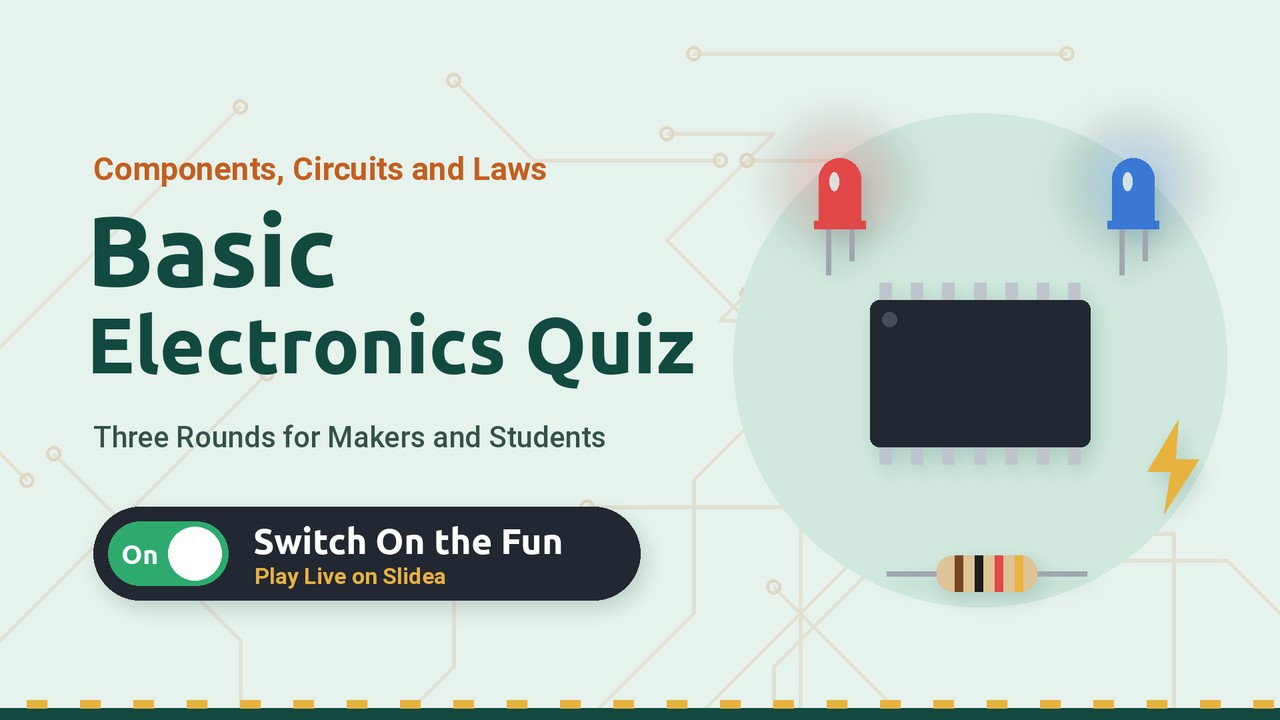
Basic Electronics Quiz: What's Inside and How to PlayBasic Electronics Quiz: Components, Circuits and Laws is a free Slidea game that tests what players know about the parts, units and tools behind every gadget, with live answers from their phones.What's insideRound One, Know Your Components: capacitors, resistors, diodes, LEDs and transistors.Round Two, Units and Laws: ohms, amperes, Ohm's law, RGB LEDs and resistors in series.Round Three, Tools and Circuits: multimeters, breadboards, conductors, fuses and ultrasonic sensors.15 timed Select Answer questions with a Championboard after every round, plus a warm-up Word Cloud and a This or That project vote, 27 slides in total.Who it's for: Science and technology teachers, STEM and robotics club leaders, coding and maker camps, and anyone starting out with Arduino or simple circuit kits.How to play: Present from Slidea and share the join code. Each question runs for 20 seconds, and faster correct answers score more points. Check the Championboard after each round and pause to explain any tricky answer with a real component if you have one in class. Every question can be edited to match your syllabus.More STEM quizzes: Build your own round with Slidea's interactive quiz maker, cover the basics of current and voltage with the electricity quiz, keep going with the robotics quiz, or test wider science knowledge with the physics quiz.Frequently asked questionsIs the Basic Electronics Quiz free? Yes. It is free to use and edit on Slidea, and players join from any phone, tablet or laptop without downloading an app.What age group is it best for? It suits middle school, high school and beginner makers, and the questions can be made easier or harder in a few clicks.How long does the game take? About 15 minutes for all three rounds, or around five minutes if you play one round as a lesson starter.
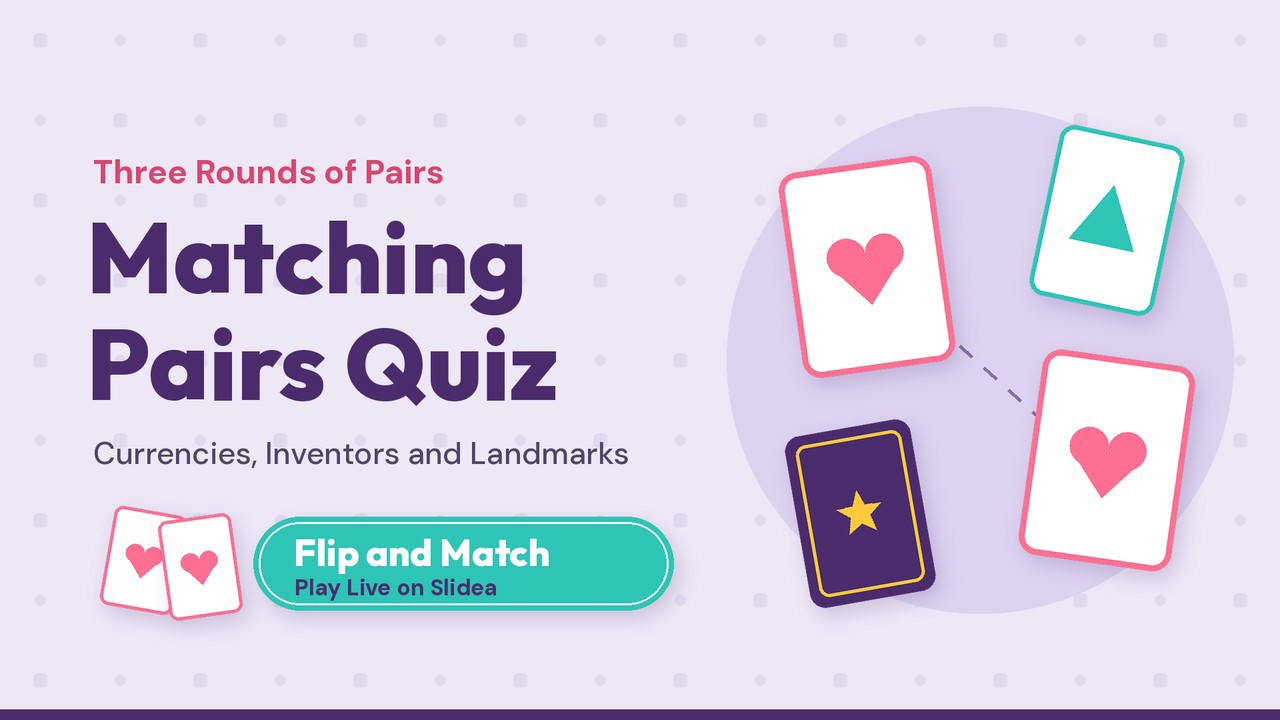
Matching Pairs Quiz: What's Inside and How to PlayMatching Pairs Quiz: Currencies, Inventors and Landmarks is a free Slidea game where players see one half of a famous pair and race to pick its partner from four live answer choices on their phones.What's insideRound One, Currency Pairs: match the yen, rand, real, rupee and krona to the countries that use them.Round Two, Inventor Pairs: link the telephone, the light bulb, the World Wide Web, relativity and the printing press to the minds behind them.Round Three, Landmark Pairs: place Machu Picchu, Petra, Angkor Wat, Christ the Redeemer and the Colosseum on the map.15 timed Select Answer questions with a Championboard after every round, plus a warm-up Word Cloud and a closing This or That vote, 27 slides in total.Who it's for: Teachers looking for a geography and history review, quiz night hosts, team leads running a quick office trivia break and families who enjoy general knowledge games together.How to play: Present from Slidea and share the join code. Each question runs for 20 seconds, and faster correct answers earn more points. Check the Championboard after every round, then use the final poll to choose which theme gets a sequel. Every question and answer can be edited to fit your class or group.More quiz ideas: Build your own round with Slidea's interactive quiz maker, try the history dates matching game, test bigger brains with the famous inventors trivia, or mix topics with the general knowledge quiz.Frequently asked questionsIs the Matching Pairs Quiz free? Yes. It is free to use and edit on Slidea, and players join from any phone, tablet or laptop without downloading an app.How long does the game take? About 15 minutes for all three rounds, or around five minutes if you play a single round as a warm-up.Can I add my own pairs? Yes. You can change any question, swap in new pairs such as capitals or authors and move the correct answer to any position.
Ready to create your own templates?
Get Started Free