


On this page
OverviewThe ChallengeThe WorkshopHow Slidea Made It InteractiveWhat Made It DifferentKey OutcomesKey TakeawayMake Your Next Presentation InteractiveHow an educational workshop on AI applications used interactive presentations to encourage participation, assess understanding, and create a more engaging learning experience.

Overview
A workshop on "Technology-Enhanced Pedagogy through AI Applications" was conducted at NKT National College of Education, Triplicane, Chennai, with the participation of more than 150 students.

The session explored how Artificial Intelligence (AI) and emerging technologies can support teachers in lesson planning, content preparation, assessment, and classroom engagement.
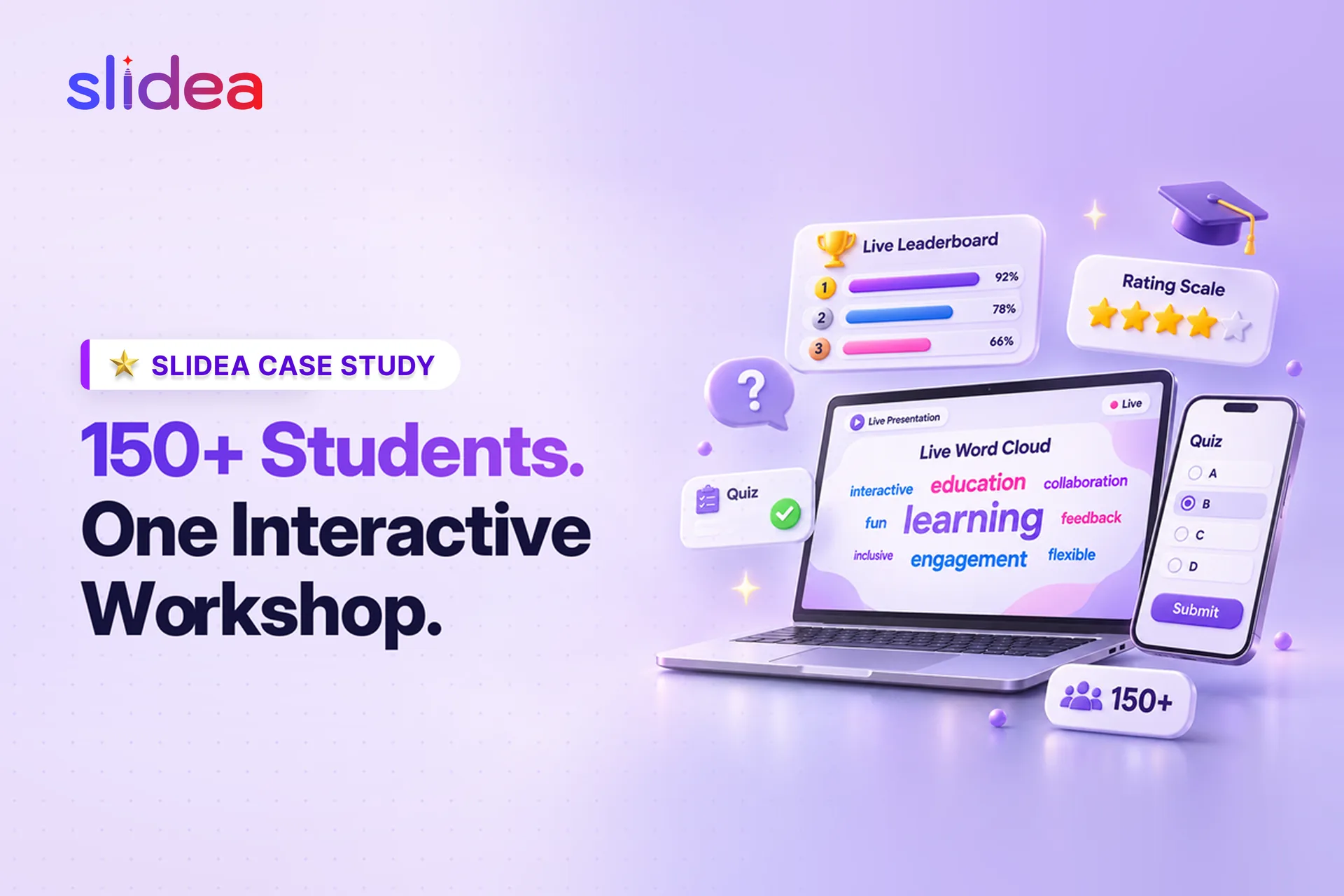
What made the workshop particularly interesting was the use of Slidea throughout the presentation. Instead of limiting students to listening and observing, the presenter incorporated open-ended questions, word clouds, interactive quizzes, rating scales, and live leaderboards to encourage active participation.
With 13 interactive activities integrated into the session, students had multiple opportunities to contribute, demonstrate their understanding, evaluate their knowledge, and share feedback.
This case study explores how Slidea helped transform a conventional presentation into an interactive learning experience.
The Challenge: Making a Workshop Interactive for 150+ Students
Traditional workshops often follow a one-way communication model. A speaker presents information, participants listen, and questions are usually reserved for the end.
While this approach works for delivering information, it can be challenging to maintain active participation in a large audience.
For this workshop, the objective was to go beyond information delivery and create opportunities for students to:
- Participate actively throughout the session.
- Share their perspectives and existing knowledge.
- Understand and apply educational frameworks.
- Evaluate their own knowledge and skills.
- Test their understanding through interactive assessments.
- Reflect on what they learned and share feedback.
The presenter used Slidea to integrate audience interaction directly into the presentation flow.

The Workshop: Technology-Enhanced Pedagogy through AI Applications
The workshop explored how AI and educational technology can support the evolving responsibilities of teachers. The key topics covered included:
1. Understanding the Responsibilities of a Teacher
The session began by exploring six important responsibilities:
- Planning lessons
- Delivering instruction
- Managing the classroom
- Preparing learning materials
- Assessing and grading
- Communicating with families
2. The SAMR Framework
Students were introduced to the four levels of the SAMR Framework:
- Substitution
- Augmentation
- Modification
- Redefinition
The discussion focused on understanding whether technology simply replaces an existing task or enables entirely new learning experiences.
3. AI Tools for Lesson Planning and Content Creation
The session introduced tools such as ChatGPT, Claude, Canva, Gamma, and Slidea, highlighting their applications in lesson preparation, content creation, and presentation design.
4. Assessment and Student Engagement
AI quiz generators and interactive presentation tools such as Mentimeter, Kahoot, and Slidea were discussed as ways to encourage classroom participation and provide feedback.
5. The TPACK Framework
Students explored the relationship between Content Knowledge (CK), Pedagogical Knowledge (PK), and Technological Knowledge (TK), and why teachers need to balance all three.
6. Hands-On Activity and Responsible AI Usage
The workshop included a practical activity where participants were encouraged to build a mini lesson plan or quiz using an AI tool and reflect on its pedagogical value.
The discussion also addressed over-reliance on AI, bias, hallucinations, accuracy, privacy, and the importance of retaining professional judgment.
While these topics formed the foundation of the workshop, Slidea helped make the learning process more participatory.
How Slidea Made the Workshop Interactive
Instead of using interactive elements only at the end of the presentation, Slidea was integrated into different stages of the session.
Thirteen interactive activities were used to serve different purposes, from breaking the ice to assessing knowledge and collecting feedback.
1. Breaking the Ice: Making Every Student Feel Included
Interaction: Who are you?
The first interaction was a simple open-ended question asking students to enter their names.

As responses appeared on the presentation screen, students were excited to see their names displayed on the board. This simple activity helped break the ice and establish an immediate connection between the presenter and the audience. Instead of remaining anonymous members of a large audience, students became active contributors from the beginning.
2. Understanding the Audience Through Word Clouds
Two activities using Slidea's word cloud generator helped the presenter understand the audience better.
Interaction: Where are you from?

Students were asked to share where they came from. The responses appeared as a word cloud, providing a visual representation of the areas from which students had traveled to attend the workshop. Triplicane, Mylapore, and Chennai stood out, while some responses named places such as Vellore, Salem, and Thanjavur.
It also created an opportunity for students to discover the geographical diversity within their classroom.
Interaction: Tools / Software you practice for teaching

Before introducing AI-powered teaching tools, the presenter wanted to understand what technologies students were already familiar with. Students shared the tools and software they practiced or used for teaching. The resulting word cloud offered a quick snapshot of their existing exposure to educational technology. ChatGPT appeared largest in the word cloud, with Canva, PPT, Gemini, and Claude also prominent.
This helped connect the workshop's upcoming discussions with the participants' existing knowledge and experience.
3. Checking Conceptual Understanding Through Open-Ended Questions
After introducing the SAMR and TPACK frameworks, Slidea was used to understand how well students had grasped the concepts. Three open-ended questions were presented, including the two below.
Interaction: Where does Powerpoint sit on SAMR, and why?

Students were asked to apply the SAMR Framework to a familiar presentation tool. Rather than simply memorizing the four levels, they had to think about whether PowerPoint merely replaces traditional teaching methods or enables more transformative learning experiences.
Interaction: Where does Slidea sit on SAMR, and why?

This question encouraged students to evaluate Slidea using the same framework they had just learned. It was an opportunity to connect the theoretical concept with the interactive presentation experience they were participating in.
These activities made conceptual learning a two-way conversation rather than a one-way explanation.
4. Encouraging Self-Assessment Through Rating Scales
Interaction: Self-rate your TK, PK, and CK for your subject and grade level

Students were introduced to the three components of the TPACK Framework:
- Technological Knowledge (TK)
- Pedagogical Knowledge (PK)
- Content Knowledge (CK)
Using Slidea's rating scales, students were invited to evaluate their own proficiency in these three areas in the context of their subject and grade level. The displayed averages were 3.5 for TK, 3.8 for PK, and 3.8 for CK.
This encouraged individual reflection and helped students think about their strengths and areas for improvement. It reinforced an important message: becoming an effective teacher in the AI era requires more than technological knowledge. Teachers must balance technology with strong pedagogical and subject knowledge.
5. Testing Knowledge Through Interactive Quizzes
To make learning more engaging, Slidea's quiz maker was used to introduce knowledge-check activities. Three activities tested students' ability to apply the concepts covered during the workshop.
Quiz 1: Identify the SAMR Level
Question: "Which SAMR level does this describe: An AI quiz that changes its next question live, based on how each student just answered?"
This question tested whether participants could apply the SAMR Framework to a practical AI-powered learning scenario.
Quiz 2: Identify the Missing TPACK Knowledge
Question: "A trainee can produce AI-generated slides but freezes when a student asks a conceptual question. Which TPACK knowledge are they most likely missing?"
This activity encouraged students to connect the TPACK Framework with a realistic teaching situation.
Quiz 3: Arrange the SAMR Levels
Students were asked to put the four SAMR levels in order, from the smallest change to a learning task to the most transformative. This ordering activity tested their understanding of the progression from Substitution to Redefinition.
6. Keeping Students Motivated with a Live Leaderboard

One feature that added excitement to the quiz activities was Slidea's live leaderboard. After every question, the leaderboard was displayed to show participants their performance and rankings.
This introduced a healthy competitive element into the workshop. Students had an additional reason to participate in every question, stay attentive, and improve their performance. Rather than waiting until the end for results, participants could see their progress throughout the quiz. The leaderboard helped maintain enthusiasm and momentum during the session.
7. Closing the Feedback Loop
Interaction: How was the Slidea Experience?

At the end of the workshop, students were asked to describe their Slidea experience in one word. Their responses were collected and displayed as a word cloud, where "Good," "Interesting," and "Very useful" stood out.
This provided a simple and visual way to gather feedback from a large audience. It also ensured that the session ended with student voices rather than just the presenter's concluding remarks.
Beyond Interaction: What Made This Experience Different?
The real value of using Slidea was not simply the number of interactive activities conducted. It was how each activity served a specific purpose within the learning journey.
| Workshop stage | Slidea feature | Purpose |
|---|---|---|
| Introduction | Open-ended question | Break the ice and connect with students |
| Audience discovery | Word cloud | Understand geographical diversity |
| Existing knowledge | Word cloud | Identify familiar teaching tools |
| Concept exploration | Open-ended questions | Check understanding of SAMR and TPACK |
| Self-reflection | Rating scales | Encourage individual self-assessment |
| Knowledge assessment | Interactive quizzes | Test conceptual understanding |
| Engagement | Live leaderboard | Motivate continuous participation |
| Session closure | Word cloud | Collect feedback |
Interactive presentation tools work best when each activity has a clear job at a particular point in the session. This approach demonstrated that interactive elements need not be isolated activities. They can be integrated into different stages of a presentation to support a continuous learning experience.
Key Outcomes
The workshop brought together more than 150 students for an engaging exploration of AI and technology-enhanced pedagogy. The use of Slidea contributed to several aspects of the learning experience:
- Participation throughout the session: Students had multiple opportunities to contribute, from introducing themselves to answering conceptual questions and sharing feedback.
- Better understanding of the audience: Word clouds helped the presenter understand students' geographical backgrounds and their familiarity with teaching tools.
- Continuous knowledge assessment: Open-ended questions, quizzes, and ordering activities provided opportunities to assess students' understanding of the SAMR and TPACK frameworks.
- Individual reflection: Rating scales encouraged students to evaluate their own technological, pedagogical, and content knowledge.
- Sustained engagement: The leaderboard introduced an element of healthy competition, motivating students to participate throughout the quiz activities.
- Immediate audience feedback: The closing word cloud offered a visual snapshot of how students perceived the Slidea experience.
Key Takeaway: Every Student Deserves a Voice
A workshop involving 150+ students does not have to mean 150+ passive listeners.
With the right use of technology, a presentation can become a shared experience where participants contribute ideas, answer questions, evaluate their understanding, and learn from one another.
The workshop at NKT National College of Education demonstrated how interactive presentations can support this transformation.
It also reinforced an important principle in technology-enhanced pedagogy:
Technology should not simply make teaching easier. It should make learning more meaningful.
Make Your Next Presentation Interactive
Whether it is a classroom lecture, faculty development program, student workshop, corporate training session, or conference presentation, Slidea helps presenters bring their audience into the learning experience.
You can start your deck with Slidea's AI PPT maker, then add the activities that suit your audience.
With interactive questions, word clouds, quizzes, rating scales, and live leaderboards, presenters can move beyond one-way communication and create opportunities for meaningful participation.
Don't just present. Engage every learner.
Explore SlideaDiscover a better way to present, engage, and collaborate.





Your email address will not be published. Required fields are marked *