Tip: Google may show results for “Slides” instead of “Slidea”.
Ask your audience to search “Slidea App”.

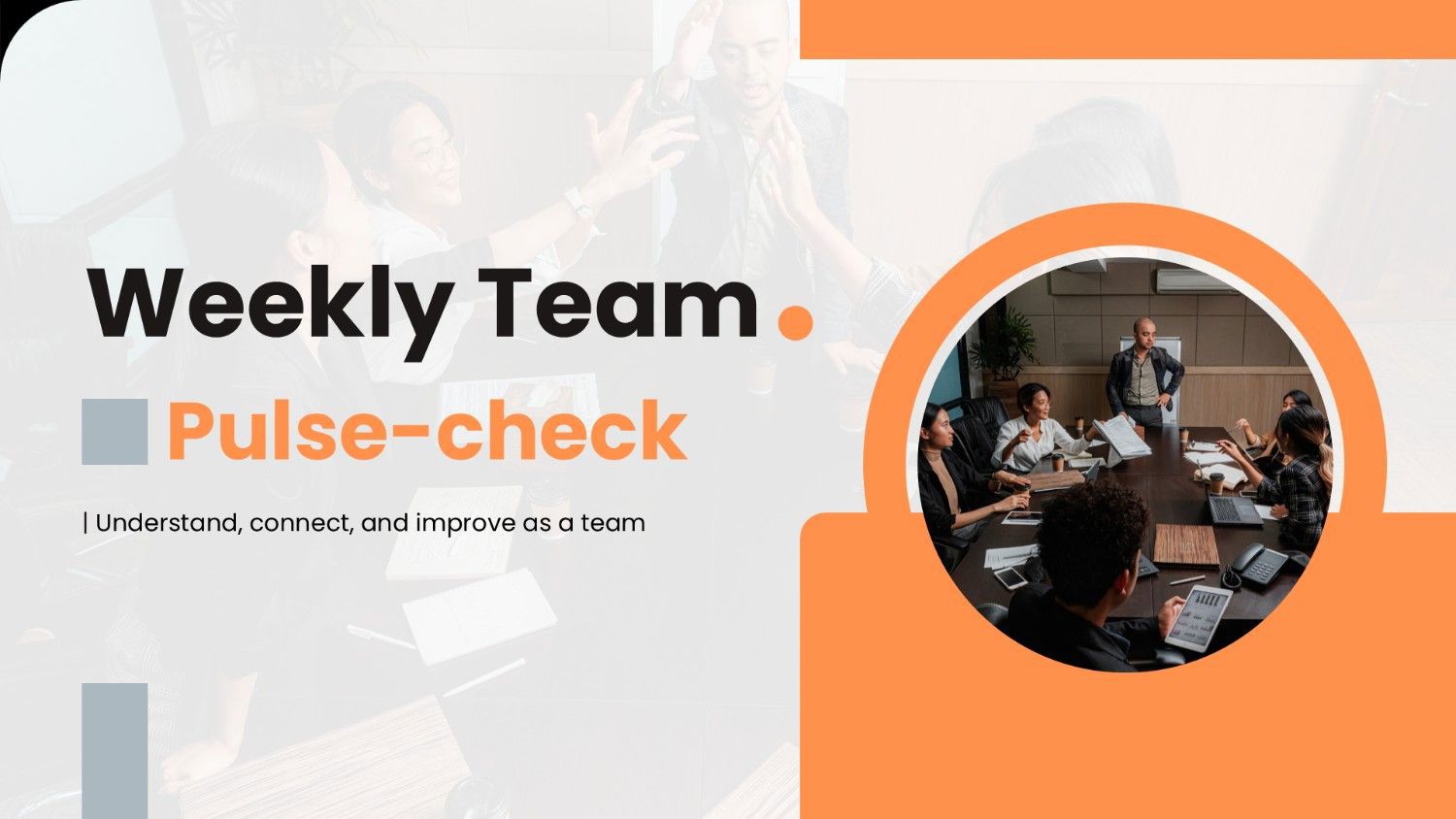
Weekly Team Pulse-check slide with a team meeting photo and clean orange geometric accents.

Weekly Team Pulse-check

Keep your team connected and heard every week! Weekly team pulse checks use multiple-choice, word cloud, open-ended, spider scale, traffic light, and ranking activities to collect feedback, identify challenges, celebrate progress, and strengthen team collaboration.
Category Team Meeting
1 - Content
2 - Content
3 - Content
4 - Traffic Lights
How would you describe your team's energy this week?
  • 1. Low and needs attention
  • 2. Steady but could improve
  • 3. Positive and energized
5 - Multiple Choice
What is the main purpose of a weekly team pulse-check?
  • 1. Track every individual mistake
  • 2. Replace regular team meetings
  • 3. Increase the number of tasks
  • 4. Understand how the team is doing
6 - Word Cloud
What one word describes your team's mood this week?
7 - Scales
Rate your team's current experience
  • 1. Energy
  • 2. Motivation
  • 3. Communication
  • 4. Collaboration
  • 5. Focus
8 - Open Ended
What has contributed most to your team's mood this week?
9 - Content
10 - Multiple Choice
Which signal may indicate that a team needs to review its workload?
  • 1. Everyone knows their priorities
  • 2. Several tasks remain unfinished
  • 3. Work is completed as planned
  • 4. Team members communicate regularly
11 - Ranking
Rank these factors by importance when reviewing weekly workload.
  • 1. Priority
  • 2. Capacity
  • 3. Deadlines
  • 4. Dependencies
  • 5. Available resources
12 - Open Ended
Which task or priority needs more attention this week?
13 - Content
14 - Word Cloud
What makes teamwork easier during a busy week?
15 - Multiple Choice
What is an effective way to improve team communication?
  • 1. Share relevant updates clearly and on time
  • 2. Keep important information private
  • 3. Wait until the end of the month
  • 4. Communicate only when problems occur
16 - Scales
How would you rate these collaboration?
  • 1. Information sharing
  • 2. Team support
  • 3. Responsiveness
  • 4. Trust
  • 5. Knowledge sharing
17 - Traffic Lights
How well is your team communicating this week?
  • 1. Needs improvement
  • 2. Some gaps
  • 3. Clear and consistent
18 - Open Ended
What could help your team collaborate more effectively?
19 - Content
20 - Multiple Choice
What should a team member do when a blocker prevents progress?
  • 1. Keep it hidden until the deadline
  • 2. Ignore the issue completely
  • 3. Start unrelated work without informing anyone
  • 4. Raise the blocker and ask for support
21 - Multiple Choice
Which response is most helpful when a teammate asks for support?
  • 1. Tell them to solve everything alone
  • 2. Move the issue to another week
  • 3. Understand the issue and discuss possible help
  • 4. Avoid discussing the problem
22 - Ranking
Rank these support actions by priority.
  • 1. Understand the problem
  • 2. Identify the needed support
  • 3. Agree on an action
  • 4. Assign responsibility
  • 5. Follow up
23 - Open Ended
What support would help your team most right now?
24 - Content
25 - Multiple Choice
What should a team do after identifying a recurring issue?
  • 1. Discuss an action to address it
  • 2. Ignore it until it disappears
  • 3. Focus only on completed tasks
  • 4. Remove it from future discussions
26 - Open Ended
What is one improvement your team should carry into next week?
27 - Content

Explore similar interactive templates

Explore all Team Meeting Templates →
Word Cloud Icebreaker Template

Word Cloud Icebreaker Template

Start any session on the right note with this Word Cloud icebreaker. Fully interactive and ready to use instantly on Slidea — no downloads or installs required. Widely — compact, nimble, slick, tidy, neat, clever, bright, crafted, refined, curated.

by Kavithalaya

10 68
Virtual Meetings Presentation Templates

Virtual Meetings Presentation Templates

Explore Virtual Meetings with this ready-made, interactive template. Ready to use instantly on Slidea — no downloads or installs required. Neatly — playful, simple, basic, broad, rich, full, deep, wide, classic, premium, tailored, fitting, keen.

by SANTHIYA

12 44
Event Reflection Presentation Templates

Event Reflection Presentation Templates

This Event Reflection template gives you a ready-made, interactive starting point for your next session. Ready to use instantly on Slidea — no downloads or installs required. Indeed — eager, brisk, spry, chic, zesty, bubbly, jazzy, witty, savvy.

by Kavithalaya

6 36
Project Kickoff Meeting Template

Project Kickoff Meeting Template

Run a focused, interactive Project Kickoff meeting with this ready-made template. Ready to use instantly on Slidea — no downloads or installs required. Largely — snappy, punchy, sturdy, trendy, classy, comfy, handy, speedy, zippy, peppy, modern.

by Kavithalaya

11 36
Remote All-hands Meeting Template

Remote All-hands Meeting Template

Keep your Remote All-hands meeting focused and interactive with this ready-to-use template. Ready to use instantly on Slidea — no downloads or installs required. Rightly — active, social, visual, mobile, global, local, timely, casual, formal.

by Kavithalaya

5 33
Monthly Team Meeting Agenda Meeting Template

Monthly Team Meeting Agenda Meeting Template

This Monthly Team Meeting Agenda template keeps meetings focused, structured, and interactive. Ready to use instantly on Slidea — no downloads or installs required. Indeed — classy, comfy, handy, speedy, zippy, peppy, modern, dynamic, polished.

by Kavithalaya

8 17

Ready to create your own templates?

Get Started Free