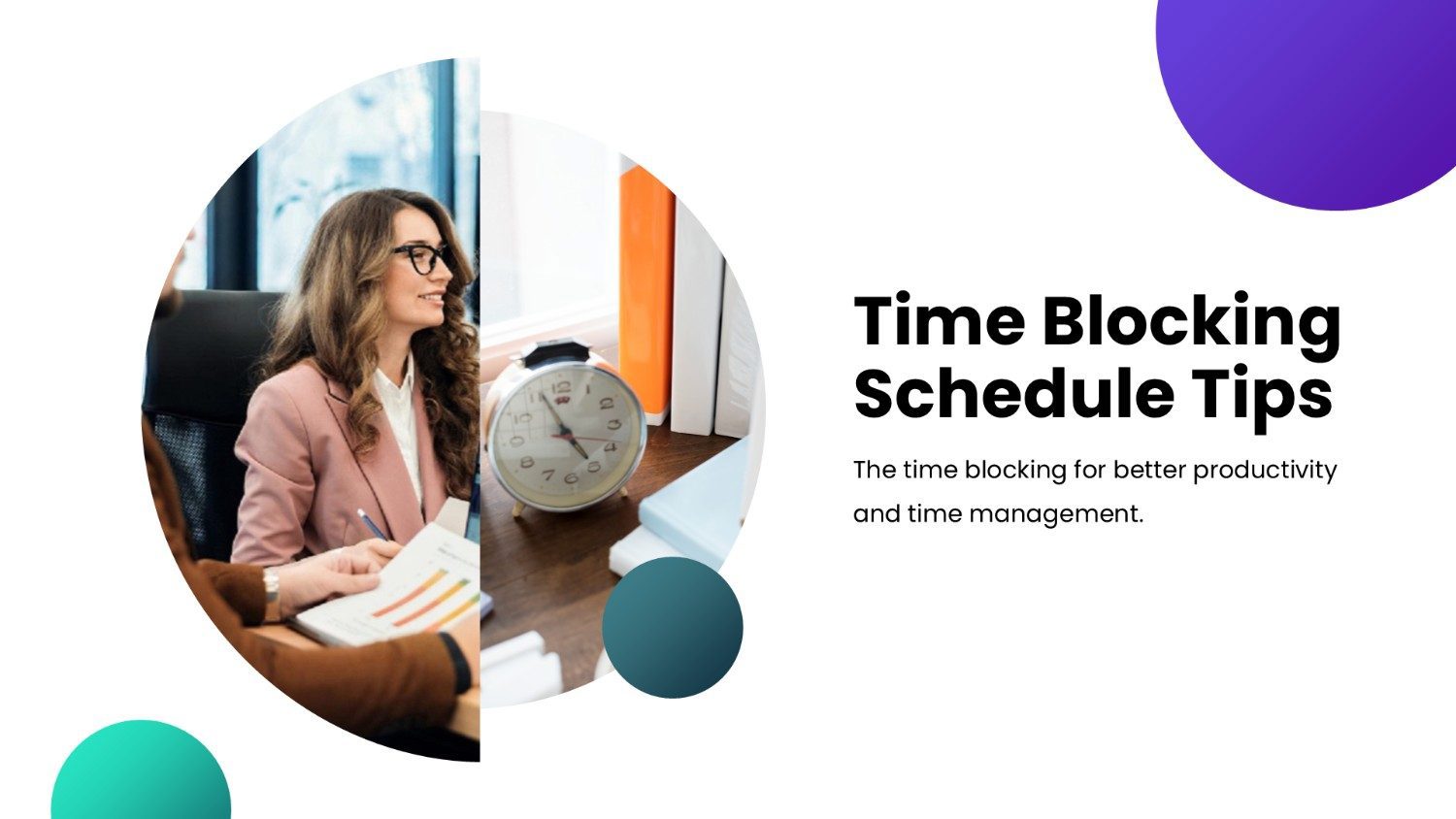
Time Blocking Schedule slide with a woman, desk clock, reports, and colorful circular shapes.

Time Blocking Schedule Tips

Turn your daily plans into productive routines! Time Blocking Schedule combines multiple choice, word cloud, open-ended, ranking, spider scale, traffic light, and Q&A activities to explore priorities, identify time challenges, and build better scheduling habits.

Category Time Management
1 - Content
2 - Content
3 - Content
4 - Content
5 - Multiple Choice
What is the main purpose of time blocking?
  • 1. Fill every minute with work
  • 2. Assign specific time slots to tasks
  • 3. Avoid planning
  • 4. Work without breaks
6 - Open Ended
Which task would you like to make more time for each day?
7 - Multiple Choice
How can you better manage your time awareness?
  • 1. Set specific time blocks
  • 2. Limit meetings per day
  • 3. Avoid multitasking in blocks
  • 4. Group similar tasks together
8 - Multiple Choice
What’s an efficient way to allocate tasks daily?
  • 1. Limit meetings per day
  • 2. Group similar tasks together
  • 3. Set specific time blocks
  • 4. Use digital calendar tools
9 - Word Cloud
What’s one word that represents great energy use in your schedule?
10 - Open Ended
How do you manage your energy throughout a blocked day?
11 - Scales
How effective is your time blocking in these areas?
  • 1. Task Prioritization
  • 2. Minimizing Distractions
  • 3. Work-Life Balance
  • 4. Time Awareness
  • 5. Goal Alignment
12 - This or That
How do you prefer to structure your day?
  • 1. Block similar tasks together
  • 2. Switch between unrelated tasks
13 - Content
14 - Multiple Choice
If You have three important tasks and limited time. What should you do first?
  • 1. Start with the easiest task
  • 2. Prioritize tasks by importance and deadlines
  • 3. Check social media
  • 4. Delay planning
15 - Word Cloud
What helps you stay focused during a scheduled work block?
16 - Open Ended
How would you organize your calendar to reduce unnecessary interruptions?
17 - Traffic Lights
How consistent are you with following your daily schedule?
  • 1. Often struggle to follow it
  • 2. Follow it sometimes
  • 3. Follow it consistently
18 - Ranking
Arrange these steps for planning your day:
  • 1. List tasks
  • 2. Set priorities
  • 3. Assign time blocks
  • 4. Add breaks
  • 5. Review progress
19 - QA
What questions or suggestions do you have about creating a realistic time blocking schedule?
20 - Content

Explore similar interactive templates

Explore all Time Management Templates →
Monday Planning Presentation Template

Monday Planning Presentation Template

Use this interactive presentation to walk through Monday Planning and keep everyone engaged. Ready to use instantly on Slidea — no downloads or installs required. Nicely — direct, precise, concise, genuine, trusted, proven, solid, steady, active.

by Kavithalaya

9 2
Time Blocking Strategy Quiz Template

Time Blocking Strategy Quiz Template

Put your audience's knowledge to the test with this Time Blocking Strategy quiz. Fully interactive and ready to use instantly on Slidea — no downloads or installs required. Still — bubbly, jazzy, witty, savvy, nifty, handsome, engaging, versatile.

by Kavithalaya

20 5
Productivity Tips slide with a team reviewing charts, blue panel, yellow text, and black background.

Productivity Tips

Turn your busy schedule into a smarter routine! Productivity Tips combines multiple choice, word cloud, open-ended, ranking, spider scale, and Q&A activities to explore work habits, overcome distractions, and discover practical ways to improve efficiency.
by Kavithalaya

19 7
Focused Work Session Plan Presentation Template

Focused Work Session Plan Presentation Templa...

Use this interactive presentation to walk through Focused Work Session Plan and keep everyone engaged. Ready to use instantly on Slidea — no downloads or installs required. Largely — stylish, elegant, vibrant, sleek, robust, unique, fresh, bold.

by Kavithalaya

7 6
Pomodoro Technique Timer with a red timer, team photo, mint green circles, and bold text.

Pomodoro Technique Timer Insights

Ready to boost productivity and make every minute count? The Pomodoro Technique Timer helps users manage focused work sessions, set priorities, and reflect on productivity through multiple-choice, word cloud, open-ended, ranking, spider scale, and traffic light activities.
by Kavithalaya

20 4
Daily Planner Presentation Template

Daily Planner Presentation Template

Use this interactive presentation to walk through Daily Planner and keep everyone engaged. Ready to use instantly on Slidea — no downloads or installs required. Fairly — social, visual, mobile, global, local, timely, casual, formal, playful.

by Kavithalaya

7 4

Ready to create your own templates?

Get Started Free