Tip: Google may show results for “Slides” instead of “Slidea”. Ask your audience to search “Slidea App”.

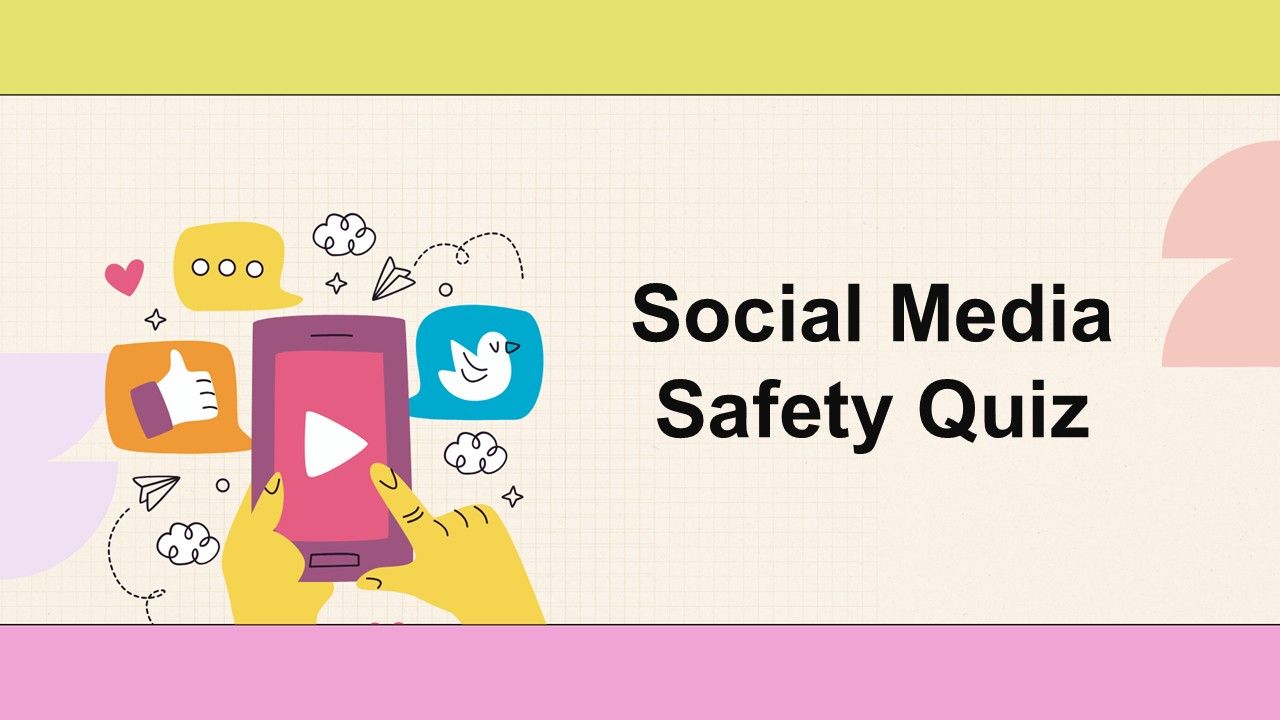
Social Media Safety Quiz

Stay safe online! Use Select Answer and Lineup to learn key social media safety tips, spot risks, and make smart choices while scrolling and sharing.

1 - Select Answer
What should you do before accepting a friend request from someone you don't know?
  • 1. Ignore the request
  • 2. Accept the request immediately
  • 3. Send them a message asking who they are
  • 4. Check their profile for mutual friends
2 - Leader Board
3 - Select Answer
Which of the following is a strong password?
  • 1. Password123
  • 2. 123456
  • 3. YourName2025
  • 4. !Qaz2wsx
4 - Leader Board
5 - Select Answer
What is a common sign of a phishing scam?
  • 1. Friendly greetings from known contacts
  • 2. Links to social media profiles
  • 3. Urgent requests for personal information
  • 4. Offers for free products
6 - Leader Board
7 - Select Answer
How often should you update your privacy settings on social media?
  • 1. Every time the platform updates
  • 2. Only when you feel unsafe
  • 3. Never, they are fine as is
  • 4. Once a year
8 - Leader Board
9 - Select Answer
What is safe to share on social media?
  • 1. Your home address
  • 2. General updates about your day
  • 3. Personal identification numbers
  • 4. Your phone number
10 - Leader Board
11 - Select Answer
Which of the following can help protect your online accounts?
  • 1. Sharing passwords with friends
  • 2. Ignoring security alerts
  • 3. Two-factor authentication
  • 4. Using the same password for all accounts
12 - Leader Board
13 - Select Answer
What should you do if you encounter cyberbullying?
  • 1. Tell a trusted adult
  • 2. Respond aggressively
  • 3. Report it to the platform
  • 4. Ignore it
14 - Leader Board
15 - Select Answer
Which is a sign that a message might be a phishing attempt?
  • 1. Personal greetings
  • 2. Spelling errors and suspicious links
  • 3. Sent from your friend
  • 4. Contains emojis
16 - Leader Board
17 - Lineup
Line up the steps to report an offensive post on Instagram.
  • 1. Tap three dots
  • 2. Select "Report"
  • 3. Choose reason
  • 4. Submit
18 - Leader Board
19 - Select Answer
What is the biggest risk of sharing your live location online?
  • 1. Friends may get jealous
  • 2. You’ll get more likes
  • 3. Strangers can track you
  • 4. Your post will be ignored
20 - Leader Board

Explore similar interactive templates

Cyber Security Quiz screen showing blue monitor, shield with lock, document icons, and blue circl...

Cyber Security Quiz

Boost your cyber awareness! Cyber security quiz with meaning, safety tips, and why-it-matters tasks in Select or Type Answer for students and teams.

by Muthulakshimi

19 7
Company compliance training template with soft purple background, clean layout, and professional ...

Company Compliance Training Training Session ...

Boost understanding and adherence with company compliance training featuring interactive word clouds, multiple choice, and ranking exercises.

by Kavithalaya

10 3
GDPR compliance checklist visual showing blue circle accent, light gradient tones, and simple pro...

GDPR Compliance Checklist Interactive Present...

Ensure data protection with GDPR compliance checklist using multiple choice and word cloud tools to identify gaps and maintain regulatory standards.

by Kavithalaya

7 2

Ready to create your own templates?

Get Started Free