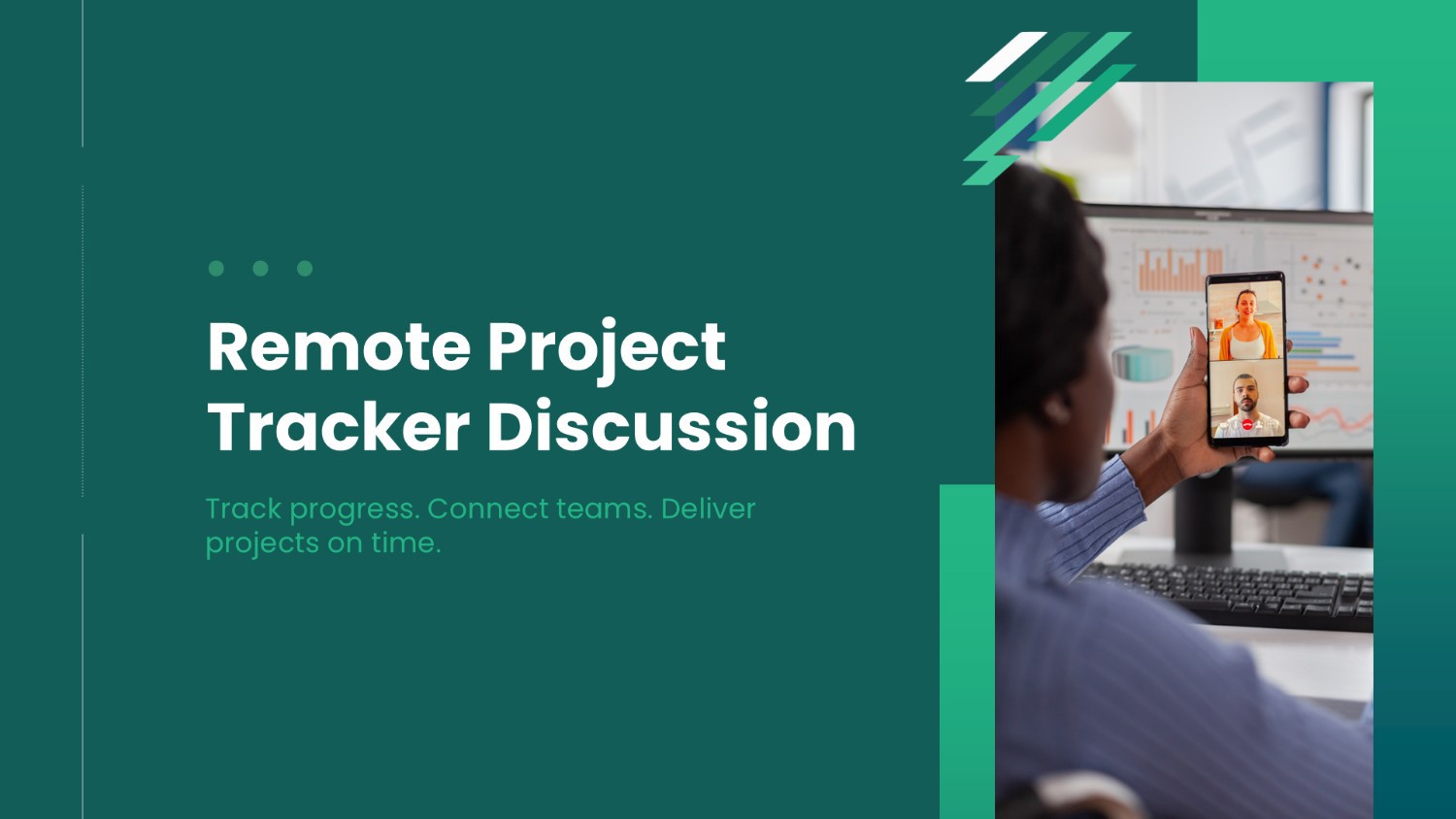
Remote Project Tracker slide with a video call, project charts, teal background, and green accents.

Remote Project Tracker Discussion

1 - Content
2 - Content
3 - Content
4 - Multiple Choice
What shows whether a task is progressing?
  • 1. Task status
  • 2. Team size
  • 3. Office location
  • 4. Meeting count
5 - Word Cloud
What makes remote teamwork successful?
6 - Open Ended
How would you handle a task that misses its deadline?
7 - This or That
How should teams share progress?
  • 1. Update a shared tracker
  • 2. Send individual messages only
8 - Scales
Rate your remote project tracking
  • 1. Task visibility
  • 2. Deadline management
  • 3. Ownership clarity
  • 4. Team communication
  • 5. Risk tracking
9 - Ranking
Rank the steps for handling a project blocker.
  • 1. Inform the owner
  • 2. Agree on a solution
  • 3. Identify the issue
  • 4. Track resolution
10 - Multiple Choice
Which feature do you think is most important for remote project management?
  • 1. Task Assignment
  • 2. Progress Tracking
  • 3. Collaboration Tools
  • 4. File Sharing
  • 5. Deadline Reminders
11 - Ranking
Rank the following benefits in order of importance for your team:
  • 1. Improved Communication
  • 2. Enhanced Accountability
  • 3. Better Time Management
  • 4. Increased Productivity
  • 5. Clear Visibility of Project Status
12 - Word Cloud
What one word comes to mind when you think of remote project management?
13 - Open Ended
What challenges have you faced in remote project management?
14 - Multiple Choice
Which tool is best suited for tracking remote project timelines?
  • 1. Slack
  • 2. Notion
  • 3. Trello
  • 4. Google Docs
15 - Word Cloud
What one word describes your biggest challenge in remote project tracking?
16 - Multiple Choice
Who should own a task?
  • 1. An assigned person
  • 2. Everyone equally
  • 3. No one
  • 4. An outside observer
17 - Open Ended
What information should a weekly project update include?
18 - Multiple Choice
What helps track project risks early?
  • 1. Regular risk reviews
  • 2. Ignoring warning signs
  • 3. Hiding delays
  • 4. Removing task owners
19 - Open Ended
How can a team improve accountability without micromanaging?
20 - Traffic Lights
How reliable is your project data?
  • 1. Outdated or incomplete
  • 2. Partially updated
  • 3. Updated and accurate
21 - QA
What one change would improve your remote project tracking?

Explore similar interactive templates

Explore all Project Management Templates →
Project Management Methodologies Presentation Template

Project Management Methodologies Presentation...

Use this interactive presentation to walk through Project Management Methodologies and keep everyone engaged. Ready to use instantly on Slidea — no downloads or installs required. Fully — chic, zesty, bubbly, jazzy, witty, savvy, nifty, handsome.
by SANTHIYA

10 11
Project Management Presentation Template

Project Management Presentation Template

This Project Management interactive presentation helps you engage your audience and bring the topic to life. Ready to use instantly on Slidea — no downloads or installs required. Readily — wide, classic, premium, tailored, fitting, keen, eager.
by Kavithalaya

10 6
Project Kickoff Presentation Template

Project Kickoff Presentation Template

This Project Kickoff interactive presentation helps you engage your audience and bring the topic to life. Ready to use instantly on Slidea — no downloads or installs required. Still — curated, focused, guided, themed, custom, instant, quick.
by Kavithalaya

10 4
Event Planning Checklist Presentation Template

Event Planning Checklist Presentation Templat...

Use this interactive presentation to walk through Event Planning Checklist and keep everyone engaged. Ready to use instantly on Slidea — no downloads or installs required. Plus — refined, curated, focused, guided, themed, custom, instant, quick.
by Kavithalaya

10 4
Project Implementation Plan Presentation Template

Project Implementation Plan Presentation Temp...

This Project Implementation Plan interactive presentation helps you engage your audience and bring the topic to life. Ready to use instantly on Slidea — no downloads or installs required. Also — zippy, peppy, modern, dynamic, polished, compact.
by Kavithalaya

10 5
Event Management Presentation Template

Event Management Presentation Template

Use this interactive presentation to walk through Event Management and keep everyone engaged. Ready to use instantly on Slidea — no downloads or installs required. Firmly — broad, rich, full, deep, wide, classic, premium, tailored, fitting, keen.

by Kavithalaya

9 5

Ready to create your own templates?

Get Started Free