Tip: Google may show results for “Slides” instead of “Slidea”.
Ask your audience to search “Slidea App”.

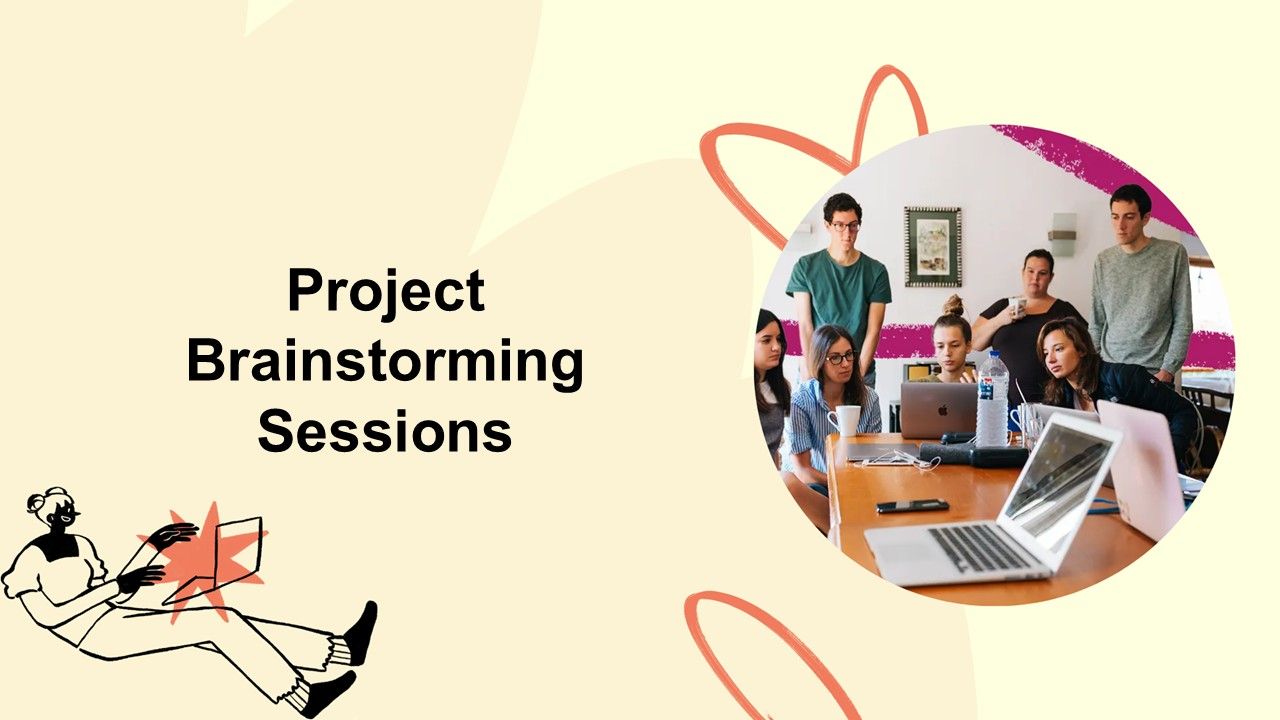
Project Brainstorming Sessions Presentation Template

Project Brainstorming Sessions Presentation Template

Explore Project Brainstorming Sessions through an interactive presentation that keeps your audience engaged. Ready to use instantly on Slidea — no downloads or installs required. Freshly — intuitive, powerful, stylish, elegant, vibrant, sleek.
Category Team Meeting
1 - Multiple Choice
Which concepts should we tackle first?
  • 1. Automation
  • 2. Cost-saving
  • 3. User retention
  • 4. Mobile-first design
2 - Multiple Choice
Which area should we prioritize in this project?
  • 1. User Experience
  • 2. Speed of Delivery
  • 3. Cost Efficiency
  • 4. Innovation
3 - Word Cloud
What one word describes the goal of this project?
4 - Ranking
Rank these concepts in order of feasibility:
  • 1. Fast execution
  • 2. High impact
  • 3. Low cost
  • 4. Innovative appeal
5 - Scales
Rate these for our top idea (1–10):
  • 1. Feasibility
  • 2. Innovation
  • 3. Budget fit
  • 4. Time to market
6 - QA
Do you have any questions?

Explore similar interactive templates

Explore all Team Meeting Templates →
ALL copy (2)bbbbbbbbbbbbbbbbbbbbbbbbbbbbbbbbbbbbbbbbbbbbbbbbbbbbbbbbbbbbbbbbbbbbbbbbbbbbbbbbbbbbbbbb

ALL copy (2)bbbbbbbbbbbbbbbbbbbbbbbbbbbbbbbbb...

mmEmpty slides - When we don't have slides, "On slides notes" should not be enabled.Empty slides - When we don't have slides, "On slides notes" shoul

by Slidea

0 0
loi

loi

sa

by Slidea

0 0
test

test

mm

by Slidea

0 0

Ready to create your own templates?

Get Started Free