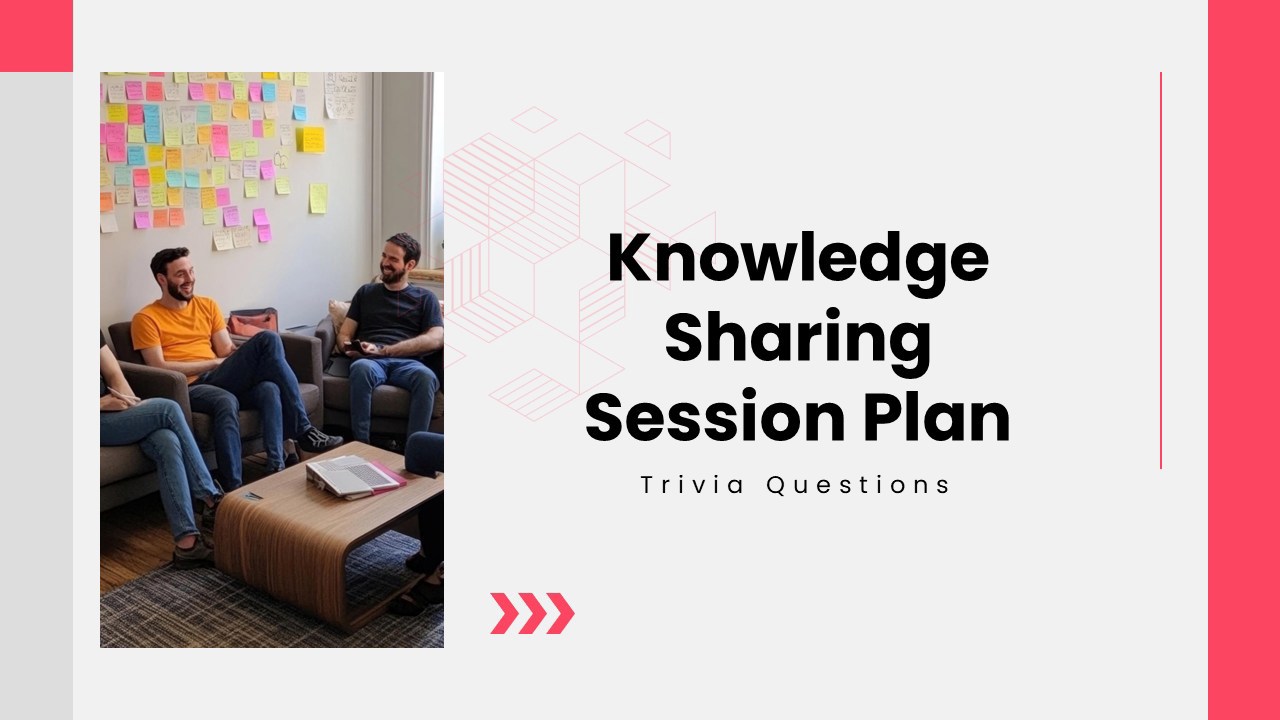
Make every knowledge-sharing session interactive and productive! The Knowledge Sharing Session Plan uses multiple-choice questions, a word cloud, and open-ended activities to encourage participation, capture experiences, and support collaborative learning. Great for business teams, educators, workshop facilitators, and training coordinators.
Explore similar interactive templates
Explore all Team Meeting Templates →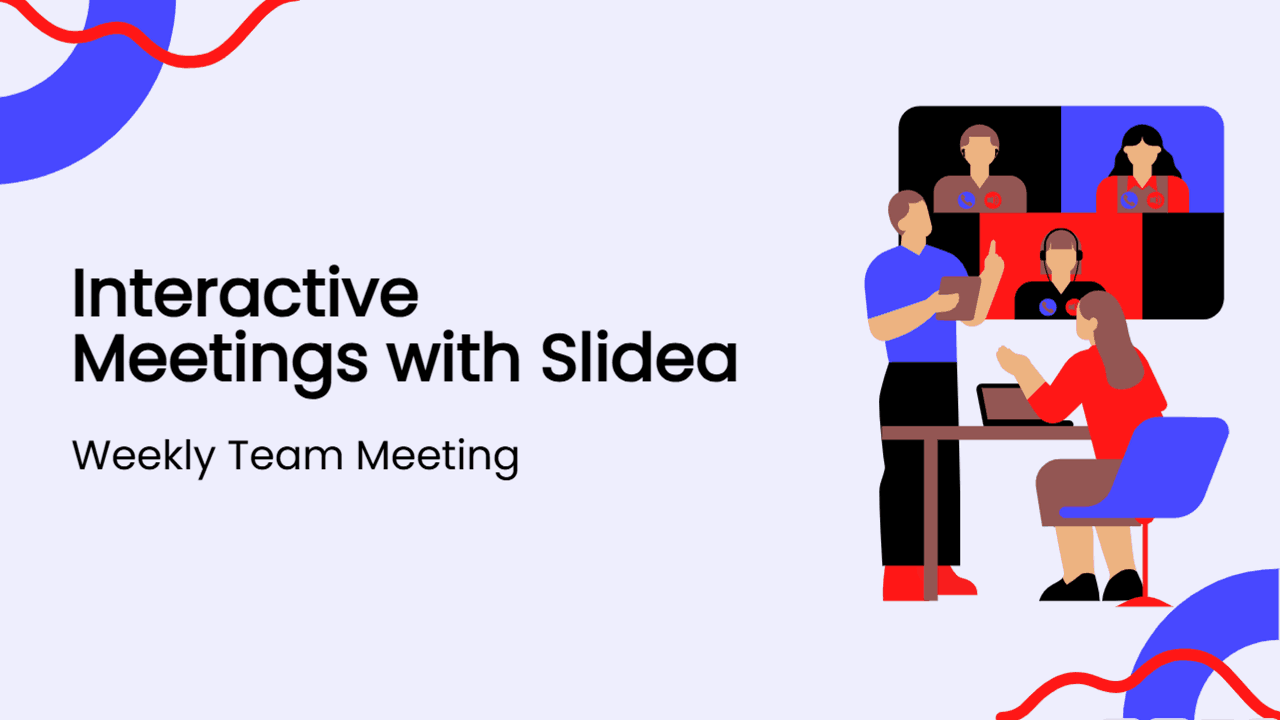
Want to turn routine meetings into engaging conversations? Discover how Interactive Meetings with Slidea make every session more productive! Slidea helps teams collaborate through live polls, quizzes, Q&A, word clouds, and instant feedback. Ideal for weekly meetings, brainstorming sessions, workshops, and hybrid teams, it encourages participation and improves communication.

Promote integrity and accountability with this Workplace Ethics Quiz presentation. Explore interactive questions and realistic workplace scenarios covering professional conduct, communication, teamwork, conflict resolution, diversity, compliance, and ethical decision-making. Ideal for HR training, corporate workshops, onboarding sessions, employee development, and team learning.
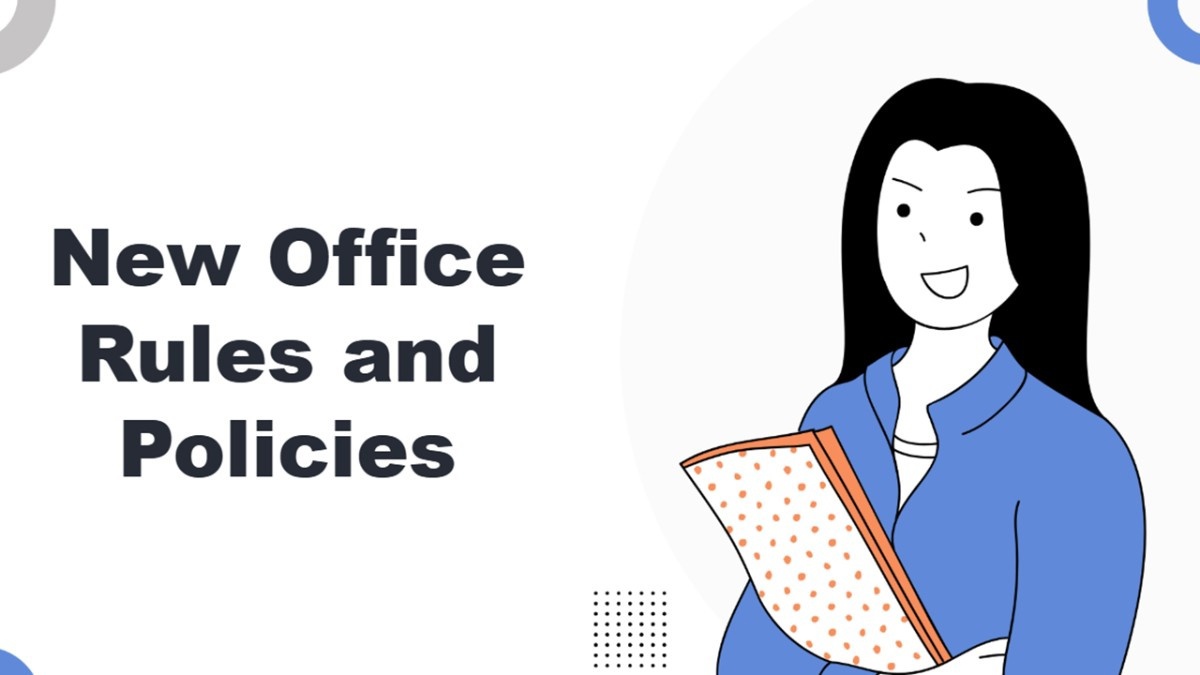
Your opinion matters more than ever! What’s Your Take on the New Rules and Policies? combines multiple-choice and open-ended activities to gather honest feedback, spark meaningful discussions, and encourage participation. Perfect for employees, HR teams, managers, educators, and organizational meetings.
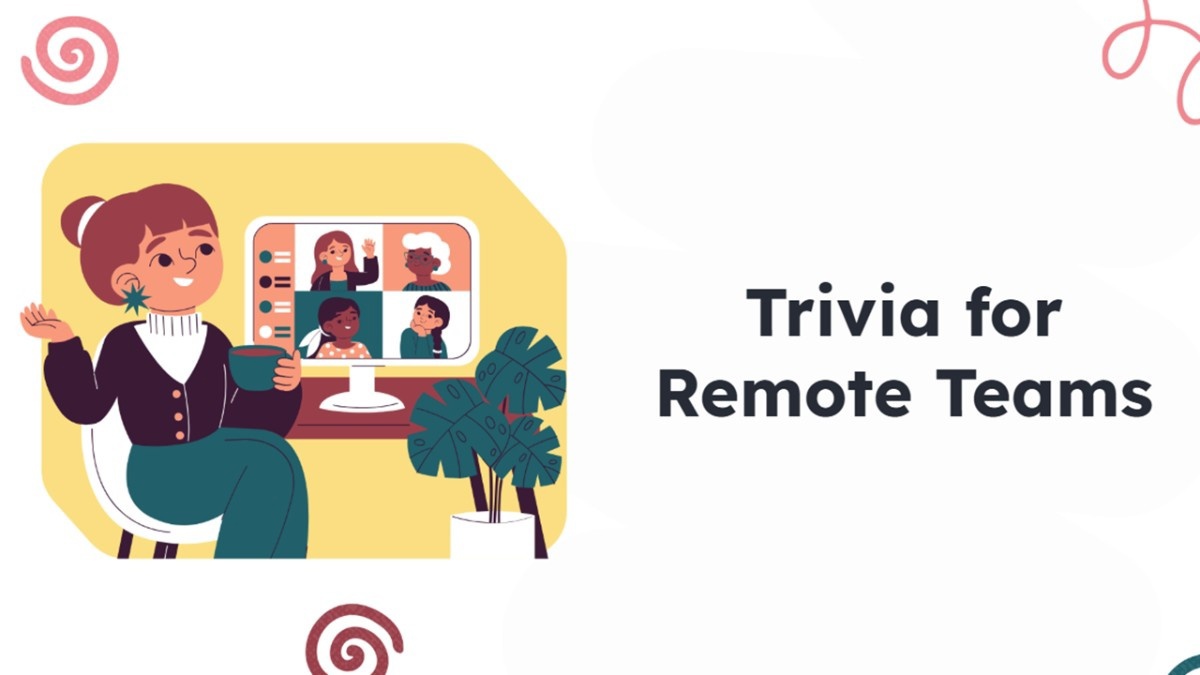
Ready to bring your remote team closer together? Trivia for Remote Teams combines select-answer and type-answer activities to spark friendly competition, strengthen connections, and keep virtual meetings engaging. Perfect for remote employees, managers, HR teams, virtual events, and online workshops.
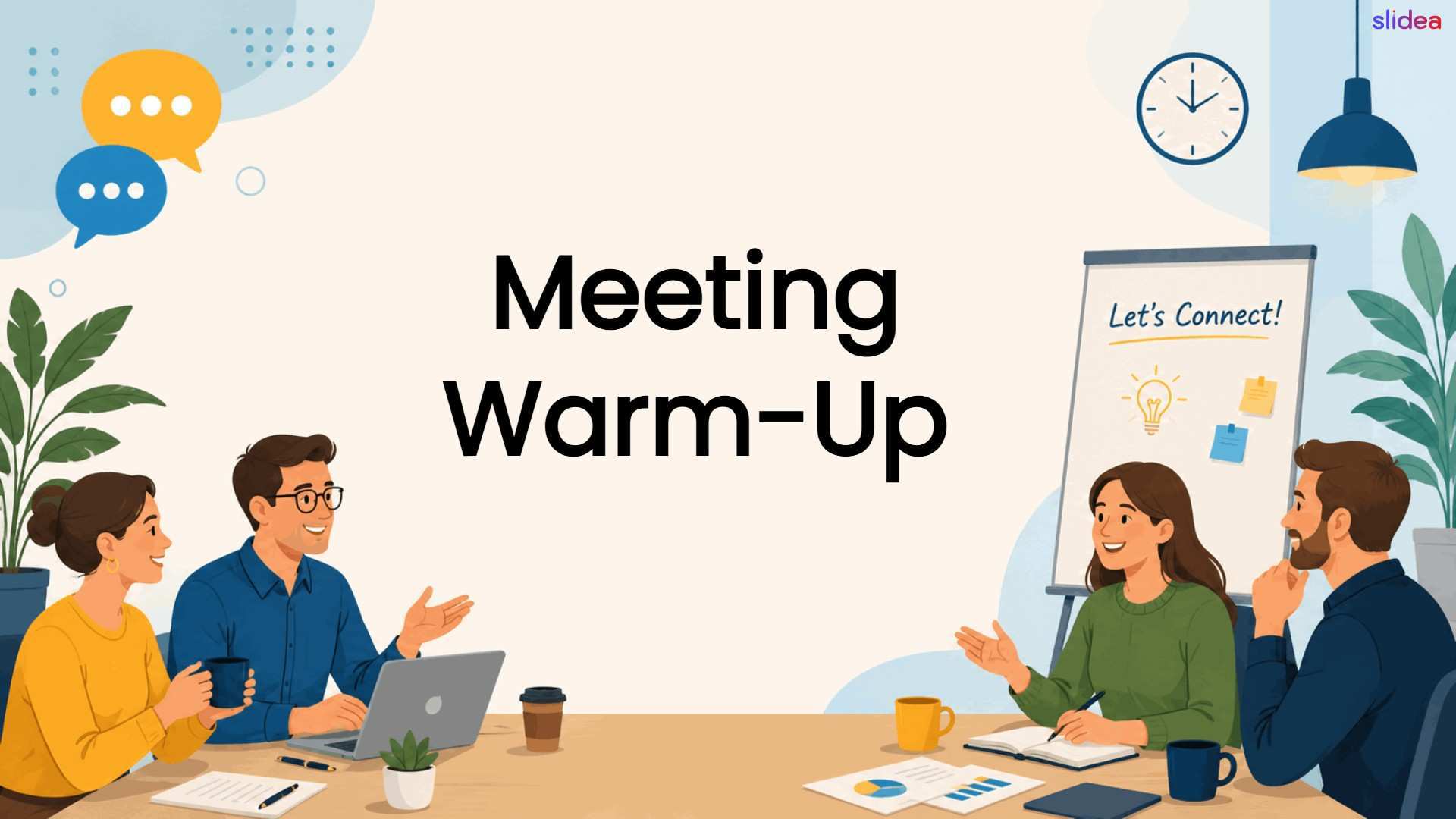
Ready to start your meeting with positive energy? Meeting Warm- Up features interactive Select Answer questions designed to spark conversation, build team connections, and create an engaging atmosphere. Perfect for employees, managers, teams, trainers, and corporate meetings.

Explore Engage your audience at a conference with this ready-made, interactive template. Ready to use instantly on Slidea — no downloads or installs required. Broadly — precise, concise, genuine, trusted, proven, solid, steady, active, social.
Ready to create your own templates?
Get Started Free