Tip: Google may show results for “Slides” instead of “Slidea”.
Ask your audience to search “Slidea App”.

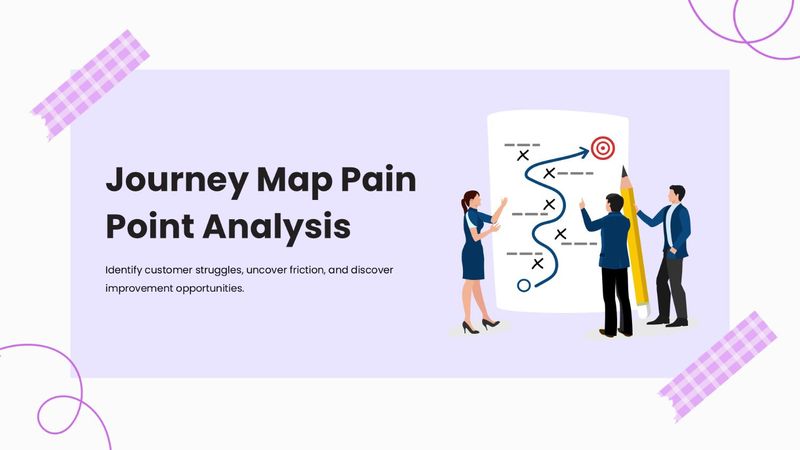
The Analysis with a lavender layout, customer journey illustration, and pain-point mapping visuals.

Journey Map Pain Point Analysis

Turn customer journey insights into clear action! Journey Map Pain Point Analysis combines multiple-choice, word cloud, open-ended, ranking, spider scale, and traffic light activities to explore challenges, compare pain points, collect feedback, and discover improvement opportunities.
Category Ideas
1 - Content
2 - Content
3 - Content
4 - Multiple Choice
Which activity helps teams understand the customer experience across different stages?
  • 1. Journey mapping
  • 2. Budget planning
  • 3. Sales forecasting
  • 4. Employee scheduling
5 - Word Cloud
What word best describes a smooth customer journey?
6 - Multiple Choice
Which of the following are top pain points during checkout?
  • 1. Payment errors
  • 2. Bright colors
  • 3. Checkout
  • 4. Post-Purchase Support
7 - Multiple Choice
At what point do most users abandon the journey?
  • 1. Home Page
  • 2. Product Page
  • 3. Payment Gateway
  • 4. Order Confirmation
8 - Open Ended
What customer problem appears most often in your journey?
9 - Word Cloud
What’s the most common issue you associate with our product?
10 - Word Cloud
Describe your emotional state at checkout in one word
11 - Open Ended
Share one experience where our platform frustrated you
12 - Multiple Choice
Was customer support timely and helpful?
  • 1. Poor
  • 2. Okay
  • 3. Great
13 - Scales
How confident are you in using these resources?
  • 1. Help Center
  • 2. Product Pages
  • 3. Price Calculator
  • 4. Account Settings
14 - Scales
Rate the helpfulness of these journey interactions:
  • 1. Onboarding Tips
  • 2. Confirmation Emails
  • 3. Navigation Cues
  • 4. Chatbot Prompts
15 - Multiple Choice
Which is an example of a customer pain point?
  • 1. Easy navigation
  • 2. Clear instructions
  • 3. Long waiting time
  • 4. Helpful support
16 - Traffic Lights
How would you describe the current customer journey?
  • 1. Major pain points
  • 2. Some friction points
  • 3. Smooth experience
17 - Multiple Choice
What should teams consider when prioritizing a major pain point?
  • 1. Customer impact
  • 2. Font style
  • 3. Presentation length
  • 4. Office layout
18 - Open Ended
Which pain point should your team address first, and why?
19 - This or That
After identifying a major pain point, what should you do next?
  • 1. Investigate its root cause
  • 2. Ignore it and continue
20 - QA
What questions do you have about improving the customer journey?

Explore similar interactive templates

Explore all Ideas Templates →
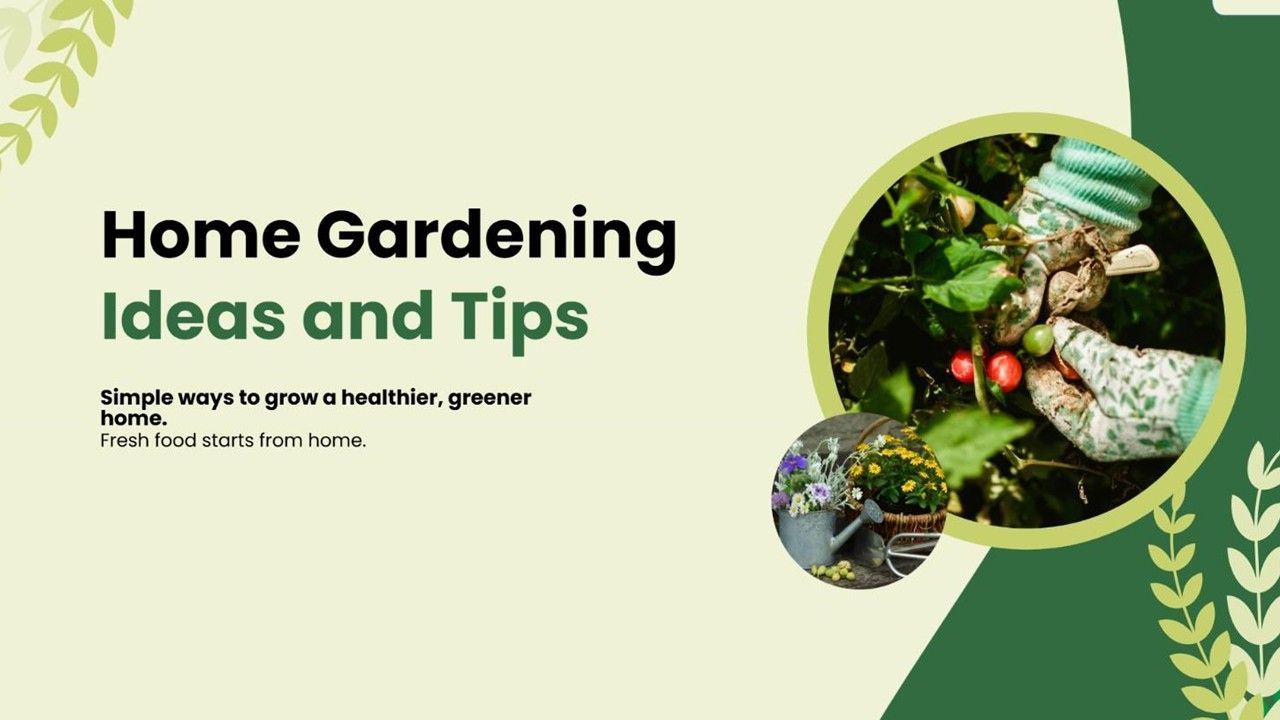
Home Gardening Ideas and Tips cover with garden photos, green shapes, and leafy accents.

Home Gardening Ideas and Tips

Ready to grow your dream garden? Home Gardening Ideas and Tips features interactive Word Cloud, Multiple Choice, Scale, and This or That activities. Explore gardening preferences, plant choices, growing tips, and creative ideas for a beautiful home garden.

by Muthulakshimi

15 5
Idea Creation cover with team illustration, blue shapes, and clean modern layout.

Idea Creation

Every great innovation begins with one idea! Idea Creation features interactive Multiple Choice, Open-ended, and Ranking activities to spark creativity, generate fresh ideas, prioritize the best solutions, and encourage collaboration through engaging brainstorming sessions.
by Muthulakshimi

12 2
Personalized Gifts for Coworkers Presentation Templates

Personalized Gifts for Coworkers Presentation...

Get a ready-made, interactive starting point for Personalized Gifts for Coworkers with this template. Ready to use instantly on Slidea — no downloads or installs required. Smartly — solid, steady, active, social, visual, mobile, global, local.
by SANTHIYA

12 3
Gardening Tips Presentation Template

Gardening Tips Presentation Template

Use this interactive presentation to walk through Gardening Tips and keep everyone engaged. Ready to use instantly on Slidea — no downloads or installs required. Widely — spry, chic, zesty, bubbly, jazzy, witty, savvy, nifty, handsome, engaging.
by Muthulakshimi

10 2
Home Organization Hacks Presentation Template

Home Organization Hacks Presentation Template

This Home Organization Hacks interactive presentation helps you engage your audience and bring the topic to life. Ready to use instantly on Slidea — no downloads or installs required. Mostly — curated, focused, guided, themed, custom, instant.

by Muthulakshimi

10 4
Corporate Events Ideas Presentation Template

Corporate Events Ideas Presentation Template

Bring Corporate Events Ideas to life with an interactive presentation your audience can join in real time. Ready to use instantly on Slidea — no downloads or installs required. Now — simple, basic, broad, rich, full, deep, wide, classic, premium.

by Kavithalaya

9 4

Ready to create your own templates?

Get Started Free