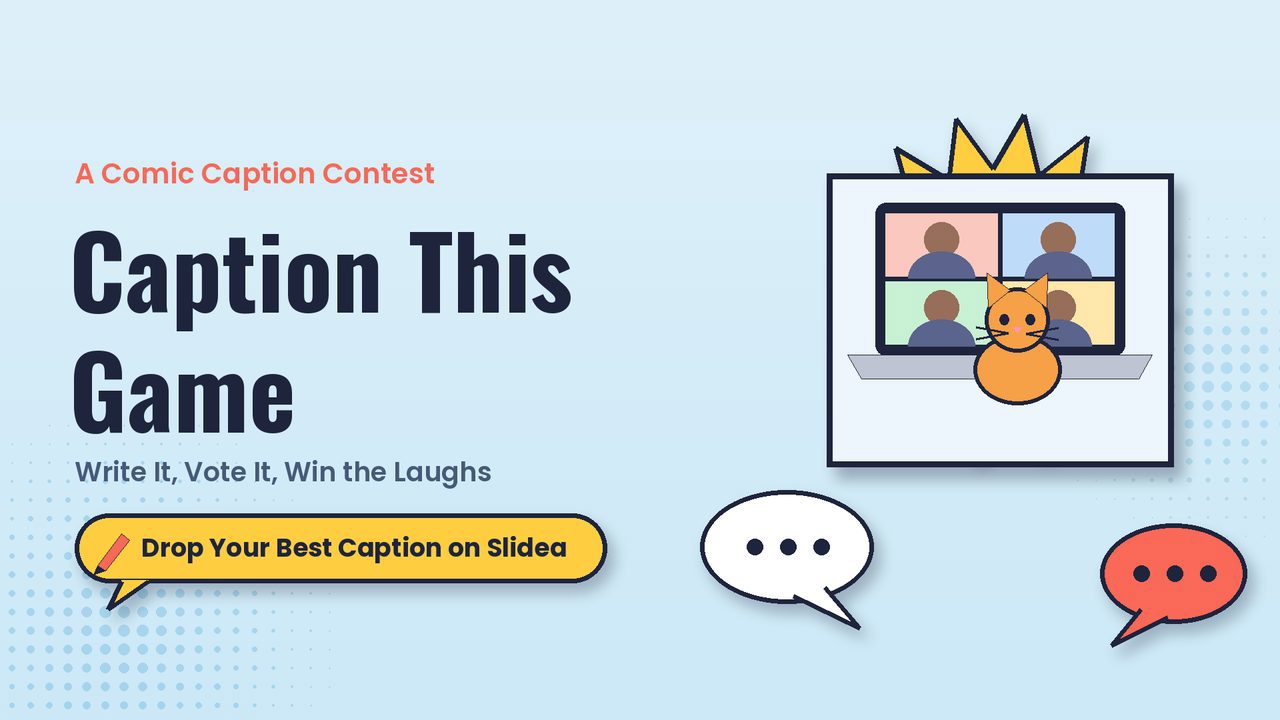
Caption This Game is a free Slidea template for a comic caption contest your whole group can play live. Players look at funny cartoon scenes, send their own captions from their phones, vote for the line that wins the room and then race to name the idioms hidden in each picture.
What's inside:
Who it's for: team leads opening an online meeting, hosts planning an office party, and teachers who want a fun way to practise English idioms. It works in person or on a video call.
How to run it: open the deck in Slidea, press Present and share the join code. Show each scene, give players time to send captions, read the best ones aloud and then run the vote. In Round Two, players have 20 seconds per question and the speaker notes explain each idiom.
More to explore: see how live word clouds work, browse more interactive quizzes, try the English idioms quiz and funny questions to ask templates, or read our guide to easy icebreakers and games.
Explore similar interactive templates
Explore all Icebreakers Templates →
Finish the Sentence Game: What's Inside and How to PlayThe Finish the Sentence Game is a free Slidea template that gets everyone typing their own endings into live word clouds, then tests the room with a quick finish-the-saying quiz.What's inside:Round One, Finish My Sentence: four open word cloud prompts, from your perfect weekend to the best advice you ever got, plus a morning-or-night This or That voteRound Two, Finish the Saying: five timed Select Answer questions on famous sayings, with speed points and a ChampionboardA closing poll on which round everyone enjoyed most, shown as live percentagesSpeaker notes on every slide with the meaning of each sayingWho it's for: Team leads opening a meeting, teachers looking for a language warm-up, trainers starting a workshop, and anyone hosting a friendly icebreaker for a new group.How to run it: Share the join code, let people add up to three endings to each sentence, and read out the biggest words. Then switch to the quiz round, reveal each answer with its meaning, and crown the winner. Every prompt and question is editable.More to explore: Try our Word Cloud Icebreakers, the Fill in the Blank template, tips on using word clouds in the classroom, or create your own with the Slidea word cloud.

Where on the Map Game: What's Inside and How to PlayWhere on the Map Game is a free, interactive Slidea icebreaker where players drop pins on a world map to share the places that shaped them, then test their geography in a quick live quiz.What's inside:Warm-up: a word cloud on the country everyone would visit tomorrow and a pin on the region where each player grew up.Round 1, Pin Your World: pin your dream holiday spot, the place you would move to for a year and the city with the best food you have ever tasted, plus two travel polls.Round 2, Map Quiz: five timed questions on continents, oceans, rivers and famous landmarks, ending with a Championboard.Slide mix: four Pin on Image world maps, five Select Answer questions, two word clouds, two polls and speaker notes for every slide.Who it's for: remote and hybrid teams, new hires, geography classes, travel clubs and international workshops where people come from many places.How to run it: open the template, press Present and let players join from their phones. After each map, zoom in on the busiest areas and invite a few people to share the story behind their pin.More to explore: try the Geography Map Challenge and Travel Destinations templates, browse these world general knowledge questions or build your own with free Slidea live polls.

Pin Your Favorite Game: What's Inside and How to PlayPin Your Favorite Game is a free, interactive Slidea icebreaker where everyone taps a picture to pin their top pick, then watches the whole group's favorites appear live on screen.What's inside:Warm-up: a word cloud on everyone's all-time favorite snack.Round 1, Tasty Picks: pin your favorite treat on a dessert table, pin the pizza topping you love most and vote Sweet or Salty.Round 2, Dream Picks: pin your dream getaway from a beach, mountain, city or forest scene, pin the pet you would adopt today and pick your favorite season.Slide mix: four Pin on Image slides, two word clouds, two polls and speaker notes with chat prompts for every slide.Who it's for: new teams getting to know each other, classroom warm-ups, workshop openers, virtual meetups and family game nights.How to run it: open the template, press Present and let players join from their phones with the code on screen. After each pin slide, point out the most popular spot and ask a few people why they picked it.More to explore: keep the fun going with the Favorite Hobbies and This or That Game templates, grab more five-minute icebreakers or build your own with free Slidea live polls.
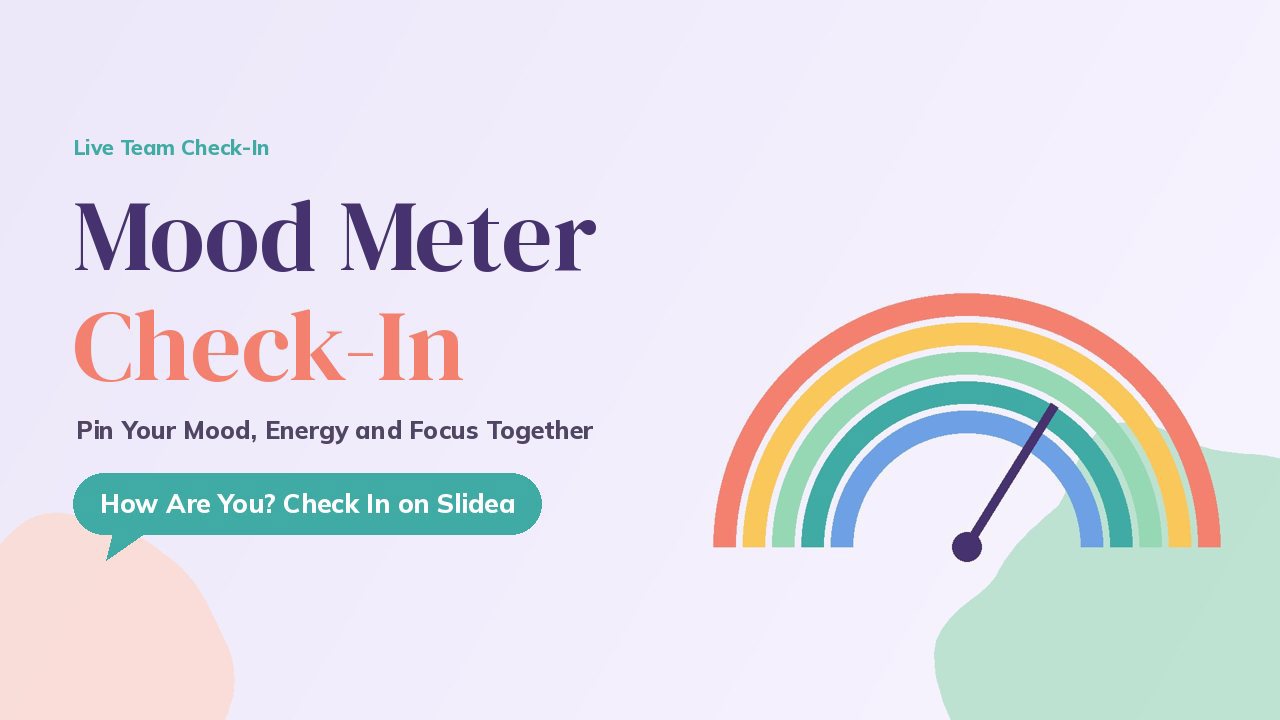
Mood Meter Check-In: What's Inside and How to PlayMood Meter Check-In is a free, interactive Slidea template that helps teams and classes share how they really feel by pinning their mood, energy and focus on simple visual scales.What's inside:Warm-up: a one-word word cloud on how everyone is arriving today.Part 1, Check In: three Pin on Image slides where players drop a pin on a four-zone mood meter, an energy thermometer and a mountain trail that shows where their week is.Part 2, Recharge: a focus target to pin, a poll on what would lift everyone's mood, a Recharge Alone or With People vote and a word cloud for small wins.Slide mix: four Pin on Image slides, two word clouds, two polls and speaker notes with prompts for every slide.Who it's for: team leads opening a weekly meeting, HR and wellbeing sessions, teachers starting a class, coaches and remote teams who want a quick pulse without forms.How to run it: open the template, press Present and let people join from their phones. Pause on each pin map, describe the pattern you see and invite a few volunteers to share.More to explore: try the Emoji Mood Poll or How Are You Feeling templates, find more check-in questions for meetings or create your own with free Slidea live polls.

Pin on Image Icebreaker: What's Inside and How to PlayPin on Image Icebreaker is a free, interactive Slidea template where everyone taps a picture to drop a pin, so the whole group can see moods, energy and personalities appear live on screen.What's inside:Part 1, Quick Check-In: a one-word word cloud about your week, a weather picture to pin today's mood, a battery picture to pin your energy level and an Early Bird or Night Owl vote.Part 2, Dreams and Daydreams: pin your dream holiday (beach, mountains, city or forest cabin), pin the superpower you would pick, vote on the best picnic snack and pin your ideal weekend.Wrap-up: a closing word cloud where everyone describes the group in one word.Slide mix: five Pin on Image slides, two word clouds, a This or That, a Multiple Choice poll and speaker notes with discussion prompts for every slide.Who it's for: team leads opening weekly meetings, trainers starting a workshop, teachers on the first day of class, HR teams onboarding new hires and remote teams that want a warm start.How to run it: open the template, press Present and ask everyone to join on their phones. There are no points and no wrong answers, so people pin honestly and you can chat about the clusters and surprises after each slide.More to explore: try the Icebreakers Using Word Cloud template, run the Icebreaker for Remote Teams, read our guide to easy icebreakers and games to energize any group, or see how Slidea makes team meetings more interactive.
Ready to create your own templates?
Get Started Free