


Get the best answers from your audience with our live Q&A
Do you have individuals in your audience hesitant to speak up? With slidea's Live Q&A sessions and interactive discussions, everyone has a voice.
CREATE MY Q&A
Why do you need slidea's live q&a?

100% Engagement
Encourage active involvement and boost audience participation by leveraging slidea's Live Q&A feature.

Easy to Customize
Customize question formats, themes, and moderation settings to suit your event's unique needs.

Productive Results
Generate valuable insights and maximize the productivity of your sessions with real-time participant feedback.
How to make your Q&A in just 3 minutes?
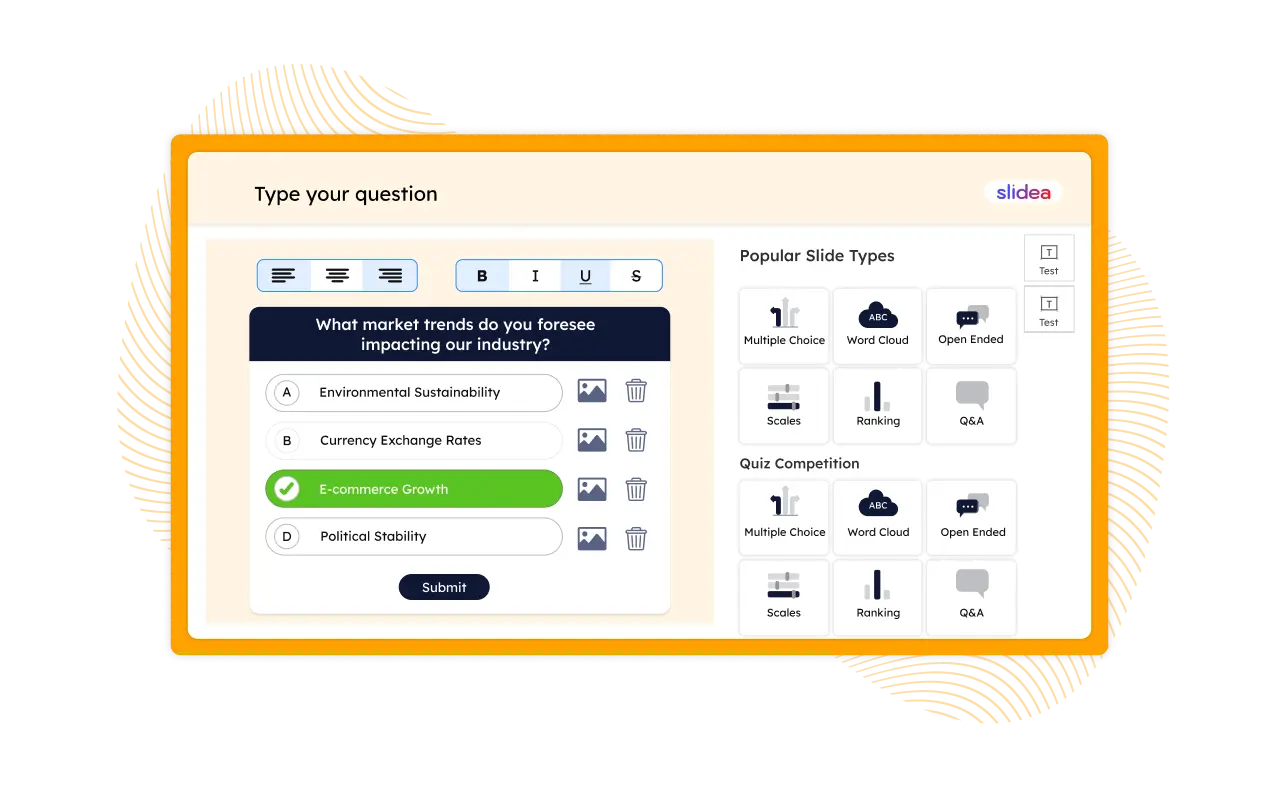
Select a Question Slide & Modify
You can select a question slide out of many slides. Now, start adding your questions and options there.
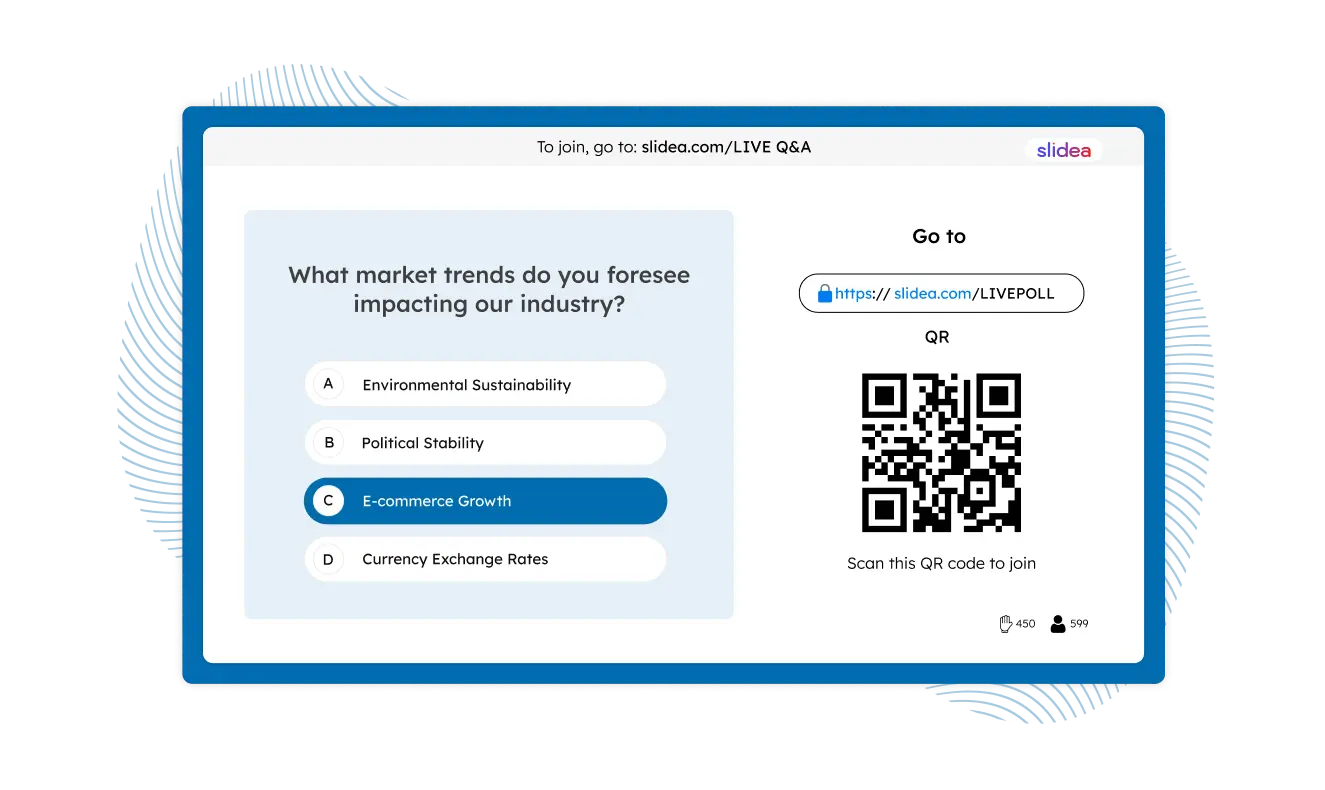
Invite Your Audience with a Code/QR Code
Attendees simply need to join your event by going to slidea.com and typing in your event code. Or, to make it really simple for them to join, you can just tell them to scan the QR code.
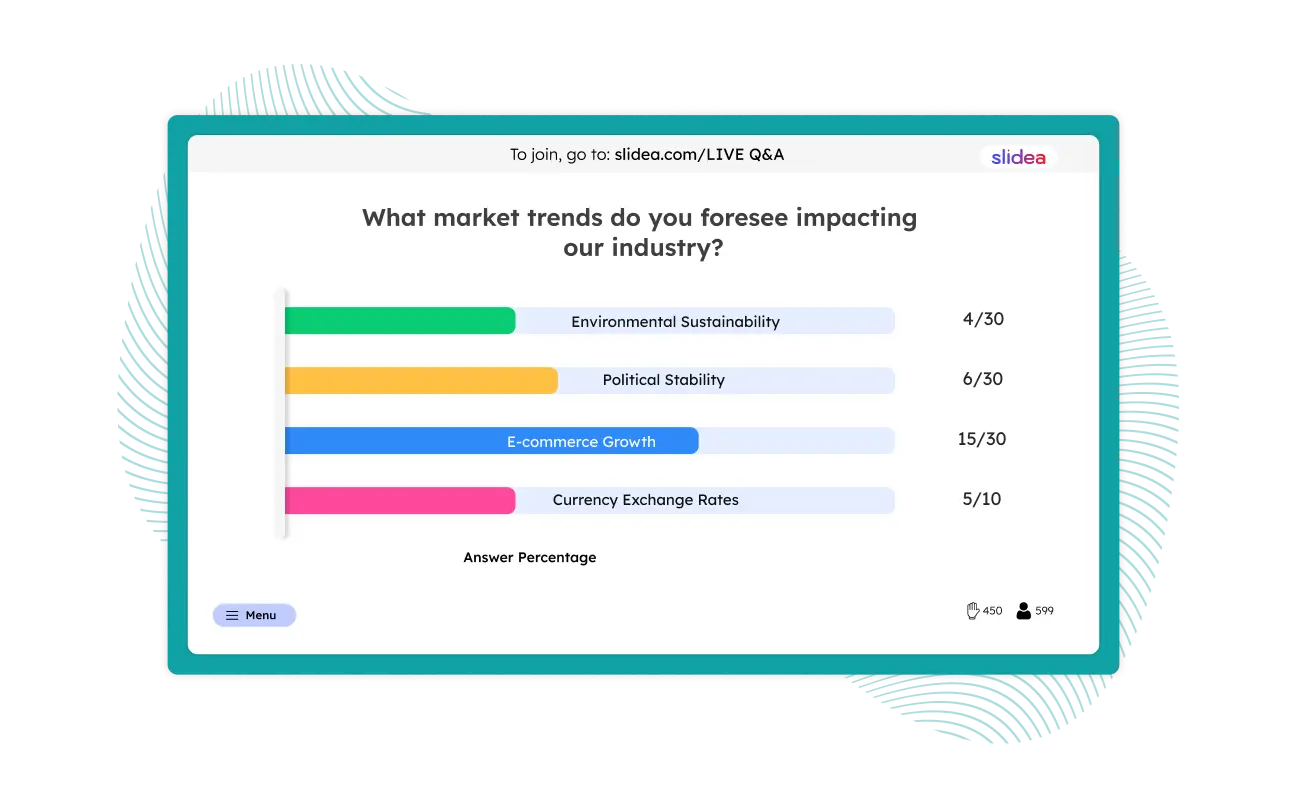
Show Your Results
Once the questions are being answered, you can start showing the results. Don’t worry! All the questions will be stored in the event archive, or you can easily export or share them using the infographic.
We promise that you enjoy
the best Q&A updates
Improve your meetings and discussions with your favorite apps like
Microsoft Teams, PowerPoint, Google Slides, and so on.






Frequently Asked Questions
Slidea's Live Q&A is a feature designed for presentations and webinars that allows the audience to submit questions in real time. It gives everyone in the audience a voice - including those who may be hesitant to speak up publicly.
Setting up takes just about 3 minutes. You select a question slide from the available options and customize it, then invite your audience by sharing your event code or a QR code. Once responses come in, you can display the results live.
Yes. Slidea supports anonymous question submission, which helps encourage more honest and open participation from attendees who might otherwise hold back.
Slidea ensures 100% engagement by giving every attendee - not just the loudest voices - a way to participate. It generates productive insights in real time and eliminates the awkward silence or hesitation often seen in open verbal Q&A formats.
Yes. Slidea allows you to customize question formats, themes, and moderation settings to suit your specific event's needs, whether it's a corporate meeting, a classroom lecture, or a large-scale webinar.
Yes. Slidea integrates with popular platforms including Microsoft Teams, PowerPoint, Google Slides, Zoom, making it easy to incorporate live Q&A into your existing workflow without switching tools.