


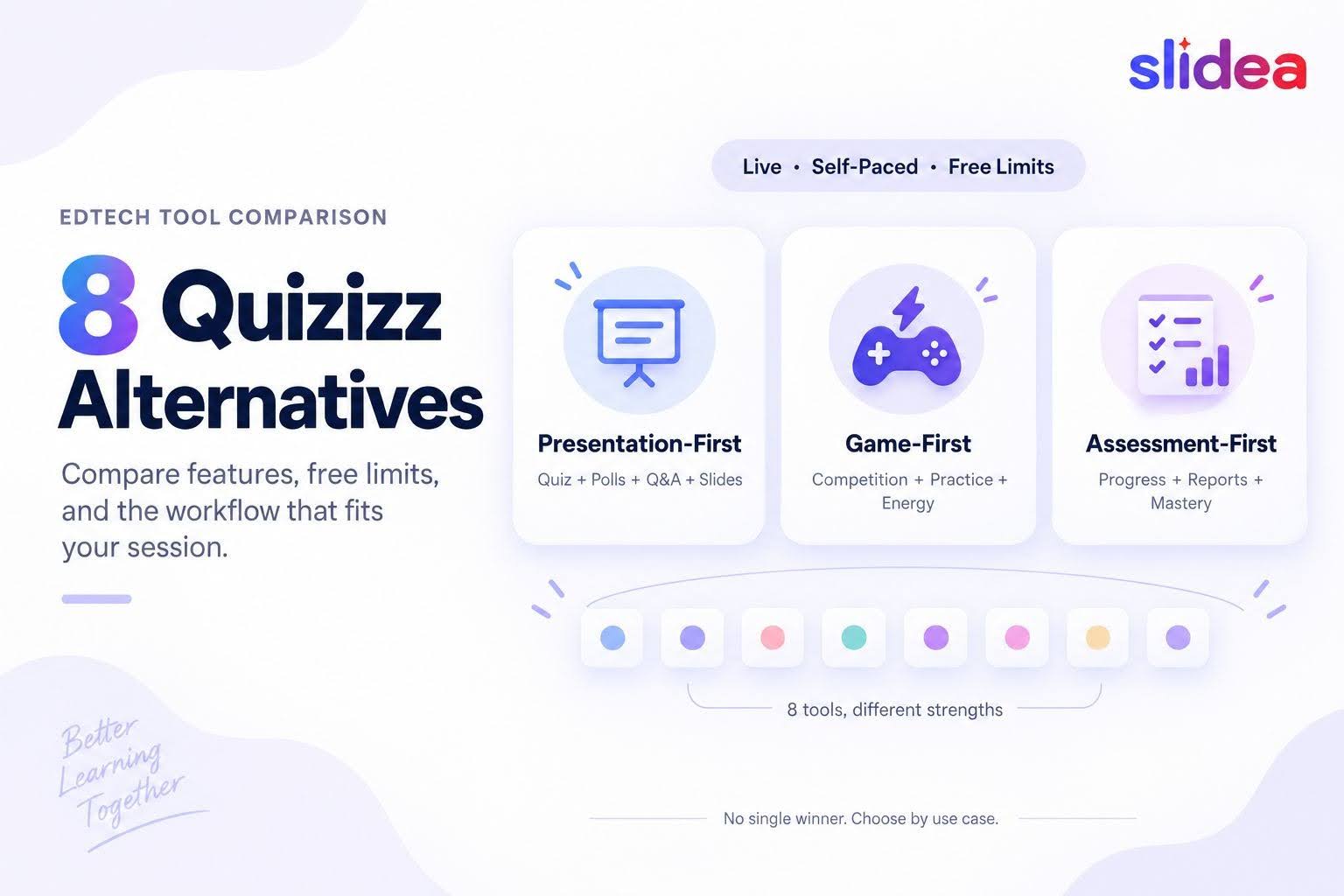
Quizizz is now called Wayground, but many teachers, trainers, and presenters still search for “Quizizz alternatives” when they want a different way to create live quizzes, assign activities, or measure understanding.
The right replacement depends on what you are trying to change.
Some alternatives focus on competitive classroom games. Others provide straightforward formative assessment, audience participation, or presentation-led quizzes. No single platform is the best choice for every user.
This guide compares eight Quizizz alternatives using information published on their official product, pricing, and help pages. It examines quiz formats, delivery options, free-plan limits, and the situations in which each tool is most useful.
Disclosure: The Slidea Team publishes this guide. All factual claims were checked against current official public product, pricing, or help pages. We did not run identical classroom trials across all eight products.
Quizizz is Now Wayground
Quizizz officially changed its name to Wayground in 2025. Existing accounts, classes, and resources continued under the new name, and Quizizz links redirect to Wayground.
The current platform offers more than a simple multiple-choice quiz. Its official documentation describes 18 question types, including multiple choice, fill in the blank, drag and drop, polls, and categorization. Teachers can deliver activities live, as homework, or through other supported learning modes.
The Starter plan currently supports up to 100 participants in a session, although storage, question types, and access to parts of the content library are limited.
That makes Wayground the baseline for this comparison—not one of the alternatives.
If you regularly use its assessment reports, accommodations, AI-assisted creation, or a broad range of question types, confirm that a replacement supports those specific features before switching.
Sources: Quizizz is now Wayground, creating an assessment or quiz, and Wayground plans.
Quizizz alternatives at a glance
| Platform | Strongest use case | Delivery style | Notable free limit |
| Slidea | Combining quizzes with a complete presentation | Primarily live presentations | The detailed pricing table lists 100 participants per presentation and 250 per month. |
| Kahoot | Familiar competitive quizzes and assignments | Live and self-paced | Usually 10–40 participants, depending on account and plan |
| Blooket | Game-heavy classroom review | Live, solo and homework modes | Usually up to 60 players |
| Mentimeter | Audience interaction in meetings and events | Primarily live; non-quiz interaction also available | 50 participants per month |
| AhaSlides | Presentation-led quizzes, polls, and Q&A | Live presentations | 50 participants; five quiz and three poll questions per presentation |
| Gimkit | Repeat practice through game modes. | Primarily live on the free plan | Free live modes allow as many students as the official Basic plan supports; asynchronous assignments require Pro |
| Quizalize | Mastery tracking and differentiated follow-up | Live and assigned classroom work | One class, 20 students, and five saved quizzes |
| Socrative | Straightforward formative assessment | Teacher-paced and student-paced activities | 50 students, one room and five quizzes |
Free plans change frequently. Check the linked official pricing or help page before making a purchasing or rollout decision.
How we researched this comparison
We reviewed the public product, pricing, and help pages published by each company on September 11, 2026.
The comparison focuses on five questions:
- What kinds of questions can the platform create?
- Is it intended for live delivery, self-paced work, or both?
- What does the free plan currently allow?
- Does the tool prioritize presentation, assessment, or game mechanics?
- Which limitation is most likely to affect a real session?
“Best for” descriptions are editorial recommendations based on those documented capabilities. They are not the results of a controlled classroom test.
1. Slidea: for quizzes inside a broader presentation
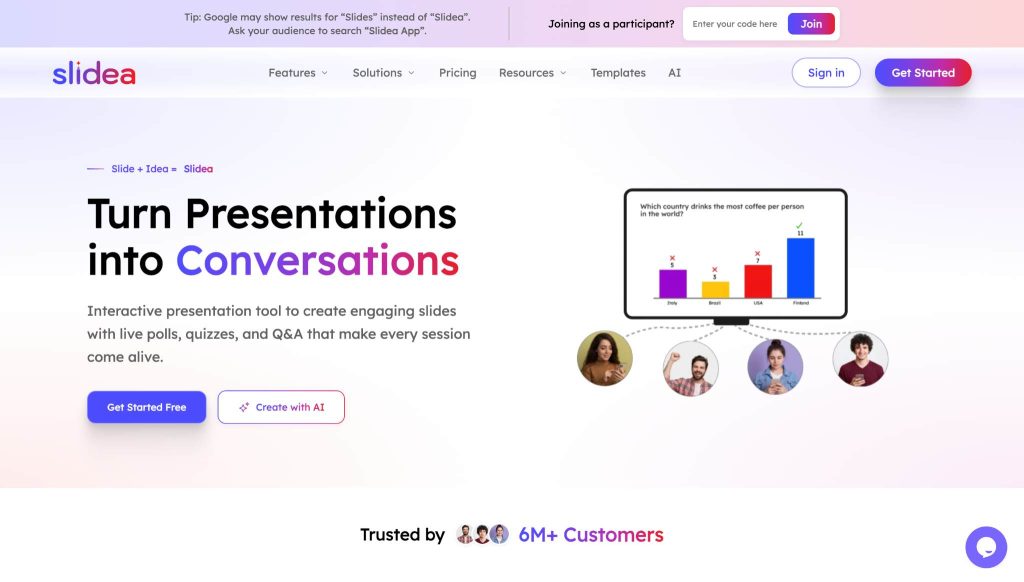
Slidea is most relevant when a quiz is only one part of the session.
A presenter can combine scored questions with ordinary presentation slides, polls, word clouds, and Q&A. That makes the format suitable for training sessions, workshops, company meetings, and lessons that need explanation before or after each question.
Slidea documents four scored question formats:
- Select Answer
- Type Answer
- Pick the Number
- Lineup
Presenters can use timers, leaderboards, and either equal scoring or a speed-based points system. Participants join with a nickname and do not need to create an account.
The important difference from game-first tools is the surrounding presentation. A facilitator can explain a concept, ask a question, discuss the result, and then continue presenting without moving between separate products.
Where Slidea fits
Consider Slidea when you need:
- A live quiz within a presentation
- Polls, word clouds or Q&A alongside scored questions
- Control over when leaderboard slides appear
- Participants to join without creating accounts
- A meeting or workshop format rather than a standalone assessment
Limitations to consider
Slidea’s public information currently emphasizes live presentation workflows. Users looking primarily for asynchronous homework, detailed student mastery records, or a large school assessment library may find Wayground, Quizalize, or Socrative closer to their needs.
Readers should also know about a pricing-page inconsistency. At the time of this review, Slidea’s detailed comparison table listed 100 participants per presentation, 250 participants per month, two quiz slides per presentation, and one PPT/PDF import on the free plan. Summary text on the same page showed different allowances for quiz slides and imports.
Until the page is corrected, confirm the current quiz slide and import allowance before planning a session around the free tier.
Sources: Slidea quizzes and Slidea pricing.
2. Kahoot: for a familiar competitive quiz format
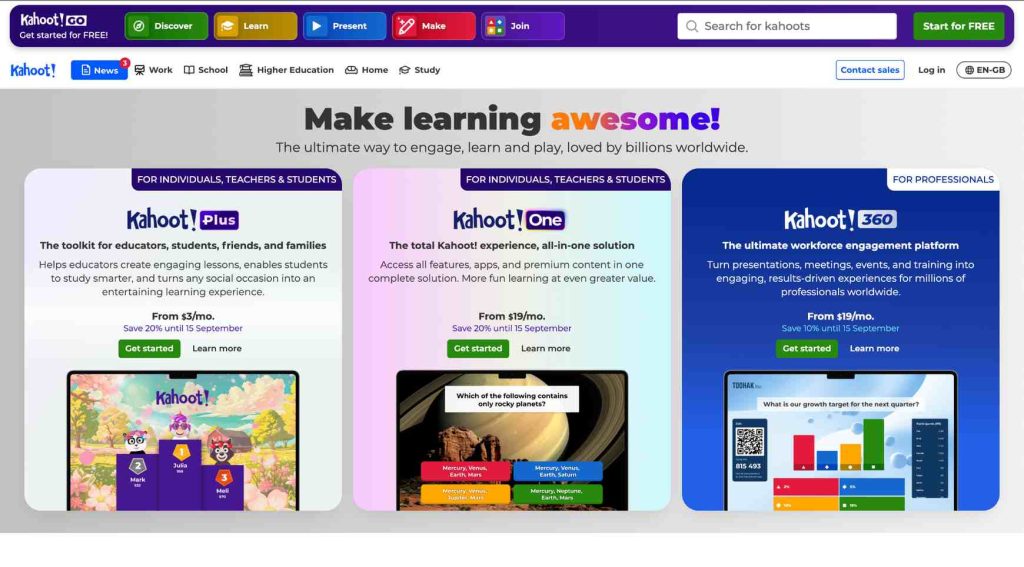
Kahoot remains one of the most recognizable live quiz platforms. It supports host-led games as well as self-paced assignments that participants can complete before a deadline.
Its basic quiz and true-or-false questions are joined by other formats on eligible paid plans, including typed answers, sliders, puzzles, and pin-answer questions. Kahoot also supports presentation slides and unscored interaction formats such as polls, word clouds, and brainstorming, depending on the plan.
Participants can join an assigned activity using a link, PIN, or QR code without creating an account.
Where Kahoot fits
Kahoot is worth considering when:
- Your audience already understands the Kahoot game format
- You need both live and assigned quizzes
- Competitive pace and recognition are important
- You want access to a large existing content ecosystem
Limitations to consider
Kahoot does not publish one universal free participant limit. Its official support page says limits generally range from 10 to 40 participants depending on account type and subscription.
Several advanced question formats and presentation features also require a paid plan. Check the limit for your account rather than assuming every free user gets the same allowance.
Sources: Kahoot participant limits, question types, and self-paced assignments.
3. Blooket: for game-heavy classroom review
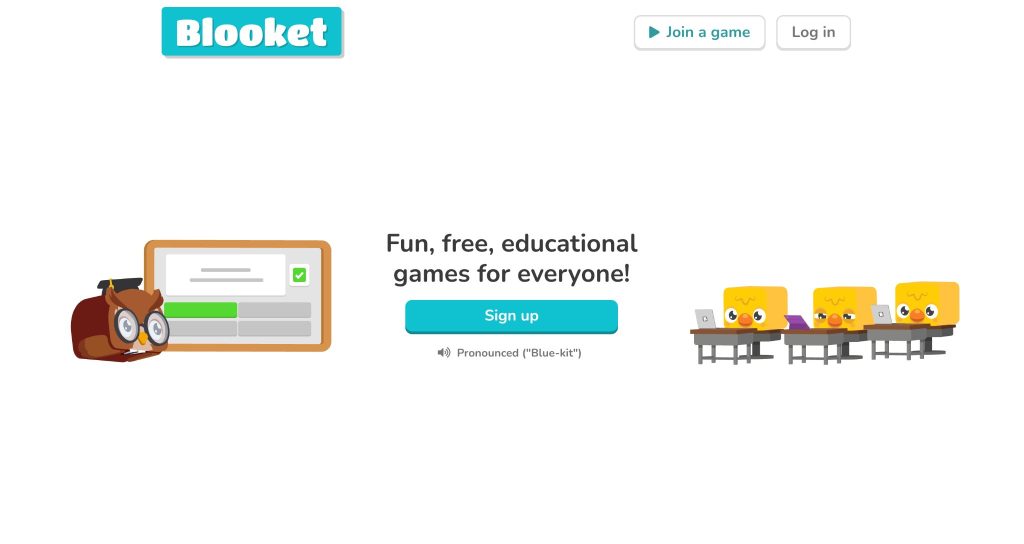
Blooket places the game mode at the center of the experience.
Teachers create or select a question set and then use it in different live, solo or homework games. Blooket currently describes more than 25 modes and a public library containing more than 20 million question sets.
The free plan allows unlimited question sets and usually supports games with up to 60 players. Students can join a game without creating an account.
Where Blooket fits
Blooket may be a good fit when:
- You want game mechanics to drive participation
- The audience is comfortable with fast, playful classroom activities
- The same question set will be reused across different games
- You need a larger free live-player allowance than some competitors provide
Limitations to consider
Blooket’s authoring choices are much narrower than Wayground’s. Its official documentation identifies two principal answer formats: multiple choice and Typing Answer.
The game format can also become the main event. That may be useful for review and repetition but less appropriate when the facilitator needs extended discussion, varied assessment formats, or a presentation surrounding the questions.
Sources: Blooket game modes, question types, and free-plan details.
4. Mentimeter: for meetings, workshops and large audience interaction
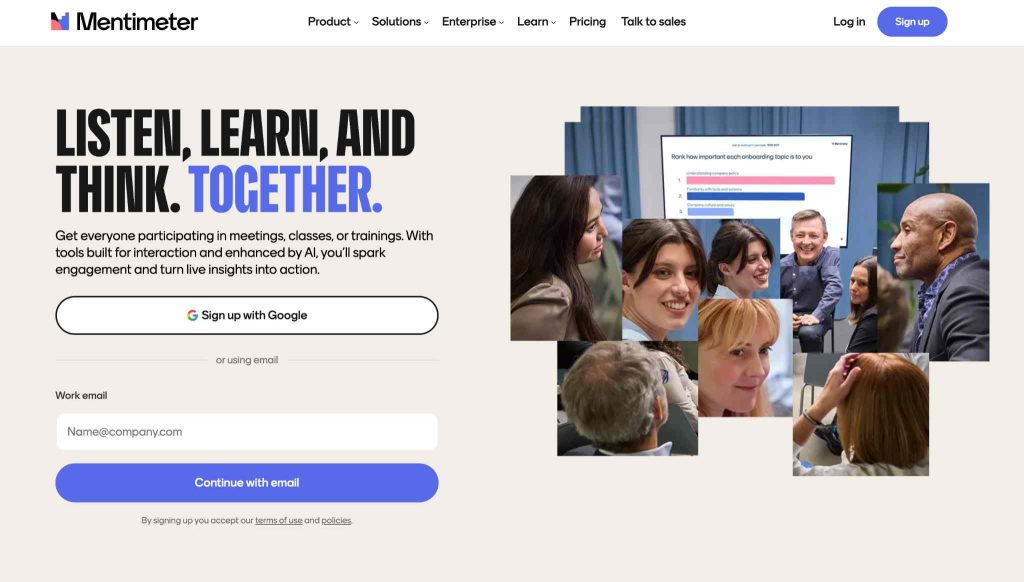
Mentimeter combines presentation slides with audience questions such as polls, word clouds, and Q&A.
Its scored quiz competition is more focused. Mentimeter documents two scored quiz formats: Select Answer and Type Answer. These quizzes include countdowns, scoring, and leaderboards and are designed for live presentation mode.
The free plan includes unlimited presentations and slides, access to almost all question types, and up to 50 participants per month.
Where Mentimeter Fits
Mentimeter is particularly relevant when:
- Audience participation matters more than formal assessment
- You need polls, Q&A or word clouds in addition to a quiz
- The session is a workshop, event, lecture or company meeting
- The quiz will be delivered live
Limitations to consider
Mentimeter’s scored quiz competitions are live-only and provide only two scored answer formats. Users needing asynchronous quiz assignments or a wider set of assessment questions should compare it carefully with Wayground, Kahoot, Quizalize or Socrative.
The 50-participant free limit is monthly rather than a simple per-session allowance. Mentimeter explains that one active presentation may continue beyond 50 participants, but subsequent presentations can be restricted after the grace period.
Sources: Mentimeter pricing, Mentimeter free account details, and quiz slides versus question slides.
5. AhaSlides: for mixing quizzes with audience interaction
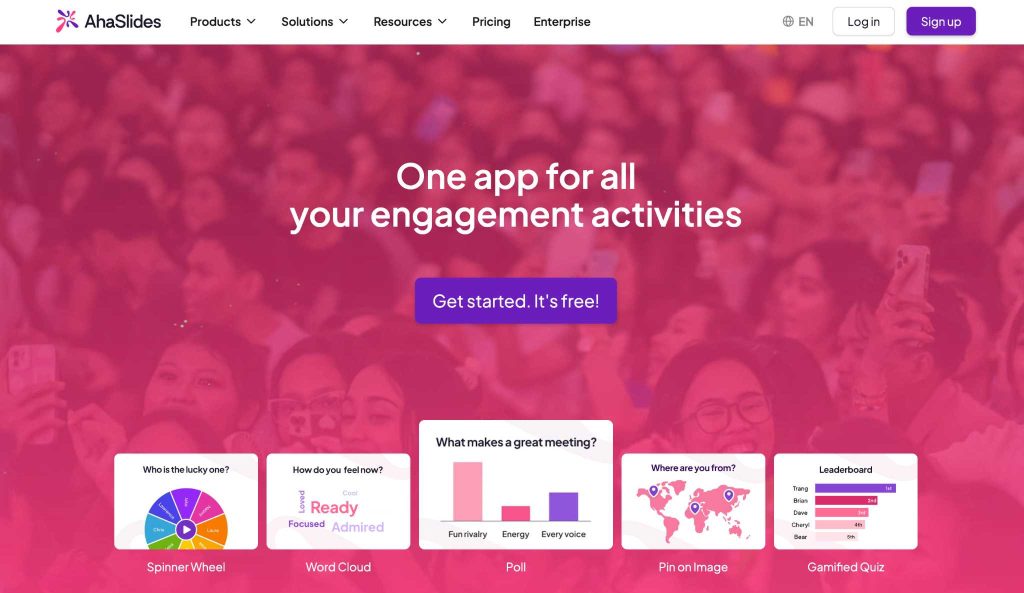
AhaSlides uses a presentation-led structure similar to Mentimeter and Slidea.
Its documented quiz formats include Pick Answer, Short Answer, Match Pairs, Correct Order, and Categorize. Presenters can combine these with polls, word clouds, Q&A and standard presentation content.
The free plan currently allows up to 50 participants per presentation, with five quiz questions and three unscored poll questions in each presentation. AhaSlides lists unlimited events and monthly participants, provided each presentation stays within the plan’s limits.
Where AhaSlides fits
AhaSlides may suit users who want:
- Several scored question formats
- Quizzes and unscored interaction in one presentation
- A free participant limit suitable for a small or medium session
- Participants to respond from mobile devices
Limitations to consider
The free plan’s question limits can be reached quickly in a longer lesson or workshop. Some controls and advanced features also vary by subscription tier.
Compare the exact number of quiz and interaction slides you need before choosing it based only on the 50-participant allowance.
Sources: AhaSlides pricing and online quiz generator.
6. Gimkit: for repeated practice through games
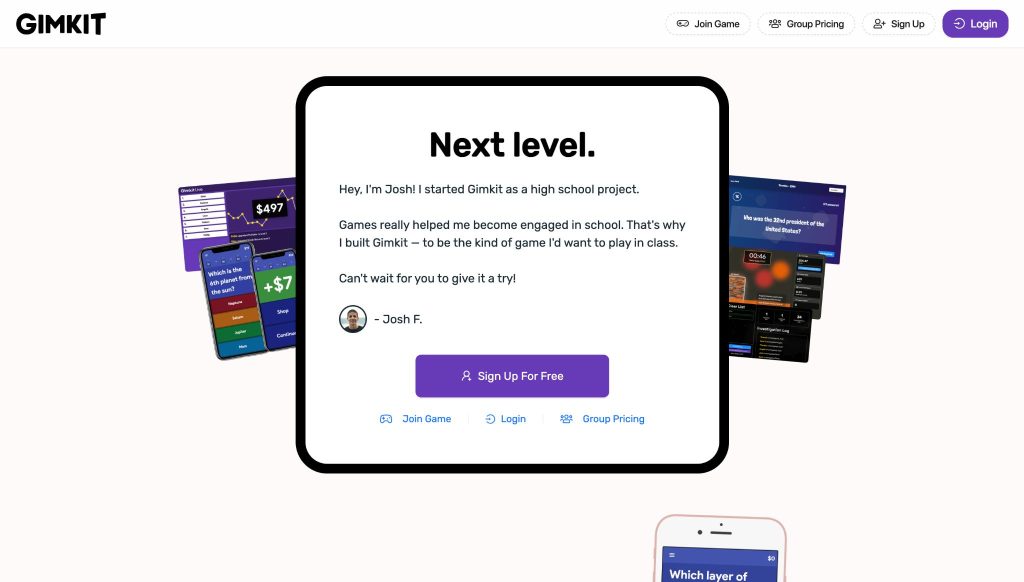
Gimkit is built around live game modes in which students answer questions repeatedly while interacting with the mechanics of the selected game.
Its Free Basic plan provides access to a rotating selection of featured modes, classes, rostering, and reports. Gimkit’s official plan comparison says Basic users can host live featured modes with as many students as they need.
Students do not need their own accounts to join a live game. Reports include general, student, and question-level breakdowns.
Where Gimkit fits
Gimkit is most relevant when:
- Repeat practice is a central part of the activity
- Students respond well to game systems and progression
- You want question-level and student-level reports
- The session will primarily be delivered live
Limitations to consider
The free selection generally rotates among a small number of game modes. Access to every mode requires Gimkit Pro.
Assignments are also a Pro feature. That makes the free plan less suitable for teachers who specifically need asynchronous homework.
Sources: Gimkit Basic and Pro comparison, game reports, and hosting a live game.
7. Quizalize: for mastery tracking and differentiated follow-up

Quizalize concentrates on classroom assessment data rather than presentation delivery.
Its product pages emphasize individual progress, curriculum or standards alignment, mastery dashboards, and differentiated follow-up activities. Teachers can use performance information to direct students toward different resources or activities.
The basic plan currently supports one class with up to 20 students, five saved quizzes, multiple-choice questions, a leaderboard, and three AI-generated quizzes per month.
The Standard plan raises the limit to 200 students per class and adds more question types, saved quizzes, classes, team games, and differentiated follow-up features.
Where Quizalize fits
Quizalize deserves consideration when:
- Individual progress matters more than presentation design
- Teachers want mastery or standards-related information
- Follow-up activities should vary according to student performance
- The school can use a paid plan for the platform’s more distinctive features
Limitations to consider
Its free plan is restrictive compared with several alternatives: one class, 20 students, five saved quizzes, and multiple-choice authoring.
Many of the capabilities that make Quizalize different—including broader question formats and differentiated follow-up—are tied to paid plans.
Source: Quizalize product and pricing information.
8. Socrative: for straightforward formative assessment
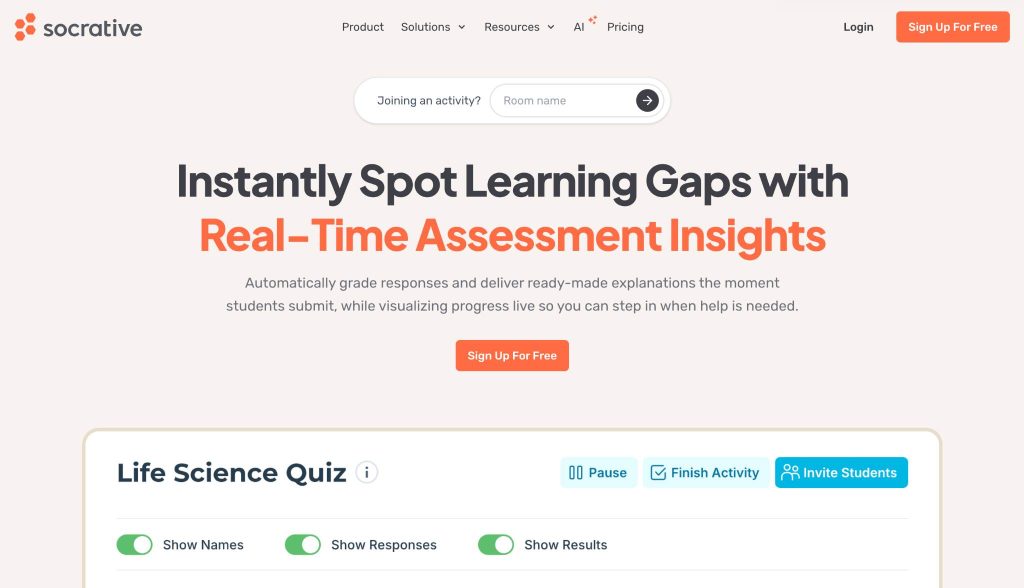
Socrative provides a comparatively simple assessment workflow.
Teachers can create multiple-choice, true/false, and short-answer questions. Quizzes can be delivered using Instant Feedback, Open Navigation, or Teacher Paced modes.
Additional controls include anonymous or named responses, shuffled questions or answers, final-score display, feedback, time limits, and single-attempt restrictions.
Students can join through a QR code, link, or room name without creating an account.
The free plan currently includes one room, five quizzes, up to 50 students per activity, automatic grading, and 30 days of report history.
Where Socrative fits
Socrative may be appropriate when:
- You need a focused formative-assessment tool
- Teacher-paced delivery is important
- You prefer simpler quiz controls over elaborate games
- Real-time responses and automatic grading are the priority
Limitations to consider
Socrative offers only three question formats. Its free quiz-storage and report-history limits may also be restrictive for frequent use.
It is less focused on game spectacle or visual presentation than Kahoot, Blooket, Gimkit, Mentimeter, AhaSlides, or Slidea.
Sources: Socrative pricing, creating a quiz, and launching a quiz.
Which Quizizz alternative should you choose?
There is no evidence-based reason to name one universal winner. Start with the workflow you need.
Choose a presentation-first option when the quiz supports a larger session:
- Slidea for live quizzes surrounded by presentation content
- AhaSlides for several quiz formats combined with polls and Q&A
- Mentimeter for broad audience interaction with occasional live competition
Choose a game-first option when energy and repeated practice matter most:
- Blooket for varied classroom game modes
- Gimkit for repeat-answer game mechanics and practice
- Kahoot for a familiar competitive format with live and assigned delivery
Choose an assessment-first option when results and student progress matter most:
- Quizalize for mastery tracking and differentiated follow-up
- Socrative for simple formative assessment and teacher-paced control
Stay with Wayground when you rely on its wider question-format selection, accommodations, AI-assisted creation, reporting, or school-focused assessment workflow.
Before switching, create a short list of features you use today. A platform with an attractive free participant allowance may still be the wrong choice if it lacks the question type, assignment mode, or reporting workflow you need.
A practical evaluation checklist
Before selecting an alternative, confirm these points using the current official plan page:
- Maximum participants for your account type
- Live, self-paced, and homework availability
- Number of quizzes or questions allowed
- Supported question formats
- Participant account requirements
- Reporting and data-retention limits
- Presentation, poll, and Q&A support
- Accessibility and accommodation requirements
- LMS or classroom integrations
- Renewal price and education eligibility
Then run one representative session with a small group before using the product with a full class or audience.
Final thoughts
The phrase “Quizizz alternative” covers several different needs.
Blooket and Gimkit emphasize games. Quizalize and Socratic concentrate more heavily on assessment. Kahoot combines familiar competition with assigned activities. Mentimeter, AhaSlides, and Slidea place quizzes within a broader audience or presentation experience.
The most useful choice is therefore not the platform with the longest feature list. It is the one whose delivery style, limits, and reporting match the session you actually need to run.
Pricing and feature pages were checked on September 11, 2026. This article should be reviewed at least quarterly and whenever one of the included companies announces a major plan or product change.





Your email address will not be published. Required fields are marked *