


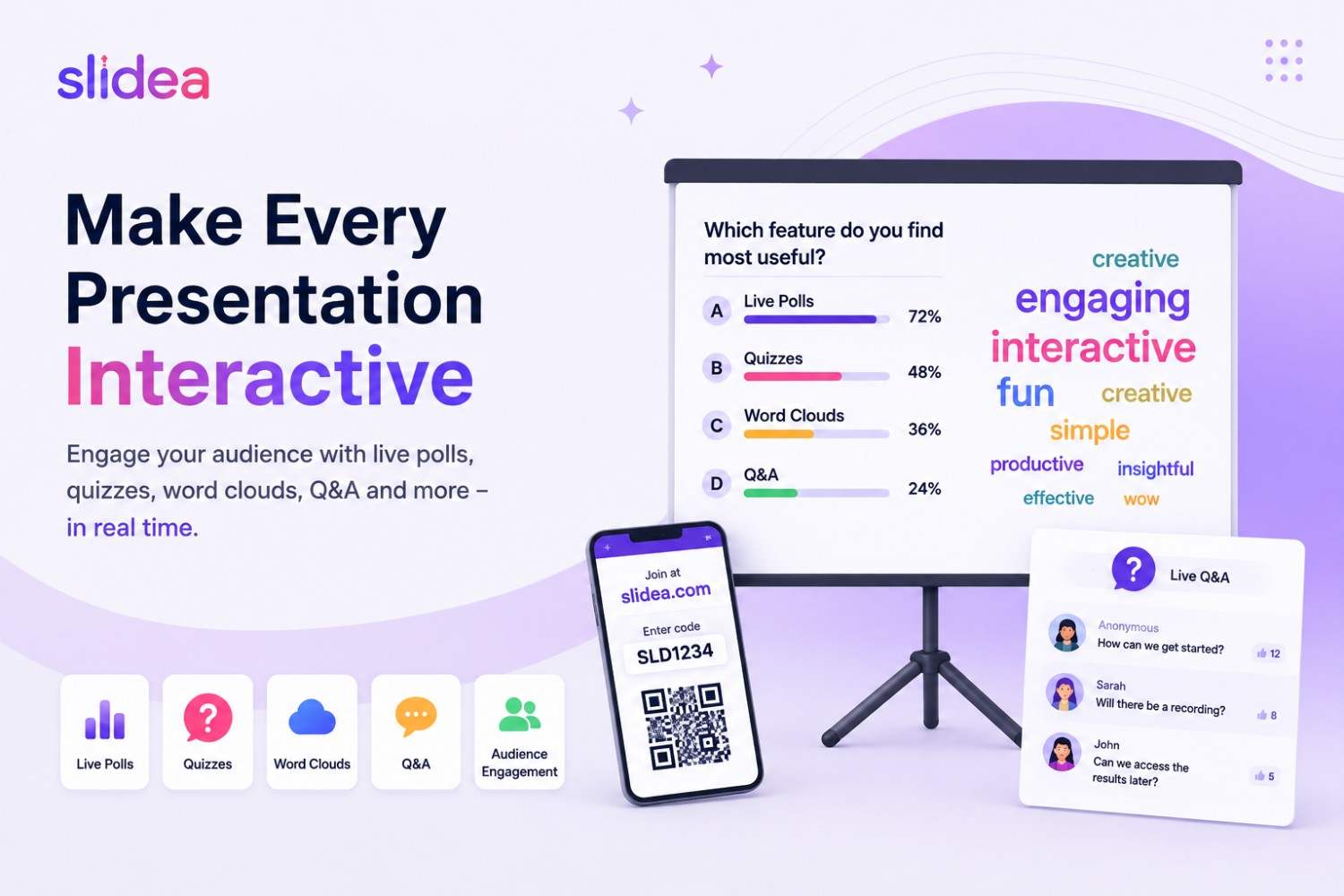
Static slides don't hold attention the way they used to. Audiences increasingly expect to participate — voting in a live poll, contributing to a word cloud, answering a quiz, or asking questions in real time instead of simply watching a slideshow.
The good news is that you don't need a large budget to make presentations interactive. Several platforms offer useful free plans, although each comes with different limits on participants, interactive slides, analytics, or integrations.
This guide compares five popular interactive presentation tools in 2026, what you can actually do with their free plans, and which tool makes the most sense for different presentation needs.
Note on free-plan limits: Pricing and plan limits can change as vendors update their products. The figures in this guide reflect the vendors' published pricing and help documentation available at the time of review. Check the provider's current pricing page before planning an event around a specific limit.
Quick Verdict
- 🏆 Best overall for interactive presentations: Slidea — quizzes, surveys, MCQs, word clouds, polls
- 📊 Best for simple, no-frills polling: Mentimeter
- 🎮 Best for gamified quizzes: AhaSlides
- 🎤 Best for conference Q&A: Slido
- 🎓 Best for full classroom lessons: Nearpod
What Makes a Presentation "Interactive"?
An interactive presentation tool lets your audience respond during the presentation itself rather than filling out a separate feedback form afterward.
Common interactive features include:
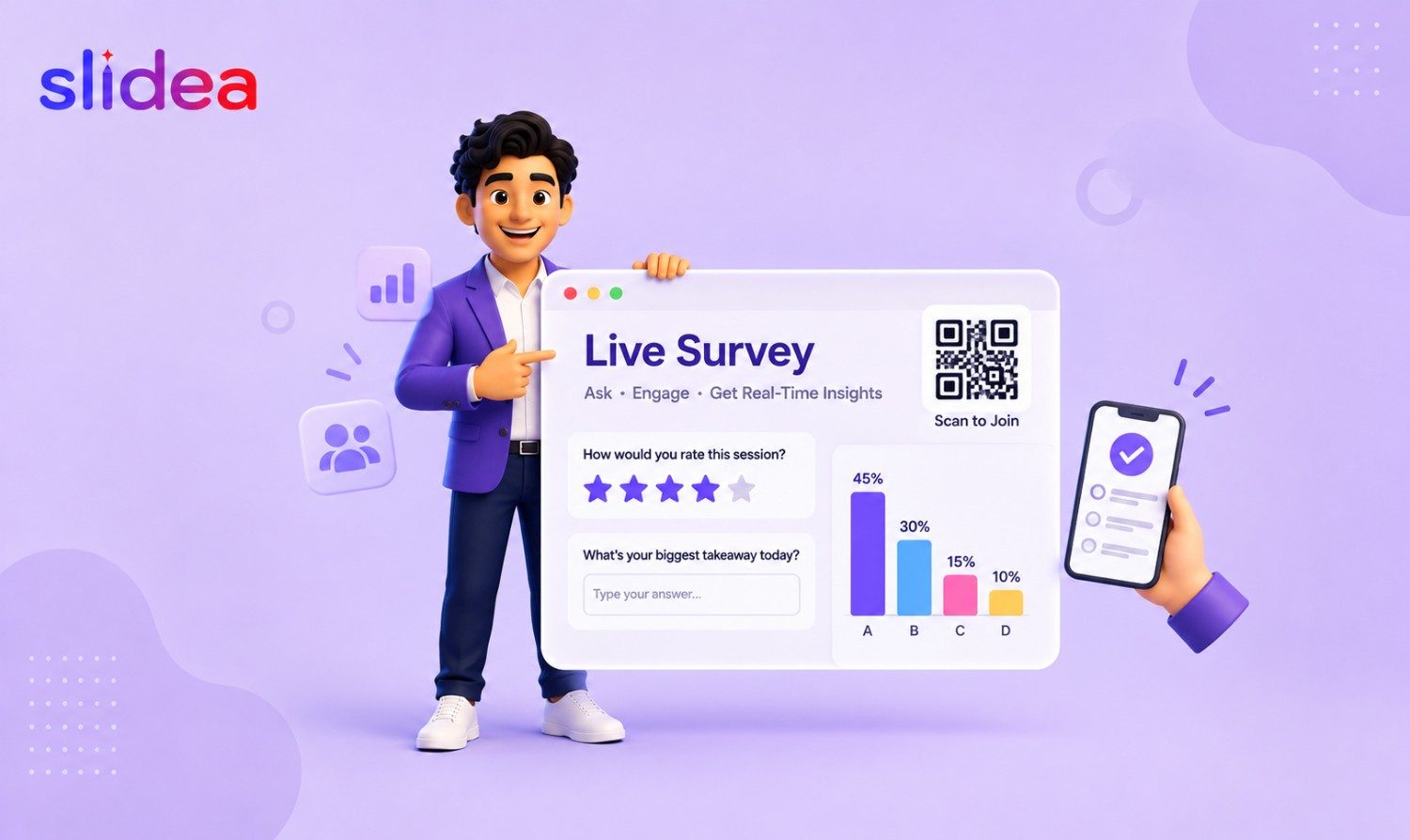
- Live polls — collect instant multiple-choice or open-ended responses
- Word clouds — display audience responses visually in real time
- Live Q&A — let attendees submit and upvote questions
- Quizzes — test knowledge with scoring and, in some tools, leaderboards
- No-download joining — let participants join through a browser using a link, QR code, or session code
The main differences between these tools come down to their free-plan limits, interactive features, integrations, and how well they fit into your existing presentation workflow.
How We Compared These Tools
We compared these platforms based on their free-plan participant limits, interactive features, presentation integrations, audience joining experience, and suitability for different presentation scenarios.
Because free-plan limits change frequently, vendor pricing and help documentation were used as the reference point wherever possible.
The 5 Tools Compared
1. Slidea — Best All-Around Interactive Presentation Tool
Best for: Presenters, trainers, educators, and teams that want to add interactivity to presentations without completely changing their existing workflow.
Free plan: Slidea's free plan supports up to 100 participants per presentation and up to 250 participants per month. The free tier also includes all slide types, up to five live quiz slides, up to 10 PPT/PDF imports, and 200+ templates. Slidea's pricing page currently lists 400 AI creation credits on the free plan.
Key features: Slidea supports live polls, Q&A, word clouds, quizzes, surveys, open-ended questions, scales, and other interactive slide types. It integrates with PowerPoint, Google Slides, Zoom, Teams, and Webex, allowing presenters to work with familiar presentation and meeting tools.
Slidea also offers AI-powered presentation creation. You can generate an interactive presentation from a prompt or upload documents such as PDFs and Word files to create a presentation draft.
Audience members can join using a link or QR code without downloading an app.
Main limitation: The free plan has limits on monthly participants, quiz slides, imports, and AI usage. Presenters running larger or more frequent events may need a paid plan.
Best choice if: You already work in PowerPoint or Google Slides and want polls, quizzes, word clouds, Q&A, and other interactive elements in the same presentation workflow.
2. Mentimeter — Best for Simple Live Polling
Best for: Meetings, classes, and presentations where polished polls and word clouds are the main priority.
Free plan: Mentimeter's free plan can be used indefinitely and includes unlimited presentations, multiple question types, quizzes, word clouds, and other interactive slides. The main restriction is 50 participants per month. The participant counter resets monthly.
Key features: Mentimeter offers a broad range of interactive question types, including polls, word clouds, quizzes, and Q&A. Participants can join using a code, QR code, or link without installing an app.
Mentimeter can also import PowerPoint presentations, while deeper presentation integrations are available on paid plans.
Main limitation: The 50-participant monthly allowance can be restrictive if you run presentations frequently or have several classes or meetings each month.
Best choice if: You mainly need attractive, easy-to-use polls and word clouds and don't need a large free audience allowance.
3. AhaSlides — Best for Gamified Quizzes
Best for: Trainers, teachers, and event hosts who want a game-show-style presentation experience.
Free plan: AhaSlides' free plan supports up to 50 live participants, with no monthly participant limit. You can create unlimited presentations and use up to 5 quiz slides or 3 poll/opinion slides per presentation.
Key features: AhaSlides focuses heavily on audience engagement, offering quizzes, leaderboards, spinner wheels, word clouds, polls, and other interactive formats. The free plan also includes AI assistance and PowerPoint integration.
Main limitation: The interactive-slide limits can become restrictive for longer presentations. If you exceed the free-plan limits, the presentation can only be hosted for a very small test audience.
Best choice if: Your presentation depends heavily on quizzes, competition, leaderboards, and game-style audience participation.
4. Slido — Best for Conference Q&A
Best for: Conferences, webinars, panels, and corporate events where audience Q&A is more important than building a fully interactive presentation.
Free plan: Slido's Basic plan supports up to 100 participants per Slido. It allows up to 3 polls and 1 quiz per Slido, while audience Q&A is also available.
Key features: Slido is particularly strong at audience Q&A and question upvoting, making it useful when many attendees need to submit questions and the presenter needs to identify the most important ones.
It also supports integrations with presentation and meeting platforms, including PowerPoint, Zoom, and Microsoft Teams.
Main limitation: The three-poll limit makes the free plan less suitable for presentations that need frequent polls or multiple interactive moments throughout a long session.
Best choice if: Your primary goal is managing audience questions during conferences, webinars, panels, or large meetings.
5. Nearpod — Best for Classrooms
Best for: K-12 and higher-education teachers building complete interactive lessons rather than simply adding a poll to a presentation.
Free plan: Nearpod's free Silver plan includes 40 student joins per lesson and 300 MB of storage. It includes core interactive lesson functionality, 20+ formative assessment and dynamic-media activities, access to Nearpod's content library, and synchronous or asynchronous lesson delivery.
Key features: Nearpod supports interactive lessons, videos, formative assessments, gamified activities, real-time insights, and a large library of ready-made educational resources.
Main limitation: The free plan's 40-student lesson limit makes it less suitable for larger classes. Its education-focused workflow also makes it a less natural fit for business meetings, sales presentations, or corporate events.
Best choice if: You're a teacher who needs a complete interactive lesson platform rather than a presentation engagement add-on.
Side-by-Side: Free Plan Limits at a Glance
| Tool | Free participant limit | Interactive limits | Best suited for |
|---|---|---|---|
| Slidea | 100 per presentation / 250 per month | Up to 5 live quizzes; 10 PPT/PDF imports | Interactive presentations |
| Mentimeter | 50 per month | Broad question-type access | Polls and word clouds |
| AhaSlides | 50 per session | 5 quiz or 3 poll/opinion slides per presentation | Gamified presentations |
| Slido | 100 per Slido | 3 polls + 1 quiz per Slido | Q&A and conferences |
| Nearpod | 40 students per lesson | 20+ formative assessment/activity types | Classroom lessons |
Limits shown above reflect vendor information available at the time of review and may change.
What to Check Before Picking a Free Plan
The word "free" can mean very different things depending on the platform. Before choosing a tool for an upcoming presentation, check:
- Maximum audience size — Is the limit per session, event, or month?
- Interactive slide limits — How many polls, quizzes, or questions can you use?
- Response history — How long are audience responses stored?
- Analytics — Can you review or export results?
- Branding — Does the free plan add a logo or watermark?
- PowerPoint/Google Slides support — Is there a native add-in, an integration, or only file import?
- AI limits — Are AI-generated presentations or questions restricted by credits?
- Export options — Can you download responses or reports on the free plan?
- Audience access — Can participants join directly through a browser without an app or account?
If your sessions are small and occasional, a free plan may be enough. You are more likely to need a paid plan when you run large or frequent events, need advanced analytics, require custom branding, or want more interactive slides.
FAQ
What is the best free interactive presentation tool in 2026?
There isn't one best tool for every situation. If you already use PowerPoint or Google Slides and want to add polls, quizzes, word clouds, and Q&A to your presentation workflow, Slidea is a strong option. Mentimeter is well suited to straightforward polling, AhaSlides focuses on gamified presentations, Slido is particularly useful for Q&A, and Nearpod is designed around interactive classroom lessons.
Are these tools really free, or are they time-limited trials?
The five tools covered here offer free tiers rather than requiring you to pay after a short trial period. However, each platform limits something — such as participants, interactive slides, storage, or AI usage. Those limits can change, so check the current pricing page before relying on a specific allowance.
Do audience members need to download an app?
Generally, no. These platforms are designed to let participants join from a browser using a link, QR code, or session/join code. The exact joining experience varies between platforms and features.
Can I add interactive elements to a presentation I already built in PowerPoint or Google Slides?
Yes, several of these tools support existing presentation workflows. Slidea supports PowerPoint and Google Slides integrations, while AhaSlides and Slido also offer PowerPoint-related integrations. Mentimeter supports PowerPoint import, with deeper integration features depending on the plan.
Which tool is best for classrooms vs. business meetings?
Nearpod is the most education-focused option in this comparison, with lesson delivery, formative assessments, educational media, and classroom-oriented resources. For business meetings, training, workshops, and sales presentations, general-purpose interactive presentation platforms such as Slidea, Mentimeter, AhaSlides, and Slido are generally more flexible.
What's the difference between a poll, a word cloud, and a quiz?
A poll collects quick responses, such as multiple-choice or opinion-based answers.
A word cloud collects short text responses and displays common answers visually, with frequently submitted words appearing more prominently.
A quiz tests knowledge and can include correct answers, scoring, and leaderboards depending on the platform.
Can I use these tools during a Zoom or Teams meeting?
Yes. Several platforms support integrations with virtual meeting tools. Slidea supports Zoom and Teams integrations, while Mentimeter and other tools also offer integrations or apps for virtual meetings. The exact features available can depend on the platform and plan.





Your email address will not be published. Required fields are marked *