






Learn How to Use Every Slide Type in Slidea

Learn how to create and use every interactive slide type in Slidea with simple tutorials.

How to Create An Open Ended Question in Slidea
🎬 Hover to Preview

How to Create An Open Ended Question in Slidea

The Open-Ended slide lets participants submit their own answers freely (up to…

Watch Now
Slide types
How to Create a Scales Question in Slidea
🎬 Hover to Preview

How to Create a Scales Question in Slidea

The Scales slide allows participants to rate statements, opinions, or preferences on…

Watch Now
Slide types
How to Create a Ranking Question in Slidea
🎬 Hover to Preview

How to Create a Ranking Question in Slidea

The Ranking slide lets participants arrange options based on preference or priority.…

Watch Now
Slide types
How to create a Q&A slide in Slidea
🎬 Hover to Preview

How to create a Q&A slide in Slidea

The Q&A slide allows participants to submit questions live, making discussions more…

Watch Now
Slide types
How to Create a Guess the Number Question in Slidea
🎬 Hover to Preview

How to Create a Guess the Number Question in Slidea

The Guess the Number slide lets participants choose a number as their…

Watch Now
Slide types
How to Create a This or That Question in Slidea
🎬 Hover to Preview

How to Create a This or That Question in Slidea

The This or That slide lets participants choose between two options, making…

Watch Now
Slide types
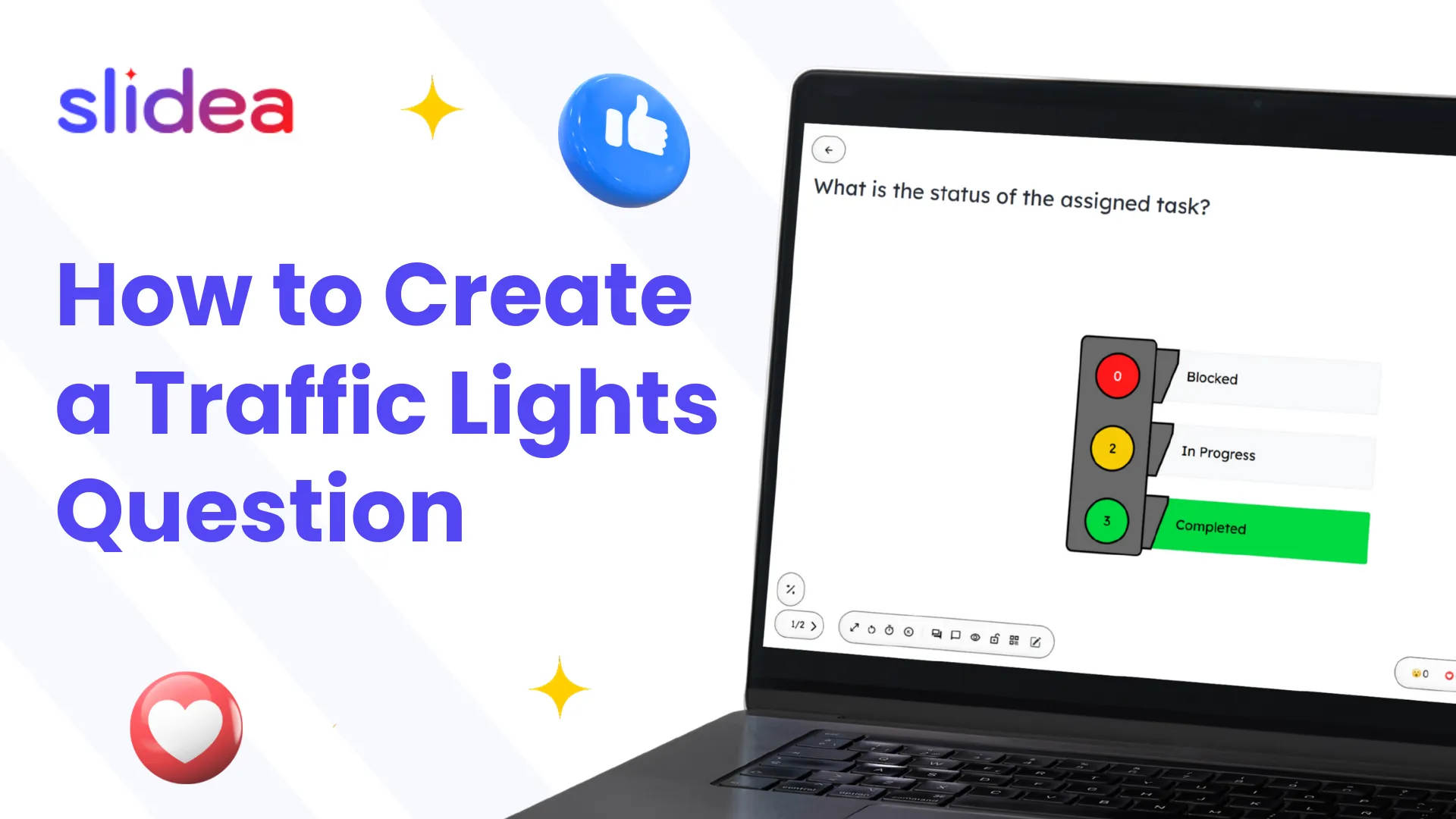
How to Create a Traffic Lights Question in Slidea
🎬 Hover to Preview

How to Create a Traffic Lights Question in Slidea

The Traffic Lights slide lets participants respond using Red, Yellow, or Green,…

Watch Now
Slide types
How to Create a Truth or Lie Question in Slidea
🎬 Hover to Preview

How to Create a Truth or Lie Question in Slidea

The Truth or Lie slide lets participants decide if a statement is…

Watch Now
Slide types

Book a free demo for a personalized walkthrough!

Schedule a Free Demo

Our Blog