


Your brain has roughly 86 billion neurons, and here's the fascinating part: they can form new connections throughout your entire life. That means whether you're 25 or 75, your brain can still learn, adapt, and improve, if you give it the right workout.
Memory games aren't just child's play anymore. Adults are discovering that these brain-boosting activities do more than pass time, they enhance focus, improve recall, and even help prevent cognitive decline. Plus, when you play memory games as a team using interactive game software, you're not just exercising individual brains; you're building connections, sparking laughter, and creating shared experiences that stick.
Whether you're planning a team-building session, looking for energizers for virtual meetings, or simply want to keep your mind sharp, these 25 memory games offer something for everyone.
Why Memory Games Matter for Adults
Before we dive into the games, let's talk about why they're worth your time:
Your brain loves challenges. Just like muscles grow stronger with exercise, your brain thrives when you challenge it with new patterns, sequences, and associations. Memory games provide that perfect mix of familiar and novel.
They improve real-world skills. Better memory means fewer forgotten names, missed appointments, or "wait, what was I going to say?" moments. These games translate directly to everyday productivity.
They're natural stress relievers. Focusing on a game gives your mind a break from daily worries. It's active relaxation, your brain works, but in a way that feels refreshing rather than draining.
They work for teams too. Memory games create level playing fields where the newest intern might outperform the CEO. This builds camaraderie and reminds everyone that different minds shine in different ways.
When you incorporate these games into hybrid events or team gatherings using tools that boost audience engagement, you transform solo brain exercise into collaborative fun.
Best Memory Games for Adults
Classic Memory Challenges
1. Pattern Memory
Display a sequence of shapes, colors, or numbers for 10 seconds, then hide it. Players recreate the pattern from memory. Start with 4 items and gradually increase difficulty.
Interactive Setup:
Use a Multimedia slide to show the pattern briefly. Switch to a Quiz slide where participants select the correct sequence from multiple options.
2. Kim's Game
Show 15-20 objects on a tray for one minute. Cover them and ask players to recall as many as possible. Great for visual memory.
Interactive Setup:
Display the objects using a Multimedia slide. Then switch to an Open Ended slide where participants type the items they remember.
3. Word Chain
The first person says a word. The second person repeats it and adds another. The third person repeats both and adds one more. The chain grows until someone breaks it!
Interactive Setup:
Use an Open Ended slide where each participant types the full word chain before adding their own word.
4. Number Sequence
Flash a 6-8 digit number briefly. Players write it down from memory. Increase digits for more challenges.
Interactive Setup:
Show the number on a Multimedia slide, then move to a Quiz slide where players choose the correct number sequence.
5. Story Building
One person starts a story with a sentence. Each person repeats all previous sentences before adding their own. Hilarious and challenging!
Interactive Setup:
Use an Open Ended slide for participants to type the full story before adding their new sentence.
6. Card Matching
Lay cards face-down and flip two at a time, trying to find matching pairs. Use regular playing cards or create custom sets.
Interactive Setup:
Display card positions visually on a Multimedia slide, then use a Quiz slide to let players select matching pairs.
7. Picture Perfect
Show a detailed image for 30 seconds. Remove it and ask specific questions: "What color was the car?" "How many people were there?"
Interactive Setup:
Use a Multimedia slide for the image, then follow with a Quiz slide asking detail-based multiple-choice questions.
8. Color Sequence
Flash a sequence of colored dots or shapes. Players recreate the exact order. Add audio cues for multi-sensory challenges.
Interactive Setup:
Show the sequence using Multimedia, then use a This or That slide where participants choose the correct color order.
Word & Language Games
9. Missing Letter
Display a list of words with one letter missing from each. Players recall the complete words after the list disappears.
Interactive Setup:
Use a Quiz slide where participants choose the correct missing letter from options.
10. Category Recall
Name a category (fruits, countries, movies). Players write down as many items as they can in 60 seconds, then try to recall their own list 5 minutes later.
Interactive Setup:
Use an open ended slide so participants submit answers live and see the most common responses grow visually.
11. Backwards Spelling
Say a word, and players spell it backwards without writing it down. Start with short words and progress to longer ones.
Interactive Setup:
Use a Word Cloud slide where participants type the reversed spelling in real time.
12. Synonym Memory
Show pairs of synonyms briefly. Later, show one word from each pair and ask for its match.
Interactive Setup:
Use a This or That slide to let participants choose the correct synonym.
13. First Letter Game
Show a sentence for 5 seconds. Later, show only the first letter of each word. Players reconstruct the sentence.
Interactive Setup:
Use an Open Ended slide where participants type the reconstructed sentence.
14. Rhyme Time
Display words that rhyme. After hiding them, say one word and players recall its rhyming partner.
Interactive Setup:
Use a live poll where players choose the correct rhyming word.
Brain-Boosting Solo or Small Group Games
15. Sudoku
Fill a 9x9 grid with numbers 1–9 without repeating numbers in rows, columns, or boxes. If you're new to the game, here’s a simple guide on how to play Sudoku (easy steps for beginners) to understand the basic rules and strategies.
Interactive Setup:
Use a Quiz slide to ask logic-based placement questions (e.g., “What number fits in this square?”).
16. Crossword Puzzle
Solve clues to fill in words across and down. Players rely on memory and vocabulary knowledge. If you’re looking for practice ideas or inspiration, check out these free online crossword puzzle games to get started.
Interactive Setup:
Display a clue on an Open Ended slide where participants submit the answer.
17. Chess
Two players move pieces strategically across the board. Success depends on remembering previous moves and patterns.
Interactive Setup:
Show a board position on a Multimedia slide, then use a Live Poll slide to vote on the best next move.
18. Symbol Matching
Create pairs of unique symbols. Show them briefly, then test recall with mix-and-match.
Interactive Setup:
Use a This or That slide where players choose the correct matching symbol.
19. Flashcard Challenge
Show flashcards briefly with words or images. Hide them and test recall immediately. For more inspiration on creative card-based activities, explore the fun question card games for parties that can easily be adapted into a flashcard-style challenge.
Interactive Setup:
Display flashcards on Multimedia, then switch to Open Ended for recall responses.
20. Before & After
Show two similar images with subtle differences. Players identify changes from memory.
Interactive Setup:
Use a Quiz slide asking which object changed or moved.
Team & Interactive Games
21. Group Timeline
Team members share memories in chronological order. Each person must recall all previous memories before adding theirs.
Interactive Setup:
Use an Open Ended slide where participants submit events in sequence.
22. Memory Relay
Teams compete to remember and pass along information accurately, like telephone but with accountability!
Interactive Setup:
Use sequential Open Ended slides for each team member to submit what they remember.
23. Trivia Recall
Answer trivia questions, then later recall not just answers but who answered what.
Interactive Setup:
Use a Quiz slide for trivia, then a second Quiz slide asking “Who gave this answer?”
24. Collaborative Story
Groups build a story together, with each person adding details. Later, teams compete to recall the most story elements.
Interactive Setup:
Use Word Cloud for story elements and later an Open Ended slide to test recall.
25. Visual Vocabulary
Show images paired with unusual words. Test how many word-image connections players remember.
Interactive Setup:
Use a Multimedia slide for image display, then a Quiz slide for word-image matching.
Conclusion
Your brain is incredible, and it deserves a workout that's both effective and enjoyable. These 25 memory games offer variety, challenge, and genuine cognitive benefits, whether you're playing solo or bringing your whole team along for the ride.
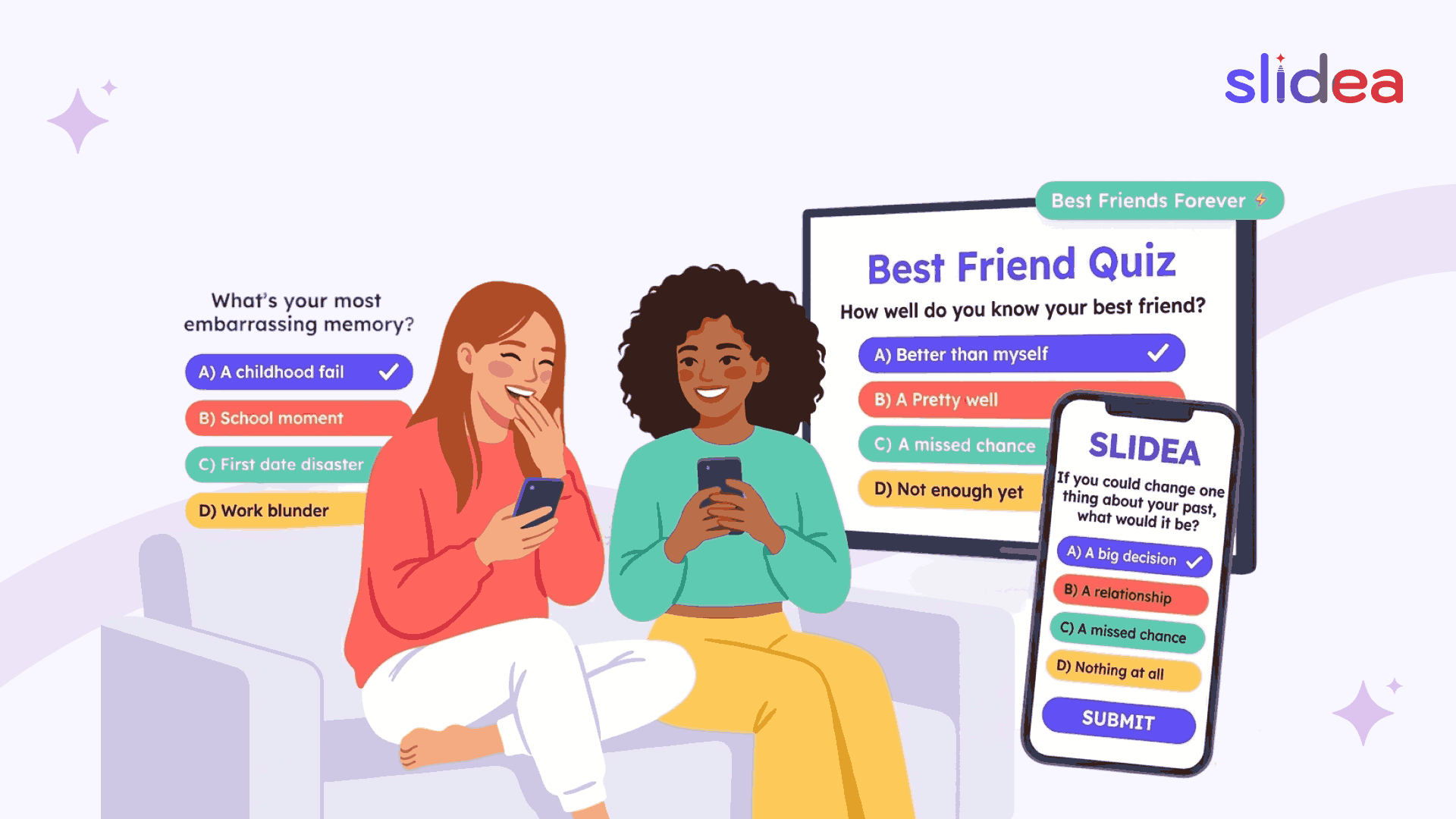
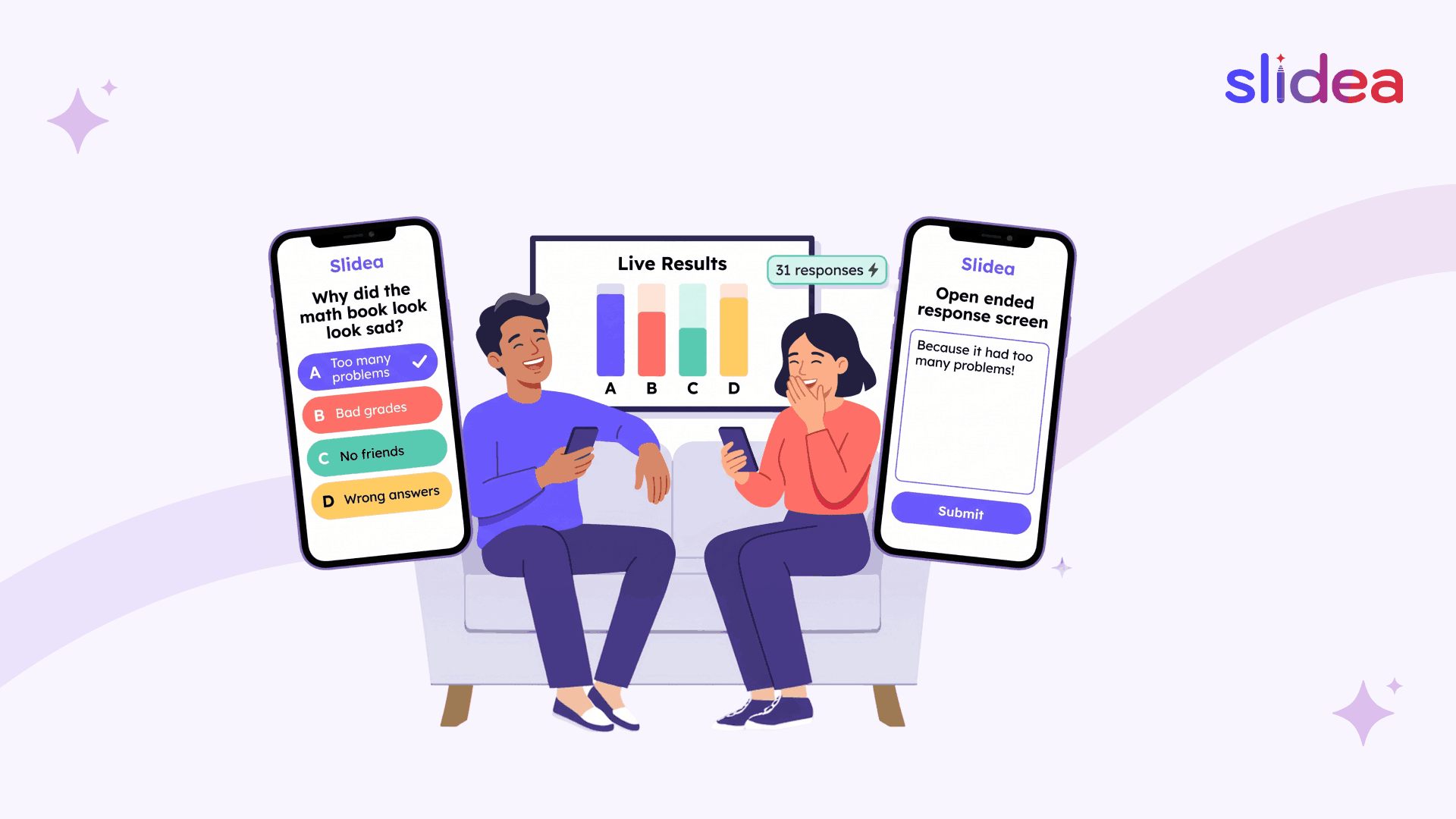
The real magic happens when you combine brain-boosting content with tools designed for audience engagement. Interactive presentation software like Slidea doesn't just display memory games; it creates experiences where everyone participates, results appear instantly, and the entire team shares the joy of mental challenge.
Memory games aren't about proving who's smartest. They're about growth, connection, and keeping our minds sharp in an age of digital distraction. They remind us that learning and improving can happen at any age, in any setting, with any group of people willing to play.
FAQs
Q1. What are the best memory games for adults?
The best memory games include Pattern Memory, Kim’s Game, Number Sequence, Sudoku, and interactive trivia recall games that challenge both short-term and long-term memory.
Q2. Do memory games improve brain function?
Yes. Regular memory exercises strengthen neural connections and improve focus, recall speed, and cognitive flexibility.
Q3. How long should a memory game session last?
Most sessions work best between 15 to 30 minutes. Short and consistent practice gives better results than long sessions.
Q4. Can memory games be used in team-building activities?
Absolutely. Memory games increase audience engagement and improve communication during virtual meetings and hybrid events.
Q5. How can I run memory games online?
You can use interactive presentation software like Slidea to run live quizzes, polls, word clouds, and real-time recall challenges for remote or in-person teams.




Your email address will not be published. Required fields are marked *