


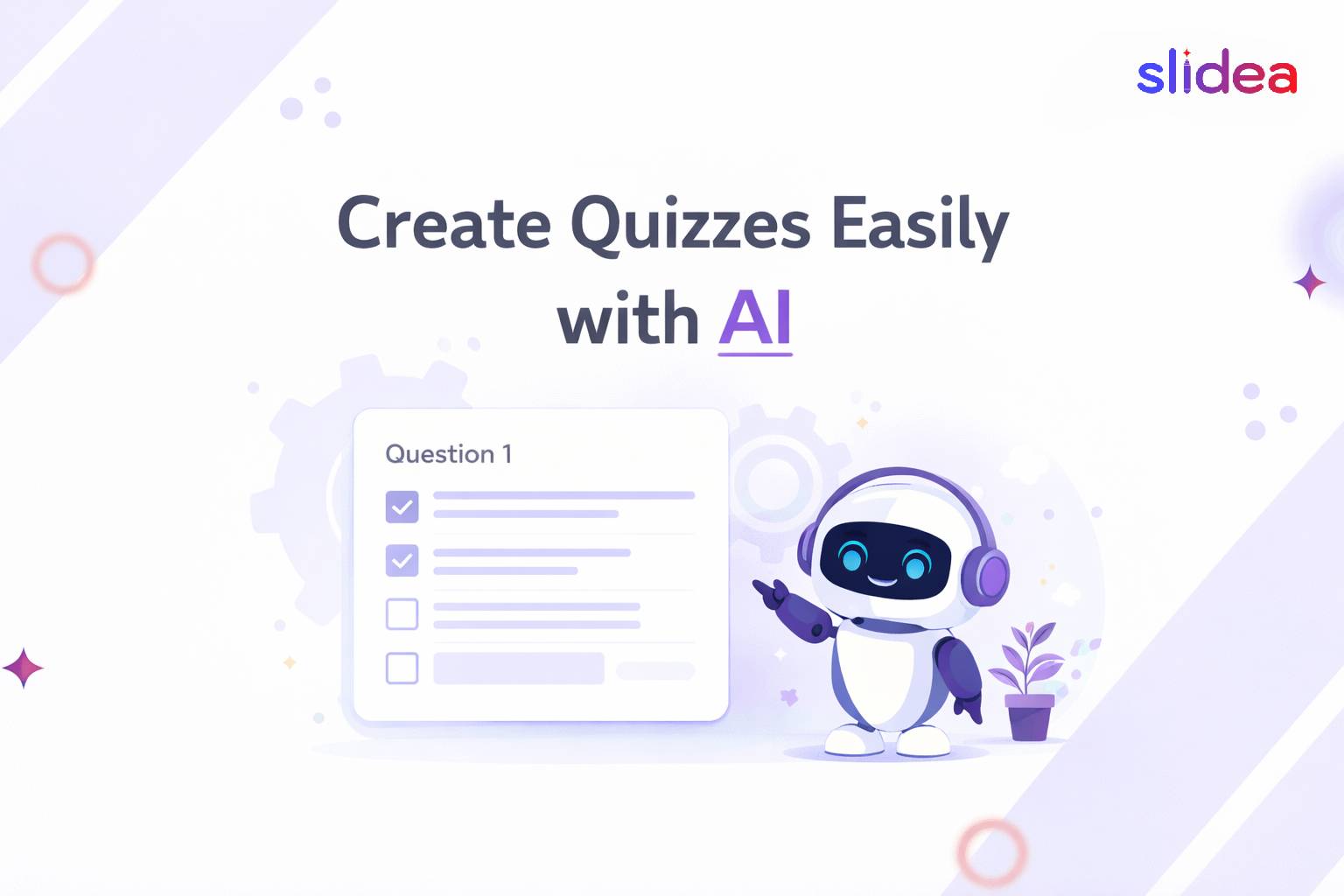
Creating quizzes from scratch takes time that teachers, trainers, and presenters simply don’t have. Writing questions, crafting answer choices, balancing difficulty levels — what used to take hours can now be done in seconds, thanks to AI. But with dozens of tools available, how do you know which one actually works for live audiences?
This guide focuses on what matters most: not just generating quiz questions, but delivering them to a real audience in a way that drives participation, learning, and results.
What Is an AI Quiz Generator?
An AI quiz generator uses artificial intelligence to automate the entire quiz creation process. You provide a topic, a document, a URL, or even a video link and the tool instantly creates questions, answer choices, and explanations for you.
The real value is not just speed. AI-generated quizzes adapt to your content, suggest appropriate difficulty levels, and cover angles you might have missed when writing manually. A teacher uploading a chapter PDF gets curriculum-relevant questions. A trainer typing a topic gets scenario-based assessment questions. The AI works from your context, not from a generic template.
Why Use an AI Quiz Generator?
The biggest reason is time. A quiz that used to take 45 minutes to write now takes under two minutes. But beyond speed, AI quiz generators consistently produce a wider variety of question types including multiple choice, true or false, fill-in-the-blank, and open-ended questions from a single input, giving your audience a richer and more engaging experience.
Studies show that active recall through quizzes improves knowledge retention by up to 50% compared to passive reading or listening. When quizzes are easy to create, they get used more often and that directly improves learning outcomes.
Slidea: The Best AI Quiz Generator for Live Audiences
Slidea goes beyond quiz generation. It turns your AI-built quiz into a live, real-time experience where your audience participates during the presentation itself, complete with leaderboards, live scoring, and instant results displayed on screen. Participants join using a simple link or QR code, with no app download or account needed on their end.
What It Does
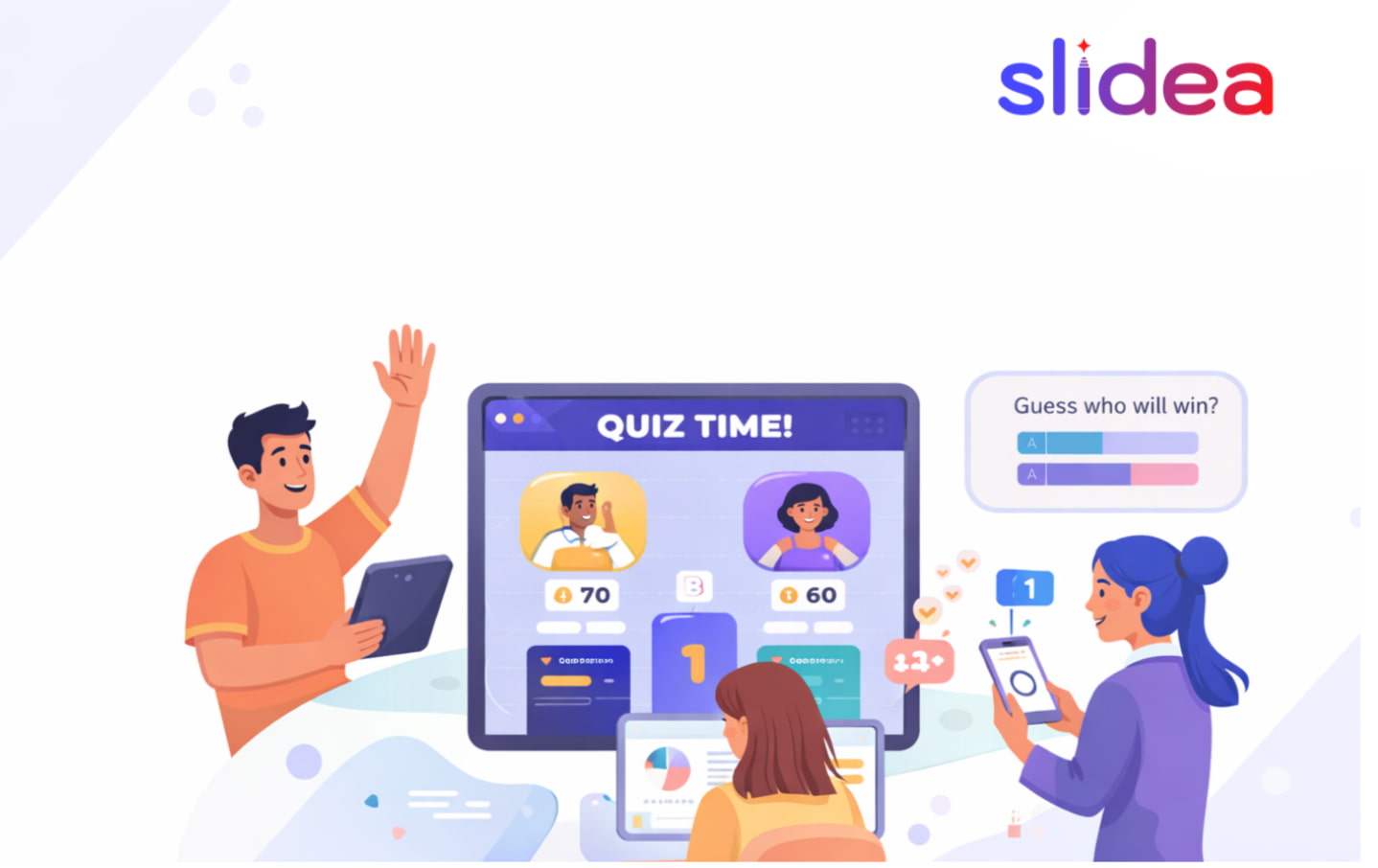
Slidea generates quiz slides from any topic you describe and runs them live with your audience simultaneously. You can add quiz slides directly into PowerPoint or Google Slides, launch them inside a Zoom or Teams meeting, and watch responses come in from every participant at once. The built-in leaderboard turns any quiz into a competition that keeps energy high from the first question to the last.
Why It Stands Out
Most quiz tools generate a list of questions and stop there. Slidea generates the quiz and delivers it to a live audience in the same platform. There is no exporting, no reformatting, no switching between tools. You build it, you run it, you see the results, all in one place.
It also integrates with the tools your audience already uses. PowerPoint users can embed live quiz slides without leaving their existing deck. Zoom hosts can run the quiz directly inside their call. Google Slides users connect in one click. The quiz meets your audience wherever they already are.
Why Teachers Love It
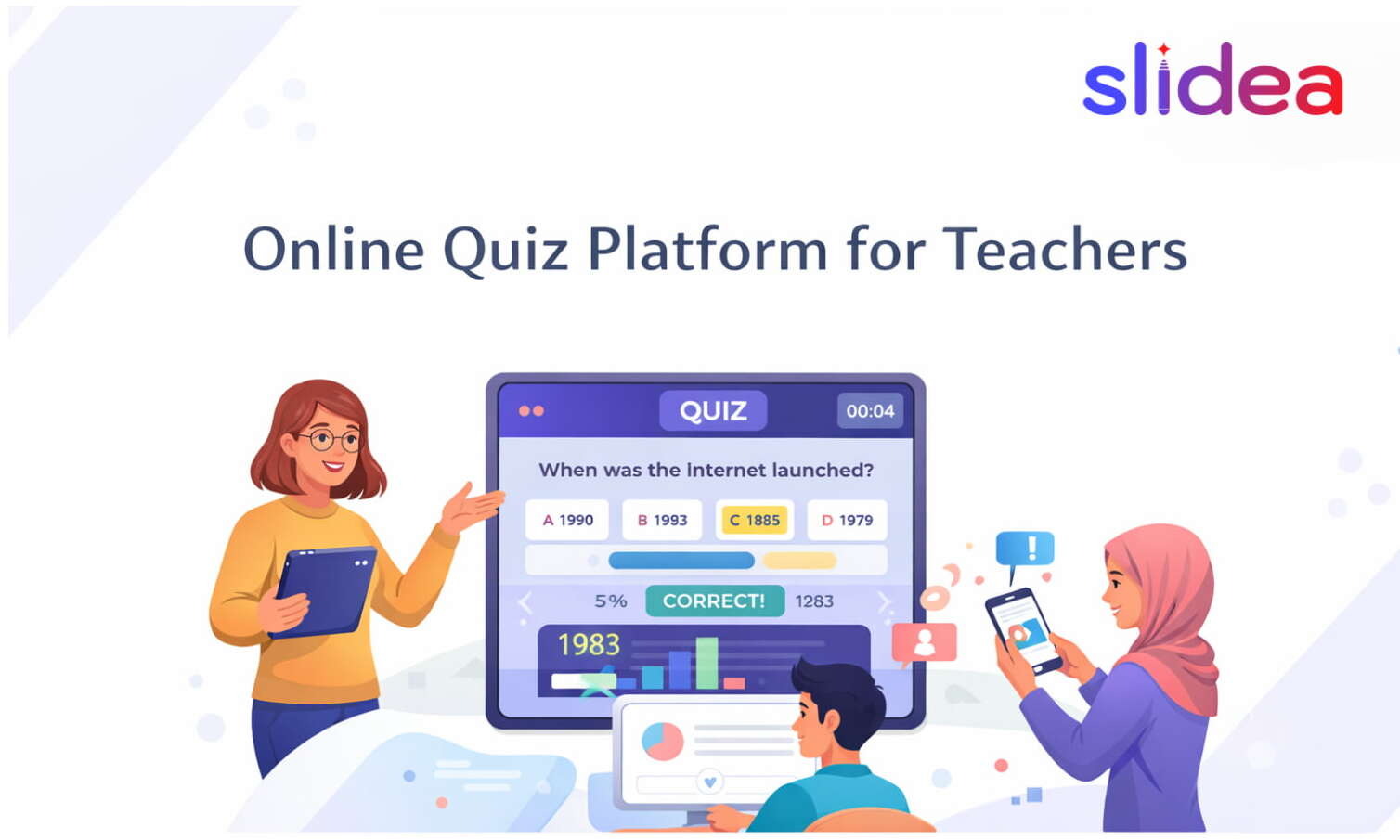
Every student responds at once, which means no one sits quietly while one student answers out loud. The anonymous response option encourages participation from students who would normally stay silent. Real-time results show the teacher exactly which concept the class missed before moving on, not after the test is graded.
Why Trainers Love It
Corporate trainers use Slidea to run knowledge checks mid-session rather than only at the end. Catching a misconception 20 minutes into a two-hour training saves the entire session. The post-session analytics report shows which questions had the most wrong answers, making it easy to know what to reinforce in the next session.
Why Event Hosts Love It
Webinar hosts and conference speakers use Slidea to break up long sessions with live quizzes that re-engage a drifting audience. Instead of hoping people are still paying attention, hosts can see participation rates in real time and adjust accordingly. A five-question quiz mid-session consistently brings attention back better than any slide transition or verbal prompt.
How to Create Your First AI Quiz on Slidea
Getting started takes less than five minutes.
Go to slidea.com and create a free account. From your dashboard, create a new presentation and add a quiz slide. Type your topic or paste your content and the AI generates your questions automatically. Customize the question wording, adjust answer choices if needed, and set your timer. When you are ready, share the session link with your audience and launch. Results appear on screen in real time as participants answer.
No setup call. No tutorial required. The first quiz runs itself.
Where to Use Slidea AI Quizzes
Slidea works across every setting where people present to an audience.
In classrooms, teachers use it for warm-up questions, mid-lesson checks, and end-of-class reviews. The instant feedback loop means students know how they performed before they leave the room.
In corporate training, trainers use it to test understanding after each module rather than waiting until the end of a full-day session. This keeps participants alert and gives trainers a clear picture of where the group stands.
In webinars, hosts use it to maintain engagement during long presentations. A quiz slide mid-session signals to the audience that passive listening is not enough, which raises attention for the rest of the session.
In conferences and large events, speakers use it to open with an audience poll or close with a knowledge quiz, creating a memorable interactive moment that text-heavy slides never deliver.
FAQs
Q1. Do participants need to create an account to join a Slidea quiz? No. Participants join using a link or QR code directly from their phone or laptop. No account, no download, no friction on their end.
Q2. Can I use Slidea with PowerPoint? Yes. Slidea integrates with PowerPoint through a free add-in. You can insert live quiz slides directly into your existing PowerPoint deck without rebuilding anything from scratch.
Q3. What types of quiz questions does Slidea support? Slidea supports multiple choice, type-the-answer, pick a number, ranking, and lineup formats along with live polls, word clouds, and open-ended responses for non-quiz moments in your presentation.
Q4. Can I see how each participant answered? Yes. After every session, Slidea generates a detailed analytics report showing response rates, correct answer percentages per question, and individual participant scores.
Q5. Does Slidea work for remote and hybrid audiences? Yes. Participants in the room and participants on Zoom can join the same session simultaneously using the same link. Everyone sees the same questions and contributes to the same leaderboard.
Q6. Can I use Slidea for events and conferences? Yes. Slidea is built for large audiences. It works across classrooms, corporate training sessions, webinars, conferences, and hybrid events of any size.
Q7. Can I create a quiz without AI, just manually? Yes. You can build quiz slides manually by adding your own questions and answer choices. The AI generation is a time-saving option, not a requirement.
Q8. Does Slidea work with Google Slides and Zoom? Yes. Slidea connects with Google Slides, PowerPoint, Zoom, and Microsoft Teams. You can run live quizzes from inside the tools your audience already uses.


Leave a Comment
Your email address will not be published. Required fields are marked *