Tip: Google may show results for “Slides” instead of “Slidea”.
Ask your audience to search “Slidea App”.



Interactive trainings that employees actually enjoy
Stop talking at your trainees and start learning with them. Slidea makes it easy to keep everyone awake, involved, and learning.
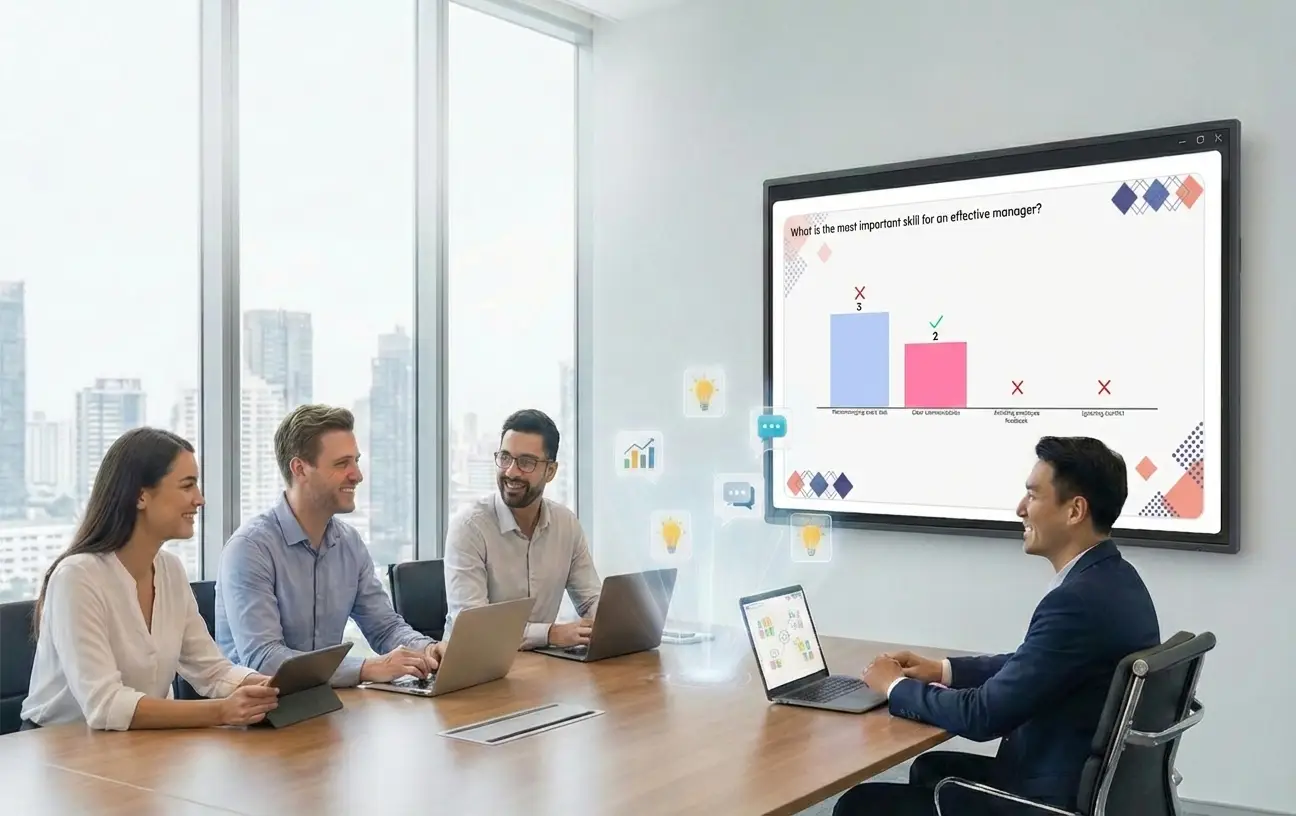
Turn "Listening" into "Doing"
Training only works if people stay focused. Slidea gives you the tools to check if your team understands the material while you are still teaching it.
See what they know with instant quizzes
Get honest feedback with anonymous questions
Keep everyone moving with fun, interactive slides
Features for faster learning

Knowledge Checks
Run a quiz after every training and topic to make sure the lesson sticks.

Live Word Clouds
Start your session with a word cloud and see the answers grow on screen.

Leaderboards
Use a leaderboard to spark friendly competition and keep energy high.
Live QA
You’ll see QA on your screen so you can slow down without anyone feeling embarrassed.
Live Reactions
Let your team send emojis and comments that fly across the screen in real-time.
Brainstorming
Digital boards to let you group ideas together. It’s great for problem-solving.
Reports
See who did well and which topics were the hardest, to make next training better.
Built for busy trainers
You don't need a tech degree to run a great session. Slidea is built to be "plug and play."
Works with Your PPT & Google Slides
Join instantly with a QR code or link
Seamless across every device and browser.
Make your next training count
Make training more engaging, measurable, and effective with tools built for today’s teams.
Book a free demo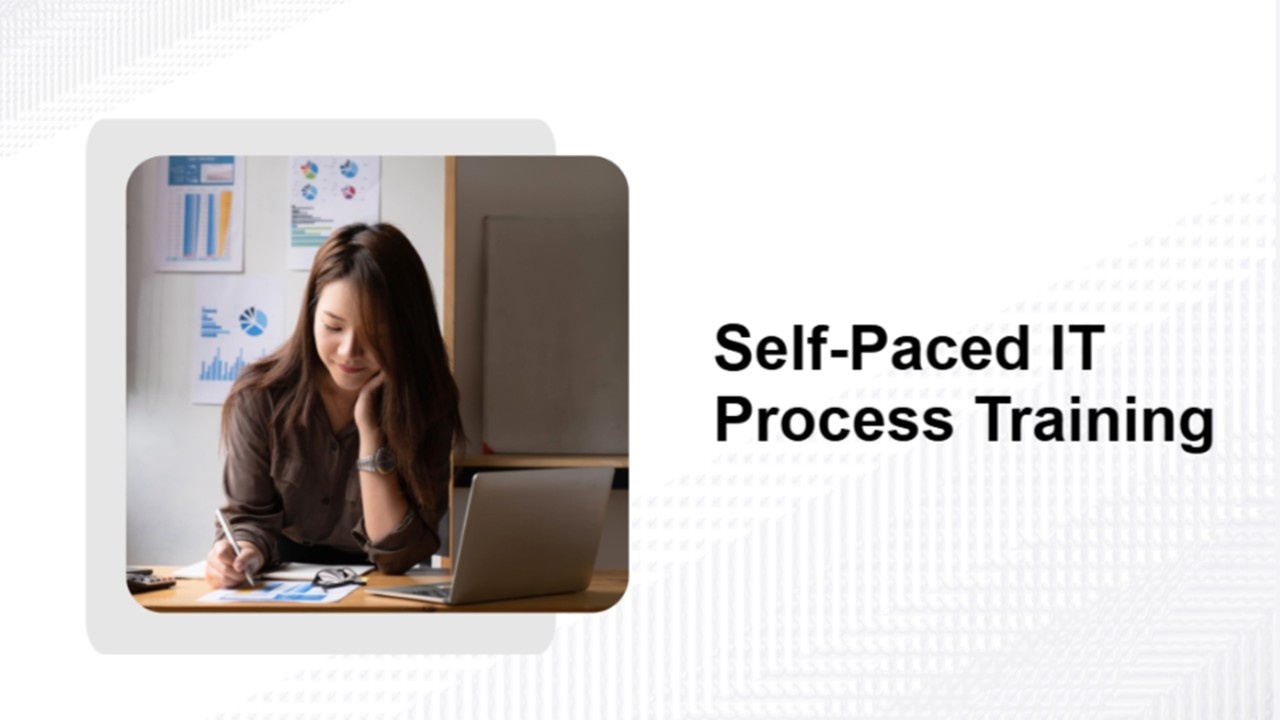
Self-Paced IT Process Training Activity Template
Energize your group with this interactive Self-Paced IT Process Training activity. Ready to use instantly...
Training Activity Template
This Training activity gets your team or class involved and energized. Fully interactive and ready...
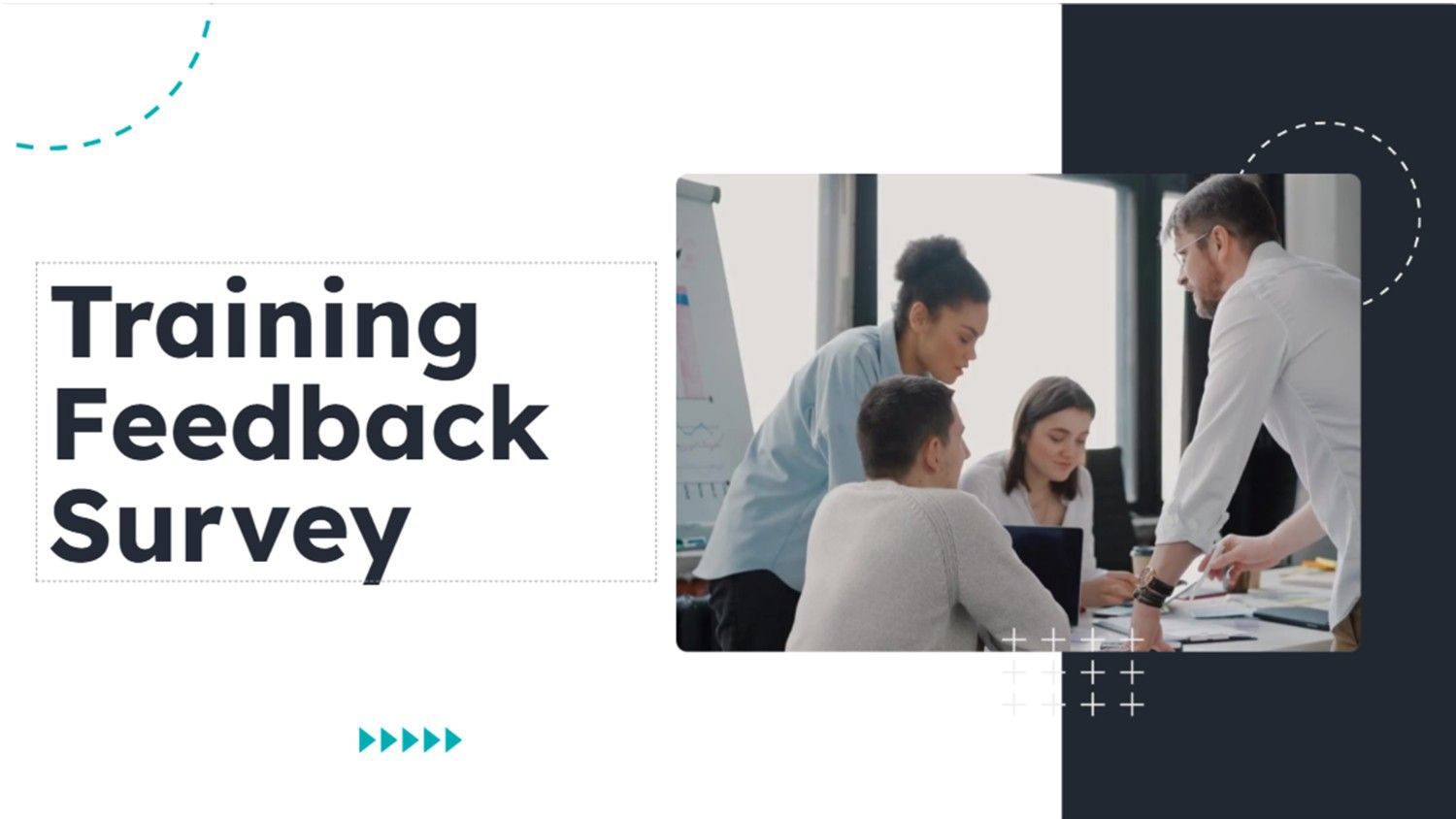
Training Feedback Survey Template
Collect structured feedback quickly with this Training Feedback survey. Fully interactive and ready to use...
The Power of Soft Skills in the Workplace: A Complete Guide
Let’s be honest. When most companies talk about hiring or training, the first thing that...
Top Motivational Interview Questions with Sample Answers
Why do people push through challenges? What helps someone stay focused even on the toughest...
What Is a Skilled Facilitator? Role & Key Skills Explained
Organizations that use skilled facilitators see 25% higher productivity and engagement. That difference shows just...