


In 2025, audiences expect every session to feel lively, interactive, and genuinely worth their time. From leading a team meeting to teaching a classroom lesson or running a community event, and even when you're simply trying to make your presentations more dynamic, one thing stays the same: people want to be involved, not just spoken to.
That’s where FAQ-like games come in. They are simple to set up, enjoyable to engage in, and instantly turn a passive audience into active participants. With the help of an interactive presentation software, these games spark curiosity, encourage quick thinking, and keep everyone alert throughout the experience. Instead of just sharing information, you create an experience that feels personal, energetic, and memorable.
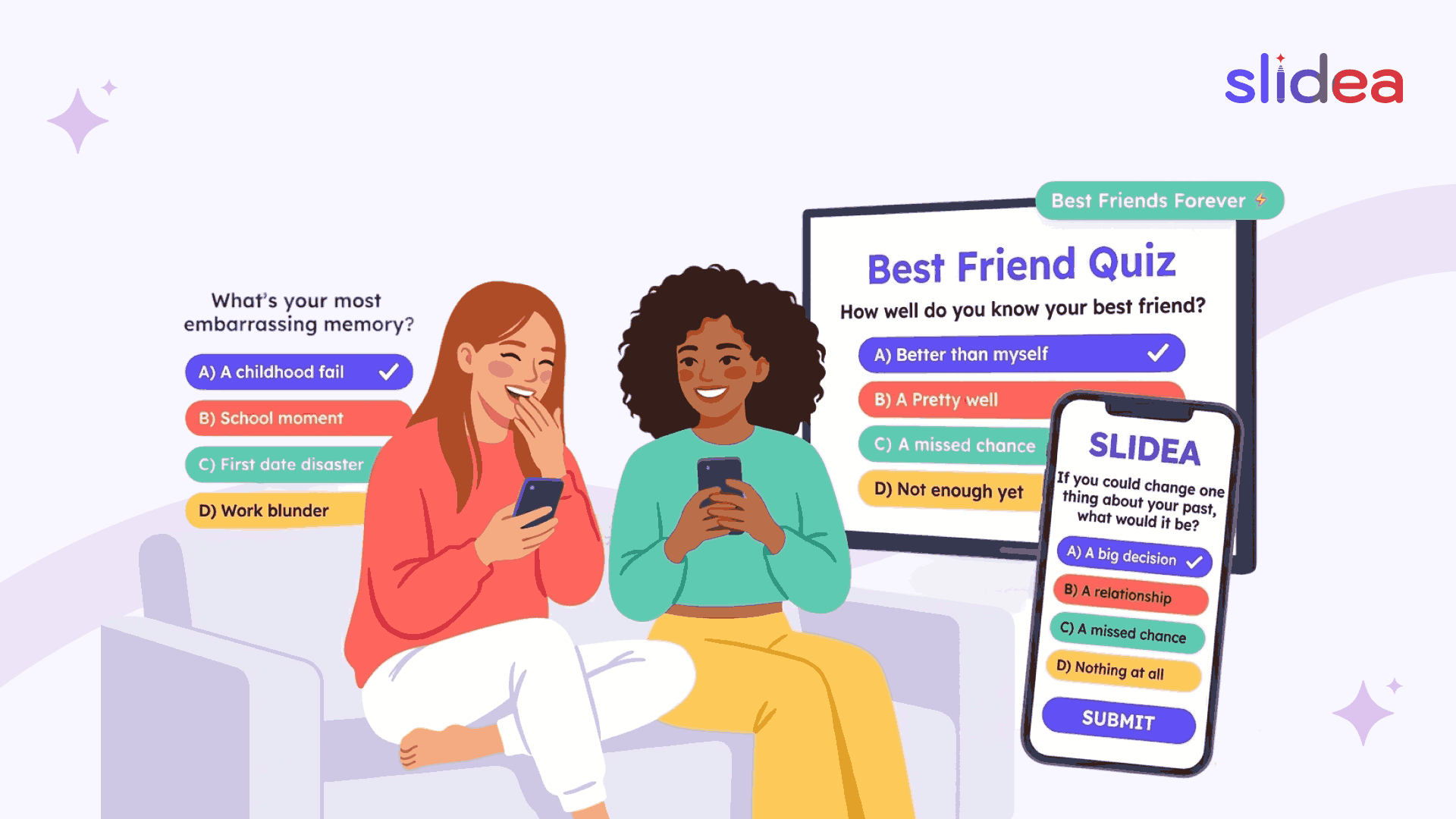
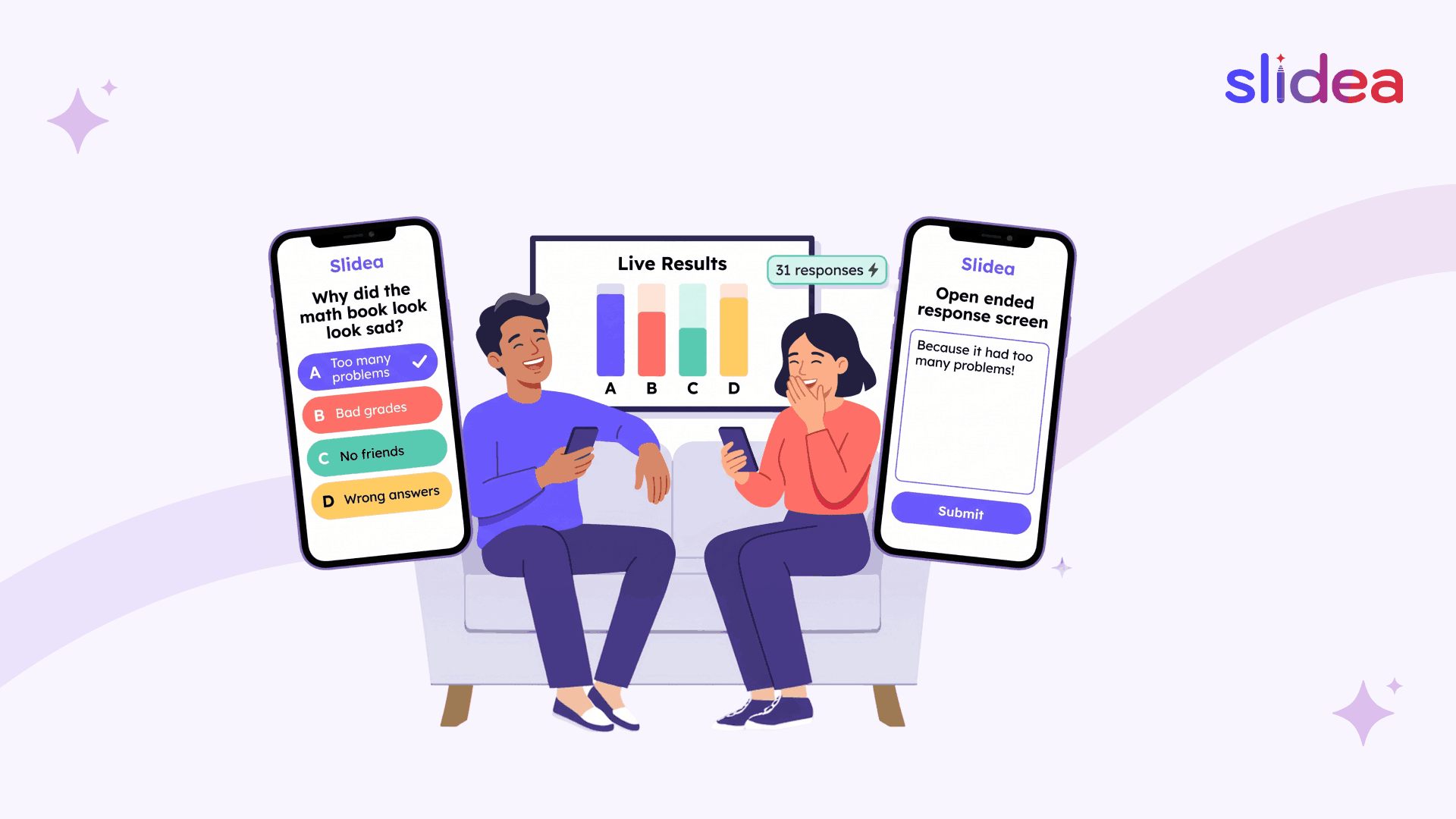
Platforms like Slidea support this shift by offering polls, quizzes, word clouds, Q&A options, live emoji responses, and ready-made slide formats that make FAQ games quicker to build and far more interactive. Instead of scrolling through lengthy question lists, participants can answer instantly and watch the results appear on screen, transforming the entire experience into something lively, dynamic, and memorable.
Why FAQ Games Are So Effective
FAQ games aren’t just fun; they serve a clear purpose:
- They lower stress and help people warm up before a session starts.
- They encourage participation, especially from those who are shy or quiet.
- They spark curiosity because questions feel familiar and relatable.
- They work in any setting, from classrooms to corporate training.
- They promote quick thinking, helping the audience stay alert.
Whether your audience is learning, brainstorming, or simply networking, FAQ games help create energy and connection right away.
Below are some of the best FAQ game ideas you can use in 2026 to engage groups of all sizes.
Fun FAQ Game Ideas for 2025
1. Live Poll FAQs Fast Opinion Poll
Ask questions of yes/no or either/or, which can be answered instantly by everyone. Good as warm-up activities, introduction to a new subject, or to get to know your group.
Examples:
- Which type of learning experience do you like most: video-based or discussion-based?
- “Are you a morning or night person?”
- “Would you choose travel or savings in 2026?”
2. The Fastest Finger FAQ Quiz
Turn common topic-related questions into bite-sized quiz rounds. You show results immediately and the participants respond fast.
Examples:
- “What’s the most common mistake beginners make?”
- “What is the most suitable tool to use in a remote team?”
- “What is the duration of a great presentation?”
This is perfect for workshops or training sessions.
3. Crowd-Sourced FAQs (Word Cloud)
Instead of providing all the questions, ask participants:
Write one word that you are most interested in knowing about today.
Their answers are displayed immediately in a live word cloud where the repeated words are made bigger. Then you can discuss the most popular terms first, and then the session will seem audience-driven and significant.
4. Guess the Answer FAQ Challenge
Ask a common question and hide the real answer. Guesses are made by participants, and the one who guesses the closest wins.
Examples:
- “What is the number of hours that people spend online in a day in the year 2026?”
- “What is the most popular productivity tool of this year?”
- “What do you consider to be the most important skill in career development?”
This makes mere facts a game of competition.
5. The “Most Popular Question Wins” Game
Let participants submit questions anonymously. Everyone votes on their favorite, funniest, or most important question.
This works well in:
- Webinars
- Large meetings
- Classroom discussions
- Company-wide events
Slidea’s Q&A and voting tools make this format smooth and unbiased.
6. Reaction-Based Rapid FAQs
Ask a question and let participants respond using quick reactions like 👍 or ❤️.
Examples:
- “Do you agree with this statement?”
- “Was this tip helpful?”
- “Should we go deeper into this topic?”
This keeps the energy high without slowing the session.
7. Open-Ended FAQ Rounds
Ask a question that requires a short text response.
Examples:
- “What is the biggest problem about your job?”
- “What’s one thing you want to learn today?”
- “What advice would you give your past self?”
Even one or two open-ended FAQs can make your session feel more personal.
Where to Use FAQ Games in 2026
Workshops
Excellent for warm-up classes, collecting expectations, or testing knowledge.
Webinars
Maintains engagement of online attendees and eliminates drop-offs.
Corporate Trainings
Trains employees to think critically and to be interested in the subject.
Classrooms
Makes the learning process interesting and puts nervous students at ease.
Team Meetings
Builds trust, humor, and collaboration among team members.
Events & Conferences
Communicates with large audiences, even in minimal time.
Tips for Running FAQ Games Smoothly
- Use short, clear questions for faster responses.
- Mix easy, fun questions with topic-based ones.
- Keep rounds quick to maintain excitement.
- Display answers instantly to boost involvement.
- Add reactions or voting to keep the game moving.
- Use templates or pre-built formats to save time.
Slidea’s ready-made templates for quizzes, polls, and Q&A sessions make this even easier, especially when you're hosting large groups.
Final Thoughts
One of the easiest methods to turn a quiet session into a livelier one involves using FAQ games. The combination of the right number of polls, short tests, crowd-gathered questions, and entertaining responses can transform even serious group activities into exciting, enjoyable experiences.
Such tools as Slidea allow conducting these activities with minimal effort and provide interactive capabilities to enable you to gather the responses, engage the participants, and maintain the flow of the event.
In 2026, it is not the long-slides sessions that will be the most preferred, but sessions where people feel like they are being included, heard, and excited to take part.
FAQs
1. What are FAQ games?
Activities based on questions to increase engagement in a short period of time.
2. Why use FAQ games?
They warm up audiences and encourage instant participation.
3. Do FAQ games work online and offline?
Yes, they are appropriate to the virtual and face-to-face sessions.
4. Which tools help run FAQ games?
Platforms like Slidea which have polls, QA, quizzes, and word clouds.
5. Who can use FAQ games?
Teachers, teams, and event hosts, anyone who wants lively interaction.




Your email address will not be published. Required fields are marked *