



Ever notice how you can teach something perfectly, answer questions, get nods all around and then discover on test day that half your students didn't actually understand?
That sick feeling in your stomach? Every teacher knows it. You put in the work. You explained clearly. Students seemed engaged. But somehow, the learning didn't stick, and you didn't know until it was too late to fix it.
What if you could catch those gaps while there's still time to help? What if you knew exactly who understood and who was lost, not three weeks later on the exam, but right now, during the lesson?
That's exactly what formative assessment does. It's like having x-ray vision into your students' minds, showing you their understanding in real-time so you can adjust before misconceptions become permanent.
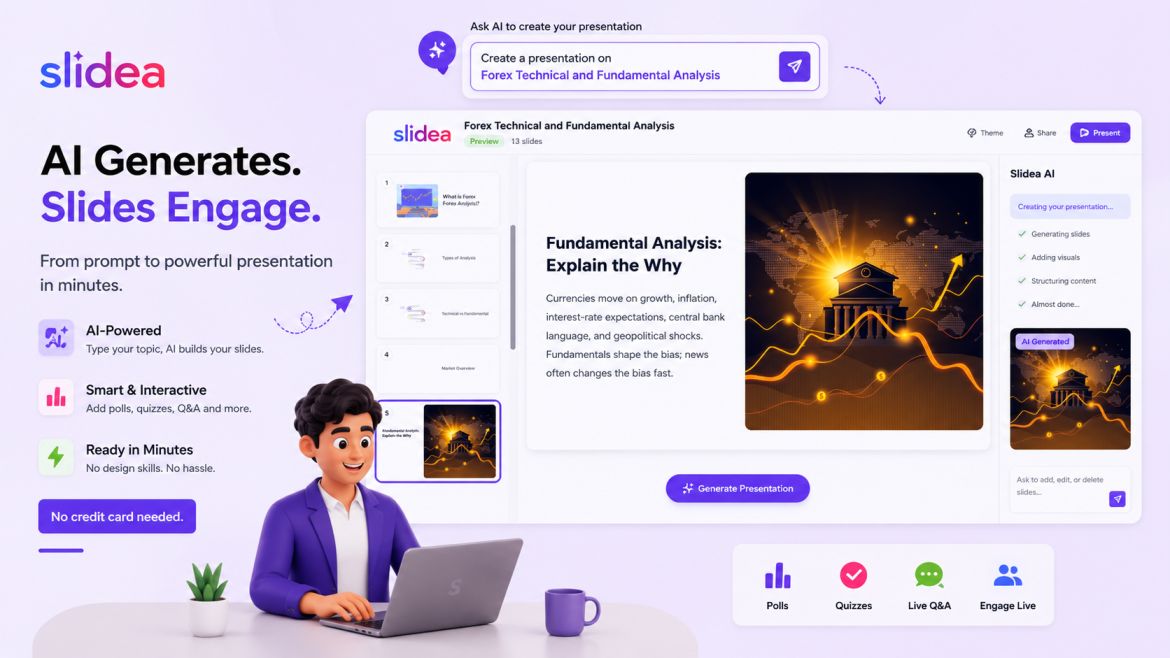
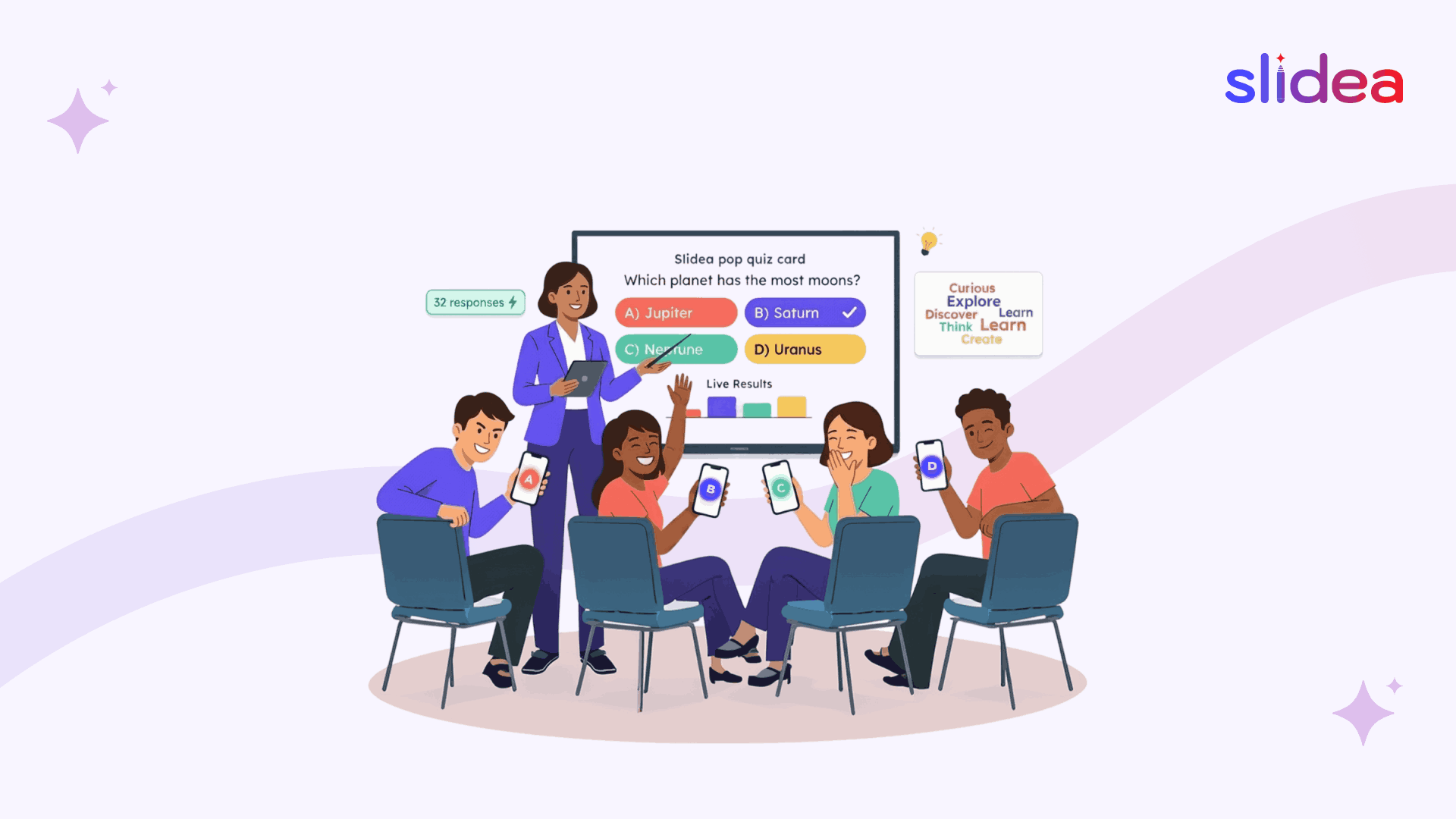
Today's interactive presentation platforms make this easier than ever. Tools like Slidea turn assessment into engaging activities students actually enjoy, live polls that display results instantly, quizzes with leaderboards, word clouds that visualize thinking, and anonymous Q&A that encourages honest questions.
What Is Formative Assessment?
Formative assessment is checking for understanding during the learning process, while you can still do something about it. Think of it like a GPS recalculating your route when you take a wrong turn. It guides you back on track before you end up completely lost.
Formative vs. Summative Assessment: What’s the Difference?
While both aim to measure learning, they serve very different purposes:
| Aspect | Formative Assessment | Summative Assessment |
| Purpose | To check progress during learning | To evaluate learning after instruction |
| Timing | Ongoing, throughout the course | At the end of a unit or term |
| Feedback | Immediate and actionable | Final and evaluative |
| Examples | Live polls, quizzes, class discussions, reflections | Exams, final projects, standardized tests |
| Focus | Learning process | Learning outcome |
Example 1: Exit Tickets
The most basic type of formative assessment that has surprising strength.
How It Works
Quick questions will be asked to students at the end of the lesson and they will give answers to 1 or 3 questions before departure. These questions are a test of whether the lesson of the day was memorable.
Example questions:
- "What's one thing you learned today?"
- "What's still confusing?"
- "Explain [key concept] in your own words."
Using Slidea for Digital Exit Tickets
Make a basic quiz or open-ended question slide on Slidea. Students are responding to their gadgets prior to leaving school. You can see all responses immediately rather than picking up pieces of paper.
In the case of virtual or hybrid classrooms, students provide answers at home or on their desks. There is no inequality in the participation depending on location.
Why it works: Exit tickets demonstrate if your lesson was successful. When only 75 percent of students are not able to describe the most significant concept, you understand that you should repeat it tomorrow. When all is nailed, then you can proceed with a lot of confidence.
Example 2: Think-Pair-Share
One of the classic strategies that produce low-stakes practice based on peer learning.
How It Works
Pose a question. Students think individually (1 minute), pair up to discuss (2 minutes), then share with the whole class.
Adding Interactive Elements
Use Slidea's live polls to collect what pairs are discussed. Present a word cloud of the typical themes of their discussions. This allows you to observe trends among all the student thinking and not just those who had the courage to speak out.
Example: After teaching photosynthesis, ask "What's the most important step in photosynthesis?" Students think, discuss, and vote. Results reveal whether most of the students were able to find the right critical step.
Why it works: Talking through concepts helps students process information. Shy students participate through their partner. Polls and word clouds enable you to assess comprehension of the whole class.
Example 3: Quick Quizzes
Short quizzes which are not given at the end, but also during lessons.
How It Works
Following the teaching of a concept, pause and provide a quiz of 2-3 questions. Students respond individually. You examine the outcomes right away and clarify misunderstandings before proceeding.
Using Slidea's Quiz Features
Create interactive quizzes with Slidea's four quiz types:
- Select Answer: Multiple choice for concept identification
- Type Answer: Fill-in-the-blank for recall
- Pick the Number: Numerical estimation questions
- Lineup: Steps of the sequence in the proper order.
Allow speed points and leaderboards to play Quizzes like games. Students compete against each other, which increases the level of engagement significantly.
Example: After teaching the water cycle:
- Select Answer: "Which process moves water from oceans to atmosphere?"
- Lineup: "Order these water cycle stages: precipitation, condensation, evaporation, collection"
- Pick the Number: "What percentage of Earth's water is freshwater? (Range: 0-100%)"
Why it works: Quick quizzes interrupt the passive listening, which makes one think actively. The feedback is instant and, therefore, the students are able to correct themselves immediately in case of any misunderstanding.
Example 4: One-Minute Papers
Concentrated writing that brings out the thinking of students quickly.
How It Works
Allow students one minute to write everything they know about a topic. The time limit makes them not overthink and reveals what is actually at the back of their mind.
Prompts that work:
- "Write everything you remember about today's lesson."
- "Explain [concept] like you're teaching a friend."
- "What questions do you still have?"
Digital Implementation
Use Slidea's open-ended question slides. Students type responses on their devices. You scan through submissions quickly, identifying common misconceptions or gaps.
Why it works: Writing assists students to get organized. You are not just looking at the correct answers but actual understanding.
Example 5: Polls Throughout Lessons
Immediate checks on student understanding.
How It Works
Poll questions can be applied in order to validate understanding, confidence or seek opinions.
Effective poll questions:
- "How sure are you about this idea? (Very/Somewhat/Not at all)"
- "Which example helped you understand best?"
- "Which of these statements is true?"
Maximizing Engagement
The live polls provided by Slidea show the voting outcomes immediately. This brings excitement and students will be interested to compare their answers with other students.
Why it works: Polls are done within seconds and give immediate feedback. Students also participate more since voting is not judgmental, but participatory.
Example 6: Word Clouds for Brainstorming
Visual formative assessment which shows the thinking patterns in the classes.
How It Works
Pose a question. Students submit words or short phrases. The answers are given in a word cloud where the frequency is used to determine the answers and the answers are larger.
Great word cloud questions:
- "In a single word, what is your opinion of the topic?"
- "What's the main cause of this phenomenon?"
- "Name one thing you learned today."
- "What word describes character/concept/process?"
Implementation with Slidea
Create a word cloud slide. Students submit responses from their devices. The cloud grows and shifts in real-time as submissions come in. It is captivating and will quickly indicate to students whether they are working in the right direction.
Example: After teaching the American Revolution, ask "What's one cause of the Revolutionary War?" A word cloud fills with "taxation," "representation," "freedom," "tea," showing you which causes students remembered most.
Why it works: Word clouds are pictorial and attractive. The contribution of students can be reflected instantly. You immediately know whether the lesson learnt major concepts or was obsessed with trivial details.
Example 7: Peer Assessment with Rubrics
Students are allowed to evaluate the work of another based on the definite criteria.
How It Works
Students are given an assignment or a project. Then, partners assess the work of each other based on a simple rubric that you provide. This assists students in having a grasp of quality standards and also provides you with formative feedback.
Rubric elements:
- Did the work address the assignment topic correctly? (Yes/No)
- Was the reasoning explained clearly? (Use a 1–3 scale)
- Were examples provided? (Yes/No)
- Overall quality (Needs Work / Good / Excellent)
Digital Peer Assessment
Use Slidea’s Scale slide type to create rating questions that match your rubric. You can also mix in multiple-choice slides for Yes/No items. Students submit their evaluations digitally, you can immediately have a view of the trends in the classroom; what is strong and what is weak and what needs improvement in just one place.
Why It Works:
It helps them identify success criteria, which in turn improves their own performance. Plus, it saves teachers time by providing instant insights without manual grading.
Example 8: Traffic Light Self-Assessment
Visual, immediate feedback on student confidence.
How It Works
Students highlight the level of their understanding with the assistance of colors:
- Green: "I've got this!"
- Yellow: "I'm getting there but still unsure."
- Red: "I'm lost and need help."
Interactive Traffic Lights
Create a traffic light poll in Slidea. Students vote on their current understanding level. The results appear instantly and present the distribution of classes.
Use this:
- Prior to initiating a new topic (attending to prerequisite knowledge)
- At the middle of one of the lessons (estimating pace)
- Explaining (checking if there is a need to explain) something complicated.
- Prior to transferring to independent work (ensuring readiness)
Example: After teaching solving quadratic equations, poll students with traffic lights. Results show 60% green, 30% yellow, 10% red. You know most are ready for practice, but some need more support.
Why it works: Students honestly report confusion when it's anonymous and color-coded.
Example 9: Question and Answer Sessions
Structured Q&A that goes beyond "Any questions?"
How It Works
Instead of asking "Does anyone have questions?" (which gets silence), use structured approaches that encourage questions.
Effective Q&A strategies:
- "Write one question you have about today's topic."
- "What's still unclear?"
- "If you could ask the textbook author one question, what would it be?"
Anonymous Q&A with Slidea
Create a Q&A slide where students submit questions anonymously. Questions appear on screen in real-time. You can address them immediately or save for later.
This works brilliantly for virtual classrooms where students might feel shy about being unmute. It also works for hybrid events where in-person and remote students ask questions through the same system.
Why it works: With anonymous submission, there is no fear of appearing as a dork. You receive straight forward questions. Students can have common questions but they will not raise them in the open.
Example 10: Concept Mapping
Visual representation of how ideas connect.
How It Works
Students create diagrams showing relationships between concepts. This demonstrates the level of their knowledge of the associated concepts or they have isolated facts.
Example: Students trace relationships after learning ecosystems:
- Center: Ecosystem
- Branches: Producers, Consumers, Decomposers
- Sub-branches: Specific examples and their interaction.
Collaborative Digital Concept Maps
The concept of relationships can be collected by using open-ended slides. Students explain relations they observe. You know whether the class understands the concept or just memorized vocabulary.
Why it works: Concept maps reveal depth of understanding. Surface learning shows disconnected ideas. Deep learning shows meaningful connections. You see exactly where to strengthen understanding.
Final Thoughts
The strength of formative assessments is that they make learning an interactive process. You can see what knowledge is being learned in real time, and not have to wait to see your exam marks.
Teachers can make these tests fun and useful using interactive presentation software like Slidea. Add a quick poll, a quiz, or a word cloud, and instantly understand the position of students. Every question brings insight and every insight makes learning stronger.
FAQs
Q1. What is a formative assessment?
A formative assessment is an activity used by the teacher to ensure that the students have been able to understand what is being taught during classes.
Q2. Why are formative assessments important?
They assist teachers in monitoring progress and providing feedback and ensure students are on track before the final examination.
Q3. How can I make formative assessments more engaging?
Include interactive elements, such as live polls, quizzes, and word clouds to participate in them.
Q4. Can I use Slidea for online or hybrid classes?
Yes! Slidea can be used both in virtual and hybrid classes, where all students interact equally.
Q5. Do students need accounts to join a Slidea session?
No, they can join instantly using a QR code, session code, or link, and no sign-ups required.



Your email address will not be published. Required fields are marked *