










Slidea for Lectures

Transform Your Lectures with Interactive Learning Tools

Whether you're teaching a room of 30 or a hall of 300, Slidea turns lectures into moments of interaction.

Get Started for Free
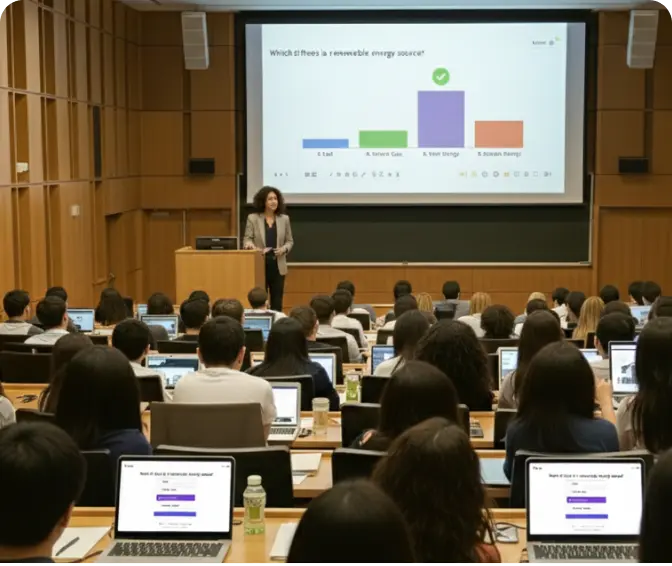
Interactive lecture hall with students using Slidea

Trusted by

How Slidea Helps in Lectures

Ask in the Moment

Pose live questions using polls, open-ended prompts, or ratings to gauge student understanding right when it matters most.

Collect Ideas, Not Just Answers

Use word clouds and text input to capture diverse student ideas, thoughts, or questions without needing a mic.

Check Understanding Instantly

Use short quizzes or scales to confirm class comprehension without waiting for a test.

Adjust Your Lecture as You Go

Real-time feedback allows you to pause, re-explain, or delve deeper based on student responses.

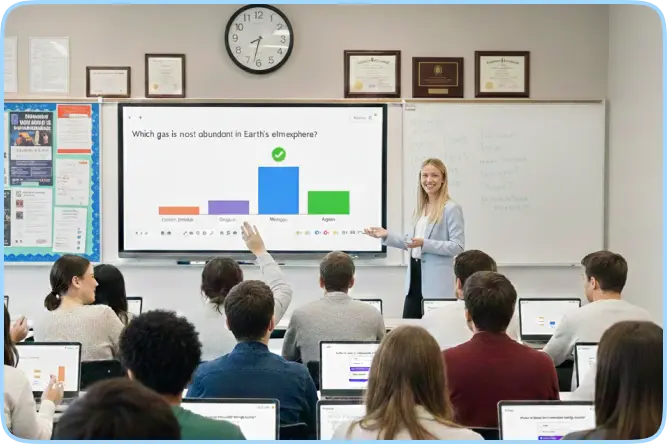
Interactive classroom with Slidea

Why Lecturers Need It

Two-way conversation

Turns lectures into a two-way conversation so they no longer feel one-sided.

Instant feedback

Delivers instant feedback, so you're never left waiting to know what students think.

Anonymous response

Lets students respond anonymously & confidently, so they don't hesitate to speak up.

Mid-lecture engagement

Brings back attention mid-lecture with live polls, word clouds, and quick quizzes.

Seamless setup for lecturers

Integrate with your lecture tools

Explore all Integrations
PowerPoint

POWERPOINT

Zoom

ZOOM

Google Slides

GOOGLE SLIDES

Microsoft Teams

TEAMS

Microsoft Teams

WEBEX

Microsoft Teams

CHATGPT

AI That Listens, So You Can Teach Smarter

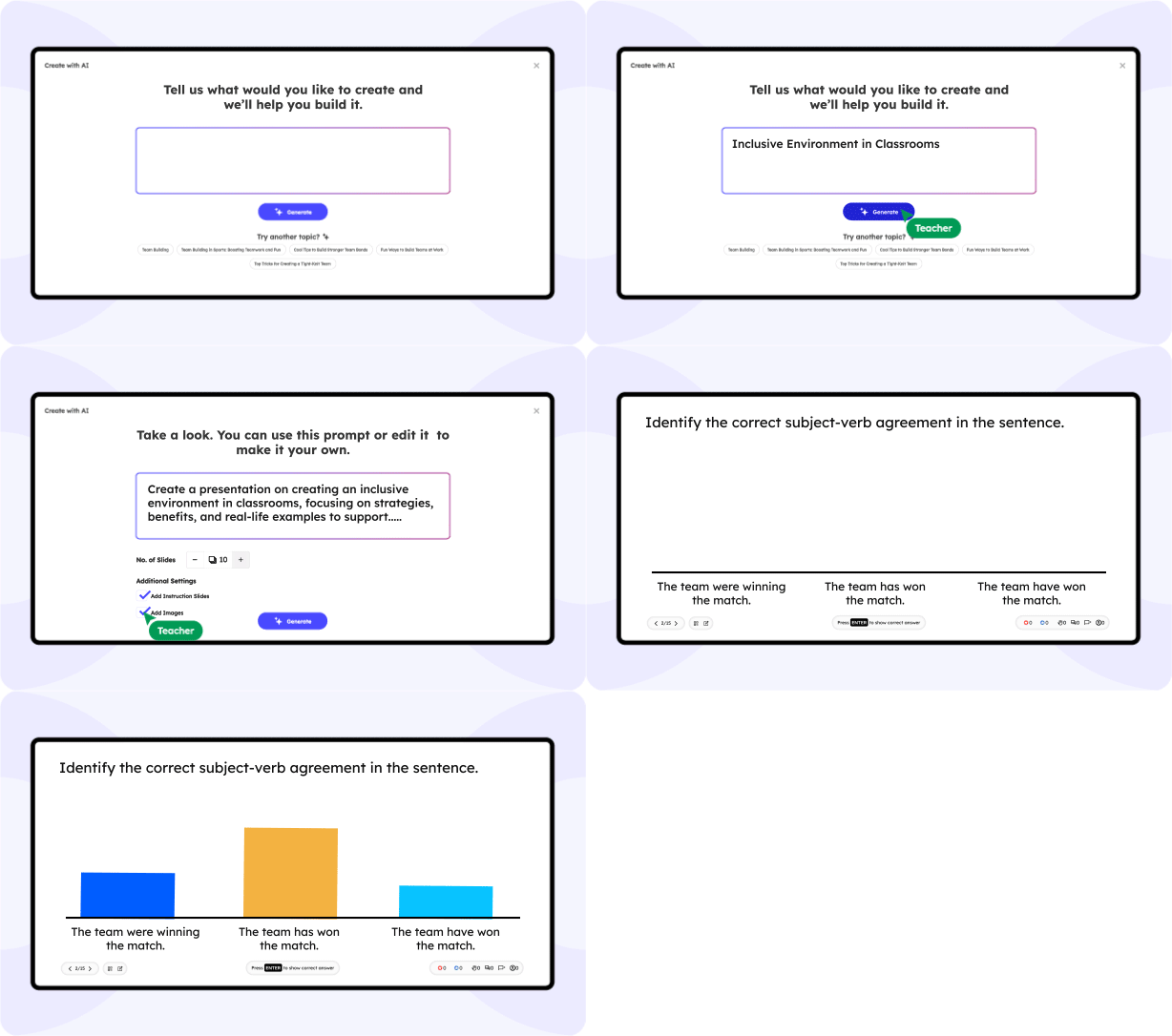
Slidea's built-in AI helps you add interactive moments to your lecture effortlessly.

Auto-generate polls, word clouds, or Q&As from your lecture topic

Get smart prompts to reinforce learning and keep students thinking

Adapt question types for clarity, pace, and audience size

Slidea AI Interface

What lecturers are saying

"Slidea completely changed how I deliver lectures. I can ask a question and get 200 responses in seconds. It keeps my students involved from start to finish."

NS

Dr. Neha S.

University Lecturer

"With Slidea, I finally know what my students are thinking—while I'm still teaching. No more guessing. It's become a core part of my lecture flow."

DR

Prof. David R.

College Faculty

Blogs

Ready to Make Lectures More Interactive?

Give your students a voice in the lecture hall—without interrupting your flow.

Book a free demo

Frequently Asked
Questions

Find answers to common questions about using Slidea in your lectures.

Contact us

Slidea helps make your lectures interactive by allowing you to ask questions, collect responses, and adapt in real time—so your sessions become more engaging and idea-driven.

You can create new interactive slides directly in Slidea or use your existing PowerPoint or Google Slides by simply adding interactive questions on top. It works both ways—whatever suits your teaching style.

No installation needed. Students can join your session instantly using a link or QR code—on any device.

You can use live polls, word clouds, open-ended questions, multiple choice, scales, rankings, and Q&A slides to involve your students at any point in the lecture.

Yes! Slidea works smoothly with small groups and large classrooms alike. It allows every student to respond—even anonymously—so everyone gets a voice.

Absolutely. You'll see responses as they come in, so you can quickly assess whether your students are following along or need clarification.