


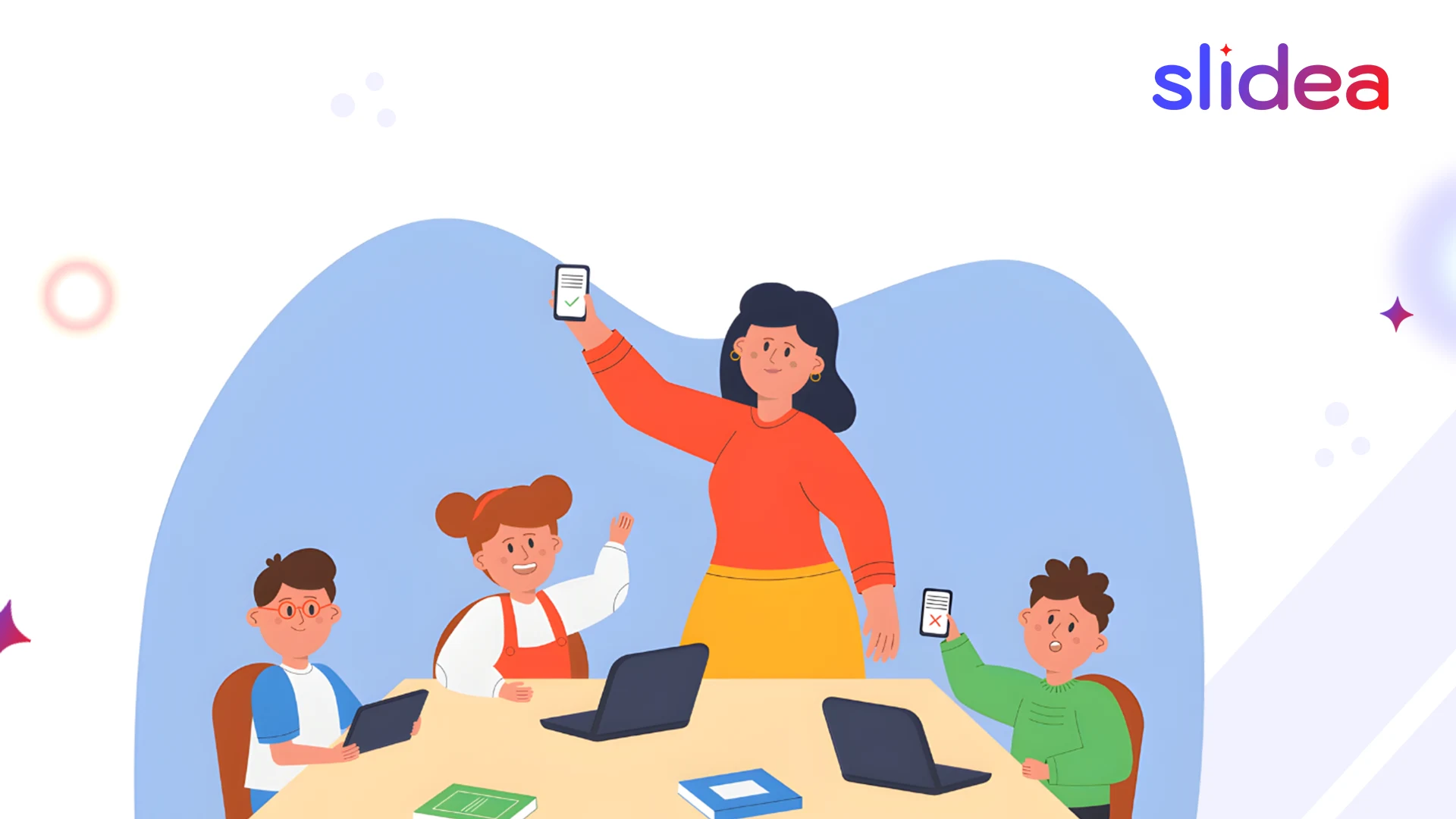
You are in a 90-minute long lecture by a Gen Z college student and you spot something off: the student is on his phone, has opened three tabs and has AirPods in one ear, but is somehow following along and taking notes. What appears to be a distraction to older generations is the information processing mode to Gen Z.
This generation does not process information in the same way, as Millennials, Gen X, and Boomers do. It is not about lack of focus and being lazy. It is an entirely new learning strategy based on being brought up digital.
It is not academic curiosity to understand these differences. Educators need to ensure that they come up with good lessons. The moment you match the teaching process with the way Gen Z learns in reality, the interest rates rise, the retention becomes more effective, and outcomes are the next thing to consider.
This blog will deconstruct how Gen Z learns differently and what it implies in the classroom, and how interactive learning tools can be used as a bridge between the traditional pattern of teaching and the contemporary one of learning.
Who Is Gen Z and Why Learning Feels Different Now
Gen Z is the first essentially digital generation. They’ve always had:
- Smartphones and tablets
- YouTube and TikTok
- Instant solutions through Google and AI
They are more efficient in terms of processing information. They are fond of videos as compared to textbooks. They learn through action and not through hearing.
The secret here is that Gen Z does not have short attention spans. They are very relevant and engage high standards.
How Gen Z Learns: Six Key Characteristics
1. They’re Digital Natives
The Gen Z have never had to live without the internet. Whereas Millennials still recall dial-up, Gen Z were born into a world of connectivity.
What this means:
- They demand immediate access to information.
- When one waits to get explanations, it does not seem efficient with Google around.
- They appreciate learning to find their answers, not memorizing.
- Learning occurs by exploration, and not only listening.
2. They Multitask Naturally
Gen Z processes several streams of information simultaneously. Sending and receiving texts during lectures. Viewing videos during research. Switching between apps constantly.
This isn’t a distraction. It is the way they think information through.
What this means:
- They feel unnatural with the teaching on one thing.
- They interact more with various channels simultaneously.
- Combine visual, auditory and interactive.
- Their capacity is not used well in single-channel delivery (just talking or just reading).
3. They Think Visually
Gen Z grew up on YouTube tutorials and Tik Tok instruction. They are just instinctive visual learners as compared to reading.
What this means:
- Long paragraphs lose them quickly
- Break information into images.
- Present ideas, don’t just explain them
- Short video clips are more effective than long hour lectures
4. They Need Interaction
Gen Z feels that passive learning is not right. They have been brought up with interactive media. They expect to click, respond, create, and contribute.
What this means:
- Silent lectures are a thing of the past.
- Provide them with opportunities to participate: vote in polls, respond to questions, and discuss.
- Learning must be active and not passive.
- Interactive tools match their expectations.
5. They Value Authenticity
Gen Z has sharp BS detectors. They would like to understand the point of content and its relevance to real life.
What this means:
- Relate all concepts to real world applications.
- Demonstrate the solving of real-life problems by knowledge.
- Sharpen up on what you do not know and they admire that.
6. They Want Collaboration With Choice
Gen Z appreciates peer learning, but they desire the ability to have control over the learning process.
What this means:
- Provide them with choices: independent or cooperative, videos and reading, presentation and writing.
- facilitate online learning: online assignments, group discussion.
- Flexibility matters
Practical Strategies for Teaching Gen Z
Flip Your Classroom
Let students consume content independently before class. Use class time for discussion and problem-solving.
Why it works: Respects their preference for self-paced learning while making face-to-face time interactive.
Make Technology a Tool, Not a Distraction
Don’t ban phones, use them. Run live polls. Create word clouds from their responses. Let students answer questions through their devices.
Why it works: The phone becomes part of learning instead of a distraction.
Break Lessons Into Chunks
Deliver information in 10-15 minute segments, not 60-90 minute lectures. After each chunk, add interaction: quick quizzes, discussions, or practice exercises.
Why it works: Matches their natural processing rhythm and keeps engagement high.
Enable Peer Learning
Use discussion forums, collaborative projects, and shared resources. Gen Z learns well from classmates when given the right structure.
Why it works: Taps into their collaborative nature while maintaining individual agency.
Give Immediate Feedback
Use quizzes with instant results. Show real-time poll outcomes. Respond to questions quickly.
Why it works: Gen Z expects instant feedback loops. Waiting weeks for grades feels disconnected from learning.
Mix Up Content Formats
Combine videos, images, text, and interactive elements. Avoid long stretches of any single format.
Why it works: Keeps multiple processing channels engaged and prevents monotony.
How Slidea Support Gen Z Learning
Understanding these differences is one thing. Actually adapting your classroom is another. This is where interactive learning tools like Slidea come in.
Active Participation
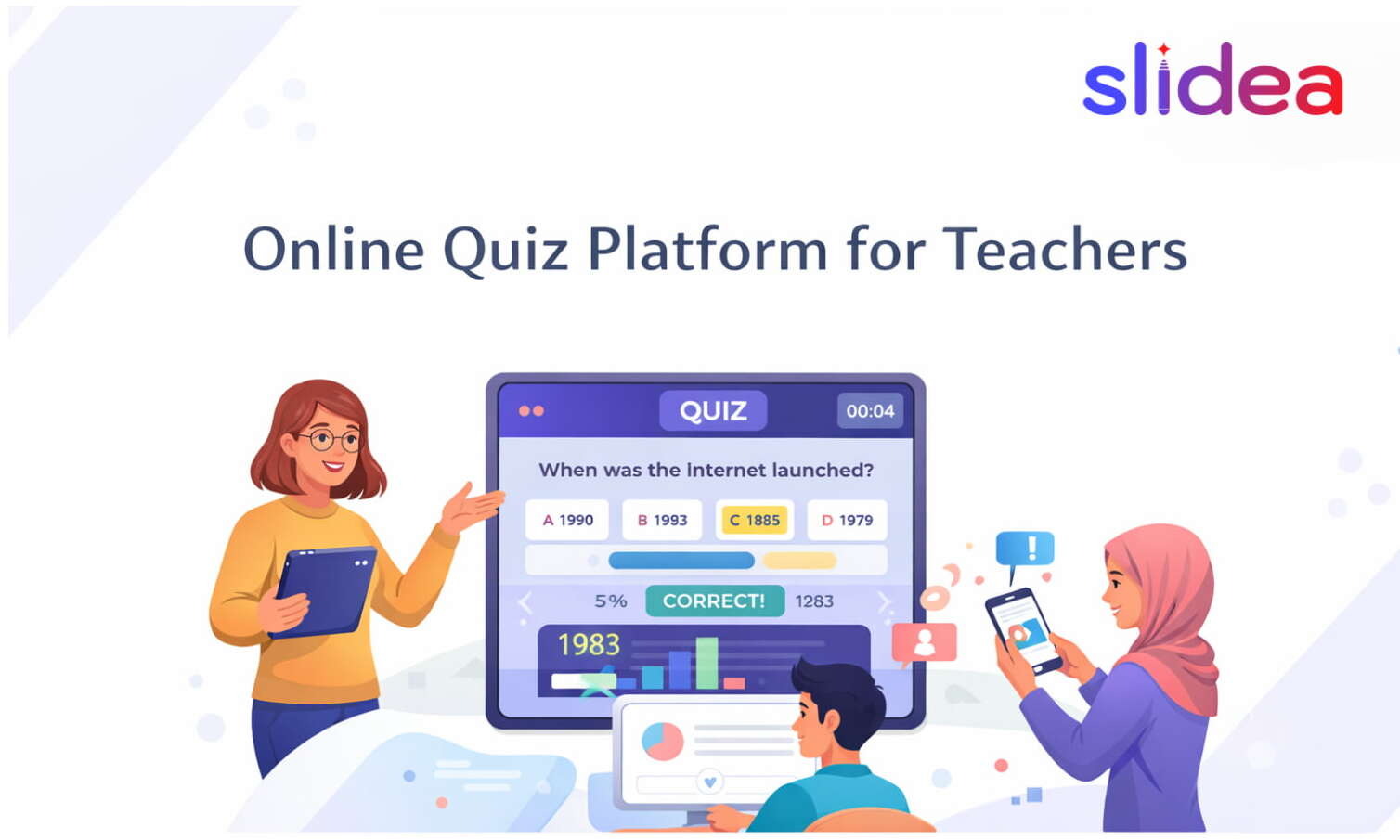
Tools like live polls, quizzes, and Q&A features turn viewers into participants. Students engage through devices they’re already holding.
Instant Feedback
When students answer quiz questions, they see results immediately. They know right away if they understood correctly. This satisfies their need for real-time information and helps them adjust understanding on the spot.
Visual Variety
Slidea support images, videos, and varied content types. Teachers can move beyond text-heavy slides.
Hybrid Learning Support
Gen Z is comfortable with virtual and hybrid formats. Slidea ensure equal participation whether students attend in person or remotely. Remote learners engage through the same interface as classroom attendees.
Collaborative Features
Through anonymous Q&A and shared responses, students learn from peers. They see classmates’ thinking through word clouds and polls. This facilitates peer learning without forced group work.
Student Autonomy
Students can engage at their comfort level. Answer anonymously if shy. Skip questions they’re unsure about. Dive deep into interesting topics. This respects their desire for control while maintaining structure.
Teacher Insights
Analytics show which concepts students understood, where engagement dropped, and what resonated. This data helps you continuously improve.
Final Thoughts
Gen Z does not make them hard to teach, they simply learn differently.
They thrive in interactive, visual and voice-respecting environments. Learning is best achieved in the classrooms when it appears engaging, relevant, and inclusive.
Through interactive learning tools like Slidea, teachers are able to engage Gen Z exactly where they are, without compromising either standards or depth. When learning is the conversation rather than a lecture, Gen Z comes, takes part and wins.
FAQs
Q1. Why does Gen Z struggle with traditional lectures?
Because traditional lectures are long, one-way communication, that doesn’t match how Gen Z processes information or stays engaged.
Q2. What teaching style works best for Gen Z?
Interactive, visual, and feedback-driven learning works best.
Q3. Is interactive learning useful in workplaces too?
Yes. It improves focus, retention, and participation in training and onboarding.
Q4. Can Slidea be used for virtual and hybrid learning?
Absolutely. Slidea is designed for virtual and hybrid classrooms and learning environments.
Q5. Is Slidea beginner-friendly for teachers and trainers?
Yes. Slidea is easy to use, intuitive, and doesn’t require technical expertise.




Leave a Comment
Your email address will not be published. Required fields are marked *