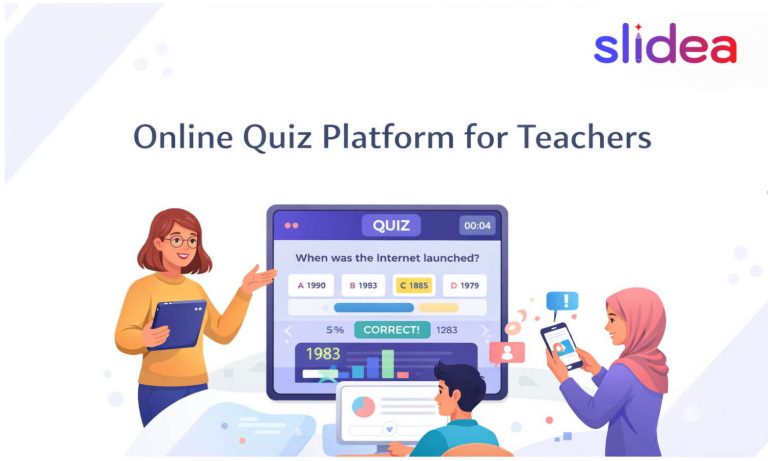











Slidea for Assessment

Make Every Response Count with Interactive Assessment Tools

Whether it’s a quick quiz or a full-class check-in, Slidea makes assessments interactive and instant—for any class size.

Get Started for Free
Interactive lecture hall with students using Slidea

Trusted by

How Slidea Helps with Assessments

Check Understanding in Real Time

Use polls, quizzes, and scale slides to evaluate comprehension during or after your lesson.

Replace Passive Worksheets

Turn static assessments into engaging interactions with live questions, instant feedback, and class-wide participation.

Use Feedback to Reinforce Learning

See where students are struggling, pause to reteach, or adapt your approach instantly.

Keep it Safe and Anonymous

Encourage honest responses with anonymous options that remove fear of judgment.

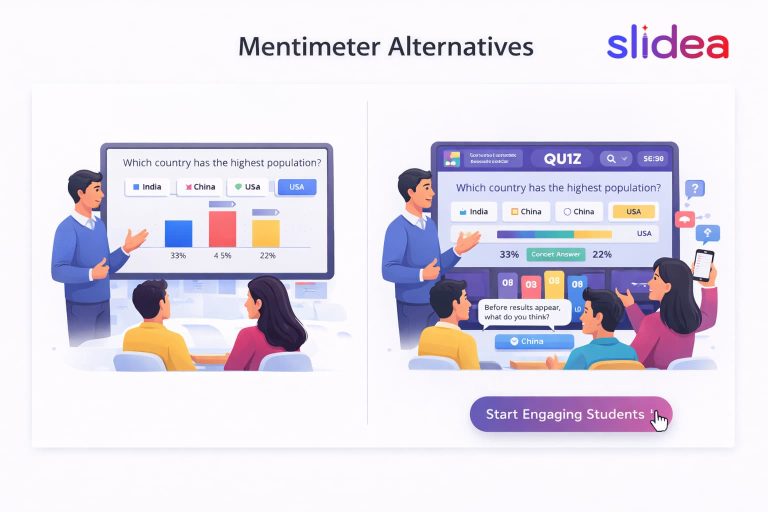
Interactive classroom with Slidea

Why Teachers Use Slidea for Assessment

Two-way conversation

Makes formative assessment fun, quick, and data-rich.

Instant feedback

Gives real-time insights into what students understand.

Anonymous response

Encourages all students to participate, even the shy ones.

Mid-lecture engagement

Supports low-stakes check-ins without pressure or grades.

Mid-lecture engagement

Helps you adapt lessons based on real feedback.

Seamless Setup for Assessment

Integrate With What You Already Have

Explore all Integrations
PowerPoint

PowerPoint

Zoom

Zoom

Google Slides

Google Slides

Microsoft Teams

Microsoft Teams

Microsoft Teams

Webex

Microsoft Teams

ChatGPT

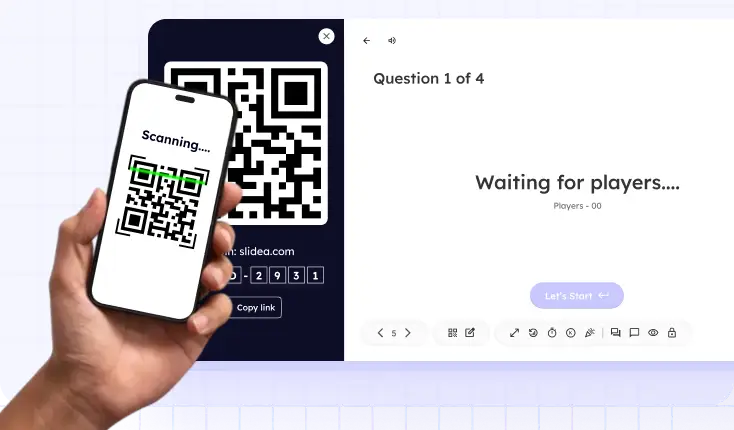
Student scanning QR code to access assessment

Instant Access for Students

Students can respond via link or QR code—no login or app needed.

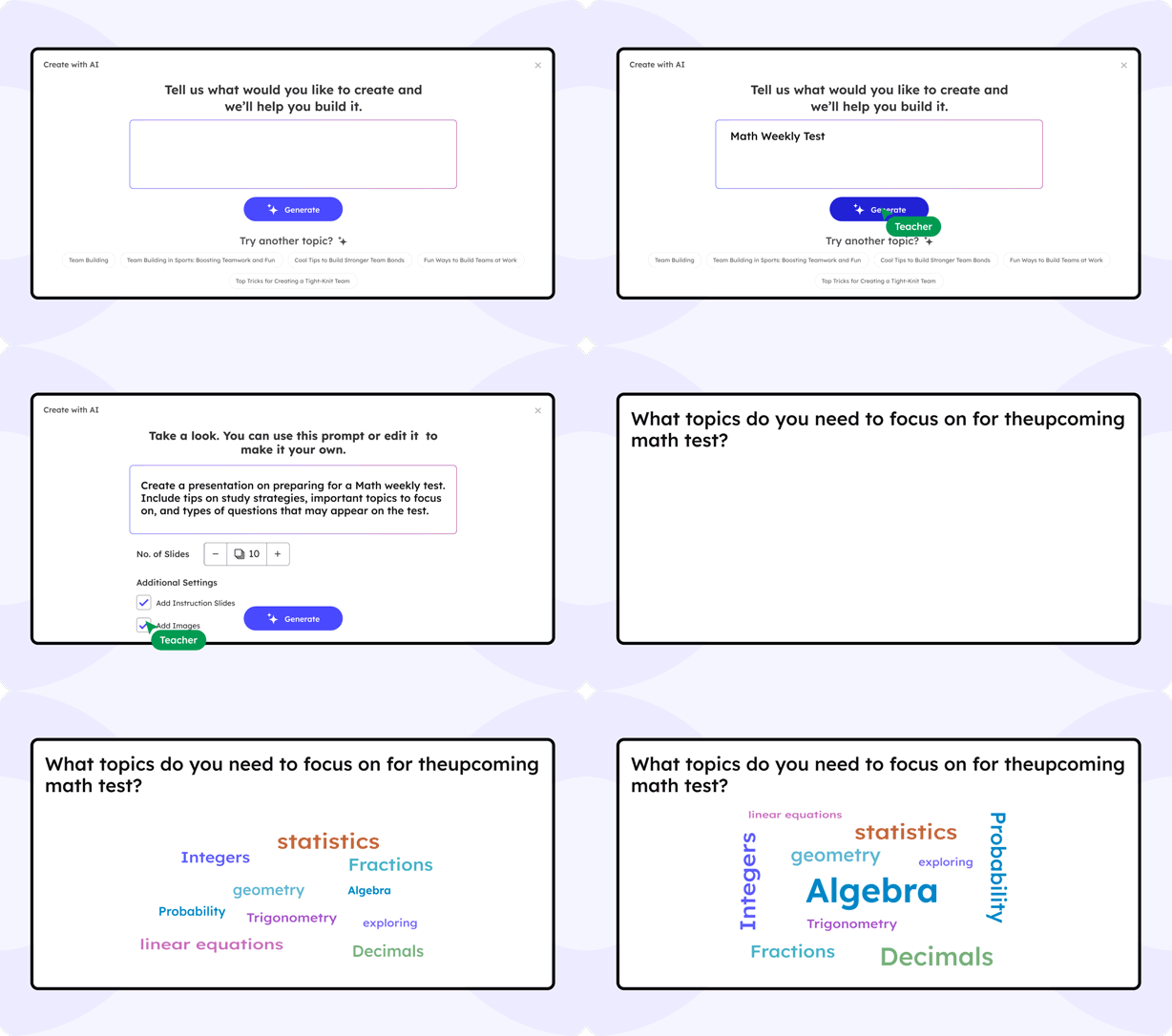
AI That Supports Smarter Assessment

Slidea’s built-in AI helps you create effective assessments quickly—so you can focus on teaching, not formatting. From quick checks to in-depth quizzes, AI recommends the right questions at the right time.

Generate quizzes, polls, and scales based on your lesson topic

Customize difficulty, answer types, and question style instantly

Get suggestions that align with learning goals and outcomes

Slidea AI Interface

What Educators Are Saying

Slidea has made real-time assessment effortless. I get to adjust my teaching on the spot.

NS

Mrs. Aarti M

Middle School Teacher

I replaced paper quizzes with Slidea, and student engagement has never been higher.

DR

Prof. Tom K

Community College Instructor

The AI quiz generator saves me hours of prep every week!

DR

Mark D

Teacher

I can instantly see which concepts my students are struggling with.

DR

Elena

Professor

I can analyze student performance and adjust my syllabus accordingly with Slidea.

DR

James Wilson

Professor

Blogs

Ready to Make Assessment Interactive?

Create low-pressure, high-impact assessments your students actually enjoy.

Book a free demo

Frequently Asked
Questions

Find answers to common questions about using Slidea in for assessments.

Contact us

Yes. Slidea works great for both quick knowledge checks and formal quizzes, depending on how you want to structure your session.

Absolutely. You can view and export responses anytime to analyze student performance or review them after class.

Use live quizzes, scales, and open-ended questions to see how well students grasp the material in real time.

Yes, you can easily mix up question formats and sequences to avoid predictability.

Definitely. Students can participate from anywhere using just a link—no installations or sign-ins needed.

You can choose whether to show results instantly, after each question, or at the end—depending on how you want to guide the assessment flow.